
- Age rating4+
- CategoryUtilities
- DeveloperDaichi Kato
- LanguagesEnglish+ 33 more
- Size2.2 MB
Links to the official App Store page
Download.org hosts no file of Dayji. The button opens its official App Store page, published by Daichi Kato. Listing last checked on Nov 12, 2026.
Screenshots




About
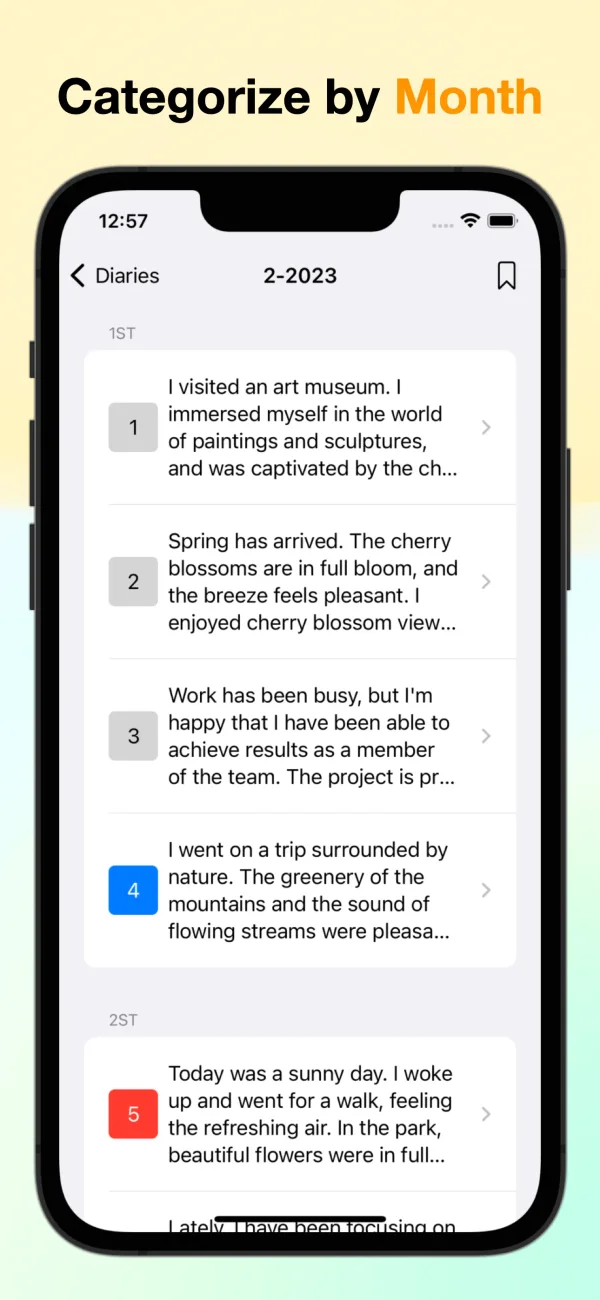
A simple diary app that allows you to view entries on a monthly basis. It supports synchronization with iCloud and allows you to export your diary entries in CSV format.
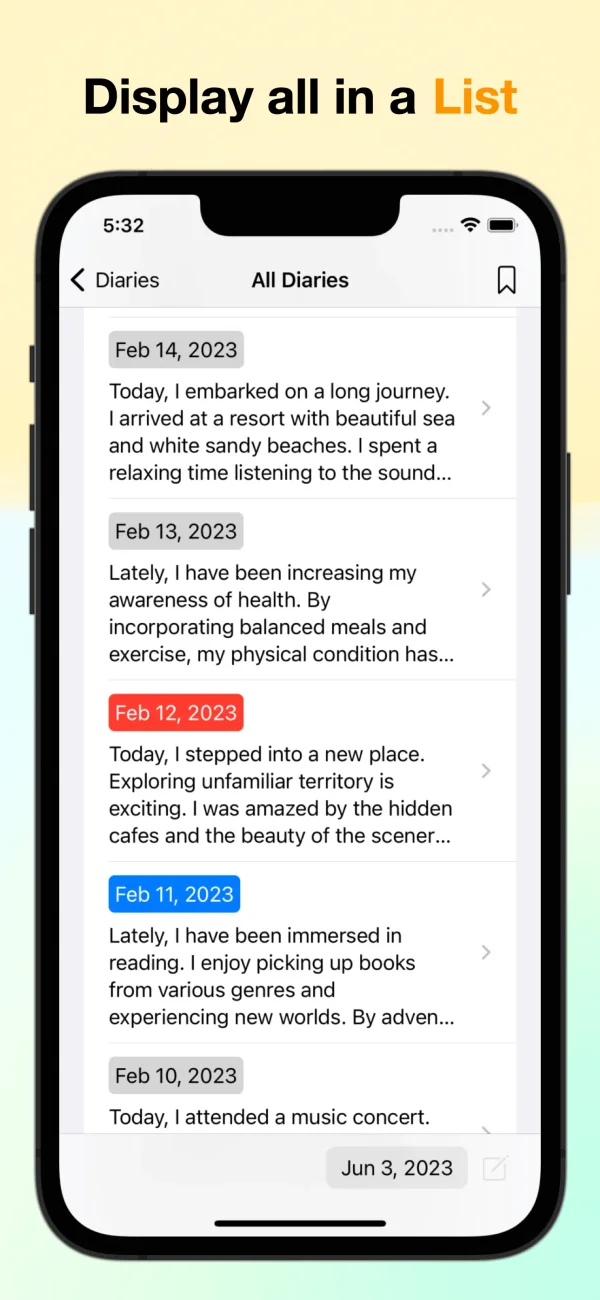
■ Two selectable display styles: List View and Monthly View
List View displays entries in a list format, showing only the dates on which entries were written. Monthly View displays all dates in advance. You can choose the display method that suits you best.
■ Ability to write summary memos for each month
This feature allows you to easily reflect on what you have been doing. It also helps you remember what happened in a particular month when looking back.
■ Favorites feature
You can easily access important diary entries and quickly retrieve the necessary information.
■ Photo gallery for each day's captured photos
You can easily browse photos taken on specific dates, enhancing your memory of past events. Even when writing diary entries at a later date, it will be easier to recall the events of that day. Additionally, you can add photos without manual effort, making diary writing stress-free.
■ Visual division by week for easy viewing
Similar to how calendars are divided into weeks, this app also provides visual divisions for each week.
■ Easily identify days without diary entries to prevent forgetting
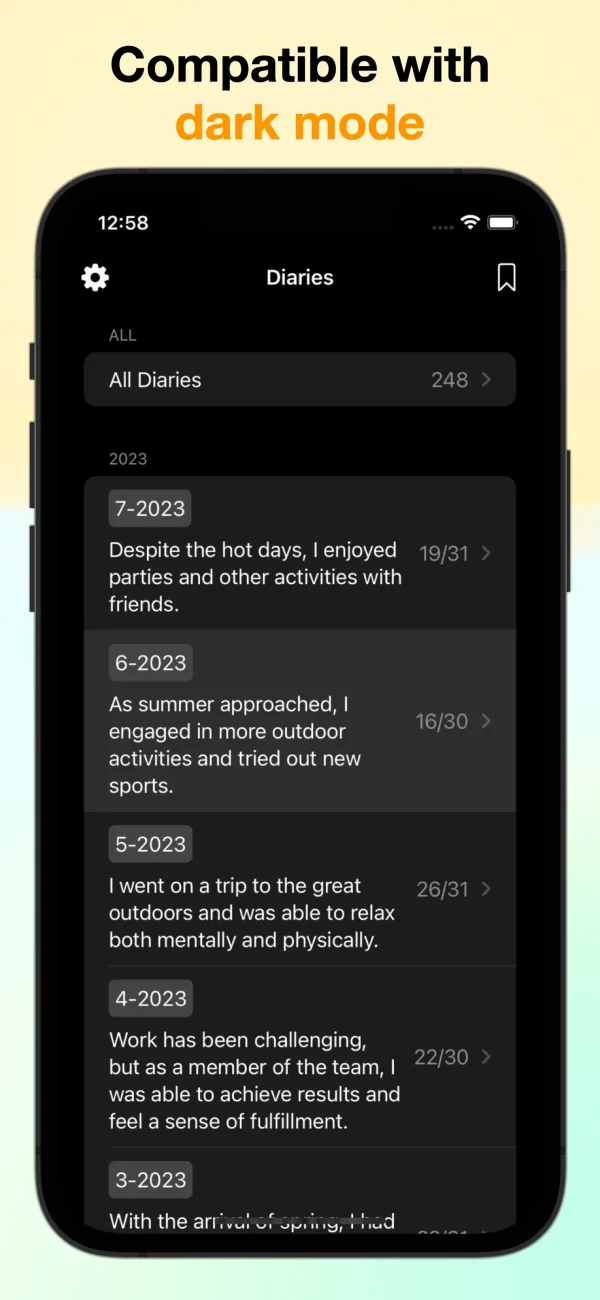
The app displays the number of diary entries for each month, encouraging you to write a diary entry every day. It helps maintain the habit of writing a diary.
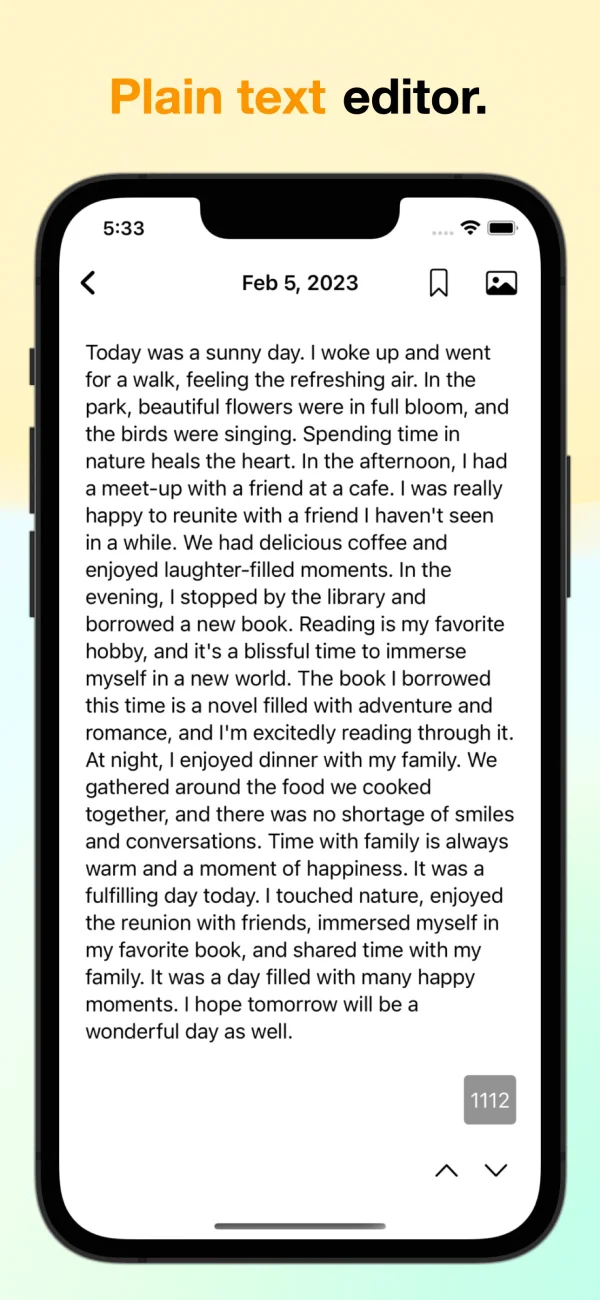
■ Write diary entries in plain text
You can write diary entries in plain text, freeing yourself from the hassle of formatting text.
■ Character counter to track the number of words
A character counter allows you to quickly see how much you have written, helping you keep track of your progress.
■ Supports backup in CSV format
You can back up your diary entries and easily store the data externally.
■ Compatible with Mac for editing and viewing on any device
Since it is also compatible with Mac, you can edit your diary entries on any device that suits your convenience.
■ Customizable theme colors
You can change the theme colors to your liking, selecting colors that match your preferences.
■ Adjustable font size
You can change the font size according to your preference. If the text is too small or too large to read comfortably, you can adjust it to a size that suits you.
■ Backup and synchronization across devices using iCloud
You can back up your diary entries using iCloud, eliminating the worry of data loss. It also allows sharing and editing of entries across different devices.
■ Lock the app with a password
You can lock the app with a password, ensuring the security of your diary.
What’s new
Version 1.1.3 · Jan 19, 2026
Bug fixes and performance improvements.
App privacy
What Daichi Kato declares on the App Store about how this app handles data.
-
Data used to track you
May be used to track you across apps and websites owned by other companies.
- Diagnostics
-
Data linked to you
May be collected and linked to your identity.
- Diagnostics
-
Data not linked to you
May be collected but is not linked to your identity.
- Diagnostics
Privacy practices may vary, for example with the features you use or your age.
Information
- Seller
- Daichi Kato
- Category
- Utilities
- Version
- 1.1.3
- Updated
- Jan 19, 2026
- Released
- Jun 5, 2023
- Size
- 2.2 MB
- Requires
- iOS 26.0 or later
- Age rating
- 4+
- Price
- Free
- Languages
- English, Arabic, Catalan, Croatian, Czech, Danish, Dutch, Filipino, Finnish, French, German, Greek + 22 more
- Copyright
- © ur73nx
You might also like
-
 My Storage HelperUtilities
-
 かぞくのパスワード帳Utilities
-
 Nativy - Understand your worldImage, Menu, Text, Audio
-
 SuperSteps JournalHabit & Water Tracker
-
 BossotYour private space to whisper.
-
 DS チェックリストUtilities
-
 Wonder Port - SMS ExportExport Text Messages
-
 Simple Log NoteEasy time stamping
-
 转文字工具Utilities
-
 FulfilFulfilment management system