Daymark - Make every day count
Days, Moments, Timeline, Goals
Designed for iPhone, iPad
Free · In-app purchases
- Age rating4+
- CategoryProductivity
- Developer宁宇 封
- LanguagesEnglish+ 9 more
- Size14.2 MB
Links to the official App Store page
Download.org hosts no file of Daymark - Make every day count. The button opens its official App Store page, published by 宁宇 封. Listing last checked on Nov 23, 2026.
Screenshots


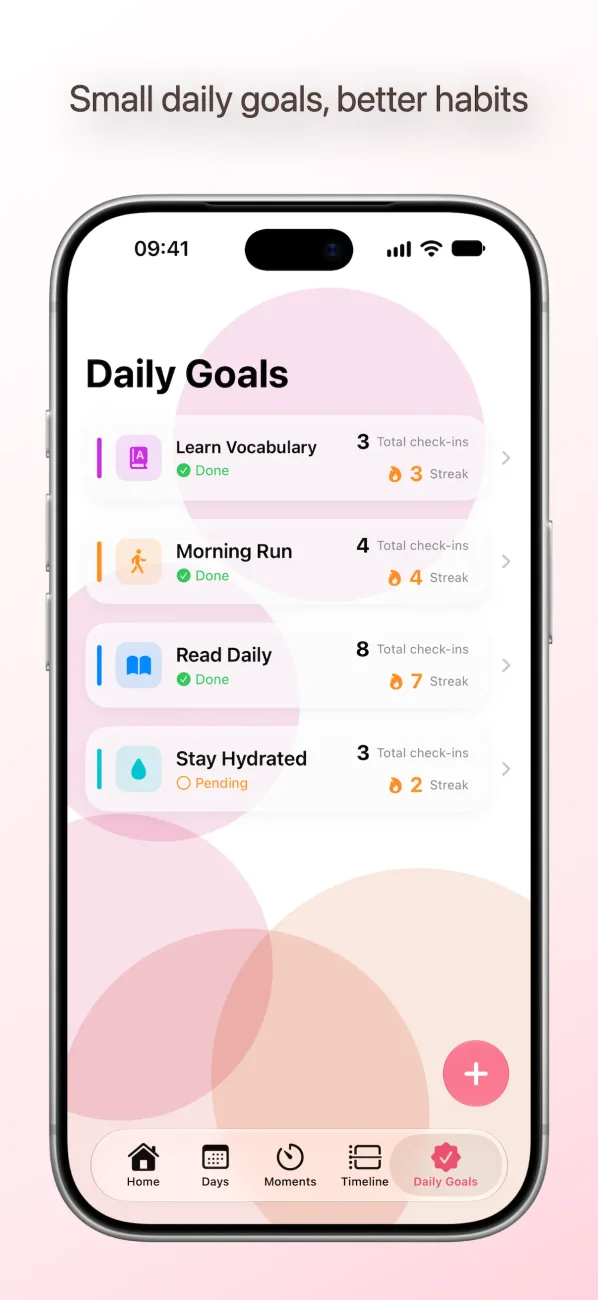
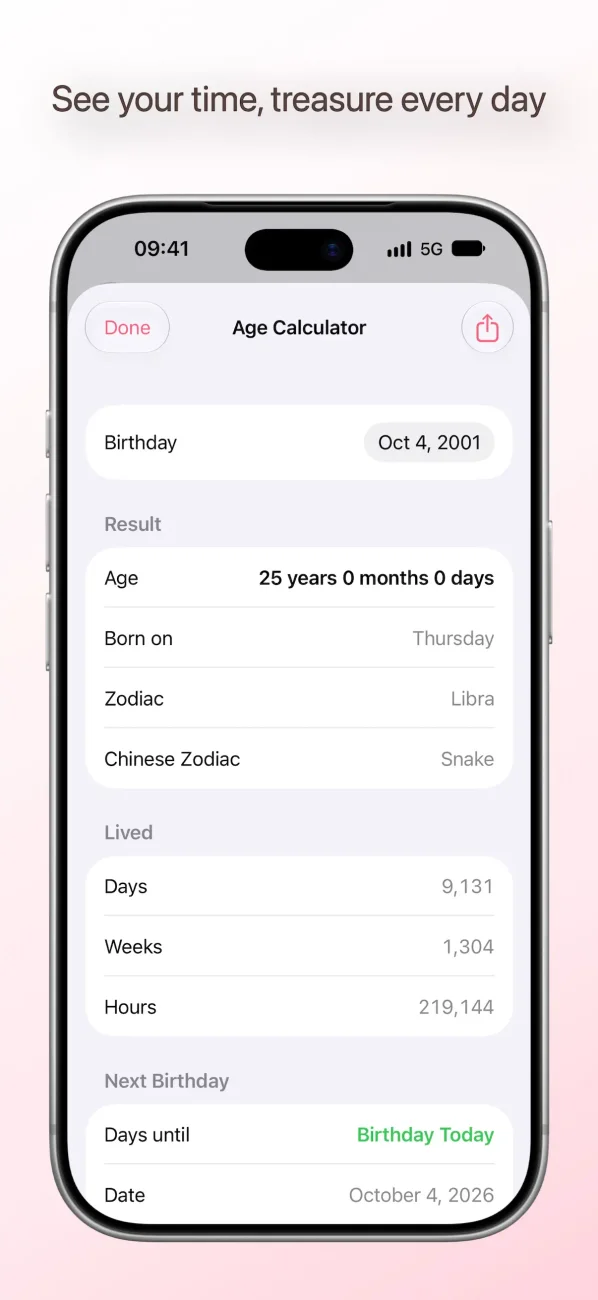
About
Have you ever felt this way: you want to find a quiet place to count down to important days, but as soon as you open an app, it's full of ads, red dots, and flashy news? With Daymark, there's none of that. It's clean, warm, and simply records time for you.
Four core features to accompany you through every moment worth remembering.
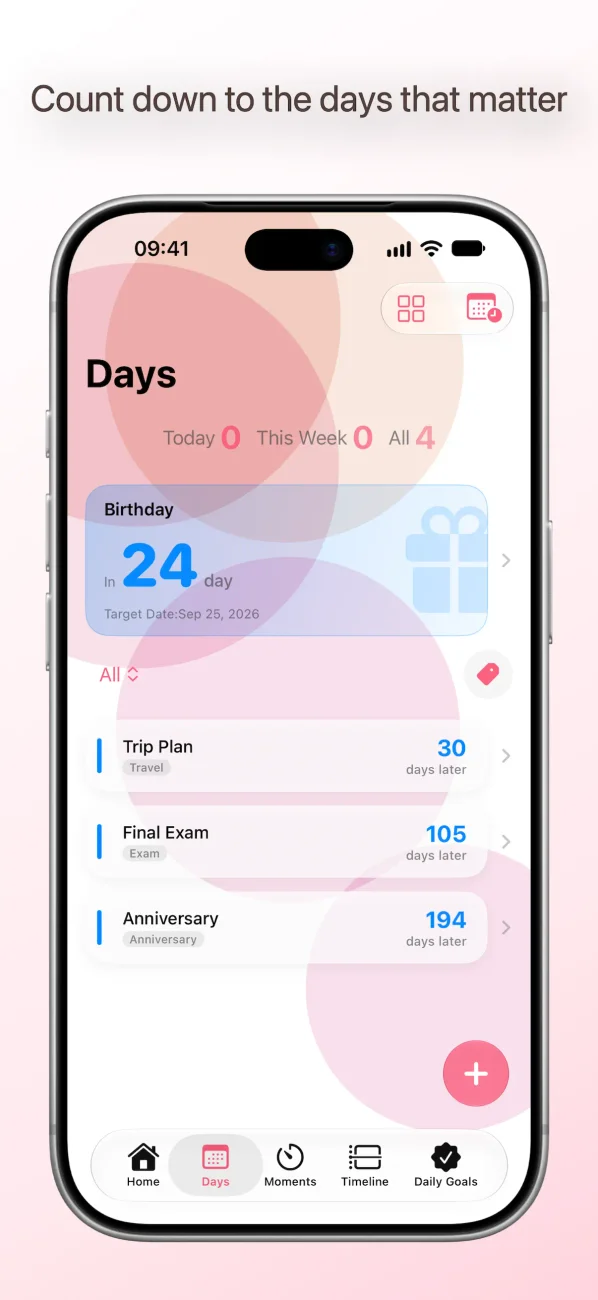
【Days】Birthdays, exams, anniversaries, trips... Count down or count up, see it at a glance. Supports lunar calendar, cover images, and categories—turn anticipation into a number you can see.
【Moments】Reminders precise to the second. Boarding, meetings, medicine, meetups... Important moments will never be missed.
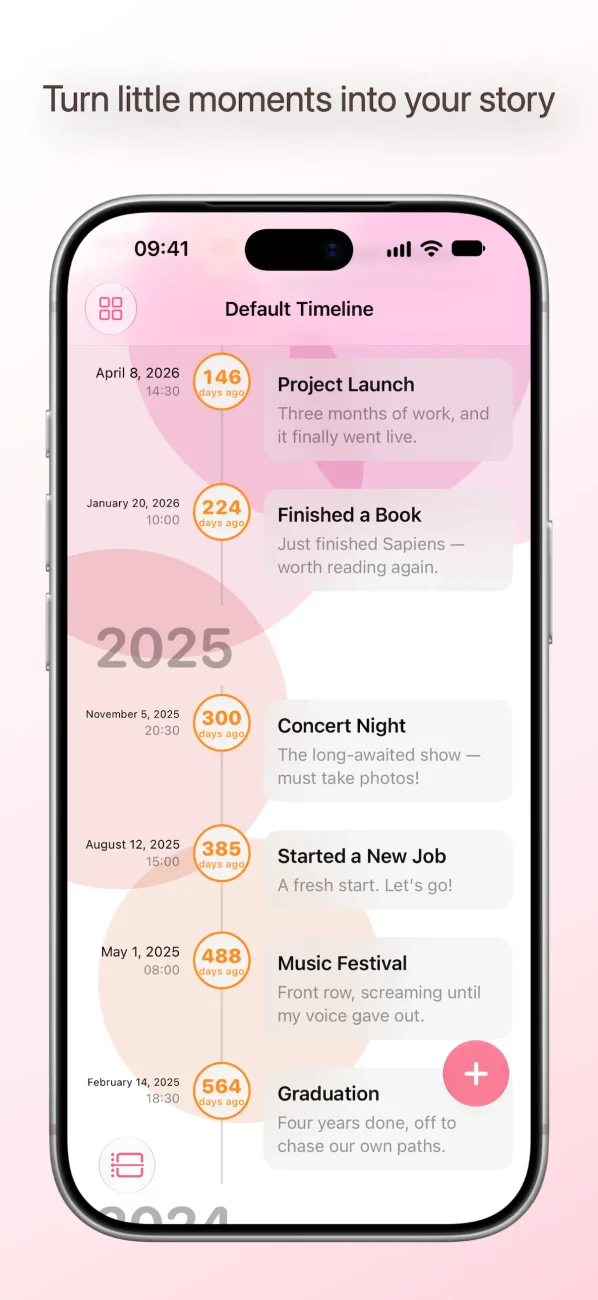
【Timeline】String scattered moments into your own story. With text and photos, scroll down the timeline like opening a personal memory book.
【Daily Goals】Check in every day to build good habits. Watch your streak grow day by day—it feels great.
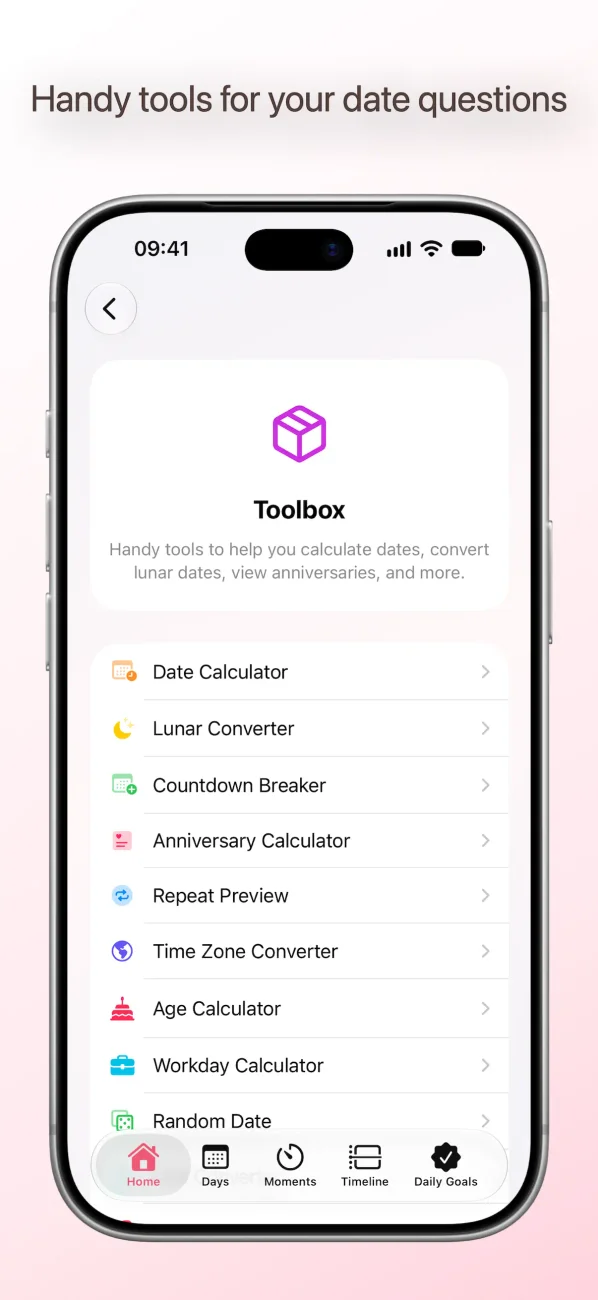
New Toolbox to solve your date puzzles.
Date calculator, lunar converter, countdown breaker, anniversary calculator, time zone converter, age calculator... Whenever you have a date-related question, open the Toolbox and calculate on the spot.
Look up and see your anticipation—desktop widgets fully upgraded.
Multiple widgets cover Days, Moments, and Goals. Small size taps straight to details; medium and large sizes show lists at a glance. The "All Overview" widget gives you everything on one screen.
Your app should look the way you like.
Dawn gradient, floating particles, minimal grid, dynamic circles, star trails, sundial projection... Switch freely between multiple background styles. Choose dark or light mode; some backgrounds look different in each. One tap to change colors and create your own little space.
Thoughtfulness hidden in every detail.
Card Studio lets you adjust layout and text color to create custom share cards; custom categories, personalized reminders, quiet hours, archive lock, sound customization... Every setting is designed to make recording more comfortable. All data syncs automatically via iCloud, so it won't be lost when you change devices. One-tap share to pass on your anticipation and joy to the people who matter.
Daymark, quietly counting the days with you.
What’s new
Version 27.2 · Nov 20, 2026
This update brings a brand new "Camera Mode" that lets you take photos directly to create cards. Cards in the detail pages now support adjustable materials, and the landscape experience has been further enhanced. The app icon has also been refreshed.
For data management, iCloud Sync now has a toggle. We've also introduced a new "Full Backup" feature, allowing you to pack, back up, or migrate all your records from the device.
If you enjoy using it, please leave a review. Feedback is always welcome.
App privacy
What 宁宇 封 declares on the App Store about how this app handles data.
-
Data not collected
The developer does not collect any data from this app.
Privacy practices may vary, for example with the features you use or your age.
Information
- Seller
- 宁宇 封
- Category
- Productivity
- Version
- 27.2
- Updated
- Nov 20, 2026
- Released
- Jun 3, 2026
- Size
- 14.2 MB
- Requires
- iOS 17.0 or later
- Age rating
- 4+
- Price
- Free
- In-app purchases
- Yes
- Languages
- English, French, German, Japanese, Korean, Portuguese, Russian, Simplified Chinese, Spanish, Traditional Chinese
- Copyright
- © 2026 Ningyu Feng
You might also like
-
 Rereminder - A anniversary appSystem style anniversary app
-
 好记喵 - 语音日程与纪念日Productivity
-
 DayKeeper: Countdown ReminderBirthday Anniversary Widget
-
 FlowLinksProductivity
-
 Family Time – Family PlannerCalendar, Tasks & Chores
-
 Nata: Birthday RemindersWrites the greetings for you
-
 Weekend Left: Day CountdownWeekend counter & bucket list
-
 Kairos: Reminders & TimersHabits, D-Day, Photo & Voice
-
 Daymark: CountdownsCountdowns for the big days
-
 Date CountDays MatterDay Counter: Timer & Widget