
Days Count: Beautiful Counters
Track every day that matters
Designed for iPhone, iPad
Free · In-app purchases
- Age rating4+
- CategoryProductivity
- DeveloperSergey Yunakh
- LanguagesEnglish+ 1 more
- Size18.0 MB
Links to the official App Store page
Download.org hosts no file of Days Count: Beautiful Counters. The button opens its official App Store page, published by Sergey Yunakh. Listing last checked on Nov 18, 2026.
Screenshots
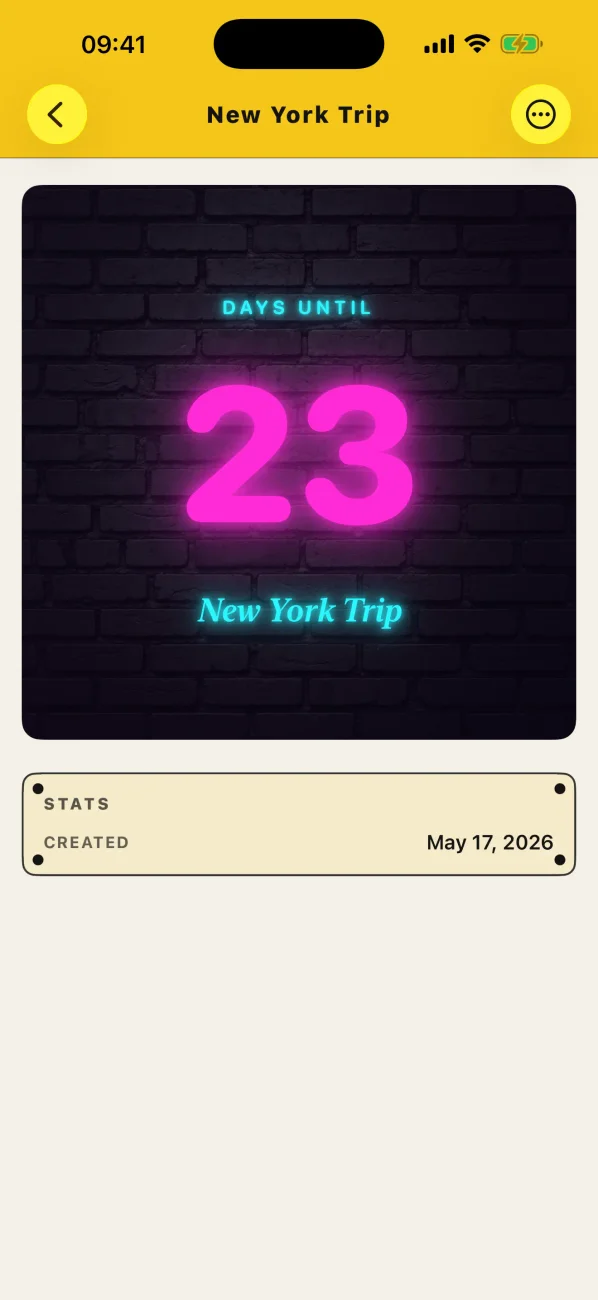

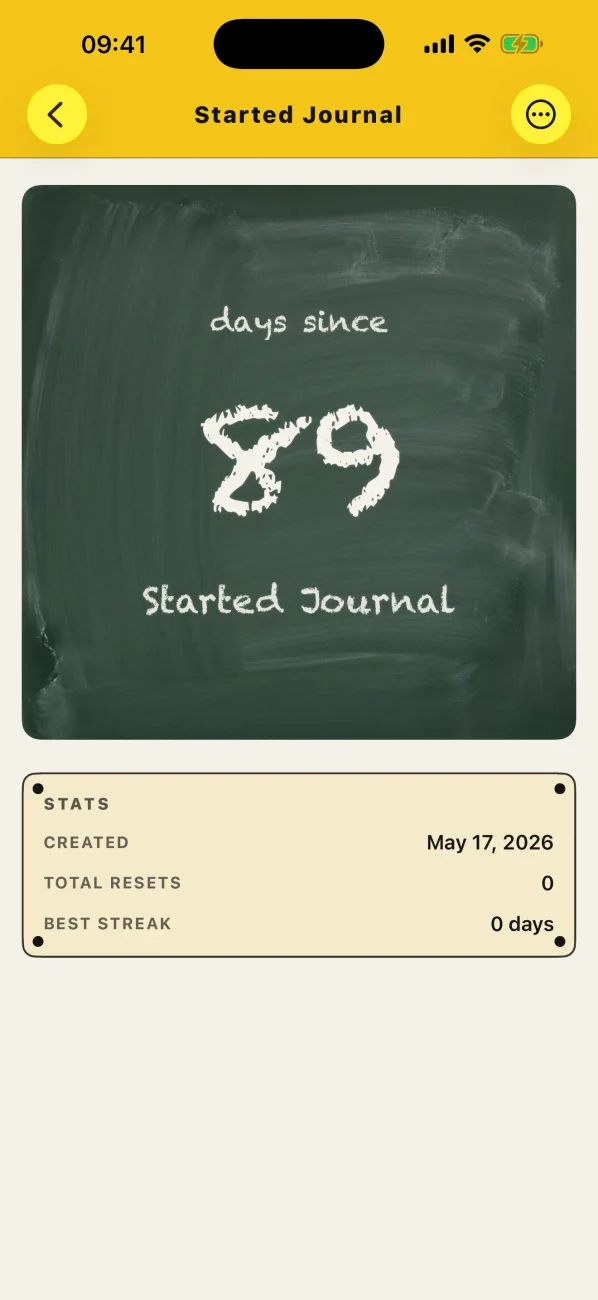
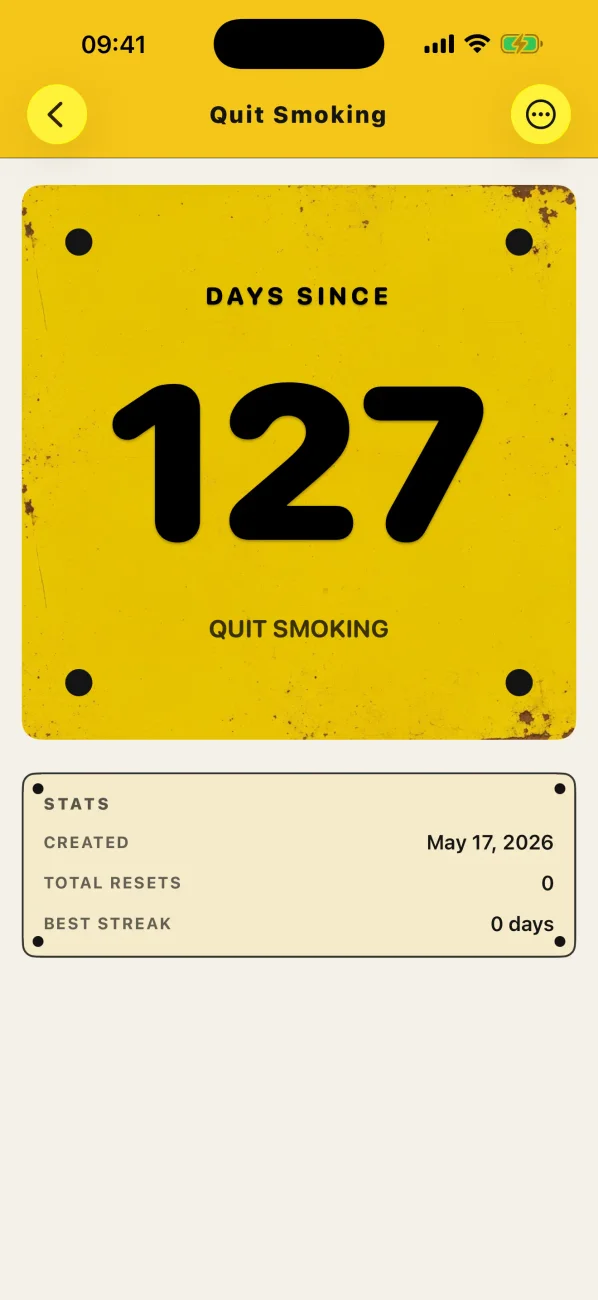
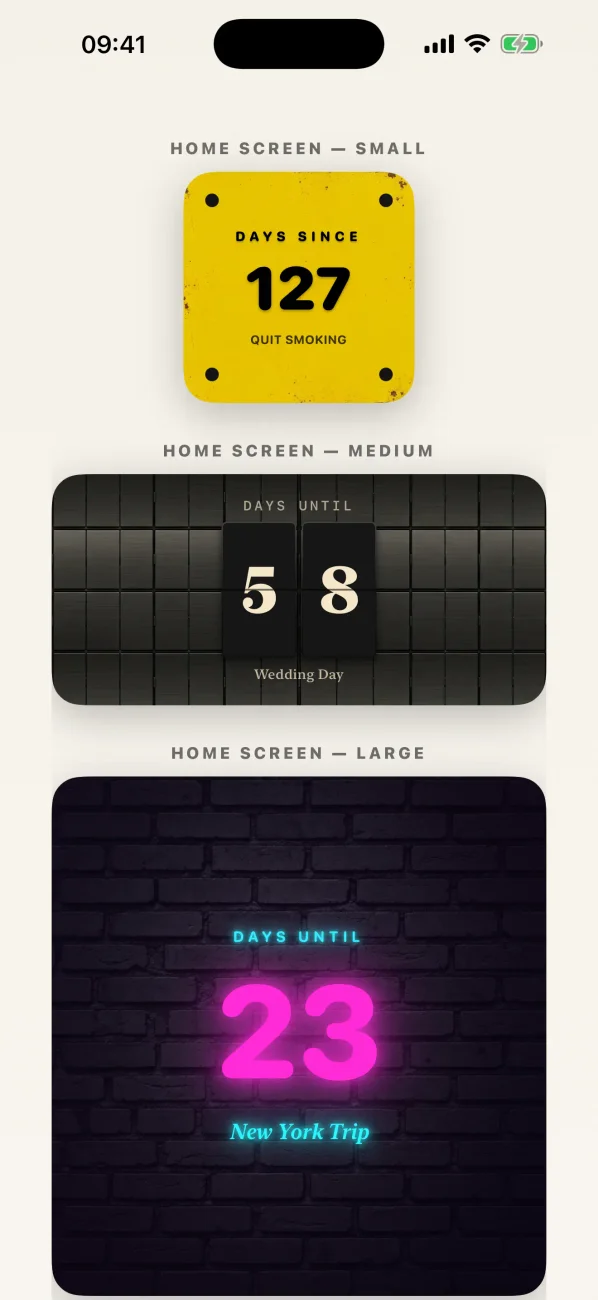
About
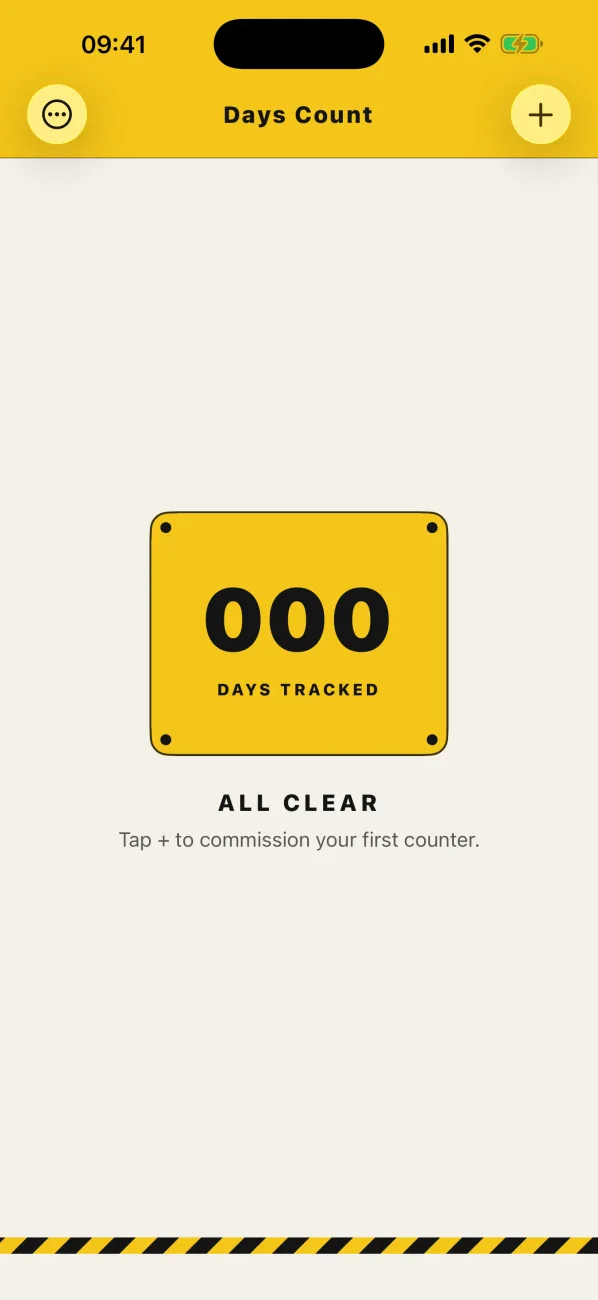
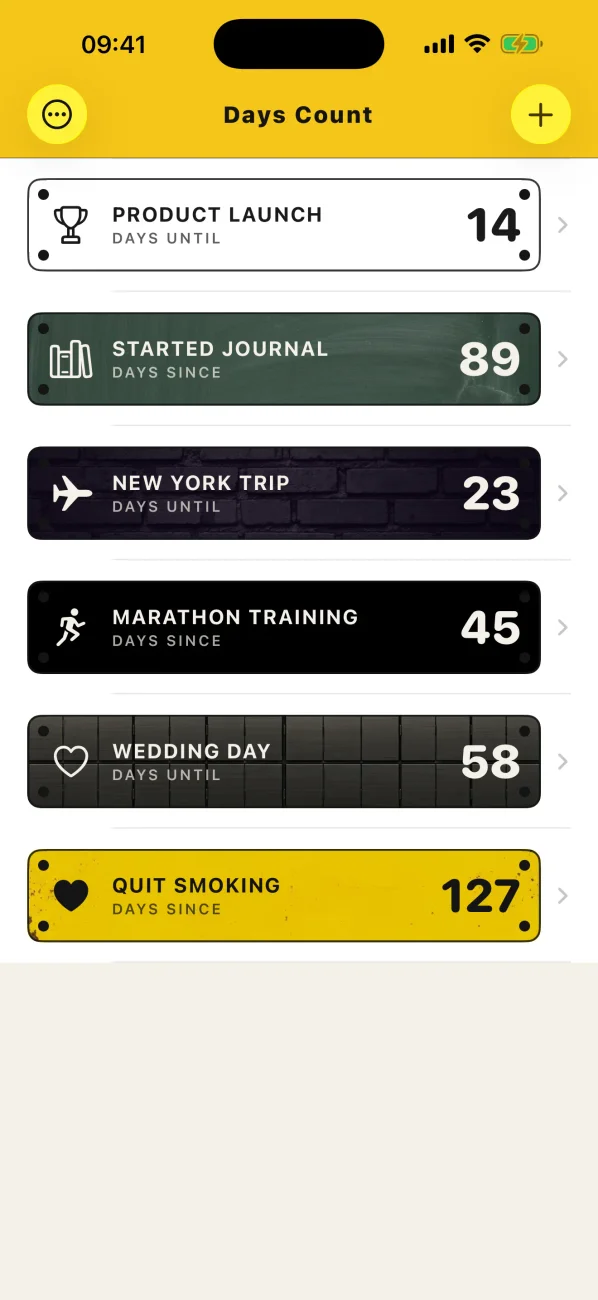
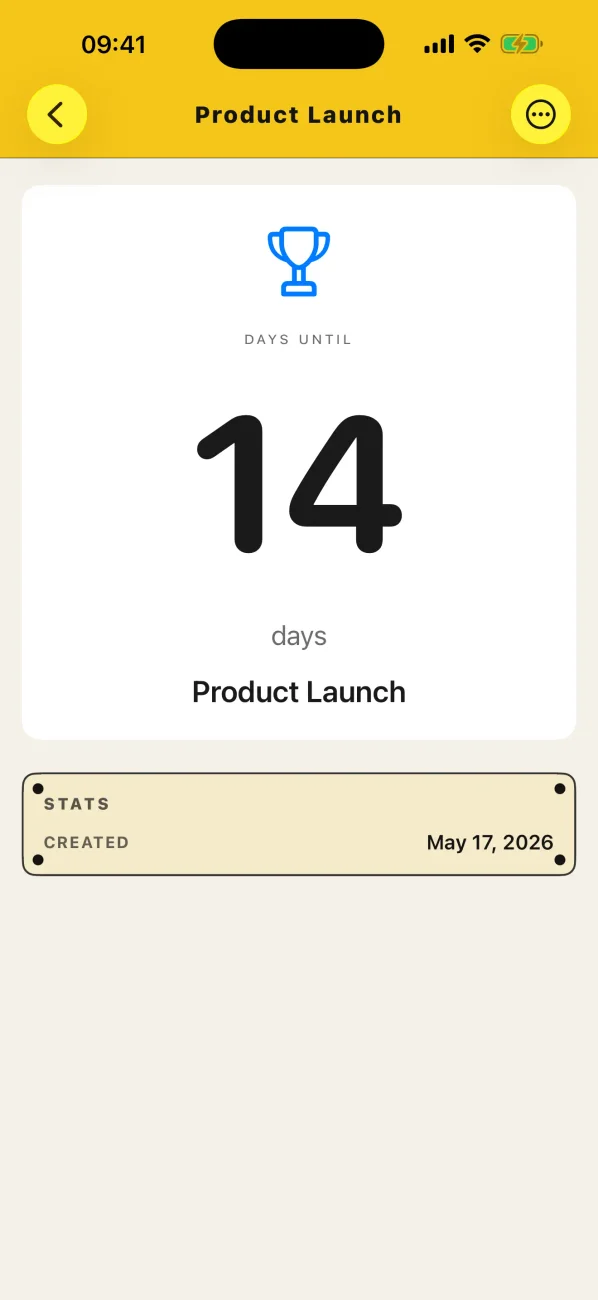
Days Count turns any date into a beautiful, glanceable widget. Track the days since something good started — or until something exciting arrives. Anniversaries. Sobriety. Project deadlines. Birthdays. Vacations. The day you quit checking your phone every minute.
EVERY WIDGET, EVERY SIZE
• Home Screen — small, medium, large
• Lock Screen — circular, rectangular, inline
• StandBy on your nightstand
FREE VERSION INCLUDES
• Up to 3 counters
• 2 of the 13 counter designs
• Home Screen widgets — small and medium
• StandBy
• Milestone notifications
ONE-TIME PRO PURCHASE UNLOCKS
• Unlimited counters
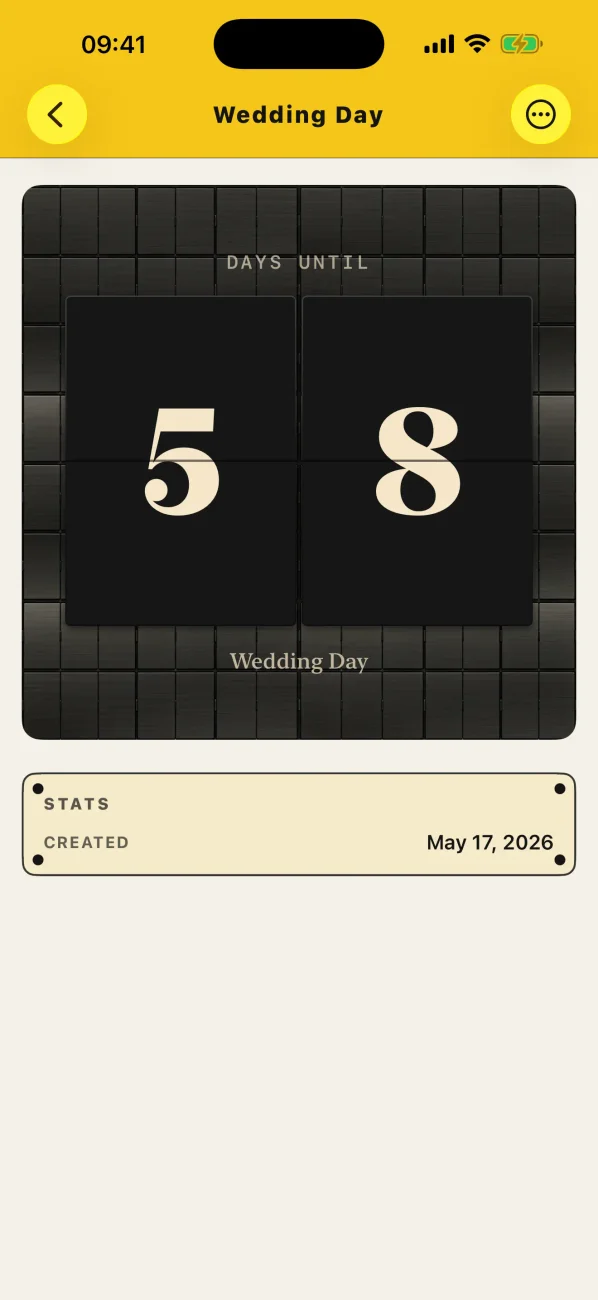
• All 13 designs, plus every design added later
• Large widgets and Lock Screen widgets
• Two-way iCloud sync across all your devices
• Share cards sized for stories and posts
DESIGNED FOR REAL LIFE
• Reset a count-up counter whenever you slip, with an optional note about why
• Full reset history, so you can see every streak you have had
• Days Until counters flip to Days Since the day after they pass
• Milestone notifications at 7, 30, 100 and 365 days — or your own
• Count working days only, or read the total as years, months and days
• Reorder your counters; tap a widget to open that counter
• One-time purchase. No subscriptions.
What’s new
Version 1.2 · Oct 22, 2026
Three new counter designs: Blueprint, Scoreboard and Receipt — thirteen in total.
Tap a widget and it opens that counter. A new Control Center button and a Home Screen quick action both start a counter in one tap.
Drag to put your counters in the order you want. The widget picker follows the same order.
Share a counter as a card sized for stories and posts.
Count working days only, or read the total as years, months and days. Turn milestone notifications off per counter.
Plus: big counts get a thousands separator, the whole app is translated into Polish, best streak is measured from where each run actually began, and widgets are faster and lighter.
App privacy
What Sergey Yunakh declares on the App Store about how this app handles data.
-
Data not collected
The developer does not collect any data from this app.
Privacy practices may vary, for example with the features you use or your age.
Information
- Seller
- Siarhei Yunakh
- Category
- Productivity
- Version
- 1.2
- Updated
- Oct 22, 2026
- Released
- May 19, 2026
- Size
- 18.0 MB
- Requires
- iOS 18.0 or later
- Age rating
- 4+
- Price
- Free
- In-app purchases
- Yes
- Languages
- English, Polish
- Copyright
- © 2026 Siarhei Yunakh
You might also like
-
 Ticounter: Days & PregnancyCountdown widget, quit smoking
-
 Time Since: Events & RemindersDays counter & date countdown
-
 Tallyday • Milestone TrackerTrack anything that matters
-
 Time Glass: Countdown TimerDays Until Your Big Events
-
 FunCountDowncountdowns for everything
-
 How Long Until?See time coming
-
 Pink Streak: Tally CounterTap +1, year at a glance
-
 Soonly — Countdown to Big DaysBirthday & Event Timer Widget
-
 TickTickDay - CountdownCountdown & Count-Up Tracker
-
 Life Counter - Countdown & UpCoundown widgets