
Daytab: Expense Tracker
Daily Budget & Receipt Scanner
Designed for iPhone, iPad
In-app purchases
- Age rating4+
- CategoryFinance
- DeveloperBrian Yong
- LanguagesEnglish
- Size16.6 MB
Links to the official App Store page
Download.org hosts no file of Daytab: Expense Tracker. The button opens its official App Store page, published by Brian Yong. Listing last checked on Nov 12, 2026.
Screenshots
About
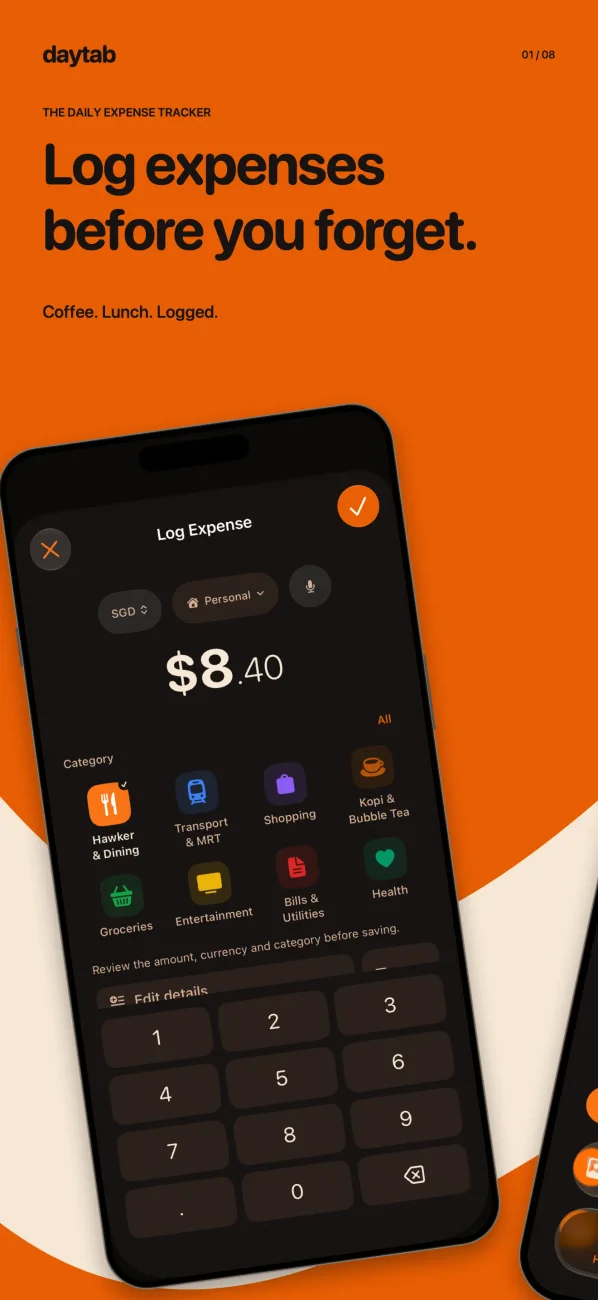
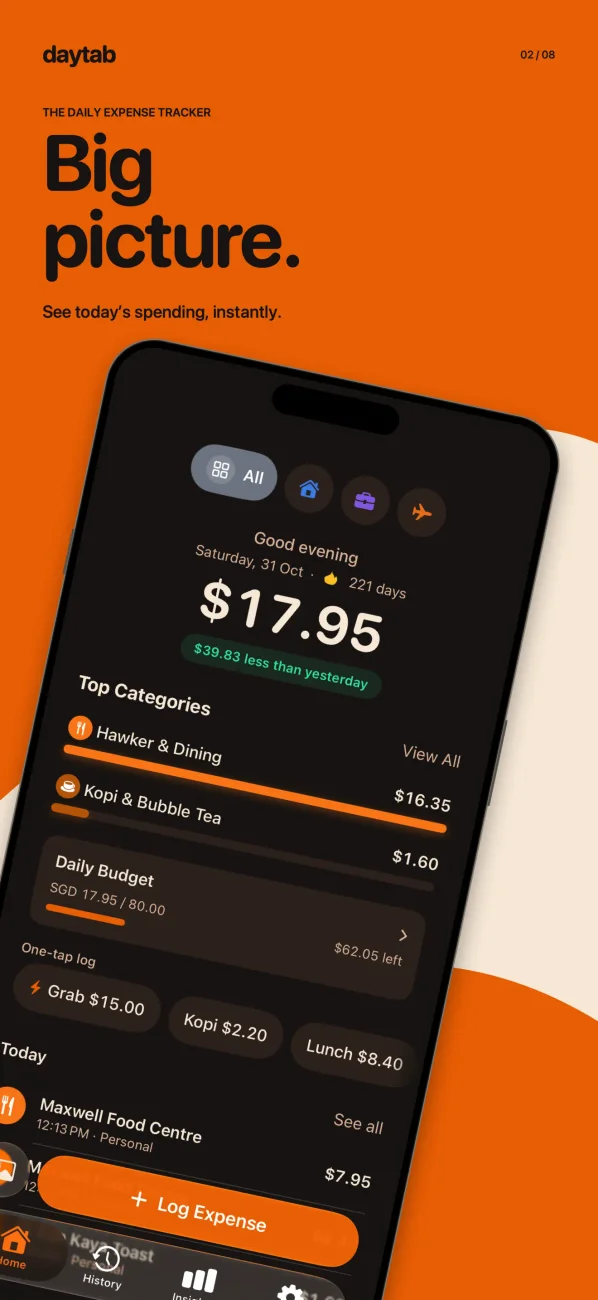
Track expenses as they happen. Daytab helps you log everyday purchases, see today’s spending and keep a daily budget. No bank connection or separate Daytab account is required.
The app interface is currently in English.
Enter an amount, choose a category and save. Add a merchant, note or date. Organise spending with wallets, save frequent purchases as Quick Presets, and check your total with widgets. Spending Sessions keep an outing’s total on your Lock Screen and, on supported iPhones, in the Dynamic Island.
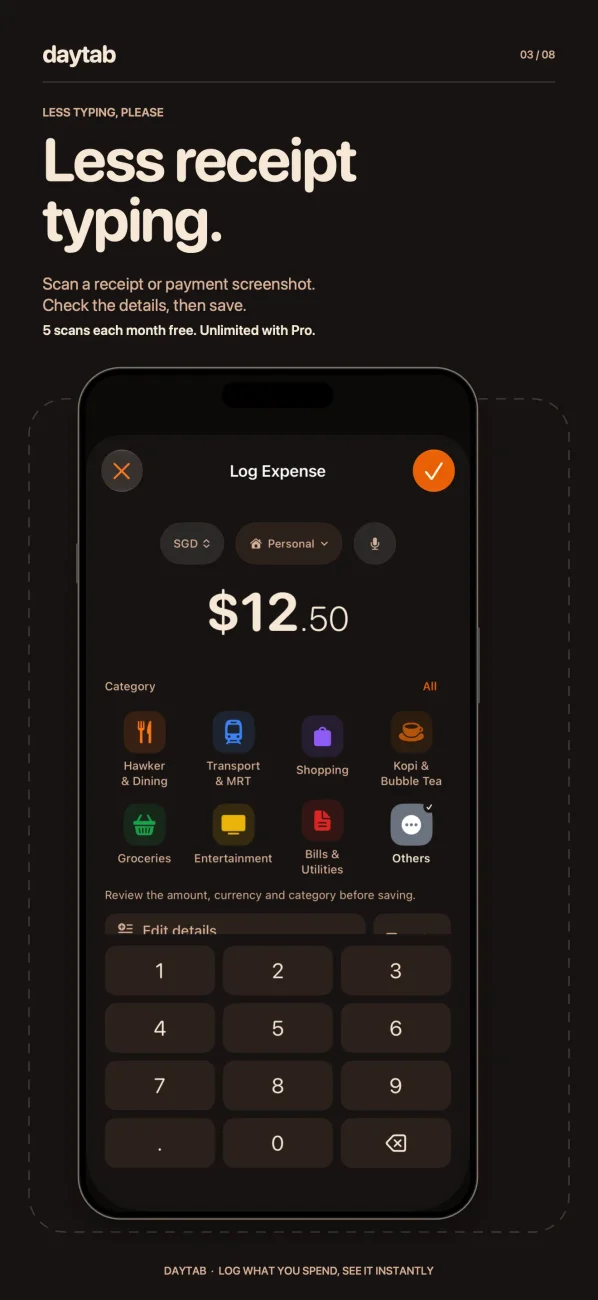
Scan a receipt or payment screenshot, review the extracted details and save. Receipt text is recognised on-device. Five receipt or payment-screenshot scans are included each calendar month. Daytab Pro unlocks unlimited scans.
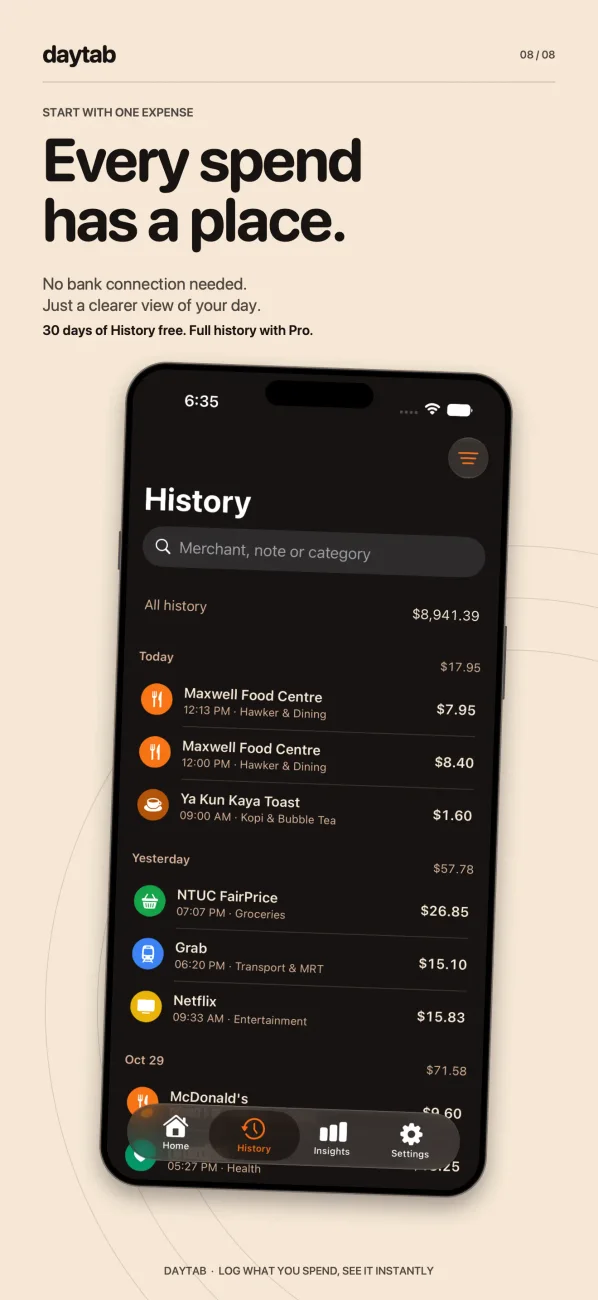
The free History view covers the past 30 days. Daytab Pro adds full-history access and filters.
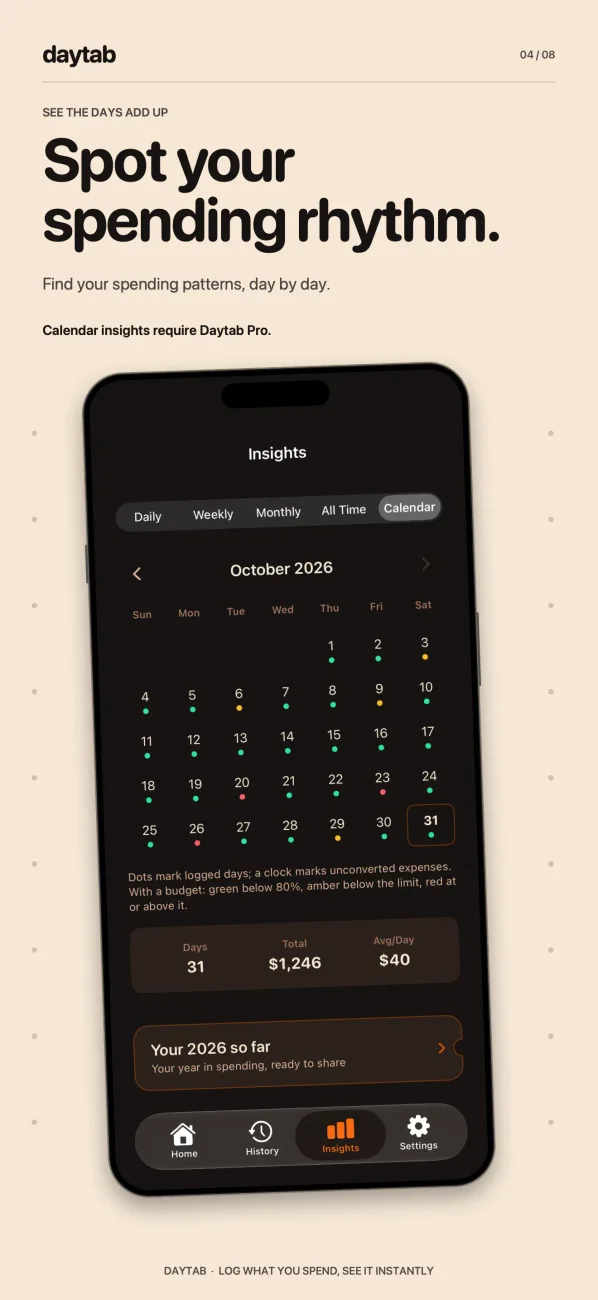
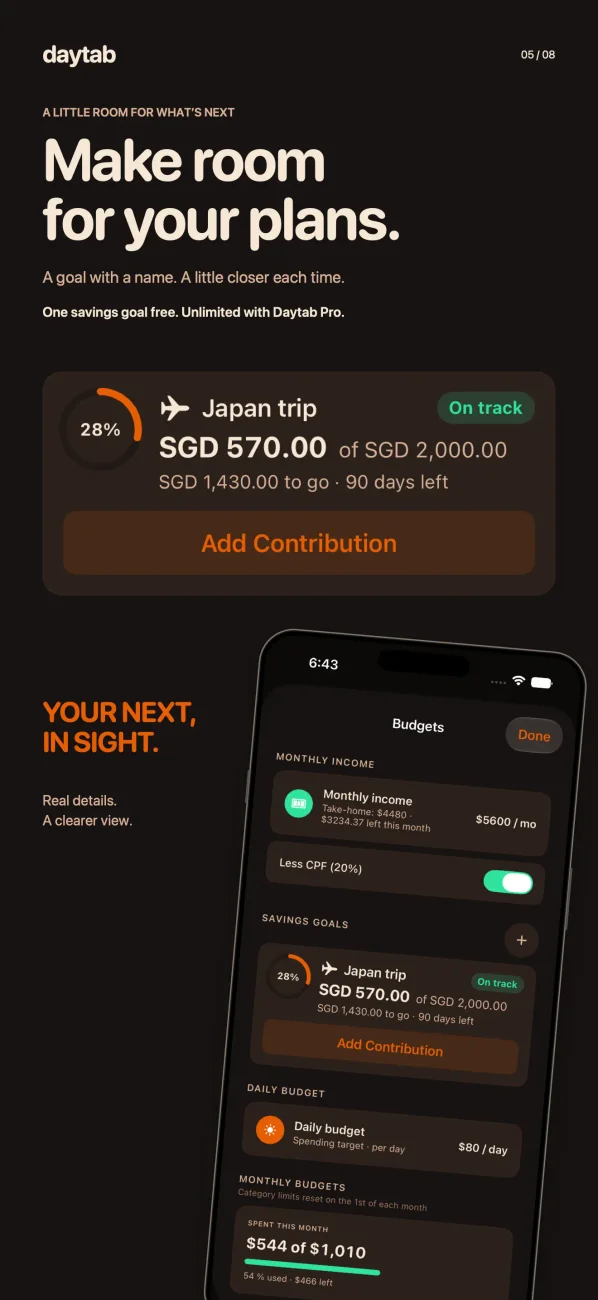
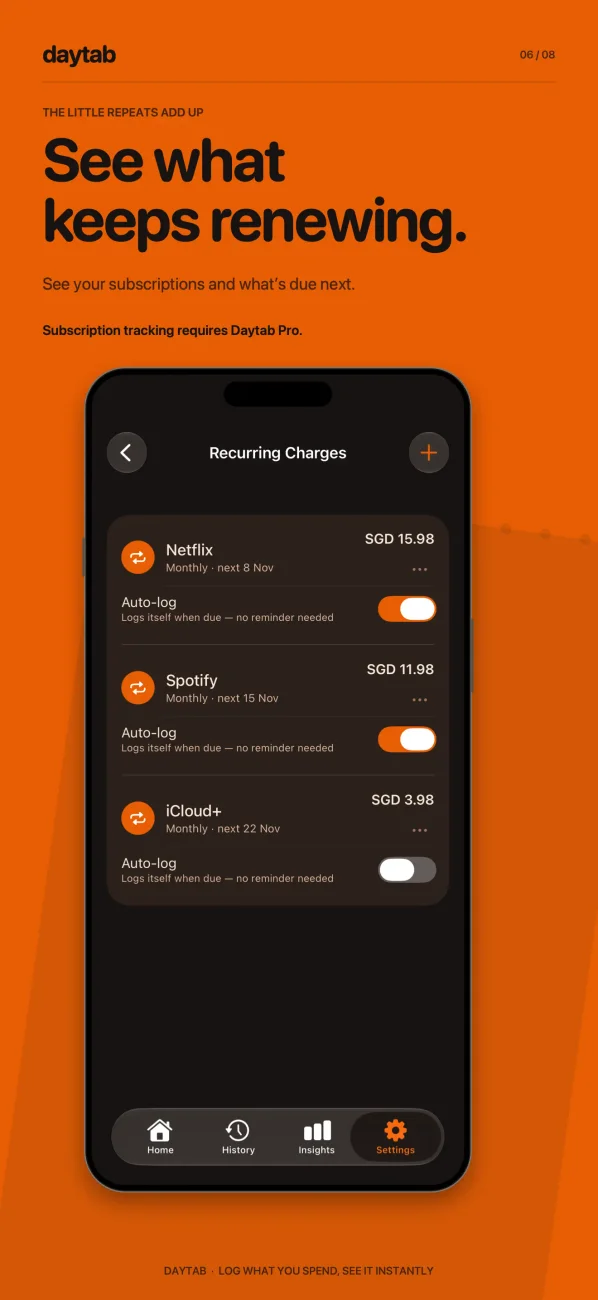
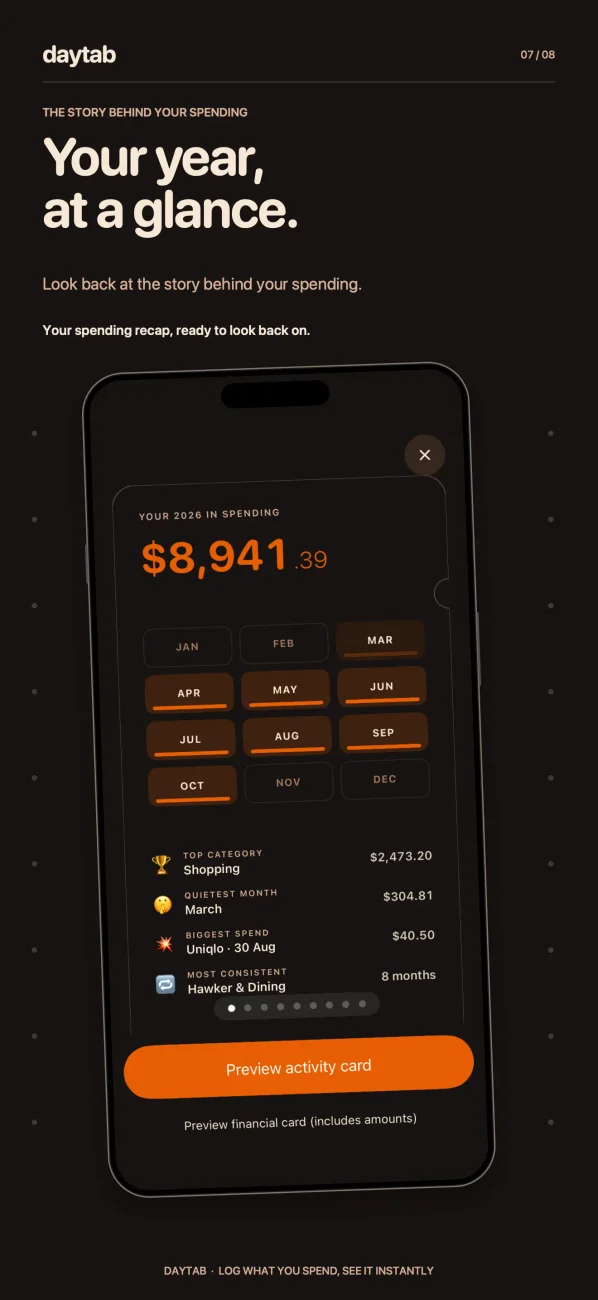
Optional Daytab Pro also adds deeper insights, recurring-charge tracking, category budgets, additional savings goals, premium themes, PDF and CSV export, CSV import and Travel Mode. Pro features require a subscription.
Your expenses are stored on your device, with optional sync through your Apple iCloud account. Currency conversion requests exchange rates from Frankfurter using currency codes and, when needed, a date; expense amounts and notes are never sent. Daytab does not automatically import transactions from your bank.
Daytab Pro renews automatically unless cancelled at least 24 hours before the current period ends. Payment is charged to your Apple Account at confirmation of purchase. Manage or cancel your subscription in your App Store account settings.
https://www.apple.com/legal/internet-services/itunes/dev/stdeula/
https://www.phrypy.dev/privacy
What’s new
Version 1.3.3 · Nov 3, 2026
• Clearer Home and History screens with smoother feedback as you log.
• Improved Calendar details for expenses in different currencies and totals that refresh after sync.
• More consistent layouts and navigation when iPhone Duo is folded or unfolded.
• Better support for larger text and accessible colour controls.
App privacy
What Brian Yong declares on the App Store about how this app handles data.
-
Data not linked to you
May be collected but is not linked to your identity.
- Purchases
Privacy practices may vary, for example with the features you use or your age.
Information
- Seller
- Brian Yong
- Category
- Finance
- Version
- 1.3.3
- Updated
- Nov 3, 2026
- Released
- Apr 30, 2026
- Size
- 16.6 MB
- Requires
- iOS 17.0 or later
- Age rating
- 4+
- In-app purchases
- Yes
- Languages
- English
- Copyright
- © 2026 Brian Yong
You might also like
-
 TapExpense: Expense TrackerBudget, receipt scan, offline
-
 Tappel — Private Expense LogSpending tracker & budget app
-
 Sprig: Bookkeeping & Tax NotesExpense Tracker & Invoices
-
 Ai Expense Tracker - Boxit AiBudget planner & spend tracker
-
 Flowy BudgetFinance
-
 Budget & Expense: CashgarooMoney Manager & Assets Tracker
-
 Spendo: Expense & GST TrackerScan bills, track every rupee
-
 Money Flow: Budget & ExpensesTrack spending. Plan ahead.
-
 QuickSpend: Expense TrackerFast Budget & Spending Log
-
 Spent. — Spending TrackerYour bank alerts, written down