Deadline Countdown: Stay Sharp
Due Dates, Widgets & Watch
Designed for iPhone, iPad, Mac
Free · In-app purchases
- Age rating4+
- CategoryProductivity
- DeveloperMyworkingmemory LLC
- LanguagesEnglish+ 1 more
- Size3.6 MB
Links to the official App Store page
Download.org hosts no file of Deadline Countdown: Stay Sharp. The button opens its official App Store page, published by Myworkingmemory LLC. Listing last checked on Nov 23, 2026.
Screenshots
About
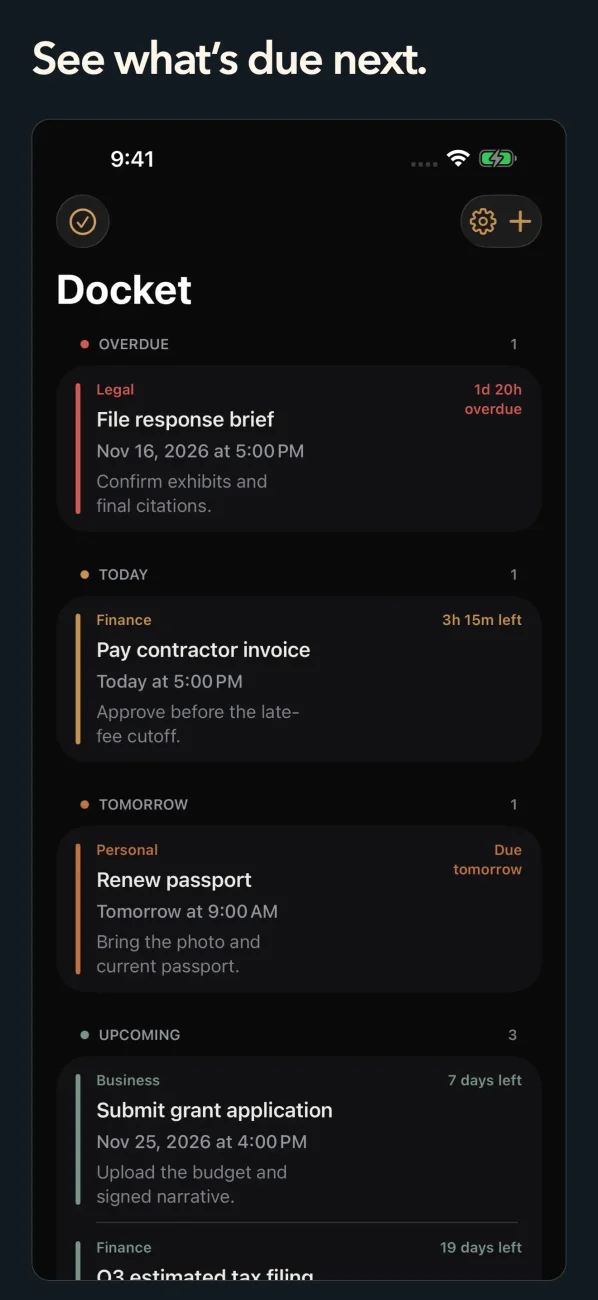
When does your passport need renewing? Which invoice is due first? Put those dates and your next exam in one list on iPhone or iPad. Deadline Countdown groups them by overdue, today, tomorrow, and upcoming, so you can see what needs attention first.
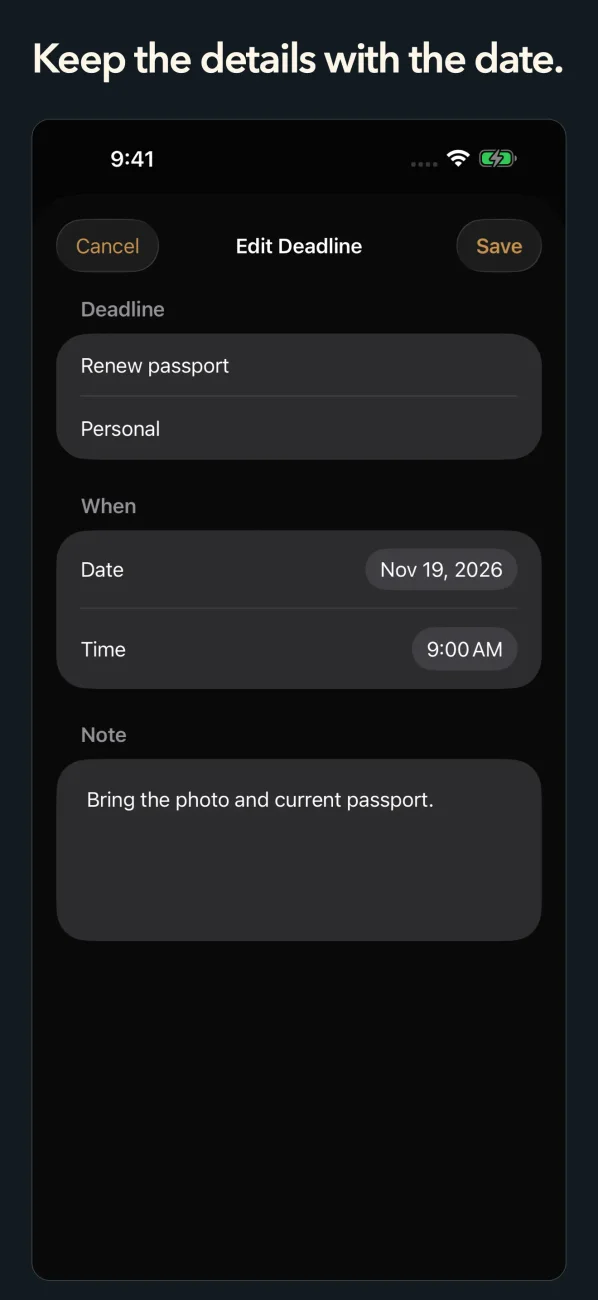
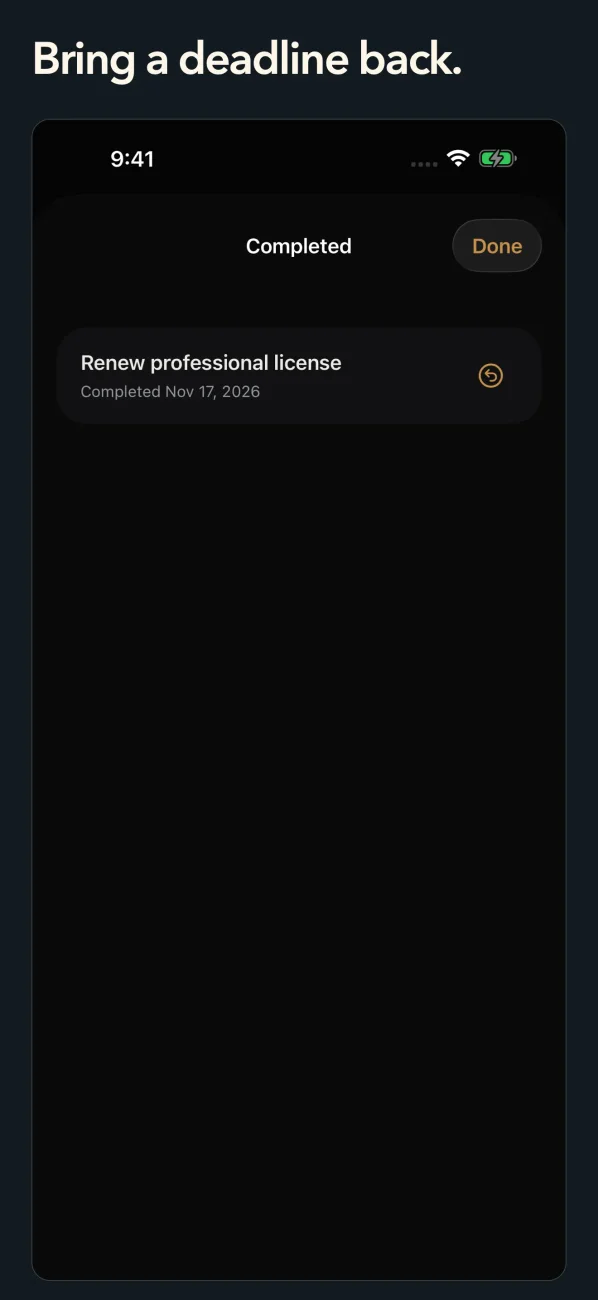
Track as many deadlines as you like. Add a note or category, get a reminder the day before, and mark an item complete. Its details stay in your history. If plans change, restore it to the active list.
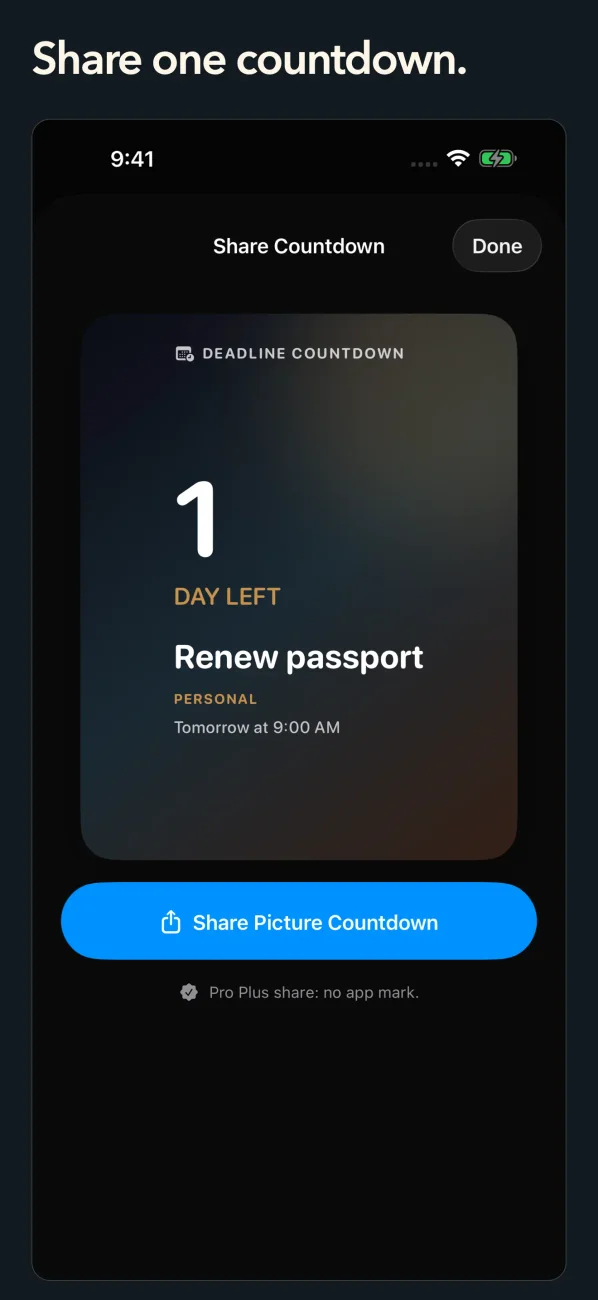
Deadline Pro Plus is an optional annual subscription. Add countdown widgets to your Home Screen or Lock Screen, follow a deadline with a Live Activity on supported devices, or see the next deadline on Apple Watch. Schedule earlier reminders, sync deadlines through your private iCloud account, and share countdown pictures without the app mark.
If Pro Plus ends, your local deadlines stay on your device. If you bought the former lifetime in-app unlock, you keep lifetime access.
Local tracking requires no account. There are no ads or cross-app tracking. Optional pseudonymous product analytics are off by default. You can change this in Settings. Analytics never include deadline titles, notes, categories, or exact dates.
Use Deadline Countdown as a planning aid alongside your calendar. For court filings and professional deadlines, also verify dates in the official docket or your professional deadline-management system.
The App Store shows your local price before you confirm. Your Apple Account is charged at confirmation. The subscription renews annually unless you cancel at least 24 hours before the current period ends. Manage or cancel it in your App Store subscription settings.
Support
https://www.myworkingmemory.ai/deadlinedocket-support.html
Terms of Use
https://www.myworkingmemory.ai/deadlinedocket-terms.html
Privacy Policy
https://www.myworkingmemory.ai/deadlinedocket-privacy.html
What’s new
Version 1.2 · Nov 19, 2026
Track unlimited deadlines, add notes, and restore completed items. Deadline Pro Plus adds widgets, earlier reminders, Apple Watch, and iCloud sync. Existing lifetime unlocks are honored.
App privacy
What Myworkingmemory LLC declares on the App Store about how this app handles data.
-
Data not linked to you
May be collected but is not linked to your identity.
- Purchases
- Identifiers
- Usage data
Privacy practices may vary, for example with the features you use or your age.
Information
- Seller
- Myworkingmemory LLC
- Category
- Productivity
- Version
- 1.2
- Updated
- Nov 19, 2026
- Released
- Jun 9, 2026
- Size
- 3.6 MB
- Requires
- iOS 17.0 or later
- Age rating
- 4+
- Price
- Free
- In-app purchases
- Yes
- Languages
- English, Traditional Chinese
- Copyright
- © 2026 Myworkingmemory LLC. All rights reserved.
You might also like
-
 ScanOnce: PDF Doc ScannerScan, sign, OCR & receipts
-
 Keepwell: Save now, ask laterIdeas, Gifts, Lists & Notes
-
 FocusHabit ProHabit Streaks & Pomodoro Timer
-
 DinglyRemind you of meetings early
-
 TeamQRCodeQR Code Generator & Scanner
-
 4 Quadrant Rule - Task PlannerEisenhower Priority Task Board
-
 PTO Vacation Tracker : DAYOFFLeave Balance, Sick & Time Off
-
 Flipomo: Pomodoro & Flip ClockMinimal timer for deep focus
-
 Key CardsCard Hub
-
 Shift Plan ReminderNurse shift calendar & alerts