
Deconpose: Stem Splitter
Vocal & Instrument Remover
Designed for iPhone, iPad
Free · In-app purchases
- Age rating4+
- CategoryMusic
- DeveloperArdian Ibrahimaj
- LanguagesEnglish+ 3 more
- Size205.3 MB
Links to the official App Store page
Download.org hosts no file of Deconpose: Stem Splitter. The button opens its official App Store page, published by Ardian Ibrahimaj. Listing last checked on Nov 17, 2026.
Screenshots

About
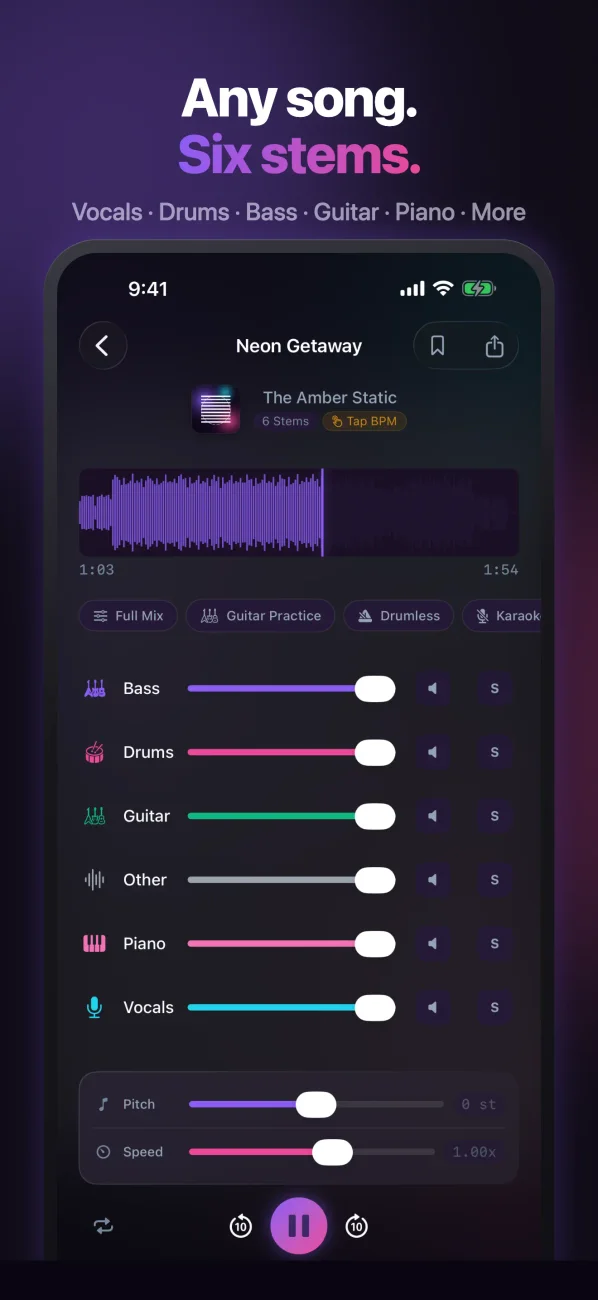
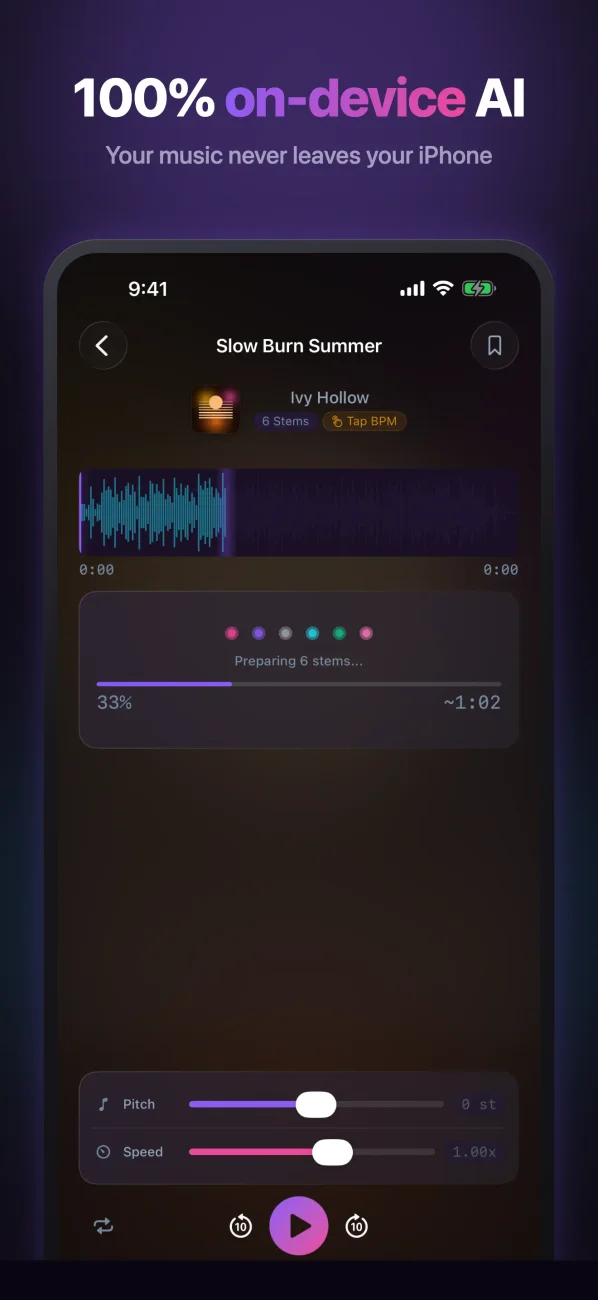
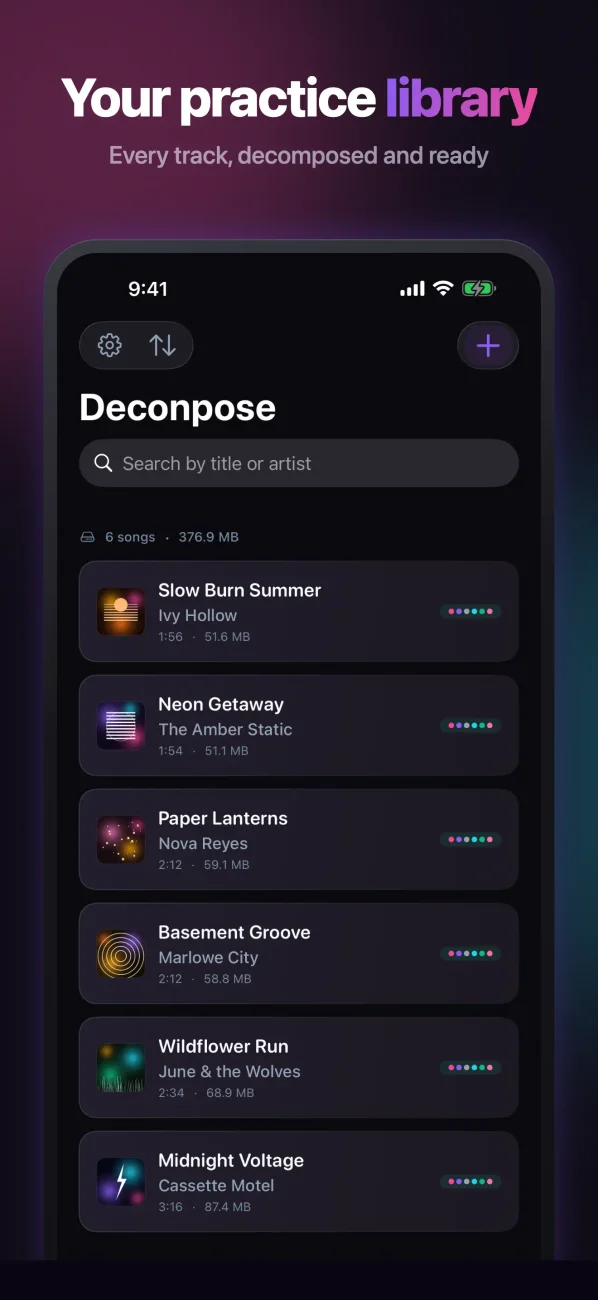
Deconpose splits any song into individual instrument tracks — vocals, drums, bass, guitar, piano — directly on your device. No uploads, no account, and the separation needs no internet.
PRACTICE ANY INSTRUMENT
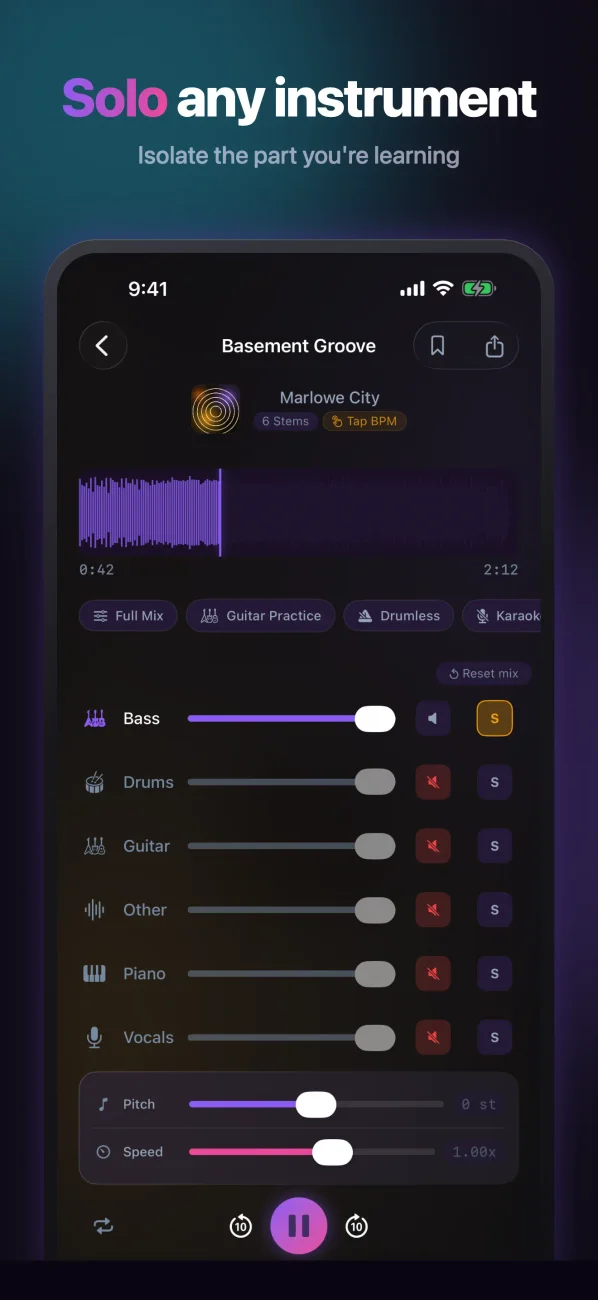
- Mute the guitar and play along with the real band
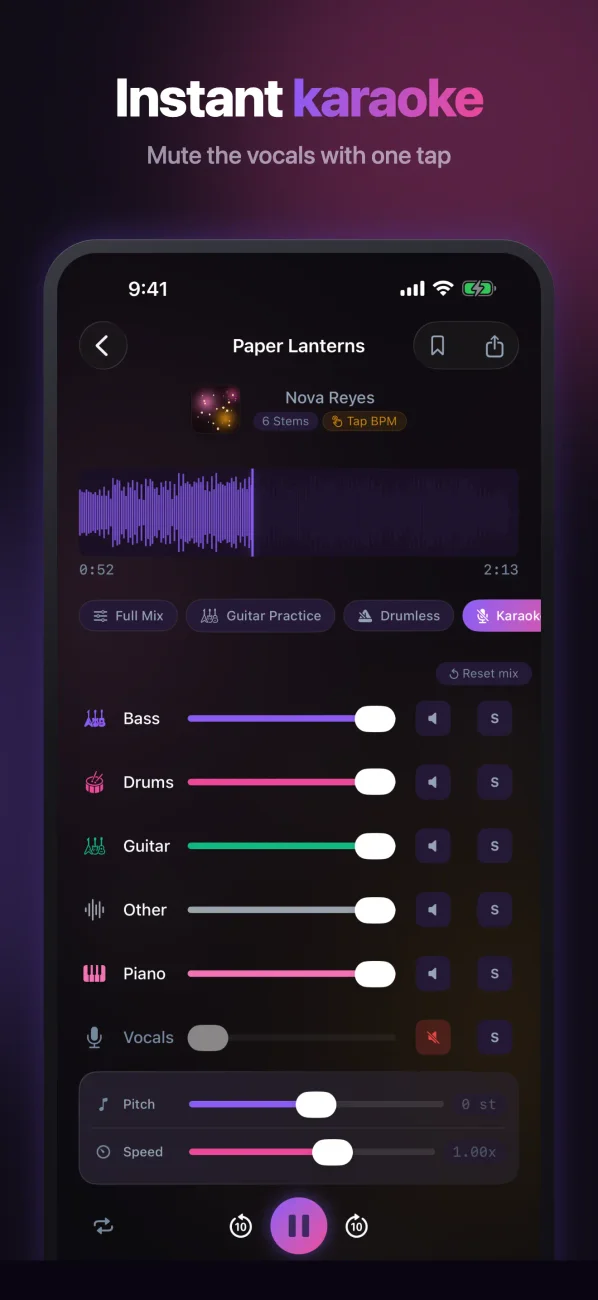
- Remove vocals for karaoke or vocal practice
- Isolate drums to learn complex rhythms
- One-tap presets: Guitar Practice, Drumless, Karaoke & more
LEARN AT YOUR PACE
- Slow down to 0.25x without changing pitch
- Shift pitch up or down 12 semitones
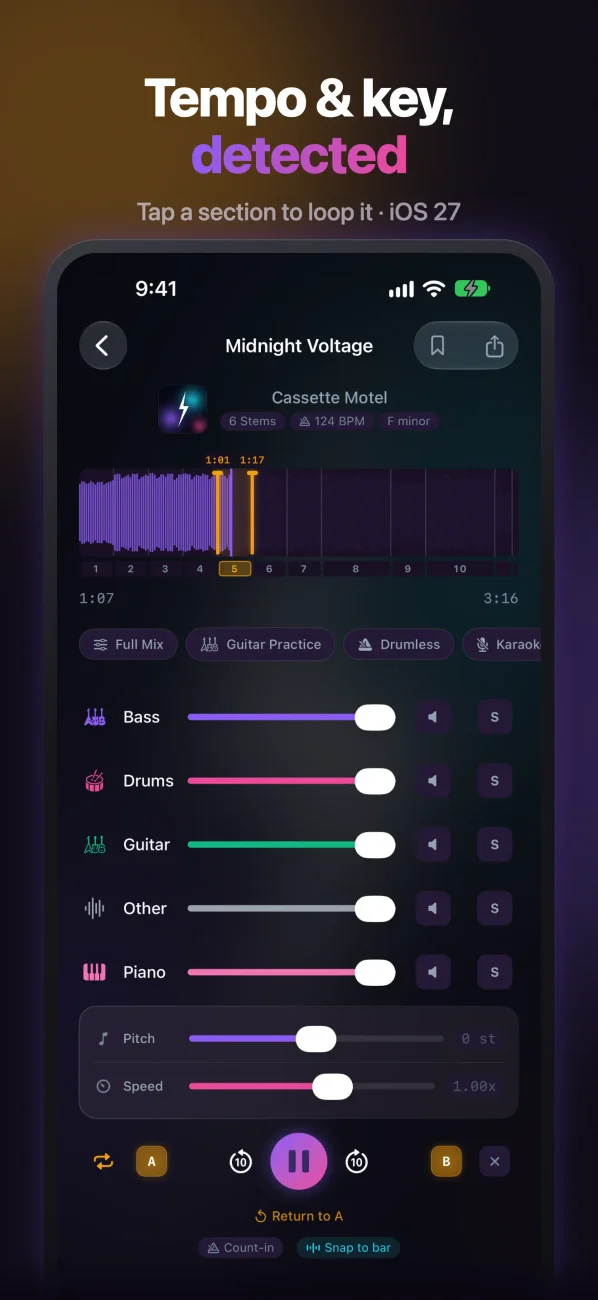
- Loop any section with draggable A-B markers
- Hold a finger on the waveform to zoom in and place loop points precisely
- Skip forward and back 10 seconds
- Open any song with Siri or from Spotlight: "Open ‹song› in Deconpose"
TEMPO, KEY AND BARS (iOS 27)
- Tempo and key detected automatically after separation
- Both are shown where you are in the song: when the tempo or the key changes, the display follows — and the key follows the pitch control
- The metronome clicks on the song's real beats, loops snap to the bar, and the count-in lands on the one
- The song's sections appear under the waveform: tap one and exactly that part loops
- On iOS 26: tap the tempo yourself
POWERED BY AI
- State-of-the-art neural network running on your device
- 6-stem separation: vocals, drums, bass, guitar, piano, and other
- Keeps separating while your iPhone is locked, with progress on the Lock Screen
- All processing happens on your iPhone or iPad — your music never leaves your device
PRIVACY FIRST
- Separation works 100% offline; the internet is only used for the optional song search and for purchases, both with Apple
- No account, no sign-up, no tracking
- Your music stays on your device
FREE TO START
- Your first song is completely free — split it and practice with no time limit
- On that song: every tool included — solo, mute, slow down, pitch shift, loop
- One-time purchase to split unlimited songs and export stems — no subscription
WORKS WITH MUSIC YOU OWN
- Import audio files from Files, share them to Deconpose from any app, or pick DRM-free downloads from your Music library
- Find songs to buy in the iTunes Store (optional search)
- Deconpose works with music you own as audio files. Songs streamed from Apple Music or Spotify are copy-protected and can't be imported by any app
SUPPORTED FORMATS
MP3, WAV, M4A, AIFF, FLAC, CAF
What’s new
Version 1.1.2 · Oct 29, 2026
Separations now finish more reliably, even if you lock your device along the way.
• If you locked your iPhone while “almost done…” was showing, the separation started over from the beginning. It now simply finishes. Should the app be closed at that very moment, it picks up at compressing the stems the next time it opens, instead of separating the whole song again.
• On devices with 3 or 4 GB of memory, such as iPhone 11, iPhone SE or older iPads, a separation started over if you left the app midway. It now pauses and carries on as soon as you come back.
• A memory warning from the system stopped a running separation with “Not enough memory”, even though Deconpose itself still had enough. It now keeps going.
• Fixed a rare crash on iOS 27 that could happen when a song kept playing in the background while its tempo and key were being detected.
• The import sheet shows every source on iPad and at large text sizes.
• Deleting a song during its separation no longer makes it look like a successful one.
App privacy
What Ardian Ibrahimaj declares on the App Store about how this app handles data.
-
Data not collected
The developer does not collect any data from this app.
Privacy practices may vary, for example with the features you use or your age.
Information
- Seller
- Ardian Ibrahimaj
- Category
- Music
- Version
- 1.1.2
- Updated
- Oct 29, 2026
- Released
- Sep 2, 2026
- Size
- 205.3 MB
- Requires
- iOS 26.0 or later
- Age rating
- 4+
- Price
- Free
- In-app purchases
- Yes
- Languages
- English, French, German, Spanish
- Copyright
- © 2026 Ardian Ibrahimaj
You might also like
-
 Stem Splitter - OffgridStemVocal Remover & Backing Tracks
-
 MonoBand: AI Stem SplitterWorks fully offline, on device
-
 Stemelo: Vocal RemoverKaraoke & Backing Tracks
-
 micopiDetect Pitch · Split · Hold
-
 SlowEarMusic
-
 StemTune: Vocals & InstrumentsSeparate songs. Practice music
-
 Hohner MIDI SqueezeBoxAccordion MIDI Control Surface
-
 CRATE: AI SamplerType a vibe. Play the beat.
-
 CGdM MembresThe CGdM Chorist Companion App
-
 Beyond25: AI Playlist MakerPlaylists that know your taste