Deepcalc: Spreadsheet, XLSX
Budget planner, finance model
Designed for iPhone, iPad, Mac
Free
- Age rating4+
- CategoryProductivity
- DeveloperSystem Operator LLC
- LanguagesEnglish
- Size19.2 MB
Links to the official App Store page
Download.org hosts no file of Deepcalc: Spreadsheet, XLSX. The button opens its official App Store page, published by System Operator LLC. Listing last checked on Nov 24, 2026.
Screenshots

About
Deepcalc is a spreadsheet for your iPhone and iPad. It opens Excel and csv files as they are, and keeps every change you make.
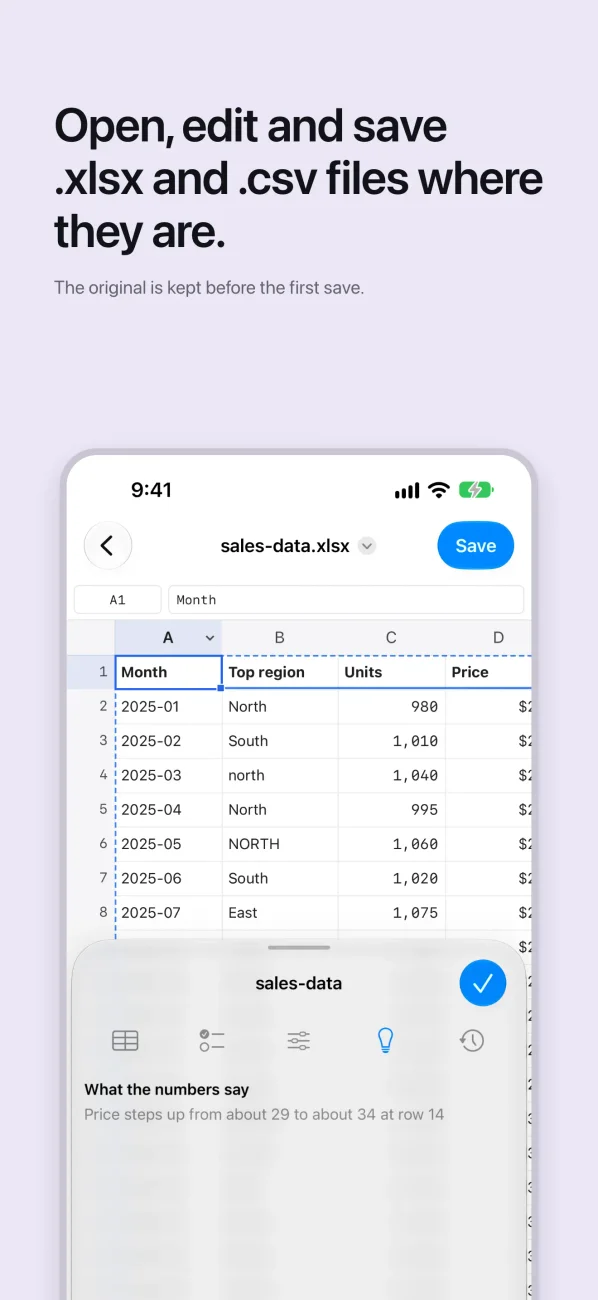
- Open, edit and save .xlsx and .csv files from Files, Mail or any app. The original is kept before the first save.
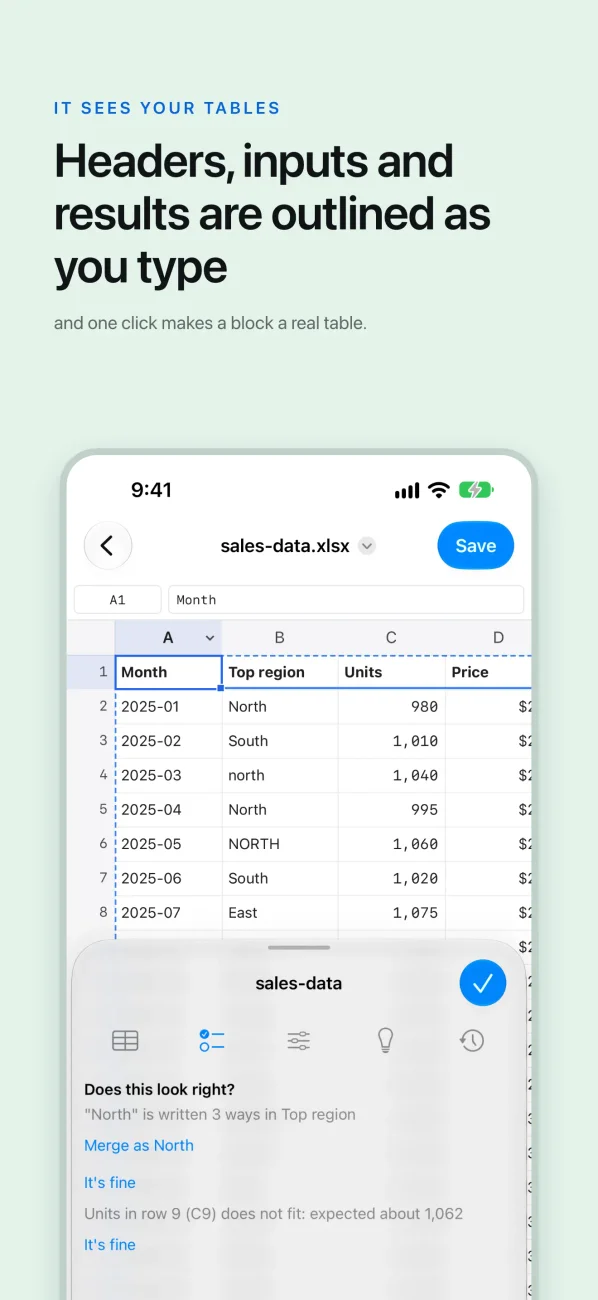
- It sees your tables: headers, inputs and results are outlined as you type, and one tap makes a block a real table.
- It says what comes next: select a column of numbers beside its months and the next three appear, ready to accept.
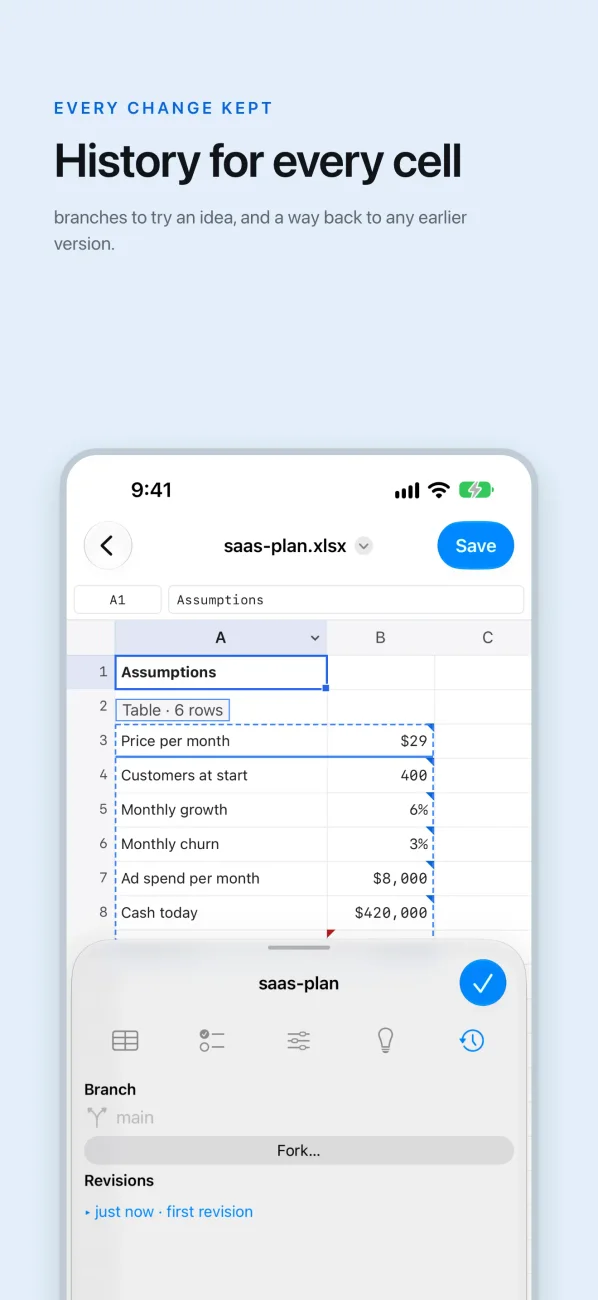
- Every change kept: history for every cell, branches to try an idea, and a way back to any earlier version.
- Comments on a cell, a range, a column or a row, with replies and Resolve. They stay in the .xlsx, so Excel reads them too.
- The panel: Cell, Check, What If, Insights and Changes. A column on iPad and on iPhone Duo, a sheet on iPhone.
- A formula key row above the keyboard: =, brackets, operators and the functions you reach for.
- Made for iPhone Duo: the same sheet closed, open or folded like a book.
Sign in, and the spreadsheets you move to Deepcalc stay the same on your Mac, iPhone, iPad and deepcalc.com. Without an account, your files stay on your device.
What’s new
Version 2.1 · Nov 23, 2026
New: a first screen with a sample spreadsheet that shows what Deepcalc finds, and a calmer sheet with Undo and Redo, a larger formula bar and tabs, and one row of buttons. Workbooks in your account show whether they are synced, syncing, offline or need you. Fixed: some edits were not saved, and a workbook from your account could fail to open.
App privacy
What System Operator LLC declares on the App Store about how this app handles data.
-
Data not linked to you
May be collected but is not linked to your identity.
- Usage data
- Diagnostics
Privacy practices may vary, for example with the features you use or your age.
Information
- Seller
- System Operator LLC
- Category
- Productivity
- Version
- 2.1
- Updated
- Nov 23, 2026
- Released
- Oct 27, 2026
- Size
- 19.2 MB
- Requires
- iOS 27.0 or later
- Age rating
- 4+
- Price
- Free
- Languages
- English
- Copyright
- © system operator
You might also like
-
 AxigenYour Axigen email, on the go
-
 Lineár CalendarSee the Bigger Picture
-
 Elephas: Secure AI for FilesChat documents, PDFs & notes
-
 iA Writer: Get FocusedWrite in plain text
-
 AI Keyboard: KeyAIWriting Assistant & Translator
-
 Session Pomodoro Focus TimerKeep track study time & work
-
 Finalist: Daily PlannerYour Whole Day on One Page
-
 Fabric: your second brainAI, notes, files, organizer
-
 Hero: AI Reseller Listing AppResale Value & Thrift Listings
-
 TextEdit - Text EditorTXT, RTF, Markdown, LaTeX & AI