Delete contacts - ContactsBye
Duplicates, merge & backup
Designed for iPhone
Free · In-app purchases
- Age rating4+
- CategoryProductivity
- DeveloperAnton Timonin
- LanguagesEnglish+ 14 more
- Size17.3 MB
Links to the official App Store page
Download.org hosts no file of Delete contacts - ContactsBye. The button opens its official App Store page, published by Anton Timonin. Listing last checked on Nov 13, 2026.
Screenshots


About
Delete contacts - ContactsBye helps you clean up your iPhone contacts quickly and safely — no manual busywork.
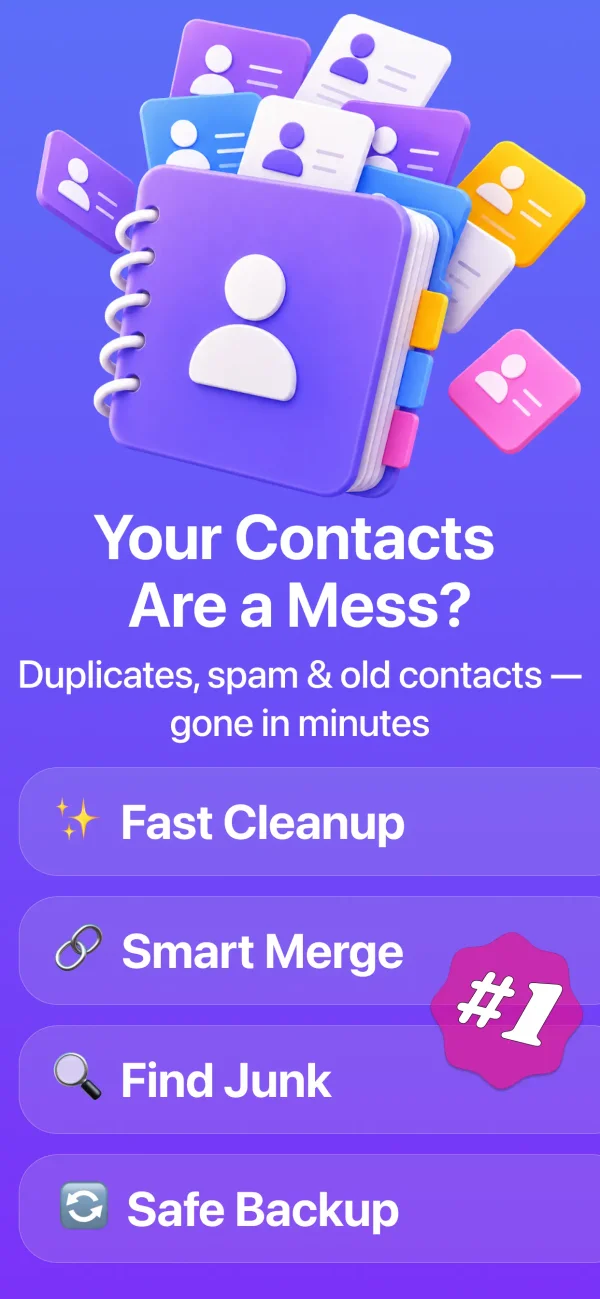
Sound familiar? Your phone book is packed with hundreds of entries: "Pizza courier", "Airport taxi", "Notary", "Craigslist sofa", duplicates of the same number, and empty cards with no info at all. Finding the contact you actually need gets harder every day — and cleaning it all by hand takes hours.
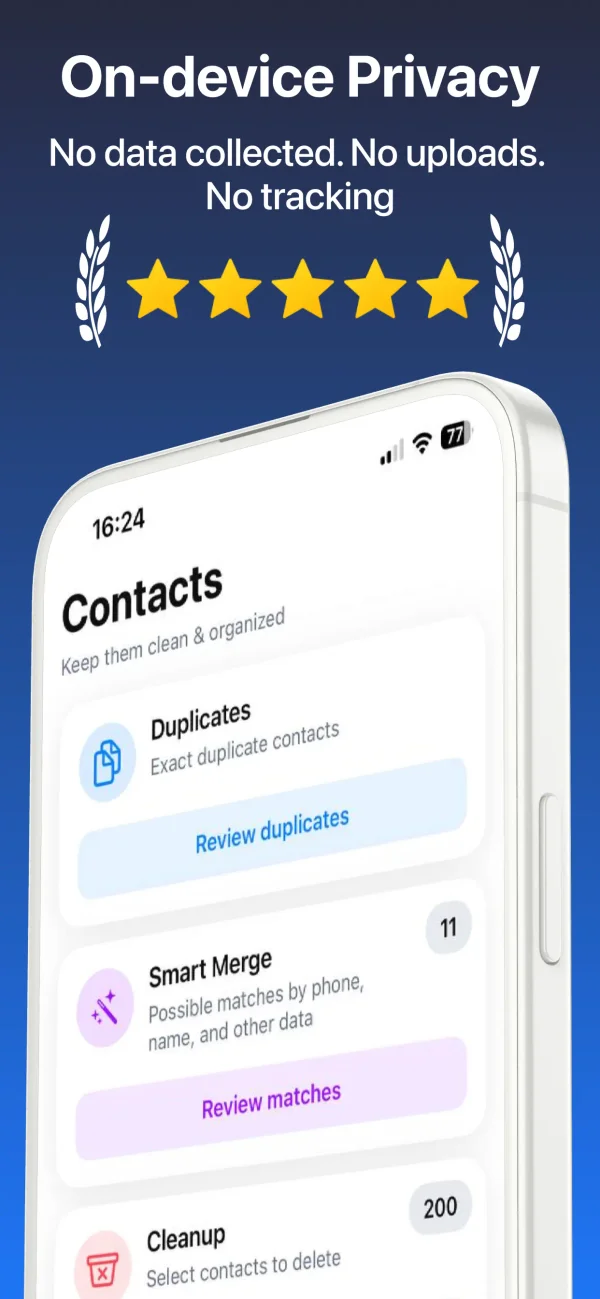
ContactsBye does it in minutes. The new Quick Scan checks your entire address book in one tap and sorts the clutter into clear categories:
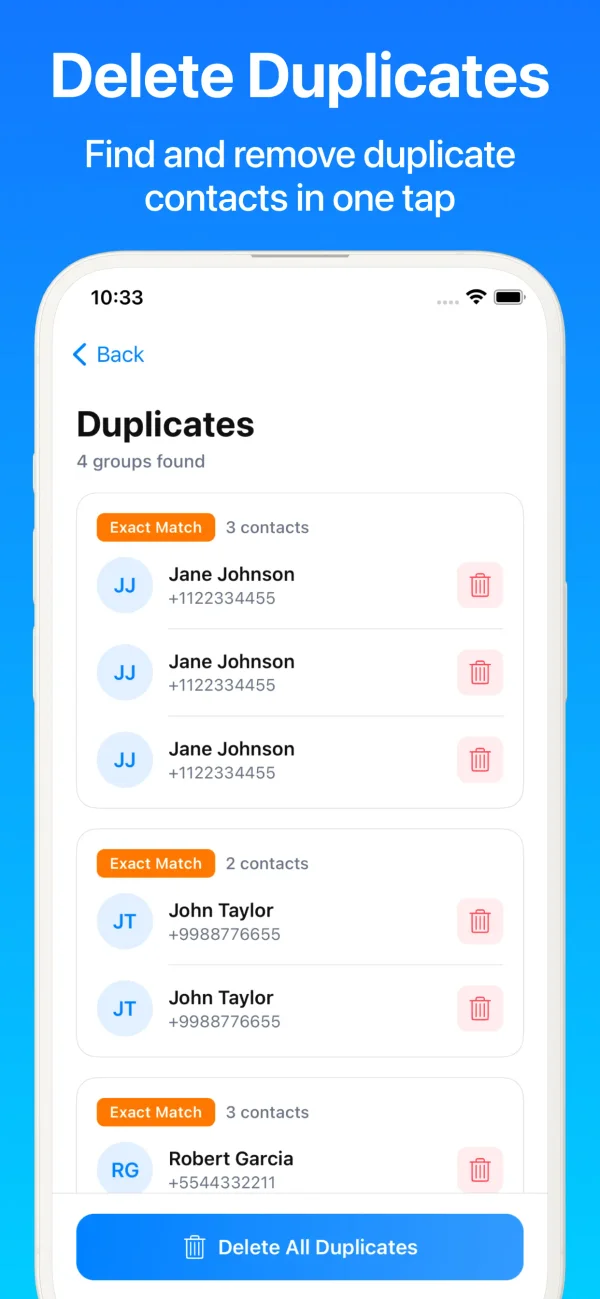
• Exact duplicates — identical contacts you can merge or delete
• Service contacts — taxis, couriers, delivery, repairmen, salons and other one-time numbers
• Temporary contacts — "order", "client", "interview", marketplace numbers and everything that lost its relevance long ago
• Contacts with no number or data — empty cards where only a name is filled in
Review each category, delete it in one tap, or pick contacts one by one — you always see exactly what you're deleting.
With Delete contacts - ContactsBye you can:
1. Run Quick Scan to find duplicate, service, temporary and empty contacts
2. Delete junk and unused contacts in one tap — by category or one by one
3. Smart-merge contacts by matching phone numbers, names and other fields, choosing exactly what gets merged
4. Bulk-delete contacts: select multiple entries and remove them with a single tap
5. Clear out spam numbers, outdated contacts and cluttered lists with full preview and control
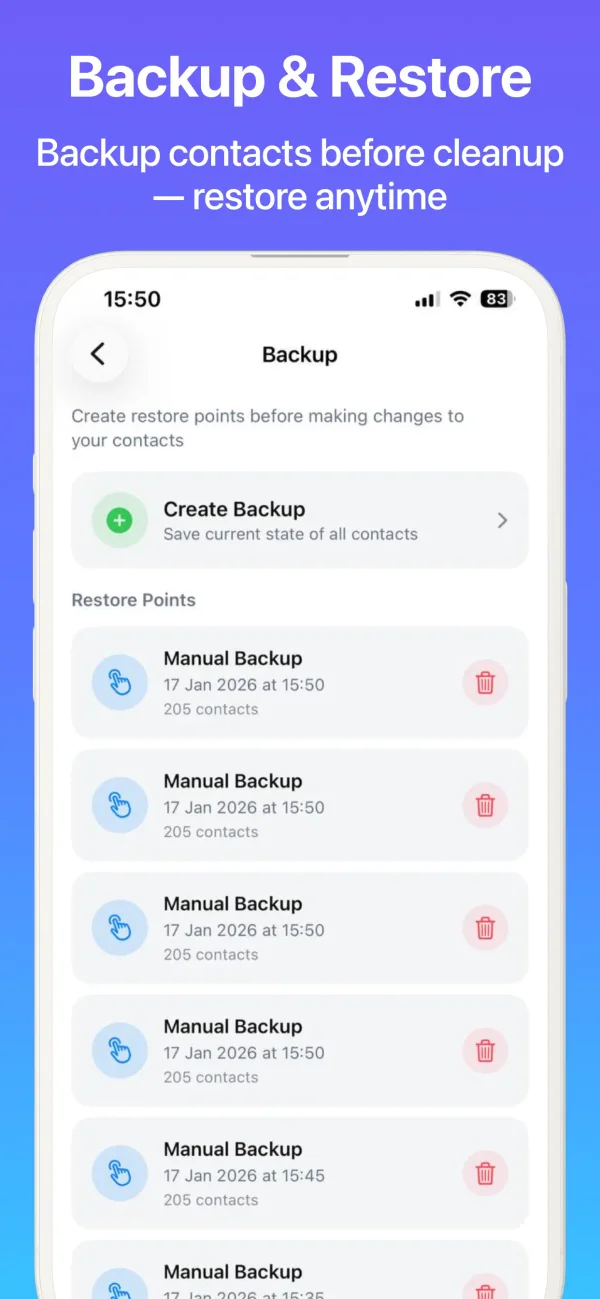
6. Create a backup / restore point before cleaning and bring back deleted, changed or added contacts anytime
Accuracy first
The completely rebuilt duplicate-detection engine compares names, numbers and emails more precisely and finds more matches — and nothing is ever deleted automatically: you confirm every action.
Backup & restore, built for confidence
Create a restore point before merging or deleting, review every change, and bring contacts back if anything looks wrong.
Privacy first
Your contacts are personal data. Delete contacts - ContactsBye works entirely on your device. Nothing is collected, stored or transmitted — your contacts stay on your iPhone.
If your address book is a mess — run Quick Scan, delete duplicates, junk and temporary contacts, merge the cards worth keeping, and restore anything from backup if needed. A tidy contact list in just a few minutes.
What’s new
Version 3.1.0 · Sep 2, 2026
Quick Scan now sorts your entire address book in one tap: exact duplicates, temporary numbers and empty cards, each category on its own with a preview before deletion. Improved merging shows matching fields, including Notes, and lets you choose exactly what gets combined
App privacy
What Anton Timonin declares on the App Store about how this app handles data.
-
Data not collected
The developer does not collect any data from this app.
Privacy practices may vary, for example with the features you use or your age.
Information
- Seller
- Anton Timonin
- Category
- Productivity
- Version
- 3.1.0
- Updated
- Sep 2, 2026
- Released
- Jan 12, 2026
- Size
- 17.3 MB
- Requires
- iOS 16.0 or later
- Age rating
- 4+
- Price
- Free
- In-app purchases
- Yes
- Languages
- English, Arabic, Bengali, French, German, Hindi, Indonesian, Japanese, Kazakh, Portuguese, Russian, Simplified Chinese + 3 more
- Copyright
- © 2026 Anton Timonin
You might also like
-
 aContacts - Contact ManagerSend Group Email, Text Message
-
 Duplicate Contacts ManagerRemove, Merge, Backup, Restore
-
 Cleaner: Merge Contact & PhotoSmart Delete Duplicates
-
 MCBackup: My Contacts BackupSync, Restore & Export Data
-
 Delete Contacts+Productivity
-
 Easy Cleaner.Duplicate Contacts Cleaner
-
 Cleanup Duplicate Contacts!Address Book Cleaner
-
 Sync Contact for Google & moreFind Duplicate Contacts Easily
-
 f3 vpn - Unlimited VPNVPN Super, VPN Buck
-
 My Contacts BackupAddress Book Backup