- Age rating4+
- CategoryUtilities
- DeveloperOpsOh LLC
- LanguagesEnglish
- Size2.1 MB
Links to the official App Store page
Download.org hosts no file of Delete Screenshots. The button opens its official App Store page, published by OpsOh LLC. Listing last checked on Nov 8, 2026.
Screenshots

About
Delete Screenshots – Clean Your Photo Library Fast
Screenshots pile up quickly.
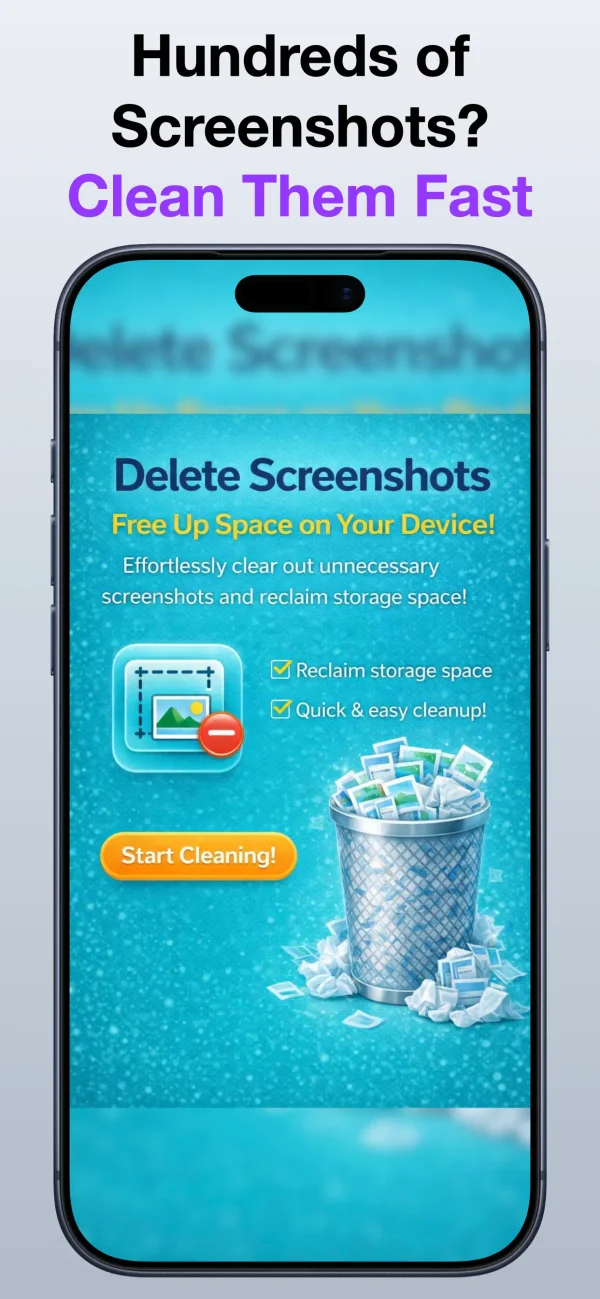
Delete Screenshots helps you review them all at once and remove the ones you don’t need in seconds.
No subscriptions. No accounts. Everything stays on your device.
Fast Screenshot Cleanup
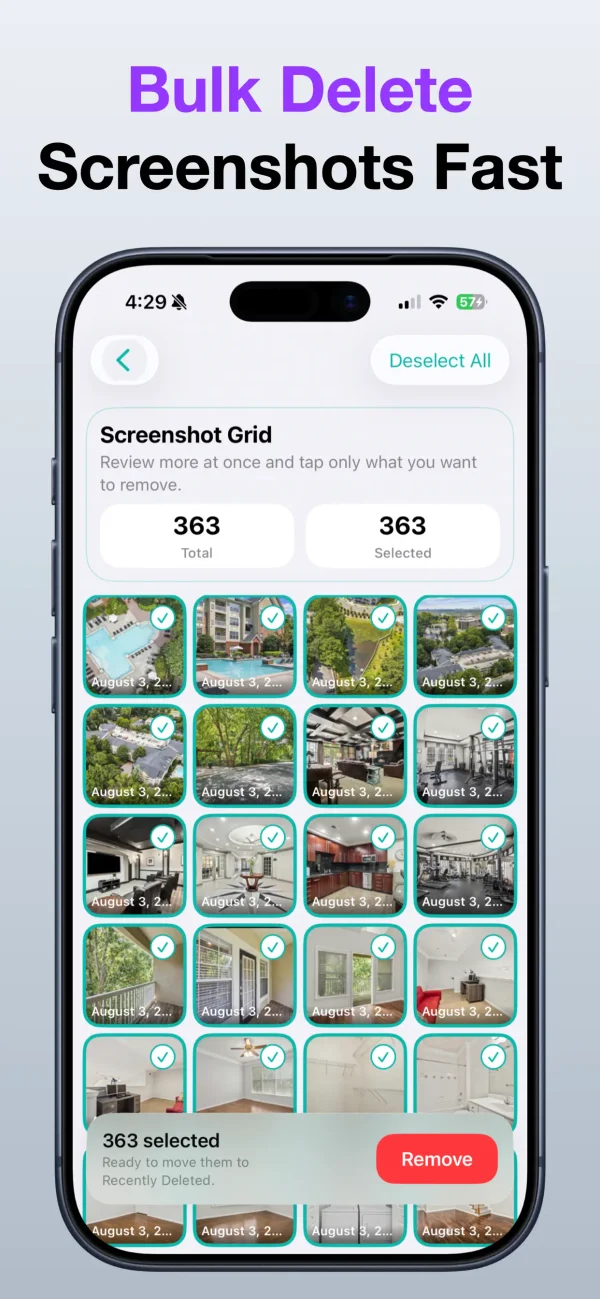
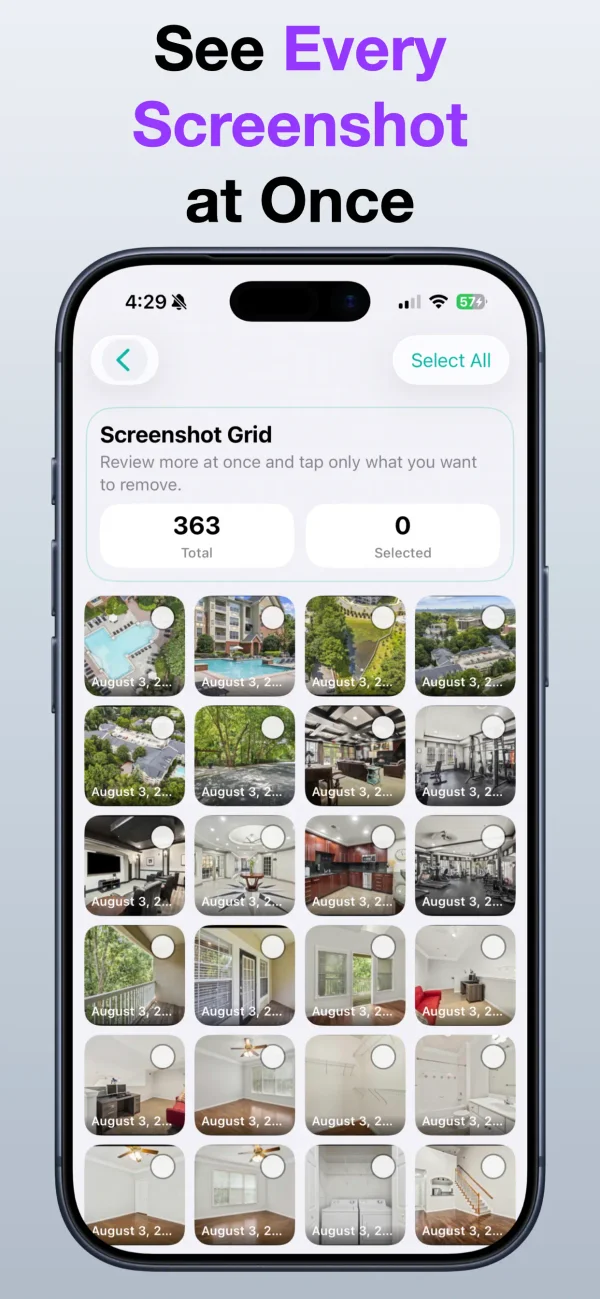
See all your screenshots in a simple grid so you can quickly scan and select what you want to remove.
Bulk Select
Tap multiple screenshots and delete them in one step.
Smart Overview
Instantly see how many screenshots you have and how many you selected.
Safe and Private
Your photos never leave your device. The app only accesses screenshots already stored in your Photos library.
Simple and Lightweight
No clutter. Just a fast tool to help you clean up your screenshots
Delete Screenshots makes it easy to keep your photo library organized and clutter-free.
What’s new
Version 1.1 · Aug 12, 2026
This update adds a refreshed Settings experience with easier access to Support, Privacy, and more from OpsOh, along with small refinements for a smoother overall experience.
App privacy
What OpsOh LLC declares on the App Store about how this app handles data.
-
Data not collected
The developer does not collect any data from this app.
Privacy practices may vary, for example with the features you use or your age.
Information
- Seller
- OpsOh LLC
- Category
- Utilities
- Version
- 1.1
- Updated
- Aug 12, 2026
- Released
- Mar 18, 2026
- Size
- 2.1 MB
- Requires
- iOS 17.6 or later
- Age rating
- 4+
- Languages
- English
- Copyright
- © OpsOh
You might also like
-
 Delete Screenshots CurateSwipe to clean your Photos
-
 Screenshots - Find, Share, and Delete ScreenshotsUtilities
-
 System Info - Monitor RAM & OSMemory, CPU & Battery Usage
-
 Device Tester - Phone CheckHardware Diagnostics & Reports
-
 Delivery Status For TeslaTrack your vehicle delivery
-
 AdBlocker - Block & Remove Ads#1 no ads blocker for youtube
-
 Battery Charging Animation -3DBattery Charger - Charge Alarm
-
 BroadLink Magic HomeUtilities
-
 NetScan - IP ScannerNetwork Analyzer & Ping & Wifi
-
 Toilet Finder: Toilets ParisPublic Bathroom & Restroom Map