
Delete Swipe : LuminaClean
Swipe, Reels & Live Wallpaper
Designed for iPhone
Free · In-app purchases
- Age rating4+
- CategoryProductivity
- DeveloperRazvan Popa
- LanguagesEnglish+ 11 more
- Size52.0 MB
Links to the official App Store page
Download.org hosts no file of Delete Swipe : LuminaClean. The button opens its official App Store page, published by Razvan Popa. Listing last checked on Nov 16, 2026.
Screenshots

About
Clean up your iPhone photos with LuminaClean. Find duplicate photos, similar shots, blurry photos and old screenshots.
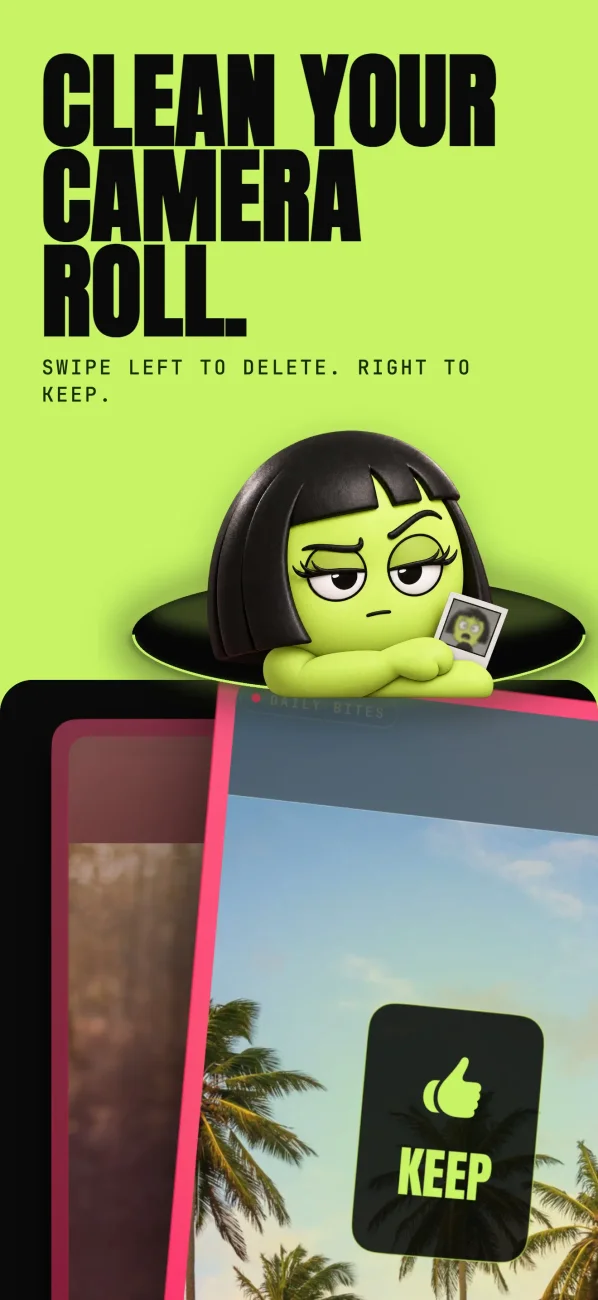
Swipe left to delete, right to keep. Double-check every marked photo before anything is deleted.
Turn videos into Live Wallpapers, make reels and fix dark or blurry photos with on-device AI — all free, no account needed.
Three tabs, one camera roll: CLEAN · MEMORIES · CREATE. Lumina, a small creature with opinions, guides the way.
CLEAN — FIND CLUTTER, KEEP WHAT MATTERS
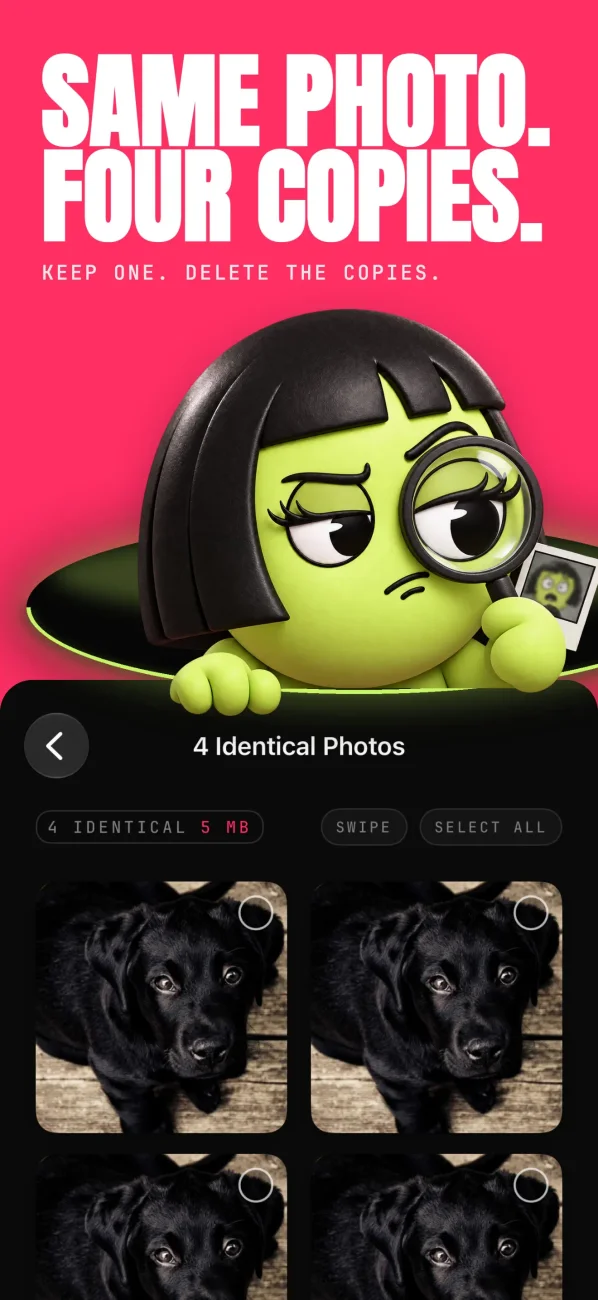
Scan your photo library on your iPhone for exact duplicates, similar shots and bursts, blurry photos and old screenshots.
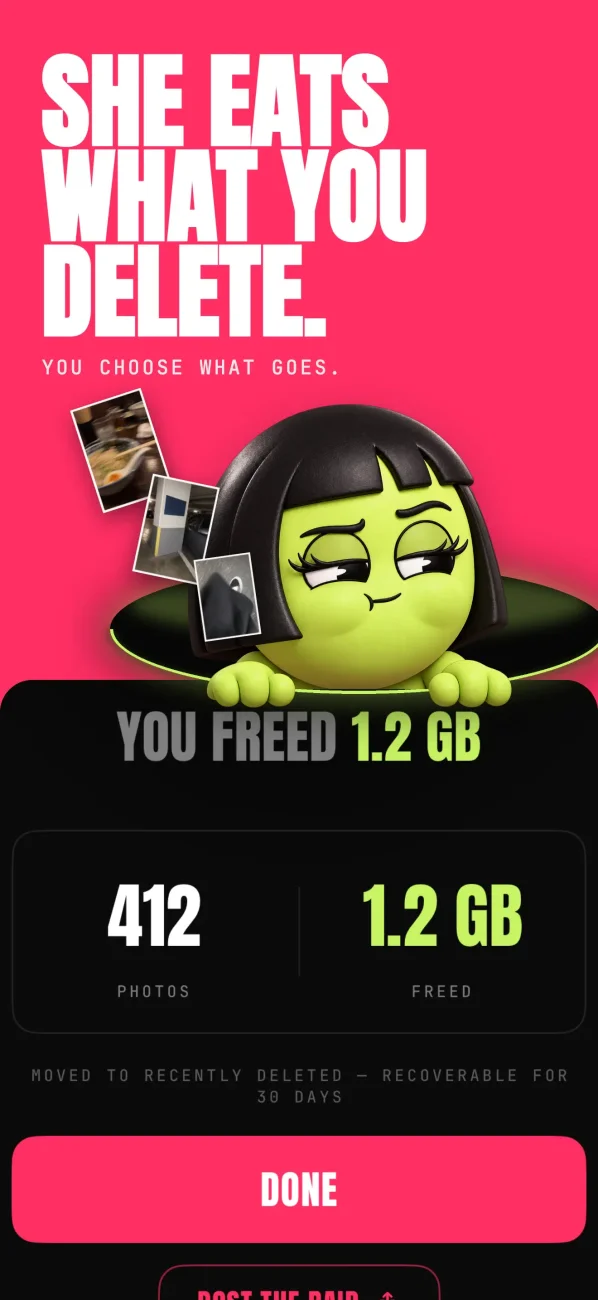
Swipe left to mark for deletion, right to keep. Undo a swipe, and review marked photos on a double-check screen before deleting. Deleted photos go to Recently Deleted for 30 days.
Save for Later: leave a swipe session and your marked photos wait for you.
Set a space goal, whether you need room for an iOS update or just a less crowded phone.
Flashback: clean your camera roll one year at a time.
Find large videos, compress videos and convert Live Photos into stills. Deleting large videos, Live Photos, converted and compressed items is free and unlimited.
Browse on-device AI categories including People, Pets, Food, Travel, Receipts and Screenshots.
Get Judged: guess how much clutter Lumina will find, get her verdict, then clean in one tap. Share a verdict card or video with numbers, never your photos.
MEMORIES — REDISCOVER YOUR CAMERA ROLL
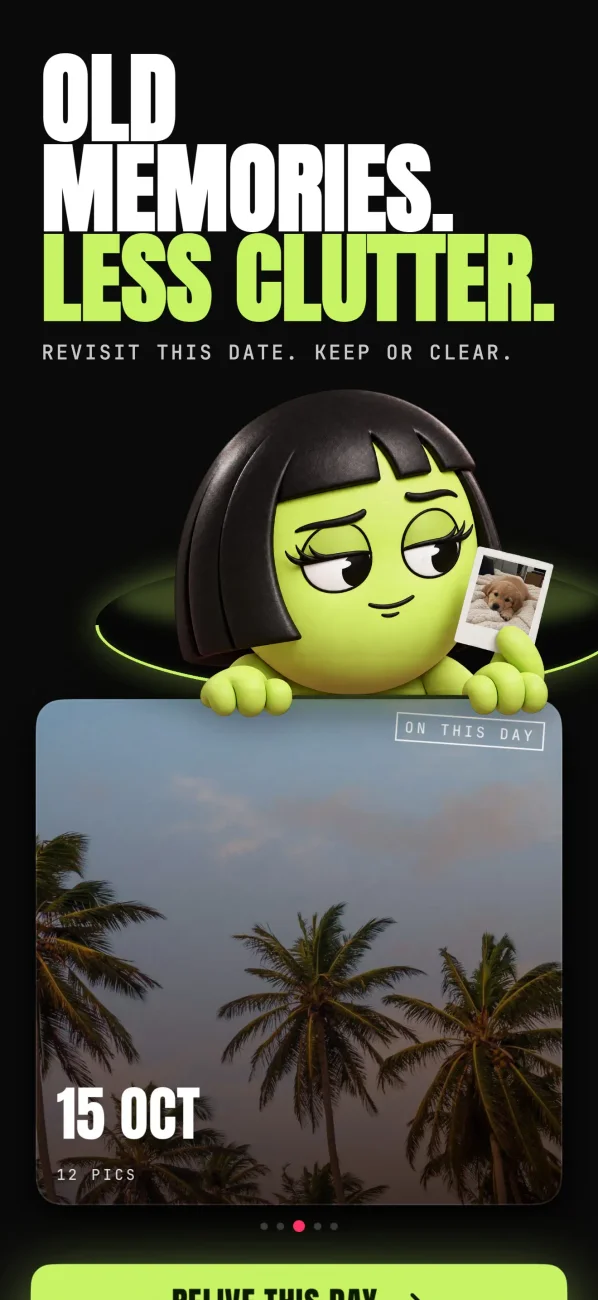
On This Day brings back photos from the same date in past years. Swipe between days, relive moments and clean as you go.
Your Story shows a month-by-month photo timeline.
Build a daily streak, follow your progress and set an optional reminder.
Made for You: after a trip or a busy day, Lumina picks the standout photos, skips near-duplicates, receipts and screenshots, and offers a ready-made reel.
CREATE — LIVE WALLPAPERS, REELS AND PHOTO RESCUE, ALL FREE
Live Wallpaper (free): turn any video into a Live Photo for a moving iPhone Lock Screen wallpaper. Pick the 2-second moment and cover frame on a Lock Screen preview, save, then follow three setup steps.
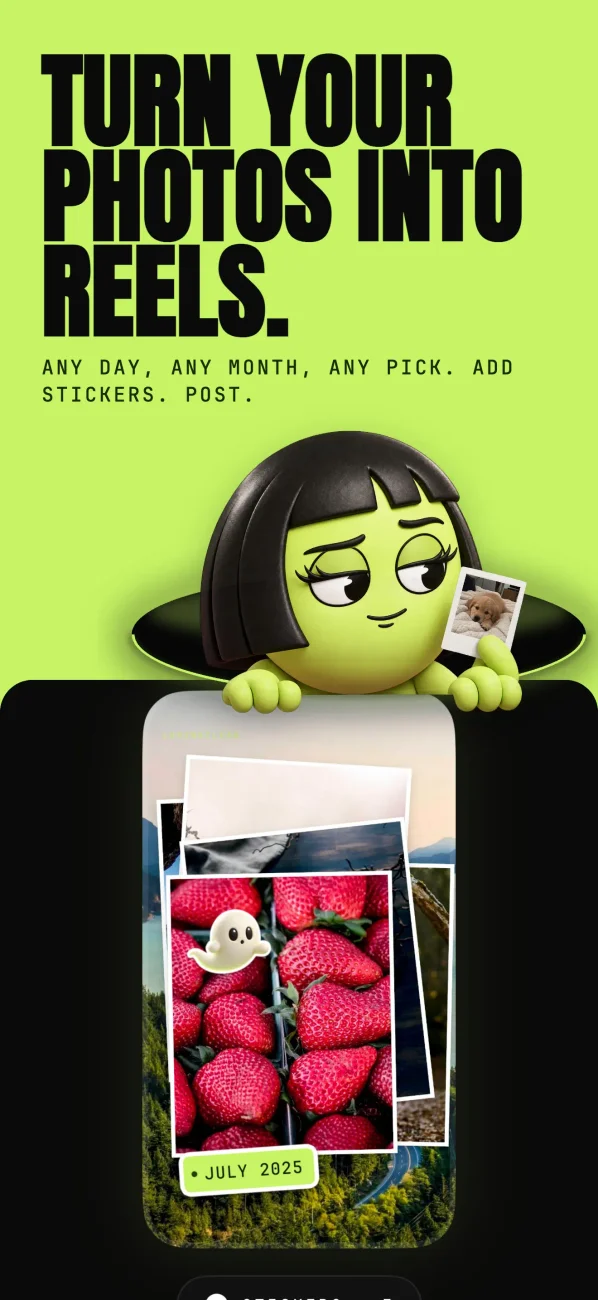
Memory Reel (free): turn a day, a month or selected photos into a 9:16 (1080 x 1920) reel for Instagram or TikTok. Choose Flash Dump (fast beat cuts), Pile-On (stacking photos) or Polaroid. Faces stay in frame. Add stickers you can drag, pinch and rotate on one photo or the whole reel, plus an optional Lumina end card. Reels export without sound; add music where you post.
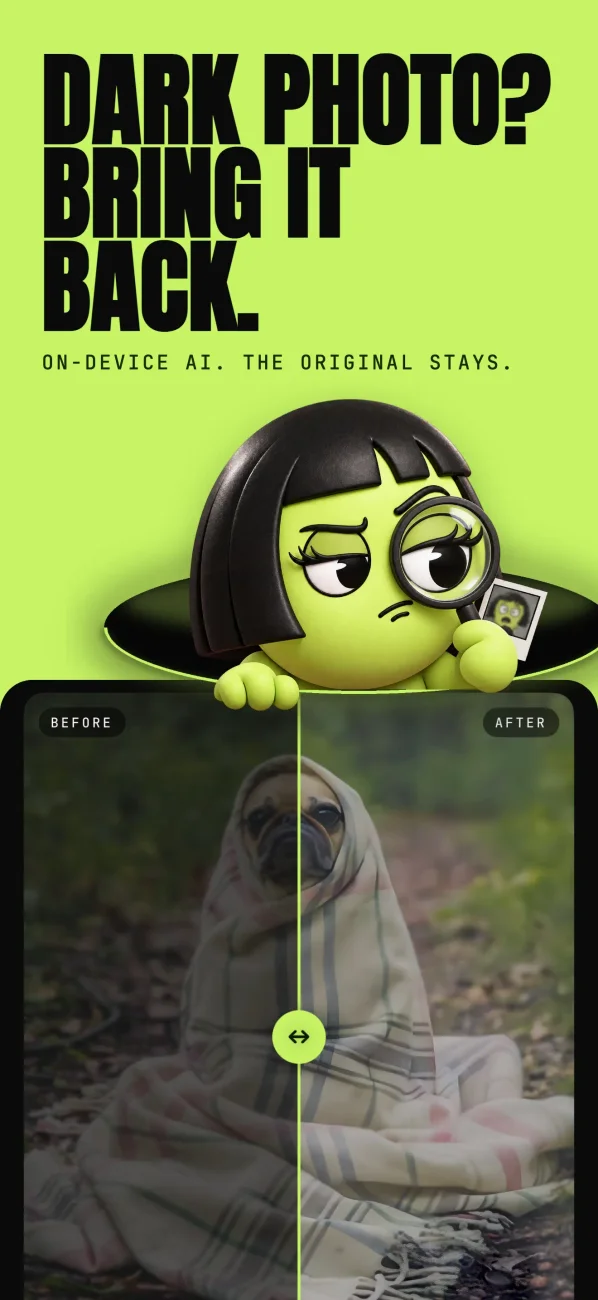
Photo Rescue (free): an on-device AI model restores detail in dark, blurry or old photos, and brightens and sharpens them. Nothing is uploaded. It saves a new copy with the same date and place; your original stays untouched.
FREE & PRO
Free to download. Free deleting: 65 photos or 1 GB, whichever comes first, then 30 free deletes every day. Pro unlocks unlimited deleting.
Live Wallpapers are free. Memory Reels are free. Photo Rescue is free. Scanning, swiping, Memories and video compression are free too. No ads.
PRIVACY FIRST
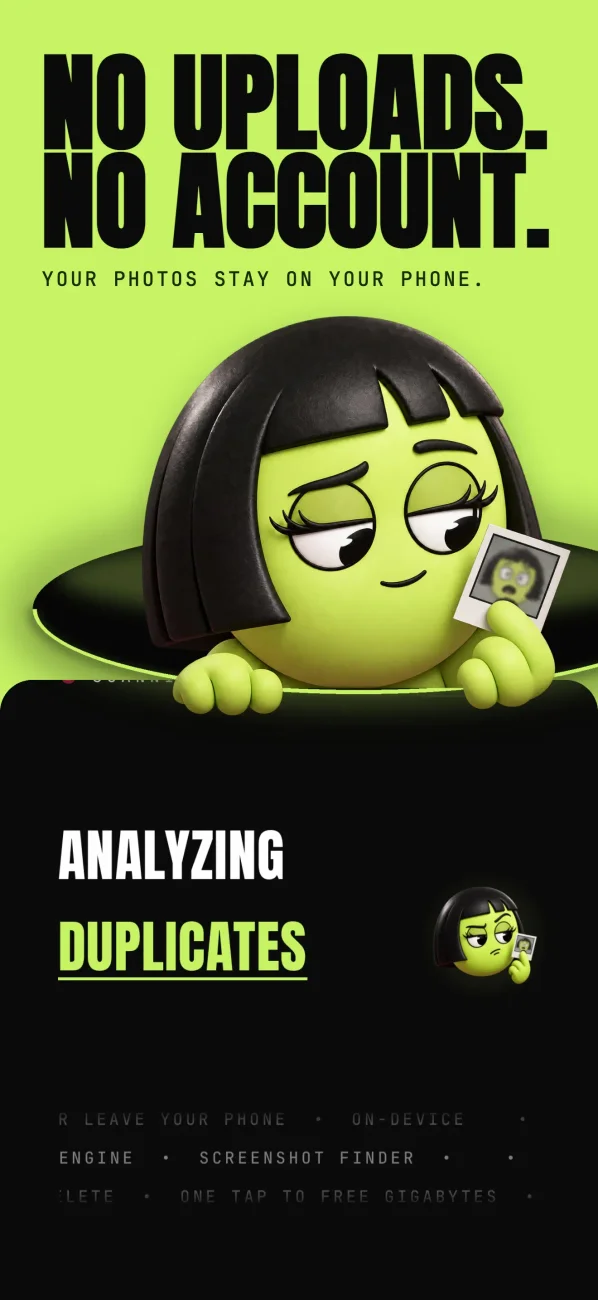
Photo scanning, editing and creating happen on your iPhone. No account. No cloud uploads. Available in 12 languages.
Privacy Policy: https://luminaclean.app/privacy.html
Terms of Use (EULA): https://www.apple.com/legal/internet-services/itunes/dev/stdeula/
What’s new
Version 3.6 · Oct 30, 2026
New in 3.6: CLEAN · MEMORIES · CREATE. Clean your photos, rediscover your memories, then bring them to life.
CLEAN your camera roll
• Swipe left to delete, right to keep. Save for Later keeps your marked photos when you leave.
• 30 free deletes every day, up from 10.
Relive your MEMORIES
• On This Day and Your Story, now in their own tab.
• Made for You: after a trip or a busy day, Lumina picks the highlights for a ready-made reel.
CREATE something new
• Live Wallpaper (free): turn any video into a moving Lock Screen.
• Memory Reel (free): turn your photos into reels in three styles, with stickers.
• Photo Rescue (free): an on-device AI model brings dark or blurry photos back, saved as a new copy.
App privacy
What Razvan Popa declares on the App Store about how this app handles data.
-
Data used to track you
May be used to track you across apps and websites owned by other companies.
- Purchases
- Identifiers
- Usage data
- Diagnostics
-
Data linked to you
May be collected and linked to your identity.
- Location
- Contact info
- User content
- Identifiers
- Usage data
-
Data not linked to you
May be collected but is not linked to your identity.
- Purchases
- Diagnostics
Privacy practices may vary, for example with the features you use or your age.
Information
- Seller
- Razvan Popa
- Category
- Productivity
- Version
- 3.6
- Updated
- Oct 30, 2026
- Released
- Jan 20, 2026
- Size
- 52.0 MB
- Requires
- iOS 17.6 or later
- Age rating
- 4+
- Price
- Free
- In-app purchases
- Yes
- Languages
- English, Arabic, French, German, Japanese, Korean, Polish, Portuguese, Simplified Chinese, Spanish, Traditional Chinese, Ukrainian
- Copyright
- © LuminaClean 2026
You might also like
-
 Stash Anything: Save LinksBookmark Everything for Later
-
 One-Tap Photo CleanerDuplicate photo cleaner
-
 Cisdem Duplicate FinderFind and remove duplicates
-
 TagmentiaNever Lose Saved Content
-
 Hypermonkey: ADHD ProductivityCapture, organize, take action
-
 Text to Speech Reader - OrioleScan, Summarize, Read Aloud
-
 Superchat - AI Task AssistantReminder, Booking & Automation
-
 Photo Cleaner: SwipeSweepImmerse, Swipe to Clean Photos
-
 Clever Cleaner: AI CleanUp AppFree Up Phone & Photo Storage
-
 Unforgetful: Never Lose a TaskTo-do reminders app for ADHD