- Age rating4+
- CategoryProductivity
- DeveloperDell Inc.
- LanguagesEnglish+ 7 more
- Size62.8 MB
Links to the official App Store page
Download.org hosts no file of Dell Audio. The button opens its official App Store page, published by Dell Inc. Listing last checked on Nov 22, 2026.
Screenshots
About
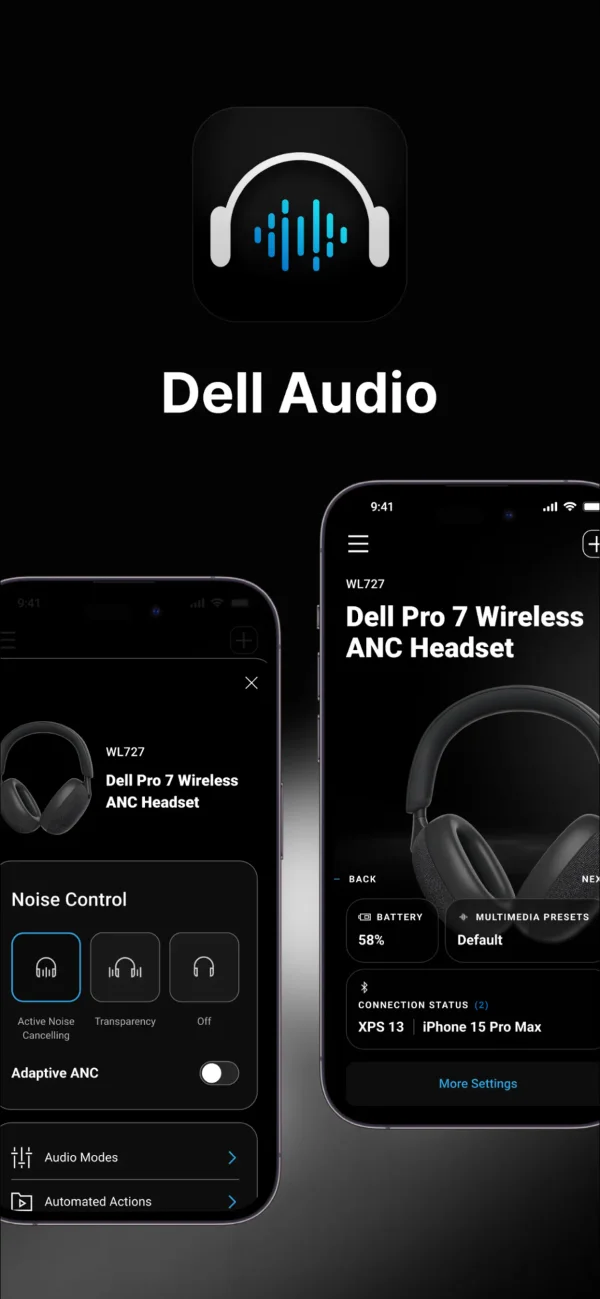
Dell Audio app is a companion mobile app for Dell wireless audio devices that enables you to personalize and enable headset features. This app currently supports -
1) Dell Pro Premium Wireless ANC Headset - WL7024
2) Dell Pro Plus Wireless ANC Headset - WL5024
3) Dell Pro Wireless Headset - WL3024
4) Dell Pro 5 Wireless Speakerphone - SL525
5) Dell Pro 5 Earbuds - EB525
6) Dell Pro 5 Wireless ANC Headset-WL527
7) Dell Pro 3 Wireless ANC Headset-WL327
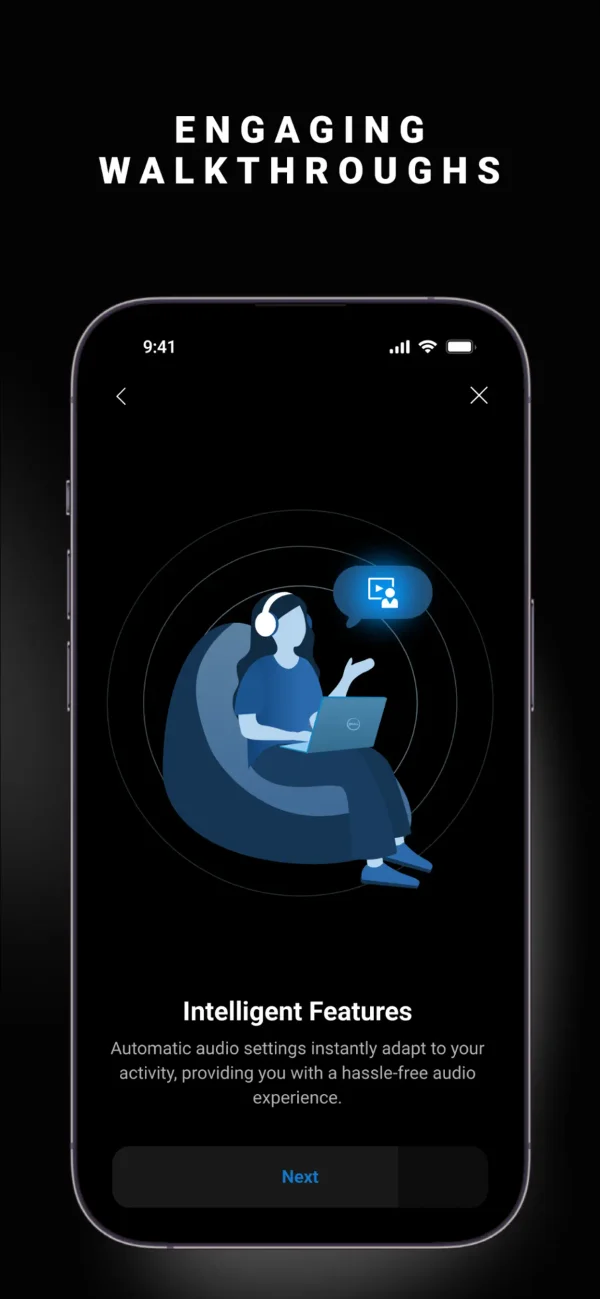
We have 2 Audio Modes to customize your settings based on your activity:
• Collaboration Mode - Be heard clearly when you are on conference calls with Mic Noise Cancellation. Control noise from both outgoing and incoming audio*. Control the volume of your voice on a call with Sidetone slider.
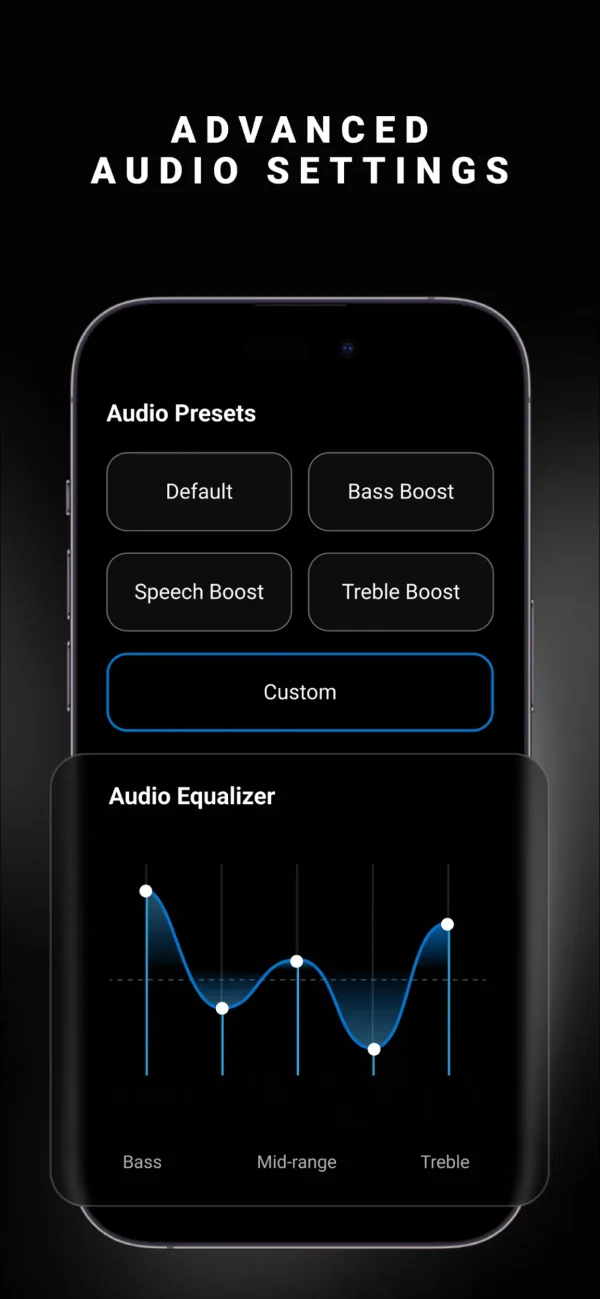
• Multimedia Mode - Set preset modes with Audio Preset. Create your own Custom preset using the Audio Equalizer, by adjusting settings for bass, mid-range, and treble levels. Or choose from predefined audio profiles: Default, Bass Boost, Speech Boost and Treble Boost
In addition, the Dell Audio app allows you to do so much more:
• Manage Noise lets you turn on noise cancellation or adjust the transparency level to decide how much surrounding sounds you want to hear*.
• Automated Actions allow you to pause music or mute mic when you take off the headset or earbuds. With Quick Pause, you can even pause music or mute mic by taking off just the earcup of WL7024.
• Busy Light turns on a red colored light on the headset when you are on call, indicating to people around you to leave you undisturbed, ideal for hot desking and hybrid work*.
• Voice Guidance sets the amount of audio prompts user may need for device features.
• Auto Off helps Dell wireless audio devices to automatically power off after a period of inactivity.
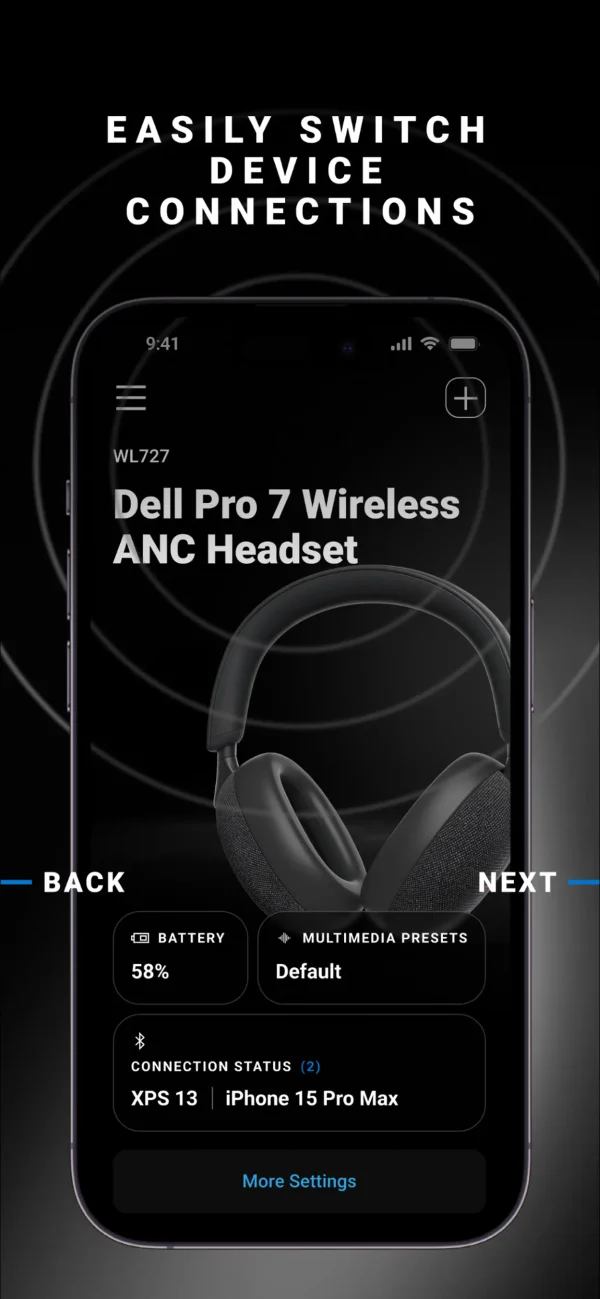
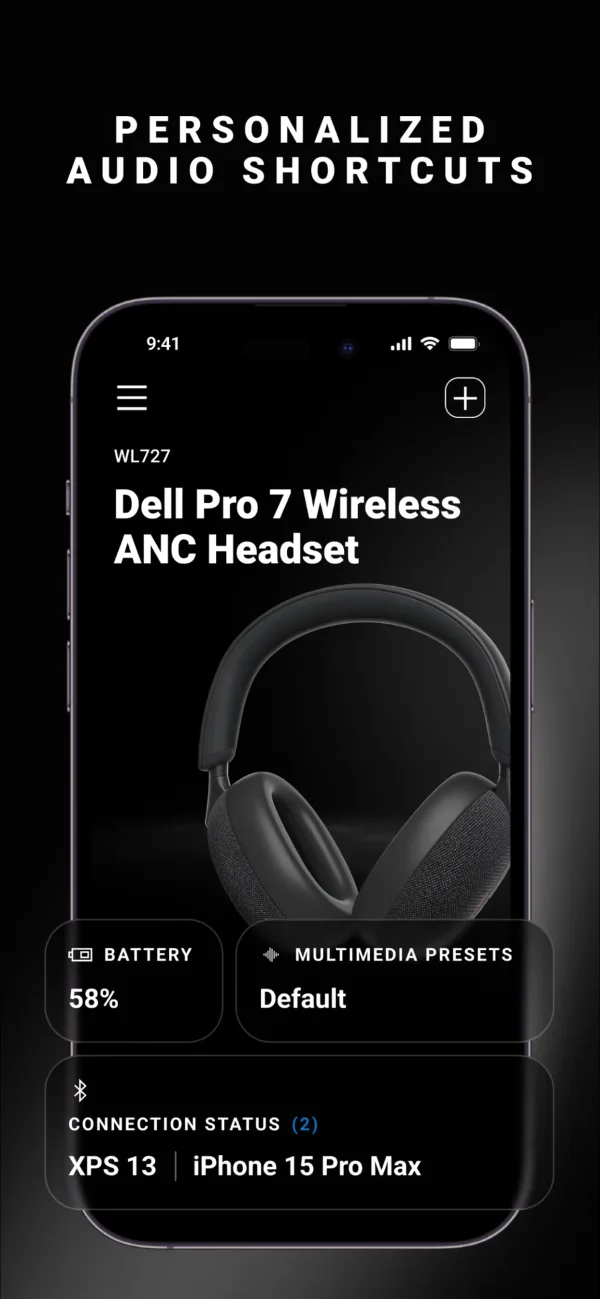
• Battery Status indicator displays your audio devices battery status with a visual battery indicator.
• You can also see the current firmware version and do firmware updates upon being notified.
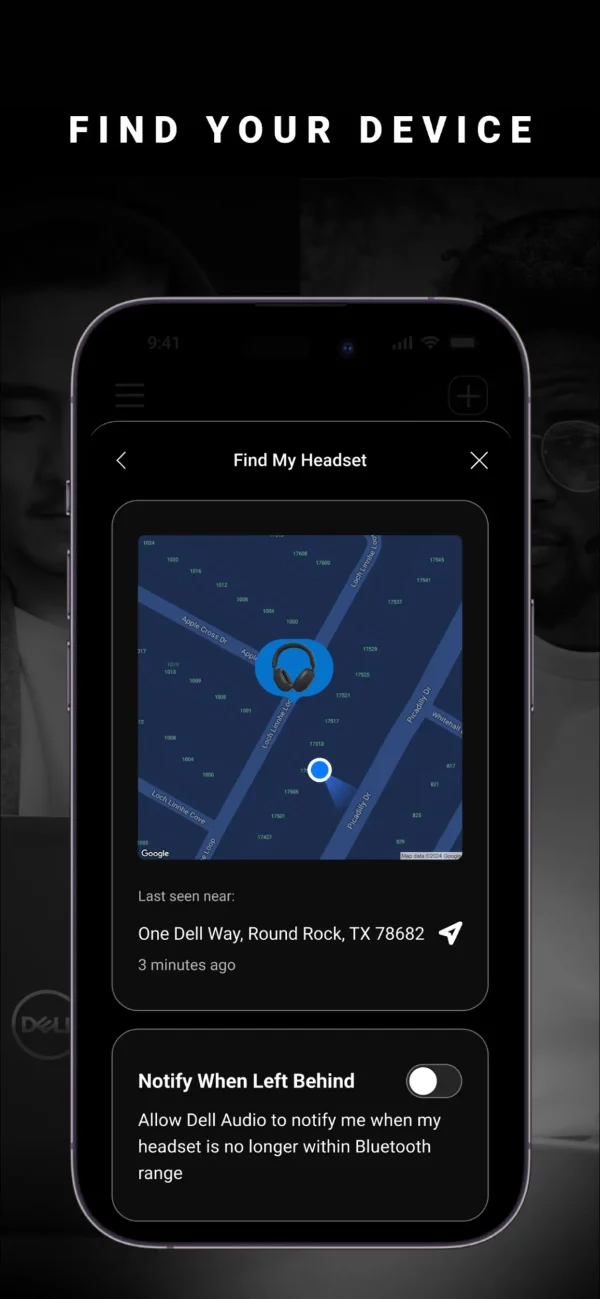
• ‘Find My Earbuds’* allows users to track the location of supported earbud devices.
• Adaptive ANC-noise cancellation adjusts automatically to your surroundings. Available on Dell Pro 5 Wireless ANC Headset-WL527 only.
What’s new
Version 1.2.0 · Oct 5, 2026
New headsets supported
Dell Audio now supports two new headsets:
Dell Pro 5 Wireless ANC Headset-WL527
Dell Pro 3 Wireless ANC Headset-WL327
New Feature
Adaptive ANC-noise cancellation adjusts automatically to your surroundings. Available on Dell Pro 5 Wireless ANC Headset-WL527 only.
App privacy
What Dell Inc. declares on the App Store about how this app handles data.
-
Data not linked to you
May be collected but is not linked to your identity.
- Other data
Privacy practices may vary, for example with the features you use or your age.
Information
- Seller
- Dell Inc.
- Category
- Productivity
- Version
- 1.2.0
- Updated
- Oct 5, 2026
- Released
- Feb 27, 2024
- Size
- 62.8 MB
- Requires
- iOS 17 or later
- Age rating
- 4+
- Price
- Free
- Languages
- English, French, German, Japanese, Korean, Simplified Chinese, Spanish, Traditional Chinese
- Copyright
- © 2026 Dell Technologies.
You might also like
-
 EPOS ConnectProductivity
-
 NinjaRMM Screenshare UtilityProductivity
-
 Yealink ConnectHeadset Management Tools
-
 UniFi DesignProductivity
-
 Logi TuneProductivity
-
 Logitech Sync InstallerProductivity
-
 Cisco HeadsetsProductivity
-
 HPE Instant OnProductivity
-
 NinjaOne MobileAll-in-One RMM Platform
-
 FlowscapeProductivity