Delta - Game Emulator
An AltStore app
Designed for iPhone, iPad
Free · In-app purchases
- Age rating4+
- CategoryEntertainment
- DeveloperTestut Tech
- LanguagesEnglish
- Size228.1 MB
Links to the official App Store page
Download.org hosts no file of Delta - Game Emulator. The button opens its official App Store page, published by Testut Tech. Listing last checked on Nov 29, 2026.
Screenshots
About
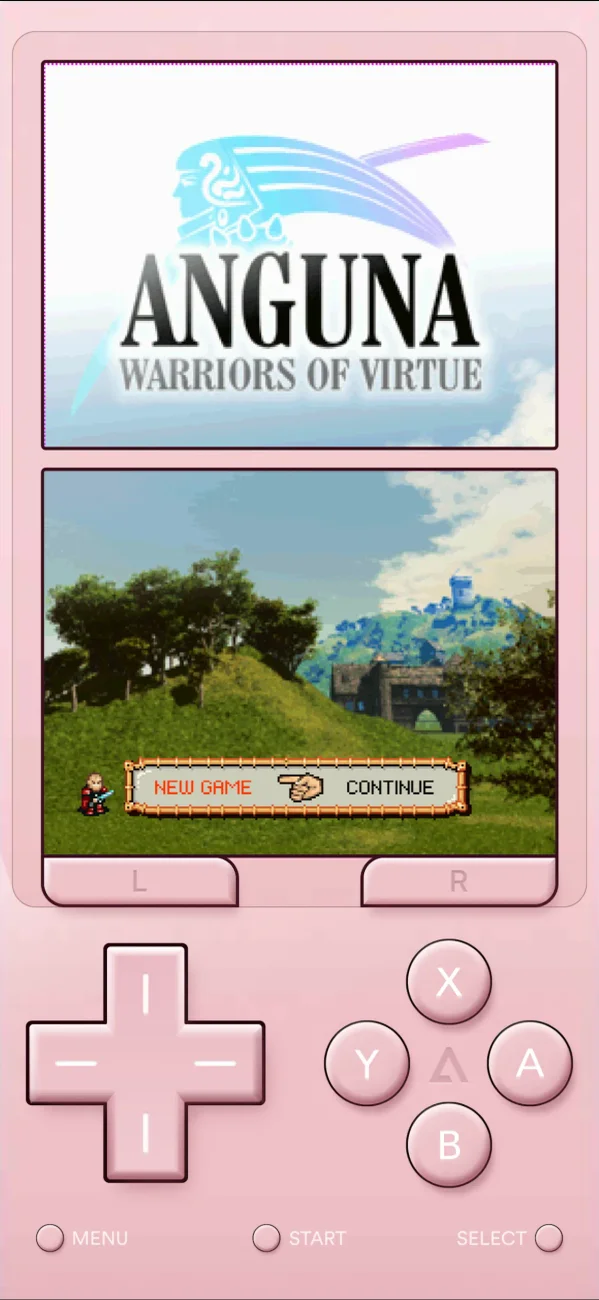
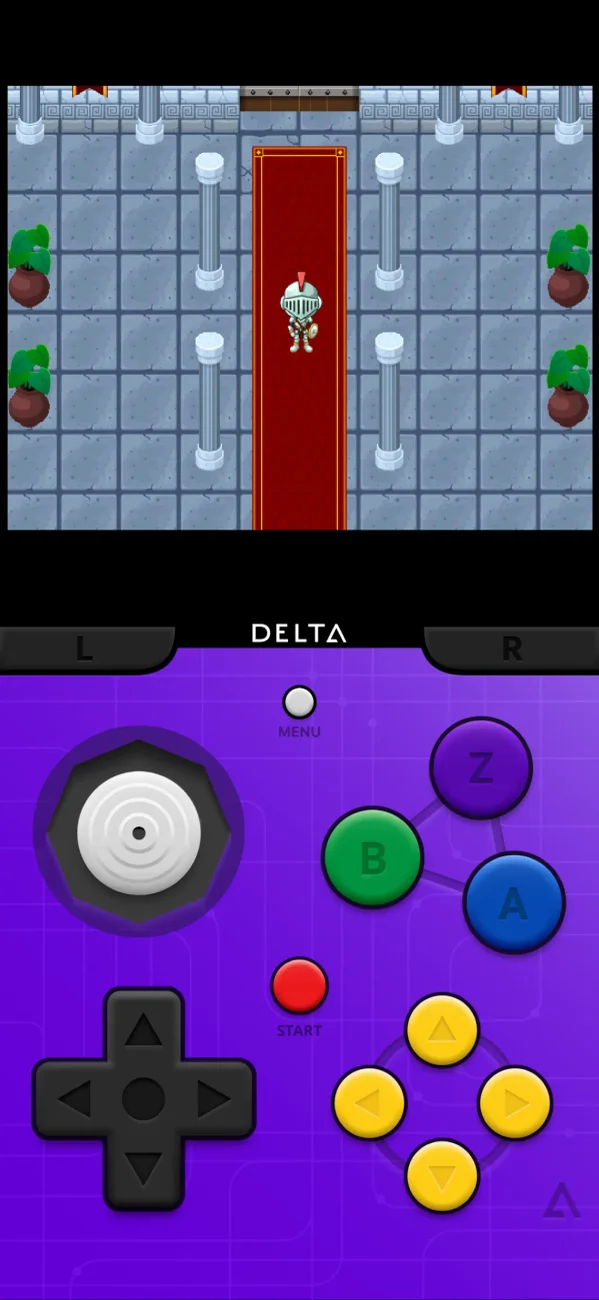
Delta is an all-in-one emulator for iOS and iPadOS. Delta builds upon the strengths of its predecessor, GBA4iOS, while expanding to include support for more game systems such as NES, SNES, N64, Nintendo DS, and Sega Genesis.
FEATURES
Supported Game Systems
• Nintendo Entertainment System
• Super Nintendo Entertainment System
• Nintendo 64
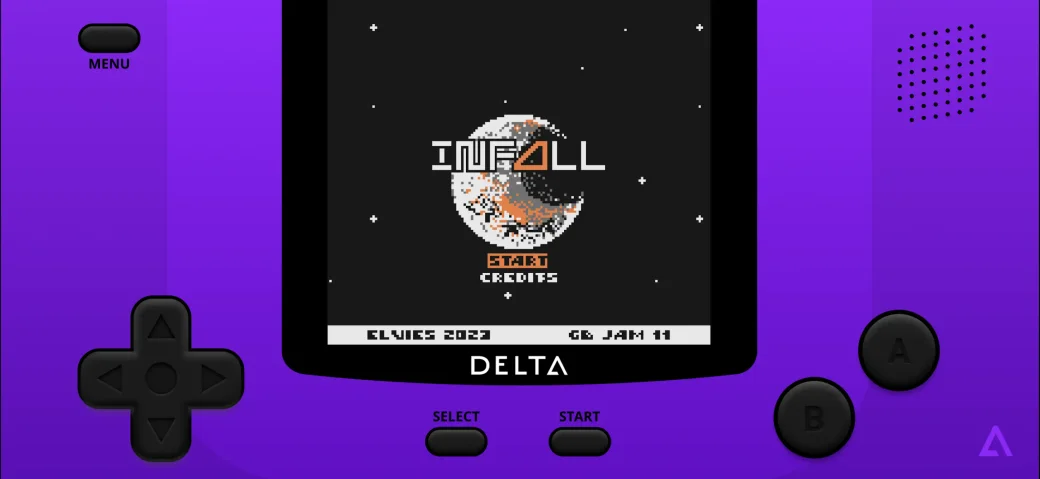
• Game Boy (Color)
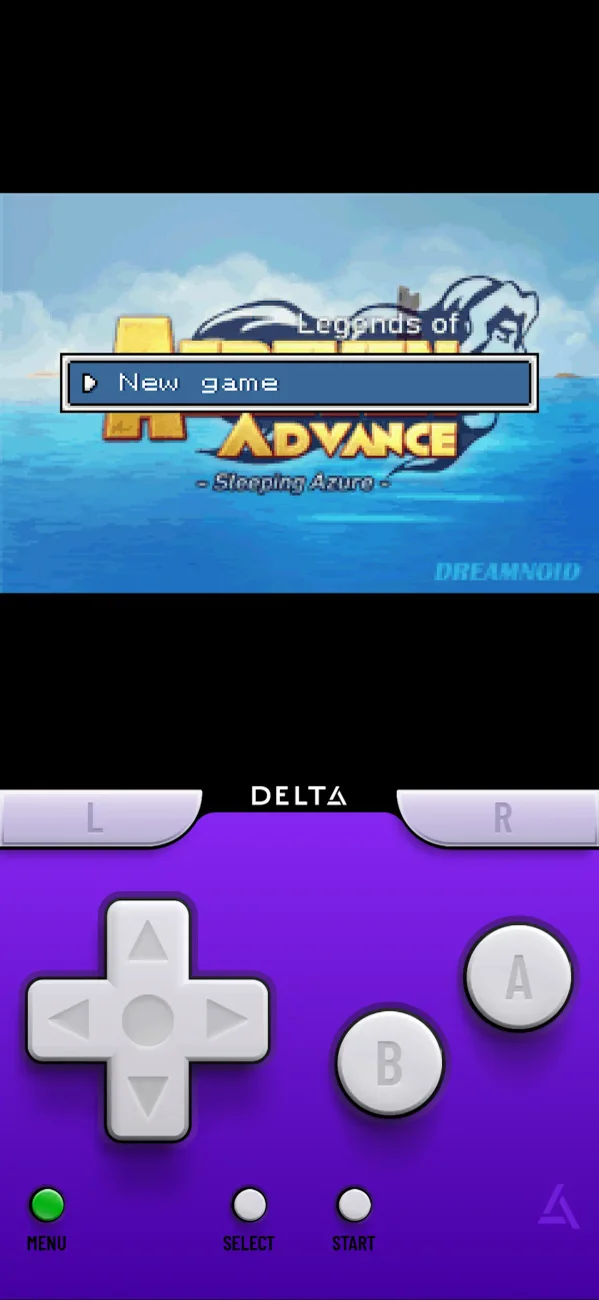
• Game Boy Advance
• Nintendo DS
• Sega Genesis
Online Multiplayer
• Play online-compatible Nintendo DS games with friends around the world!
• Connect via community Nintendo WFC servers
• Choose one of the default servers, or provide a custom DNS
Controller Support
• Nintendo Switch Pro controllers, Joy-Cons
• Nintendo Switch Online controllers (NES, SNES, N64)
• PS4, PS5
• Xbox One S, Xbox Series X
• MFi game controllers
• Bluetooth & wired keyboards
RetroAchievements
• Sign in with your RetroAchievements account to earn achievements in any supported game
• Supports Hardcore mode, which disables loading save states and using cheats
• Shows your achievement progress when launching a game
Save States
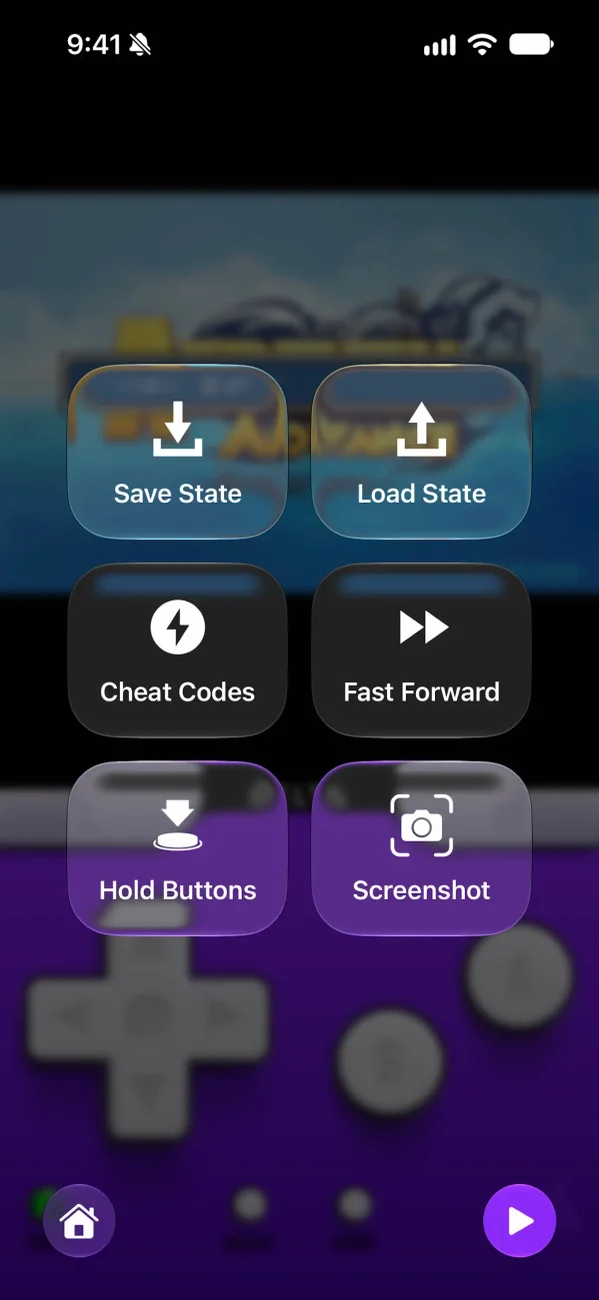
• Save and load save states for any game from the pause menu.
• Lock save states to prevent them from being accidentally overwritten.
• Automatically makes backup save states to ensure you never lose your progress.
• Support for “Quick Saves,” save states that can be quickly saved/loaded with a single button press (requires external controller).
Cheats
• Supports various types of cheat codes for each supported system:
• NES: Game Genie
• SNES: Game Genie, Pro Action Replay
• N64: GameShark
• GBC: Game Genie, GameShark
• GBA: Action Replay, Code Breaker, GameShark
• DS: Action Replay
• Genesis: Action Replay, Game Genie
Delta Sync
• Sync your games, game saves, save states, cheats, controller skins, and controller mappings between devices.
• View version histories of everything you sync and optionally restore them to earlier versions.
• Supports both Google Drive and Dropbox.
Custom Controller Skins
• Beautiful built-in controller skins for all systems.
• Import controller skins made by others, or even make your own to share with the world!
• Supports animated buttons for even more immersion when playing games
Hold Button
• Choose buttons for Delta to hold down on your behalf, freeing up your thumbs to press other buttons instead.
• Perfect for games that typically require one button be held down constantly (e.g. run button in Mario games, or the A button in Mario Kart).
Fast Forward
• Speed through slower parts of games by running the game much faster than normal.
• Easily enable or disable from the pause menu, or optionally with a mapped button on an external controller.
• Customize speed per-game by long-pressing Fast Forward option in pause menu.
3D/Haptic Touch
• Use 3D or Haptic Touch to “peek” at games, save states, and cheat codes.
• App icon shortcuts allow quick access to your most recently played games, or optionally customize the shortcuts to always include certain games.
Game Artwork
• Automatically displays appropriate box art for imported games.
• Change a game’s artwork to anything you want, or select from the built-in game artwork database.
Misc.
• Gyroscope support (WarioWare: Twisted! only)
• Microphone support (DS only)
• Support for delta:// URL scheme to jump directly into a specific game.
Delta Terms of Use: https://altstore.io/terms
**Delta is in no way affiliated with Nintendo. The name "Nintendo" and all associated game console names are registered trademarks of Nintendo Co., Ltd.**
What’s new
Version 2.0.2 · Nov 23, 2026
Controller Skins
• Updated several default skins to support animated buttons
• “More” button in Controller Skin settings allows downloading additional skins:
• New DS skin with larger top screen for iPhone Duo
• New six-button Sega Genesis skin
Settings
• Hide Favorites and/or Recently Played from Game Library
• Disable “Speed Limit” to allow Fast Forward speeds up to 8x
Misc.
• Fixed always returning to Recently Played when exiting game
• Fixed AirPlay support on iOS 27
• Fixed missing CheatBase option for DS games
• Fixed Experimental Features unexpectedly turning off after relaunching Delta
• Fixed animated skins appearing distorted after rotation
PREVIOUS UPDATE (2.0)
iPhone Duo
• Delta unfolds in all new ways to take full advantage of iPhone Duo
• Optimized controller skins for every pose in both portrait and landscape
• Supports Split View multitasking with other apps
• Folding Duo puts DS games to sleep, just like closing the lid of a real DS
Sega Genesis
• Delta does what Nintendon’t!
• Sega Genesis games are now playable in Delta
• New controller skins for iPhone and iPad recreate the classic Genesis controller look
• Built-in support for Action Replay and GameGenie cheats
Liquid Glass UI
• Fresh new UI designed from the ground up for Liquid Glass
• Fully adapts to all screen sizes from Duo to iPad
• System icons mark every page in your Game Library
• Default artwork now has a light, glassy look
RetroAchievements
• Sign in with your RetroAchievements account to earn achievements in any supported game
• Supports Hardcore mode, which disables loading save states and using cheats
• Shows your achievement progress when you launch a game
Recents & Favorites
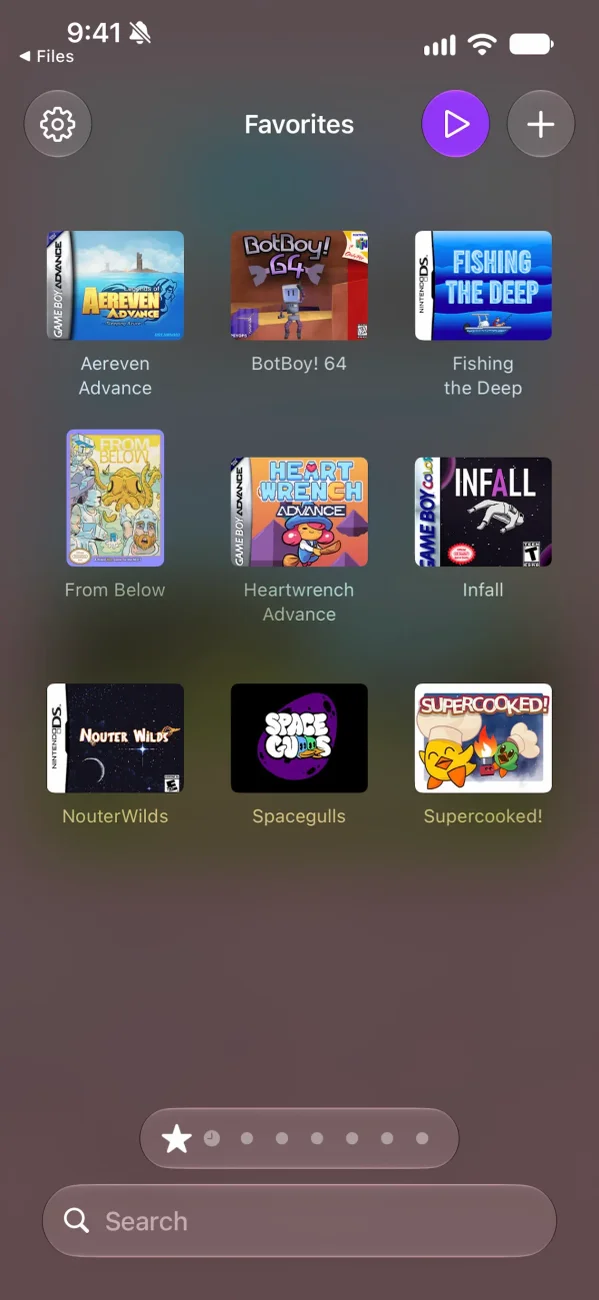
• New "Recently Played" and "Favorites" pages in Game Library
• Quickly jump back in to your most recently played games
• Add games to "Favorites" via long-press for easy access
Animated Controller Skins
• Controller skins come to life with support for fully animated buttons and controls
• Supports 3rd-party skins, so skin creators can make their own
• Try Delta’s new official animated GBA skin, designed by Caroline Moore
Audio Settings
• New audio settings to control how Delta handles other apps’ audio
• "Mix with Other Audio" keeps music or podcasts playing alongside game audio
• "Pause Other Audio" pauses everything else when a game starts
Adjustable Screen Position
• Long-press to move your game screen wherever you like when playing with a controller
• Easily move the screen above your favorite faceplate controllers
DLC
• Custom in-game experiences for classic Pokémon games
• Unlock event items, receive rare Pokémon, and more
• Supports all mainline GBA Pokémon games
• First DLC coming soon!
Redesigned Pause Menu
• Fully redesigned & animated pause menu with Liquid Glass
• Large, centered pause menu buttons make navigation simple
• Dynamically adjusts pause menu layout to scale to all window sizes
• Redesigned cheats screen with custom icons for additional customization
Redesigned Settings
• Reorganizes settings into more easily navigable hierarchy
• Displays icons for all top-level settings
• Redesigned controller input mapping screen for game controllers and keyboards
• New Lil’ Settings and Advanced sections for additional customizations
Custom Filters (Experimental Feature)
• Experience your games just how you remember with new custom game filters
• Set your filters per-system to change how games look across all your games
• Choose from a set list of defaults (e.g. CRT) or import your own custom filters from the Files app
Epilogue GB/SN Operator Support (Experimental Feature)
• Use your GB/SN Operator devices with Delta, thanks to the Epilogue team
• Connect game cartridges directly to your iPhone/iPad and play them natively
• Reads and writes save files to cartridge
• GB and SN operators support GBC/GBA and SNES games respectively
• Blowing into cartridges optional
App privacy
What Testut Tech declares on the App Store about how this app handles data.
-
Data not collected
The developer does not collect any data from this app.
Privacy practices may vary, for example with the features you use or your age.
Information
- Seller
- Yvette Testut
- Category
- Entertainment
- Version
- 2.0.2
- Updated
- Nov 23, 2026
- Released
- Apr 17, 2024
- Size
- 228.1 MB
- Requires
- iOS 17.4 or later
- Age rating
- 4+
- Price
- Free
- In-app purchases
- Yes
- Languages
- English
- Copyright
- © Riley Testut
You might also like
-
 Manic EMU - Game EmulatorRetro GBA NDS PSP 3DS N64
-
 iGBA: GBA & GBC Retro EmulatorPlay Retro Games on iPhone
-
 Lucky Emulator – GBA & DSGBA & DS • Fast Forward & Save
-
 GBA Emulator - Retro GamesPlay Gameboy & PSP, PS1, DS
-
 Provenance AppRetro console game emulator.
-
 Game Emulator - RetroHubRetro Games Console Emulator
-
 UTM SE: Retro PC emulatorRun classic software and games
-
 Emu — Game Consoles AppRetro Console Emulator
-
 RTM-EMU : PS2 PS3 PS4 X360 PS1PS2 PS3 PS4 XB360 PS1 Emulator
-
 JOY Emulator: 3DS Wii NDS PSPPocket Arcade GBA PS1 Wii N64