Desh Marathi Keyboard
Official from Desh Keyboard
Designed for iPhone, iPad, iPod touch
Free
- Age rating4+
- CategoryUtilities
- DeveloperClusterDev Technologies Private Limited
- LanguagesEnglish
- Size37.0 MB
Links to the official App Store page
Download.org hosts no file of Desh Marathi Keyboard. The button opens its official App Store page, published by ClusterDev Technologies Private Limited. Listing last checked on Nov 20, 2026.
Screenshots
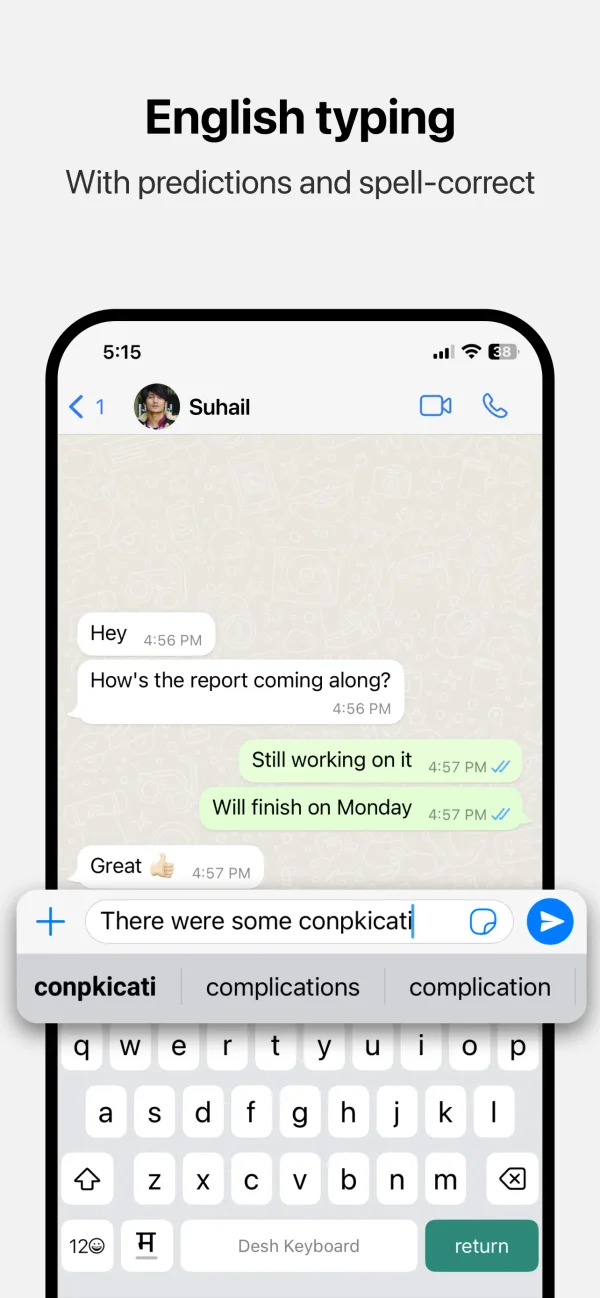
About
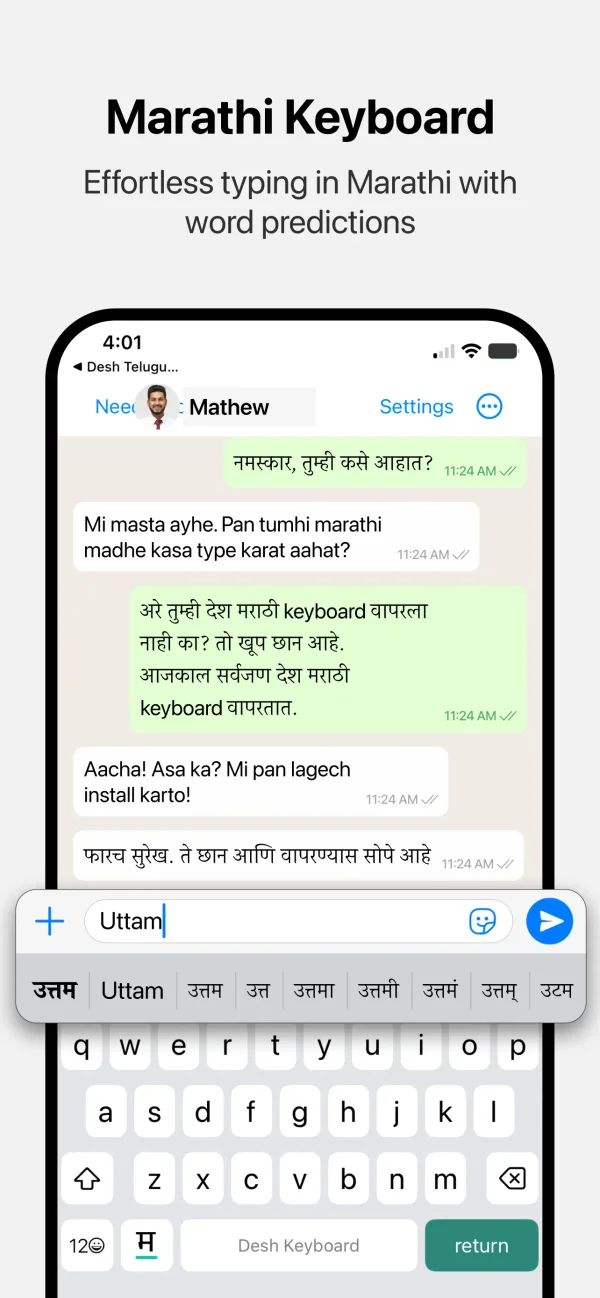
Desh Marathi Keyboard is a keyboard extension that makes Marathi typing super easy:
• Type in English letters and get Marathi words with our transliteration technology
• Type faster using word predictions
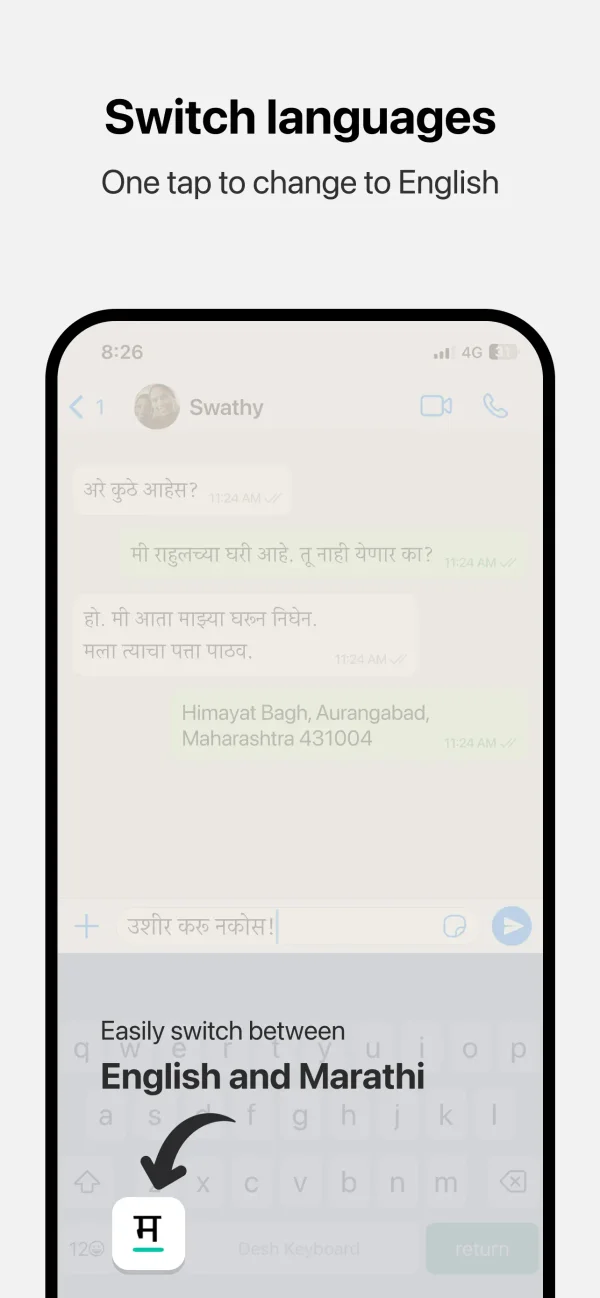
• Easily switch to English with the language key
• Word predictions and spell-correct is available in English also
• Emoji button is available after pressing 123
Open the app and follow instructions to get your new Marathi keyboard:
• Enable keyboard from settings
• Activate the keyboard by holding the Globe icon and selecting "Desh Marathi Keyboard"
• Type Marathi everywhere!
Allowing full access:
• When enabling the keyboard, you may enable "Allow Full Access"
• This allows us to access crash reports and will help us improve the stability of the app
• We respect your privacy. No personal information is collected
• A standard warning is shown when you enable any downloaded keyboard app
How to access settings:
• Tap on the ⋯ button after opening the app and tap Settings. This option will be available after keyboard is activated
• Available settings: sound on key press, vibrate on key press, emoji row, number row
Using the clipboard:
• The clipboard lets you save text that you frequently use and paste them easily
• After you copy any text, it can be viewed from the clipboard by tapping on "Paste copied text". You can use the Pin button to save it permanently
• To show copied text automatically when clipboard is opened, you can change the "Paste from Other Apps" setting to "Allow"
Using stickers to make your chats more fun:
• Open the stickers page by clicking on the sticker icon on the keyboard. Click on any sticker you like to copy it
• Navigate back to your chat app and use your phone's Paste option in the message box
• The sticker will be pasted in the chat. Note that animations are currently sent as GIFs due to technical limitations
Do share your feedback and help us improve Desh Marathi Keyboard. And don't forget to leave a review if you like it.
What’s new
Version 3.0.7 · Nov 11, 2025
- Improved Marathi typing
- Fresh new look for the keyboard
- Fix for stickers not opening
App privacy
What ClusterDev Technologies Private Limited declares on the App Store about how this app handles data.
-
Data not linked to you
May be collected but is not linked to your identity.
- Identifiers
- Usage data
- Diagnostics
Privacy practices may vary, for example with the features you use or your age.
Information
- Seller
- ClusterDev Technologies Private Limited
- Category
- Utilities
- Version
- 3.0.7
- Updated
- Nov 11, 2025
- Released
- Apr 5, 2023
- Size
- 37.0 MB
- Requires
- iOS 14.0 or later
- Age rating
- 4+
- Price
- Free
- Languages
- English
- Copyright
- © ClusterDev Technologies Private Limited
You might also like
-
 Marathi Keyboard - TranslatorMarathi Keyboard Extension
-
 Marathi Keyboard: TranslatorMarathi type made fun & easy!
-
 KALNIRNAY 2026Utilities
-
 MahaTrafficappMaharashtra Traffic Police
-
 Marathi Calendar - 2027Marathi Sanatan Hindu Panchang
-
 Marathi Keyboard & TranslatorType Marathi & Translate it
-
 ShareKaro - Fast File SharingUniversal Fast File Transfers
-
 Lipi: Preeti to UnicodeNepali font converter, offline
-
 Hindi Keyboard - Type In HindiHindi keyboard and Translator
-
 ShareMe: iShare File TransferInShare File sharing