
- Age rating4+
- CategoryUtilities
- DeveloperBeijing Lingdong Wireless Network Technology Co., Ltd.
- LanguagesEnglish+ 1 more
- Size16.0 MB
Links to the official App Store page
Download.org hosts no file of Design Mirror. The button opens its official App Store page, published by Beijing Lingdong Wireless Network Technology Co., Ltd. Listing last checked on Nov 12, 2026.
Screenshots
About
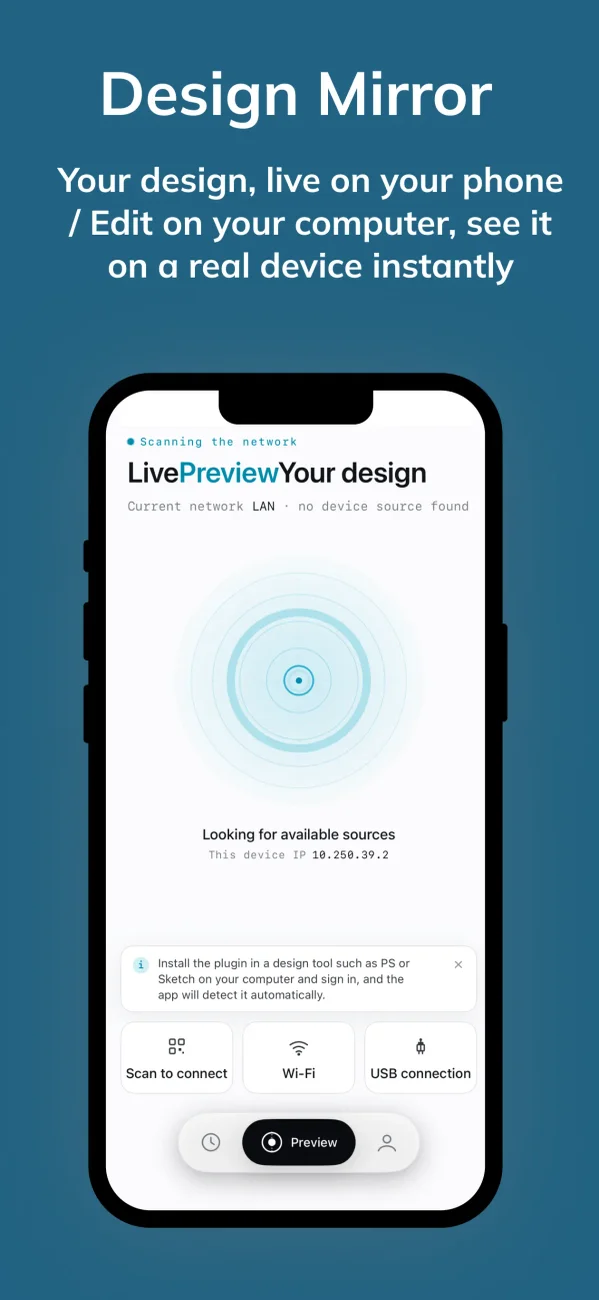
Design Mirror is an app that connect your Photoshop/illustrator/Sketch/XD/Figma/Mastergo/Jsdesign and live show the images your currently opened. It auto detect your design tools within same wifi network or using usb cable. It's extremely useful for designers and product makers to preview art design on real mobile device.
features:
0. support Photoshop, Adobe illustrator, Sketch, Adobe XD, Figma, Mastergo, Jsdesign
1. auto device detection in same wifi network
2. usb cable connect support
3. preview in pc web browser
4. run on win/mac os
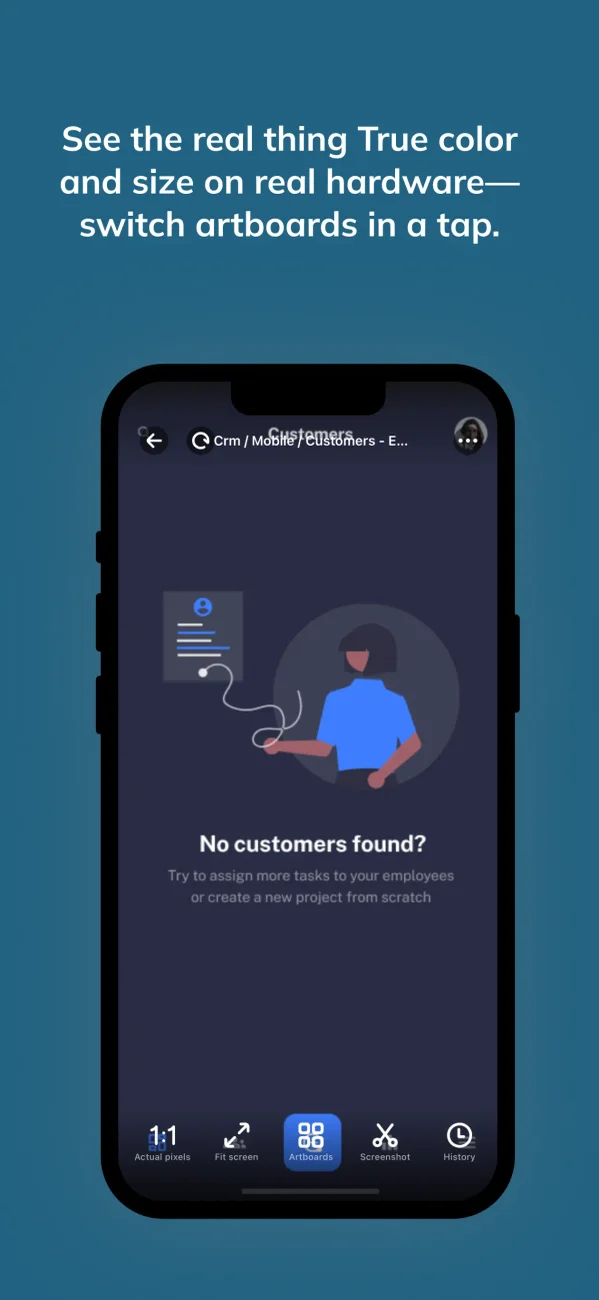
5. pinch to zoom in/out your image on device
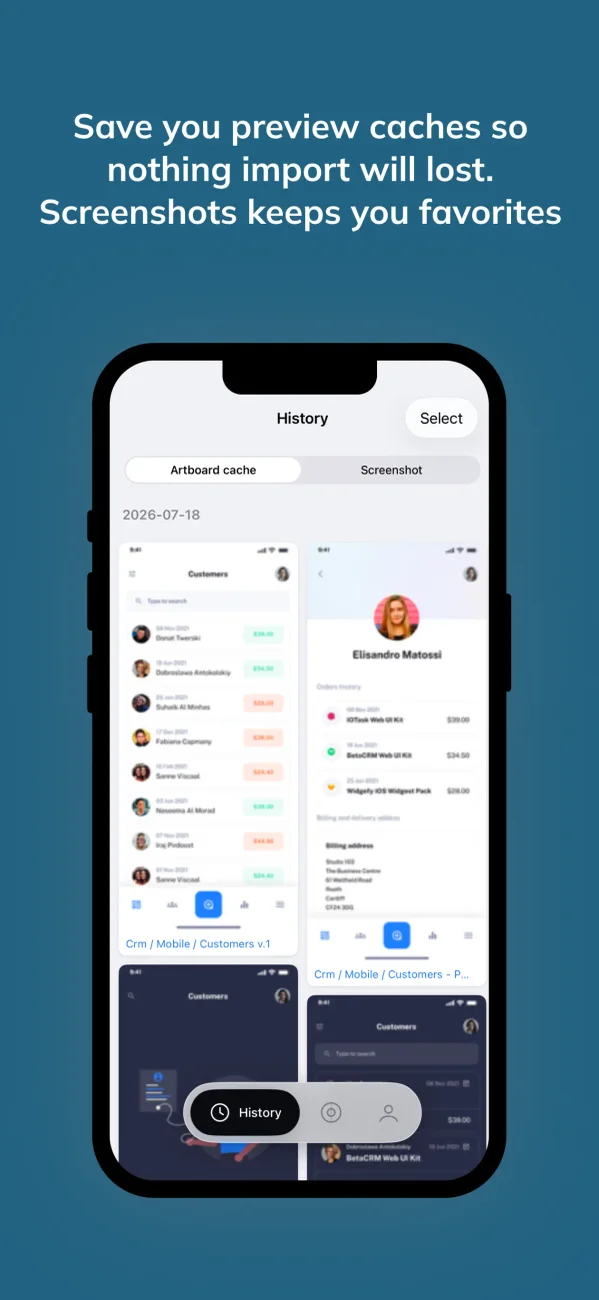
6. take screenshot and histories
7. upload image from mobile device to Photoshop/Sketch
What’s new
Version 4.0.21 · Oct 23, 2026
Before connecting over mobile data, the app now asks first so you don't use your data plan by accident, and tells you when a VPN is blocking the connection.
When your phone and computer are on different networks, the app first tries a direct peer-to-peer connection before using the cloud relay. Cloud relay previews are sharper (update the desktop app to 4.0.21).
App privacy
What Beijing Lingdong Wireless Network Technology Co., Ltd. declares on the App Store about how this app handles data.
-
Data not collected
The developer does not collect any data from this app.
Privacy practices may vary, for example with the features you use or your age.
Information
- Seller
- Beijing Lingdong Wireless Network Technology Co., Ltd.
- Category
- Utilities
- Version
- 4.0.21
- Updated
- Oct 23, 2026
- Released
- May 30, 2016
- Size
- 16.0 MB
- Requires
- iOS 17.0 or later
- Age rating
- 4+
- Price
- Free
- Languages
- English, Simplified Chinese
- Copyright
- © 2018 xiaoqiang