Desk Clock: Pomodoro Timer
Productivity: Work & Study
Designed for iPhone, iPad, iPod touch
Free · In-app purchases
- Age rating4+
- CategoryReference
- Developer筱彤 余
- LanguagesEnglish+ 1 more
- Size23.4 MB
Links to the official App Store page
Download.org hosts no file of Desk Clock: Pomodoro Timer. The button opens its official App Store page, published by 筱彤 余. Listing last checked on Nov 15, 2026.
Screenshots
About
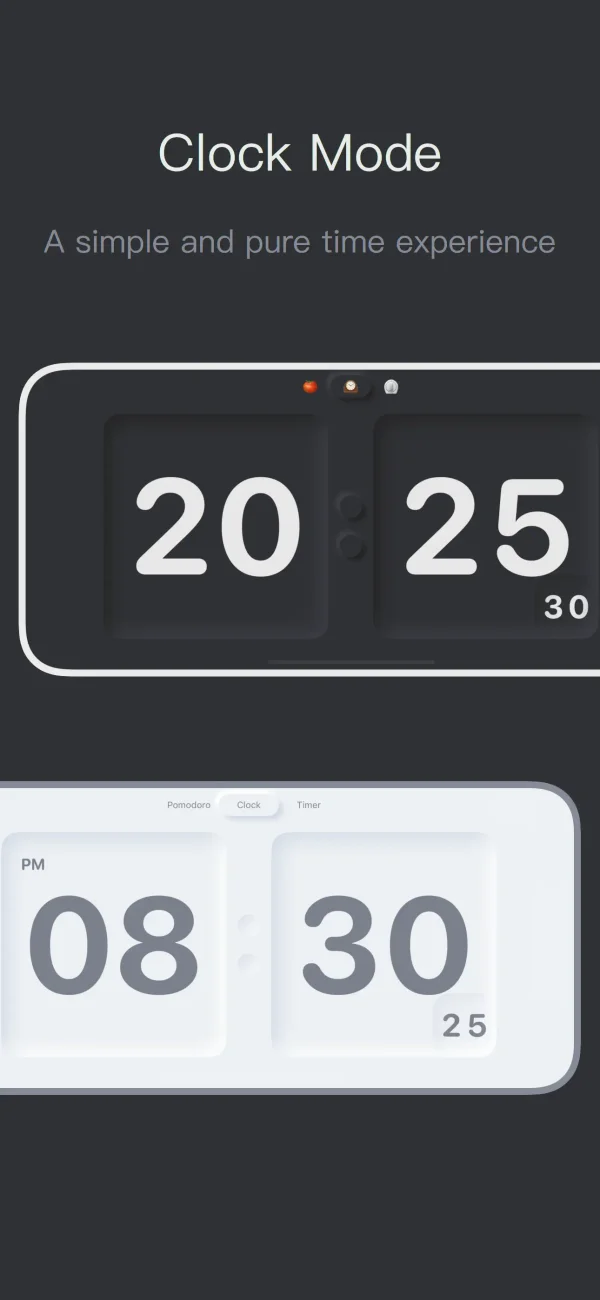
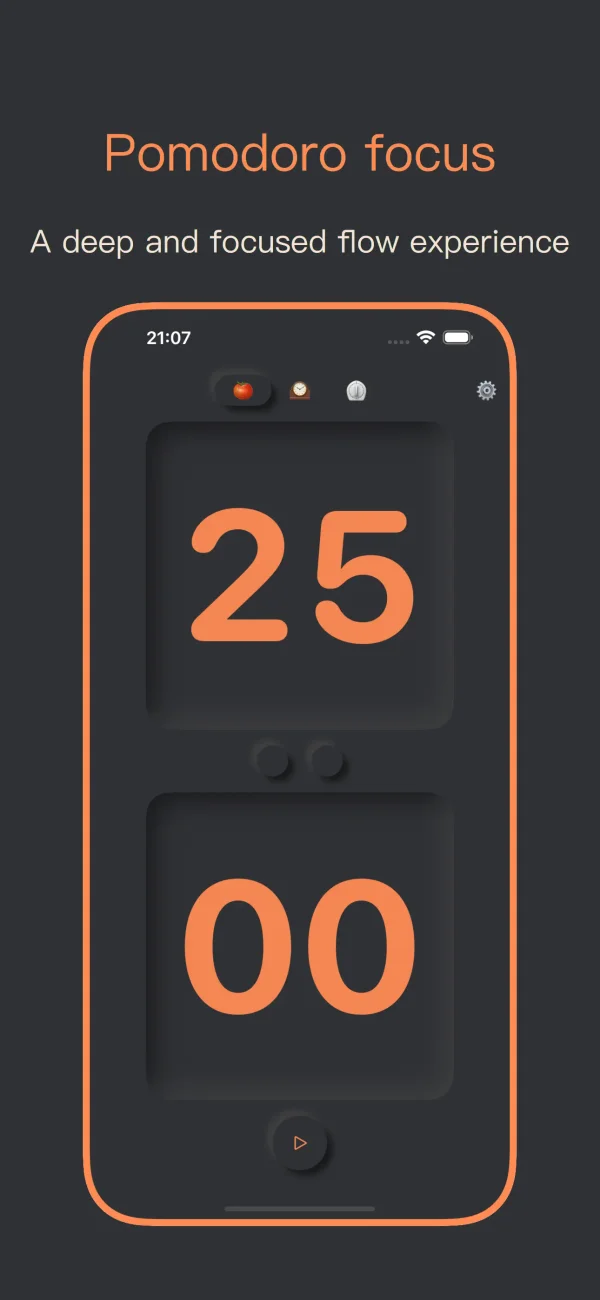
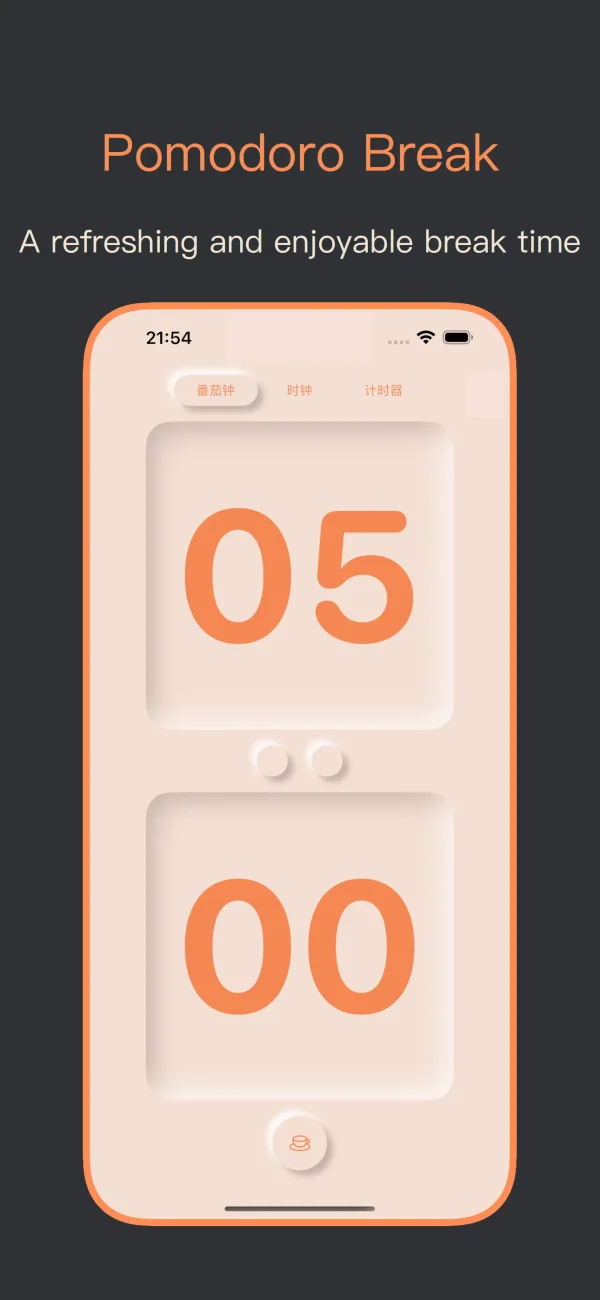
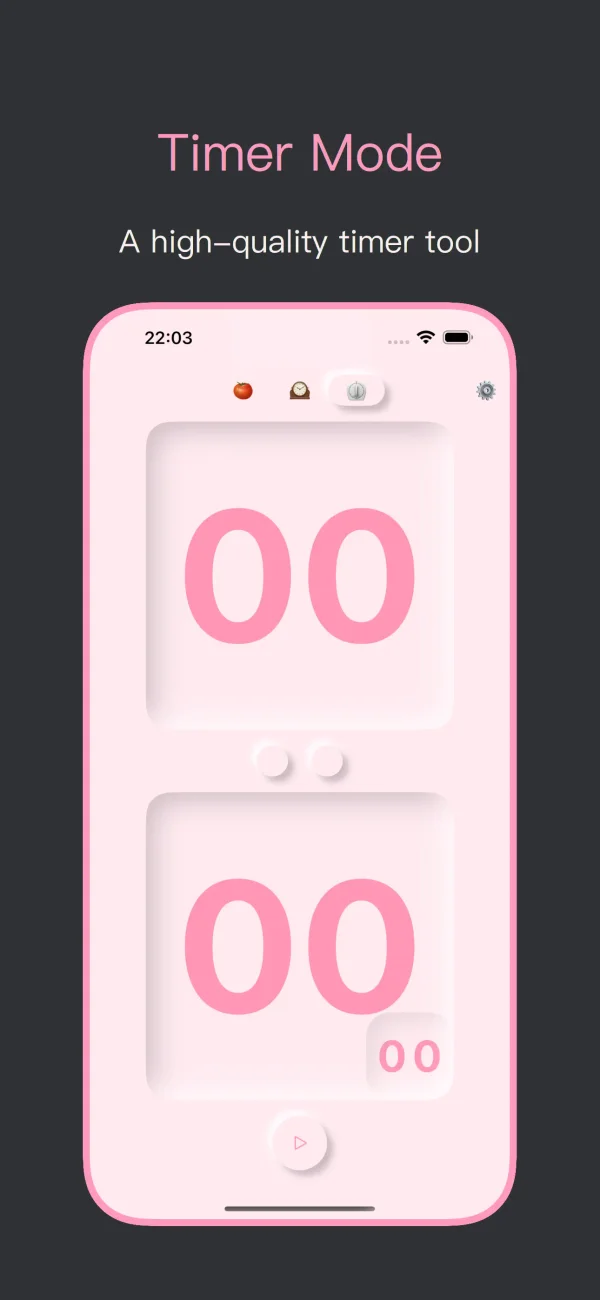
Desktop Clock is a desktop clock app designed for students and professionals. It provides three modes: Clock, Pomodoro, and Timer. It helps you focus and be more efficient, and also makes your phone's desktop more beautiful.
#Who needs it?
1. Difficult to focus on your work or studies
2. Feelings of worry, nervousness, or unease
3. Looking to improve your productivity
4. Making phone's desktop more stylish
#Key features:
1. Minimalist clock: No ads, no clutter, just a large, clear clock face that's easy to read. The minimalist clock face won't distract you from your work.
2. Pomodoro: Flexible settings for focus and break times, plus a selection of ambient sounds to help you get into the zone.
3. Timer: Simple, easy-to-use interface for timing workouts, cooking, or anything else you need to keep track of.
4. Customization options: Choose from a variety of themes, including landscape mode, dark mode, a variety of colorful themes and personalized icons.
Get started today and see how Desk Clock can help you focus, be more productive, and make your phone's desktop more beautiful!
#Payments and Renewal
After confirming the purchase, your Apple account will be charged, and the subscription will be automatically renewed if you purchase a monthly or yearly subscription, your Apple account will be charged 24 hours before the expiration date, and the subscription cycle will be postponed to the next subscription cycle after the successful deduction of the charge.
If you want to cancel the automatic subscription, please turn off the auto-renewal function 24 hours before the end of the current subscription cycle. You can cancel your subscription by going to "Settings" --> click "Apple ID", click "Subscribe" and select "Desktop Clock" to unsubscribe.
If the recharge does not arrive, please send your Apple ID and debit voucher to dev@bapaws.com.
Terms of Service: https://privacy.bapaws.com/calendar/terms.html.
Privacy Policy: https://privacy.bapaws.com/calendar/privacy.html.
#Contact us:
If you have any suggestions, welcome to chat with us.
E-mail: dev@bapaws.com
What’s new
Version 1.2.1 · Jan 16, 2025
What's New:
- Fix some issues.
App privacy
What 筱彤 余 declares on the App Store about how this app handles data.
-
Data linked to you
May be collected and linked to your identity.
- Purchases
-
Data not linked to you
May be collected but is not linked to your identity.
- Identifiers
Privacy practices may vary, for example with the features you use or your age.
Information
- Seller
- 筱彤 余
- Category
- Reference
- Version
- 1.2.1
- Updated
- Jan 16, 2025
- Released
- Jan 8, 2024
- Size
- 23.4 MB
- Requires
- iOS 15.0 or later
- Age rating
- 4+
- Price
- Free
- In-app purchases
- Yes
- Languages
- English, Simplified Chinese
- Copyright
- Copyright © 2021-2024 Bapaws. All rights reserved.
You might also like
-
 Vita - App Access ManagerRestrict your apps as required
-
 EN-Chinese (Simplified)English-Chinese Dictionary
-
 Chemistry Periodic Table 2026ElementCard The 3D AR Elements
-
 Sonic Master - Dust ClearWave Generator&Charging Sound
-
 Periodic Table Chemistry 2026The 3D & AR Chemical Elements
-
 嗯背单词 - 学英语背单词考研四六级必备Education
-
 AALocker - App LockerParents' screen control helper
-
 Geography of the WorldEncyclopedia & Quiz
-
 Lingopic: Vocabulary BuilderLearn New Words Every Day
-
 WordSnap Vocabulary FlashcardsFlash Card Maker from Photos