- Age rating4+
- CategoryProductivity
- DeveloperHuan-Sen Ge
- LanguagesEnglish
- Size2.8 MB
Links to the official App Store page
Download.org hosts no file of DeskJoin Screen. The button opens its official App Store page, published by Huan-Sen Ge. Listing last checked on Nov 12, 2026.
Screenshots

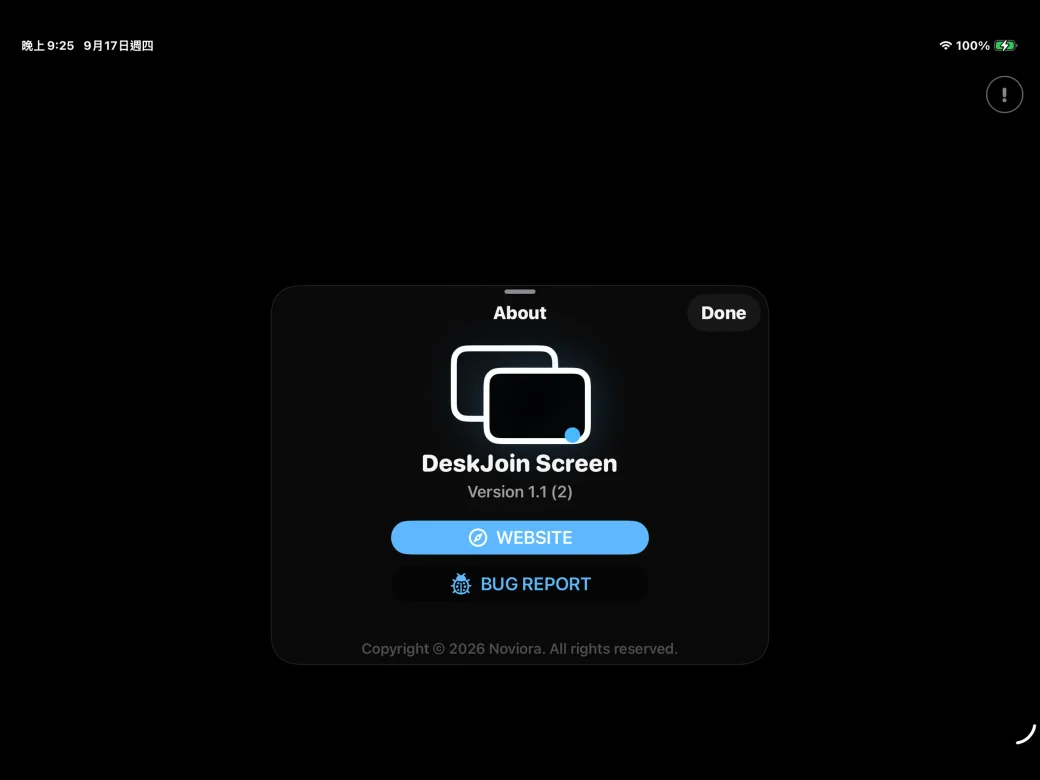

About
DeskJoin Screen turns your iPad into a second display for your computer, giving you more space for documents, creative tools, monitoring, communication, and everyday work.
Connect your iPad and computer to the same local network, launch the DeskJoin companion app on your computer, and start extending your desktop.
KEY FEATURES
• Use your iPad as an additional display
• Automatically discover nearby computers
• Smooth, low-latency screen streaming
• Accurate mouse cursor display
• Full-screen landscape viewing
• Communication over your local network
• No account required
Whether you are working at your desk or need a portable second screen, DeskJoin Screen provides a simple way to expand your workspace.
The DeskJoin desktop companion app is required.
What’s new
Version 1.2 · Nov 6, 2026
Added RTP V2 for smoother, more responsive screen streaming.
Added Mac cursor display on the iPad.
Added touch controls for moving, clicking, dragging, and right-clicking.
Improved device discovery and connection reliability.
Improved onboarding and local-network setup.
General stability and compatibility improvements.
App privacy
What Huan-Sen Ge declares on the App Store about how this app handles data.
-
Data not collected
The developer does not collect any data from this app.
Privacy practices may vary, for example with the features you use or your age.
Information
- Seller
- Huan-Sen Ge
- Category
- Productivity
- Version
- 1.2
- Updated
- Nov 6, 2026
- Released
- Sep 22, 2026
- Size
- 2.8 MB
- Requires
- iOS 17.0 or later
- Age rating
- 4+
- Languages
- English
- Copyright
- © 2026 DeskJoin
You might also like
-
 AltRDP: High-Quality Remote60fps remote even headless PC
-
 Flex Extend DisplayUse iPad as a Mac Monitor
-
 Contextly NotesNotes that work the way you do
-
 GradeGrind: Student FocusBetter habits. Better grades.
-
 DiffcheckerTrack Your Heart Rate Anytime
-
 Time Pencil: Clock Day PlannerVisual Schedule, Time Blocking
-
 Tab Display-Expand Your TabletAs Second Display&Video Player
-
 System DesignerDesign First. Then Code.
-
 Today App: To-Do Lists & NotesTasks, Reminders
-
 MailZ: AI Email GeneratorEmail Composer & Essay Writer