
Desqueeze - Batch Resizer
Resize Photos & Videos | HDR
Designed for iPhone, iPad
Free · In-app purchases
- Age rating4+
- CategoryPhoto & Video
- DeveloperAliaksei Khutarshchykau
- LanguagesEnglish+ 4 more
- Size48.9 MB
Links to the official App Store page
Download.org hosts no file of Desqueeze - Batch Resizer. The button opens its official App Store page, published by Aliaksei Khutarshchykau. Listing last checked on Nov 25, 2026.
Screenshots

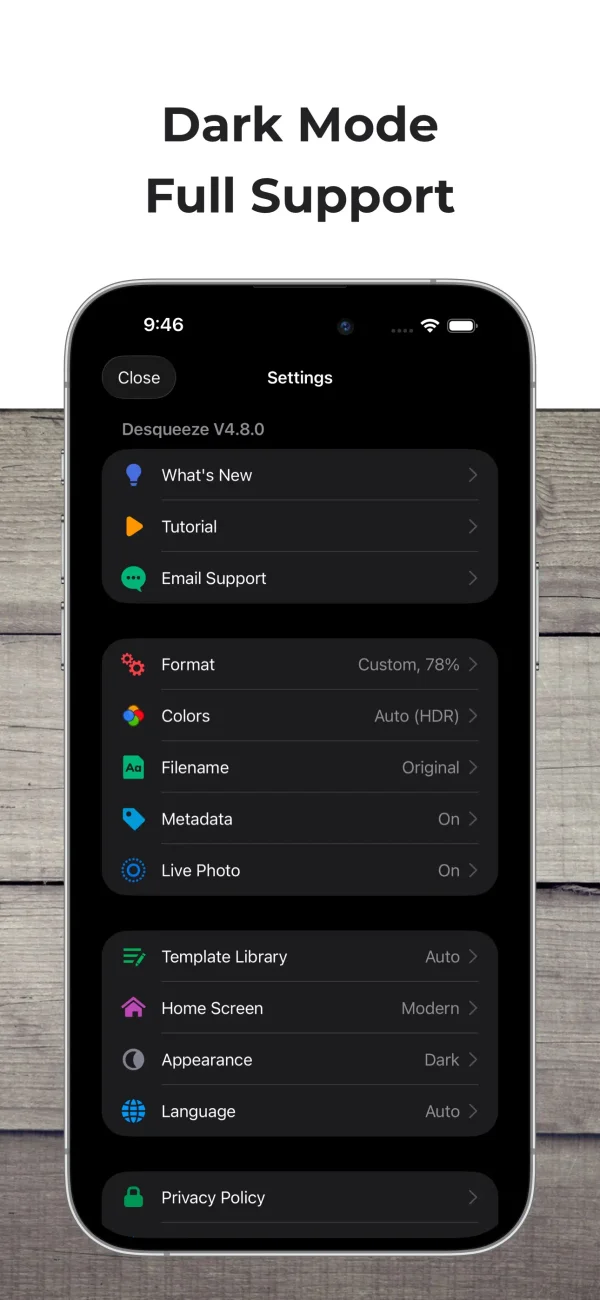
About
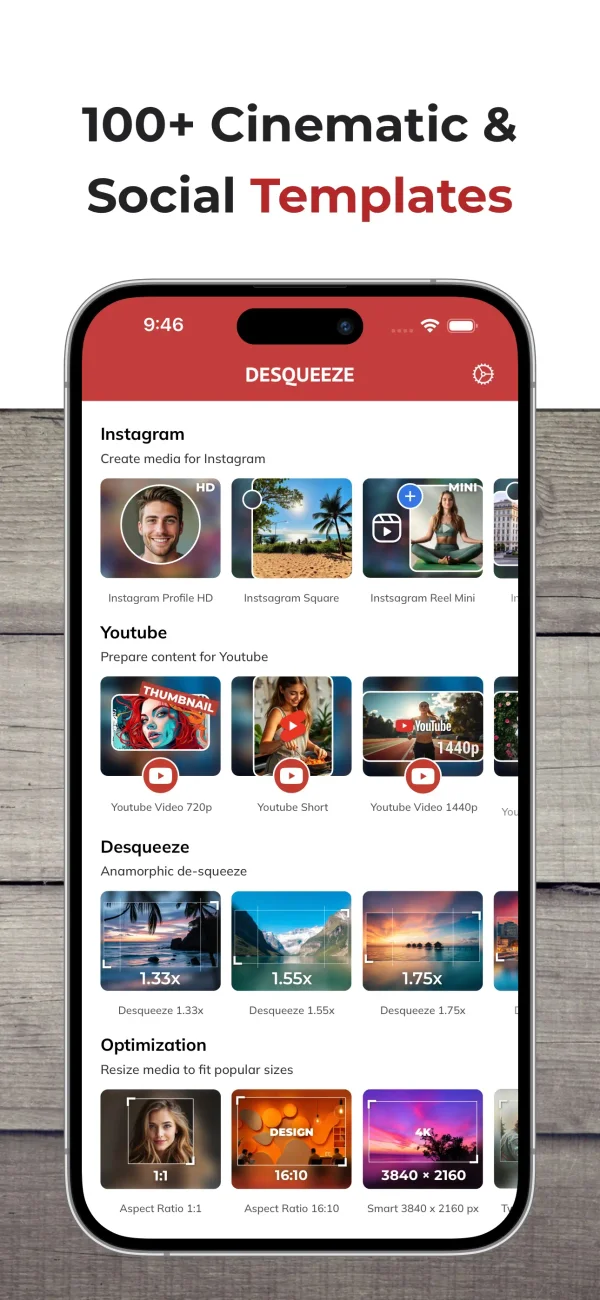
Resize, de-squeeze, and upscale your photos and videos — with batch processing, HDR, and Live Photo support. Apply 100+ templates for quick social media, optimization, and anamorphic results. Enter exact sizes up to 18,000 × 12,000 px for photos and 8K for videos for your custom results. Optimize format, file size, and color profile — while preserving high quality and metadata.
DESQUEEZE FEATURES:
Resize Photos and Videos
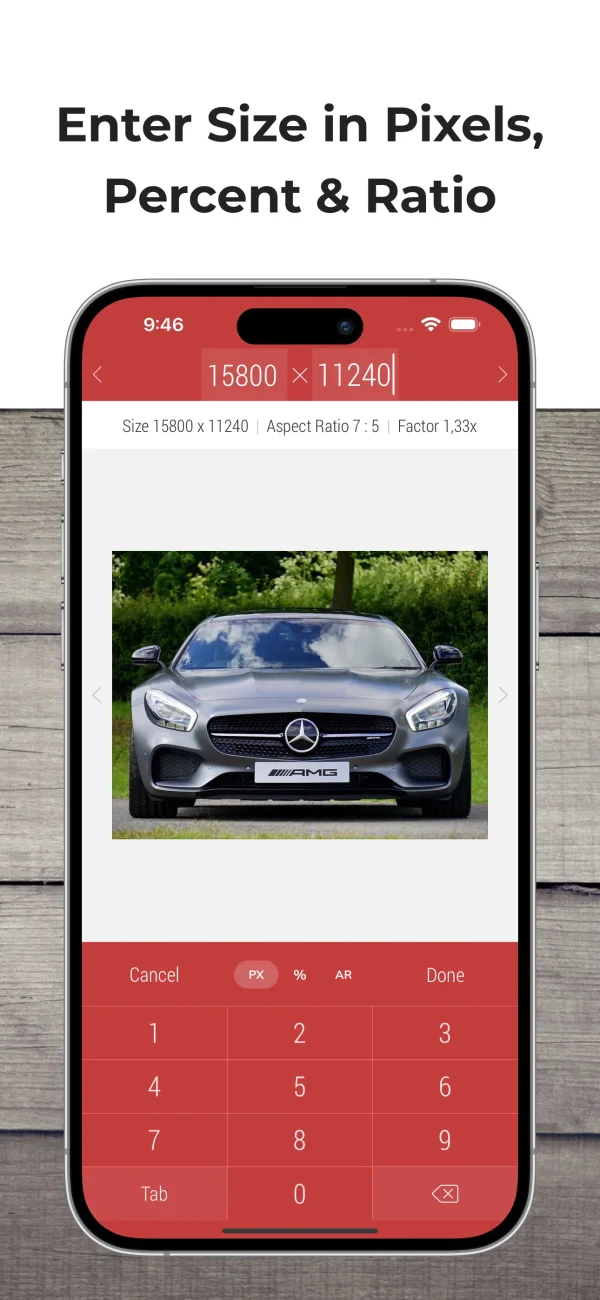
• Enter a new size in pixels, aspect ratios, and percentages
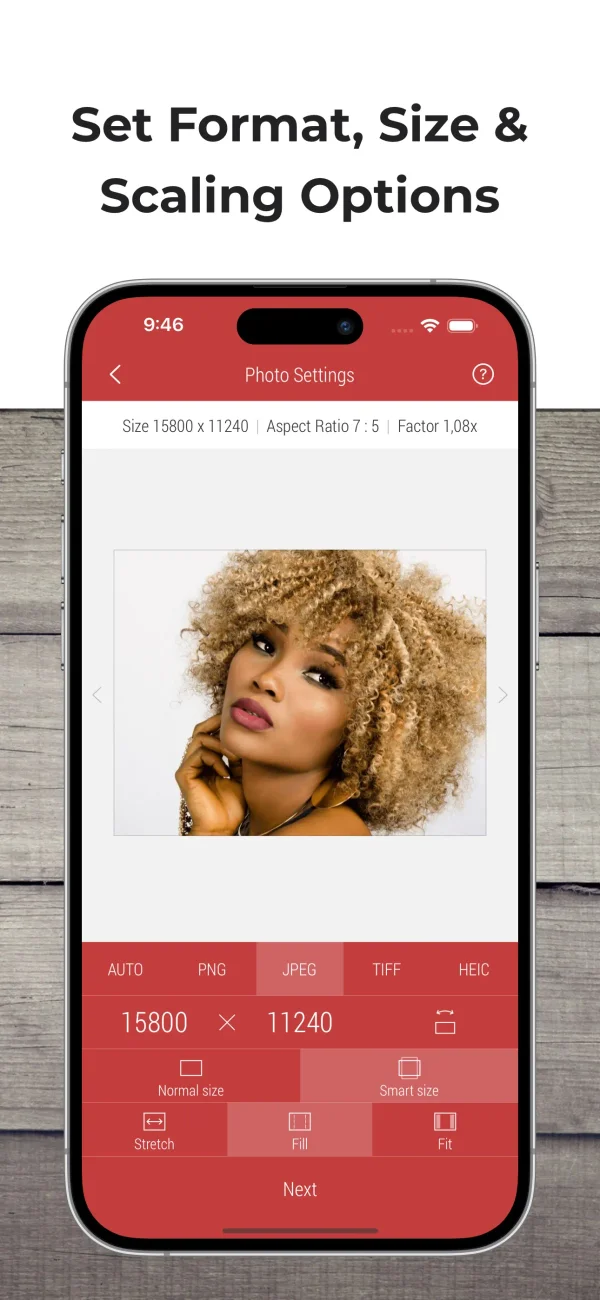
• Resize in three different ways: Stretch, Fill, and Fit
• Choose between Normal and Smart size for more flexible resizing
• Batch resize an unlimited number of photos and videos
• Reuse up to 10 recent resizing tasks with one tap
• De-squeeze anamorphic photos to achieve a natural look
• Resize Live Photos while preserving their format, or convert them to still images
Import Sources inside Desqueeze
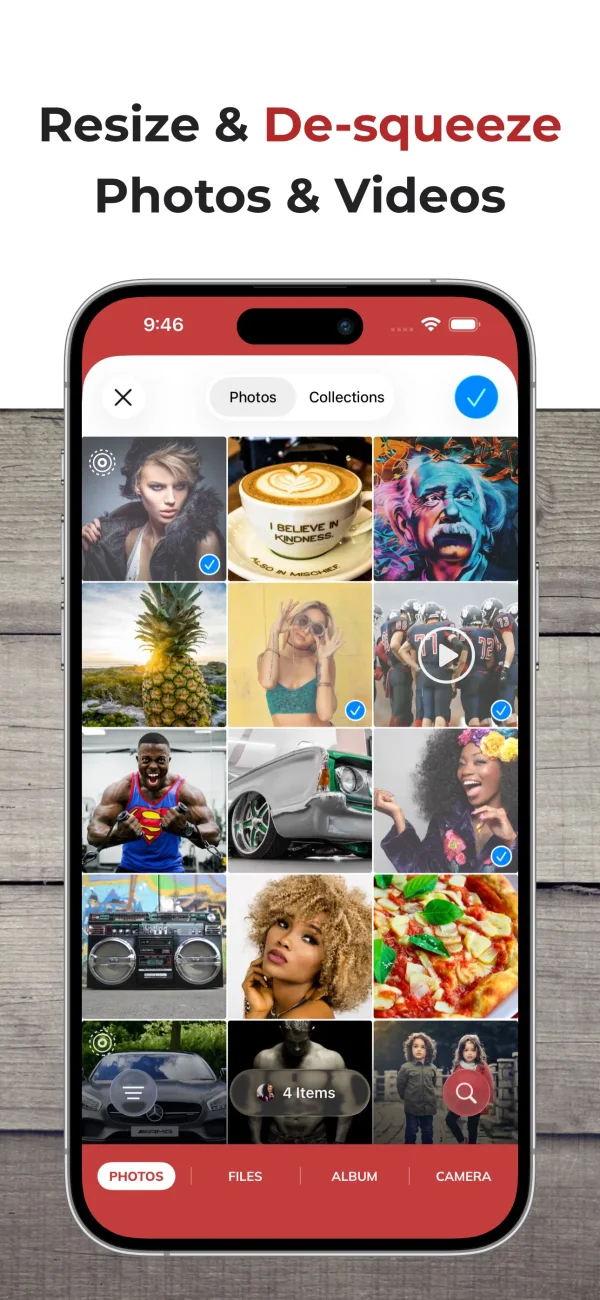
• Select photos and videos from the Photo Library
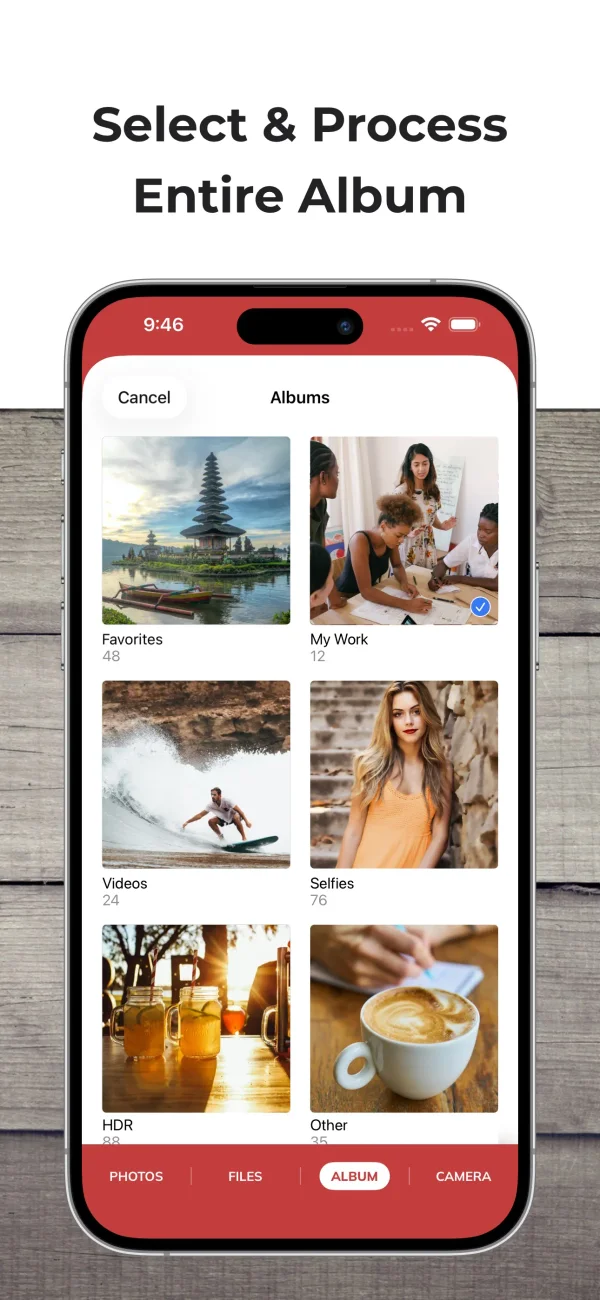
• Select any full album from the Photo Library
• Select multiple photos and videos from the Files app
• Take a picture with the camera
Reformat Photos
• Choose between PNG, JPEG, HEIC, and TIFF image formats
• Specify compression quality for JPEG, HEIC, and TIFF formats
• Select Auto format to reuse the original image format when possible
• Adjust image resolution with a new DPI, or keep the original DPI
Reformat Videos
• Choose between MP4, QuickTime (MOV), and M4V video formats
• Select Auto format to reuse the original video format when possible
• Choose video codec between Auto, H.264, and HEVC(H.265)
• Specify video bitrate or use Automatic
Edit Photos and Videos
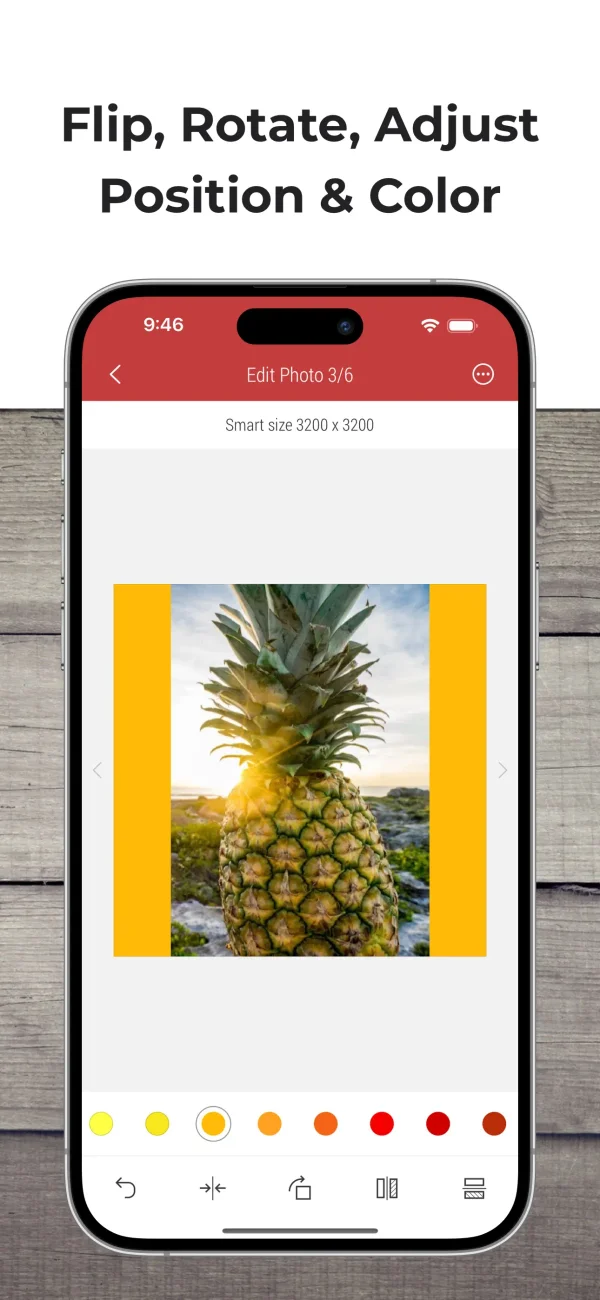
• Flip and rotate images or videos
• Choose a background color for Fit mode
• Specify default background color for photos and videos
• Adjust position and offset for Fill and Fit modes
Manage Colors for Photo and Video
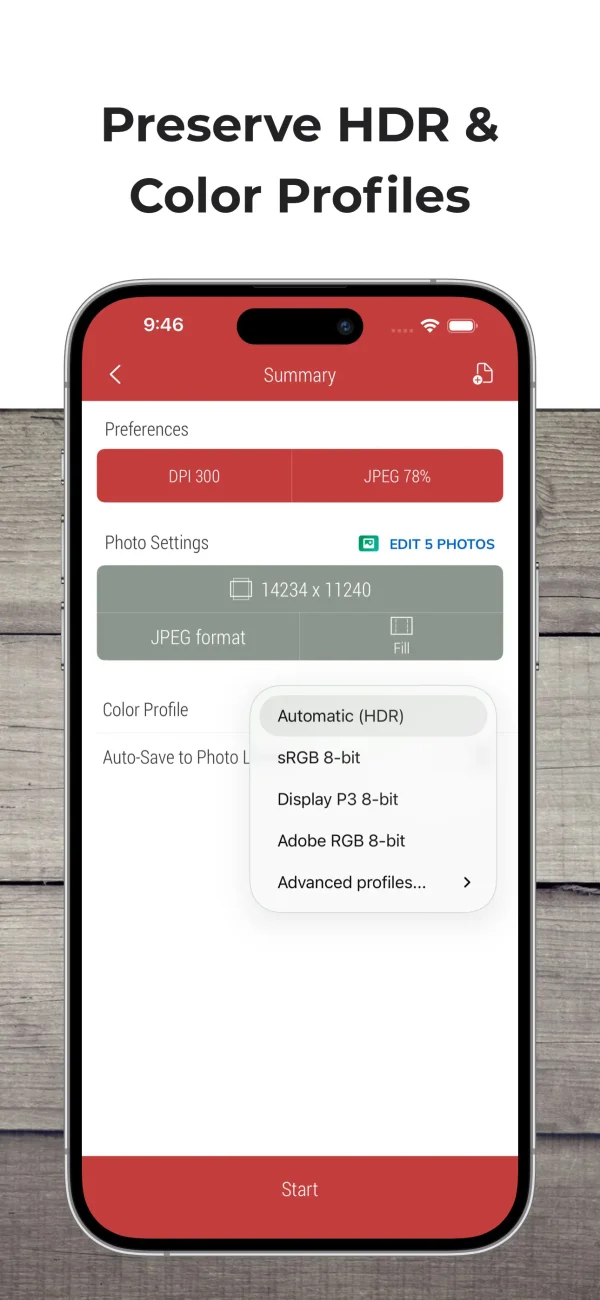
• Apply one of 12 Color Profiles, inlcuding Original (Automatic)
• Process photos and videos while preserving HDR
Templates
• Use a universal set of 100+ standard templates to resize photos and videos for specific platforms and standards, including Instagram, YouTube, Facebook, and more
• Create personal templates for your own tasks
• Duplicate standard templates and modify personal templates
• Customize standard Tempalate Library for your workflow and needs
Photo Viewer and Video Player
• Preview photos or play videos on the Result screen (long press a photo or video to preview)
Share Photos and Videos
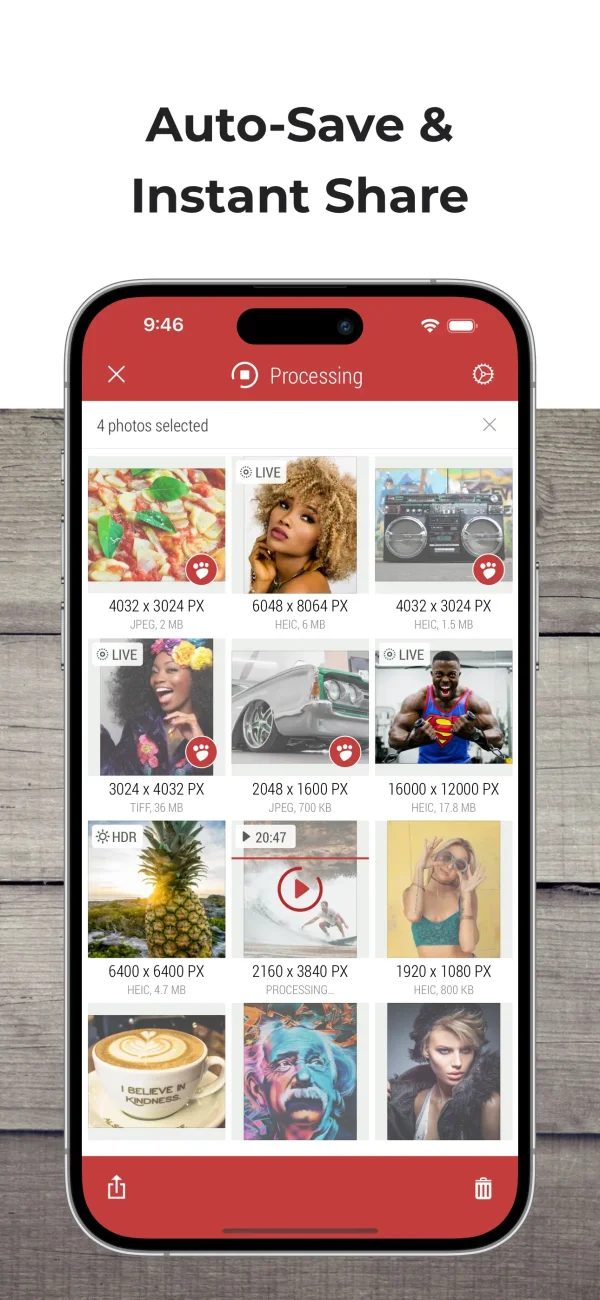
• Save results to the Photo Library or Files app
• Share results via Instagram, Mail, Facebook, Messages, etc
• Use original or custom names for shared results
———
Basic (Free) version has some limitations. You can learn more about them inside the app.
———
Upgrade to PRO to unlock all features and remove all Basic version limitations (In-App Purchase).
PRO version is available to other family members when Family Sharing is enabled. PRO version can be canceled at any time.
———
Maximum target pixel size for photos and videos:
Photos (8-bit):
• Basic (Free) version: 4,032 x 3,024 px
• PRO version: from 12,000 x 10,000 px (iPhone XR) up to 18,000 x 12,000 px (iPhone 16 Pro)
Note: Maximum size for 16-bit photos is lower due to hardware limitations.
Videos:
• Basic (Free) version: 1920 x 1080 px
• PRO version: 7680 x 4320 pixels (8K)
———
Contact & Links
• Contact us by Email: contact@desqueeze.com
• Follow us on Twitter and Facebook: @desqueeze
• Visit our Website: http://desqueeze.com
• Terms of Use: https://www.apple.com/legal/internet-services/itunes/dev/stdeula/
• Privacy Policy: http://desqueeze.com/privacy
What’s new
Version 4.9.8 · Nov 24, 2026
Update 4.9.8 includes image metadata and alpha channel improvements.
Disabling EXIF now removes all camera and image details, including camera model and manufacturer info. When both EXIF and IPTC metadata are disabled, creation and modification dates are no longer saved.
Fixed alpha channel processing for fully opaque images.
App privacy
What Aliaksei Khutarshchykau declares on the App Store about how this app handles data.
-
Data linked to you
May be collected and linked to your identity.
- Identifiers
- Diagnostics
- Other data
Privacy practices may vary, for example with the features you use or your age.
Information
- Seller
- Aliaksei Khutarshchykau
- Category
- Photo & Video
- Version
- 4.9.8
- Updated
- Nov 24, 2026
- Released
- Dec 19, 2015
- Size
- 48.9 MB
- Requires
- iOS 17.0 or later
- Age rating
- 4+
- Price
- Free
- In-app purchases
- Yes
- Languages
- English, French, German, Portuguese, Spanish
- Copyright
- © 2025 Aliaksei Khutarshchykau
You might also like
-
 StreamChamp: Streaming AppStream Games on TW, YT, FB
-
 Presets & Filters - Koloro1000+ Presets Photo Editor
-
 Easy DesqueezerDesqueeze Anamorphic Footage
-
 DPI - Dots per inchChange DPI value of an image
-
 SR3H Video ConverterSmooth 60 FPS for TikTok
-
 Batch ResizeResize multiple images
-
 Node VideoDesktop-level editing
-
 Scale To FillResize images without cropping
-
 Resize: Photo Video CompressNo Crop Compress.or Image Size
-
 Resize it - compress any imageChange pics size, aspect ratio