
- Age rating4+
- CategoryProductivity
- DeveloperInnovation Factory Limited
- LanguagesEnglish
- Size82.3 MB
Links to the official App Store page
Download.org hosts no file of DeterCam. The button opens its official App Store page, published by Innovation Factory Limited. Listing last checked on Nov 19, 2026.
Screenshots

About
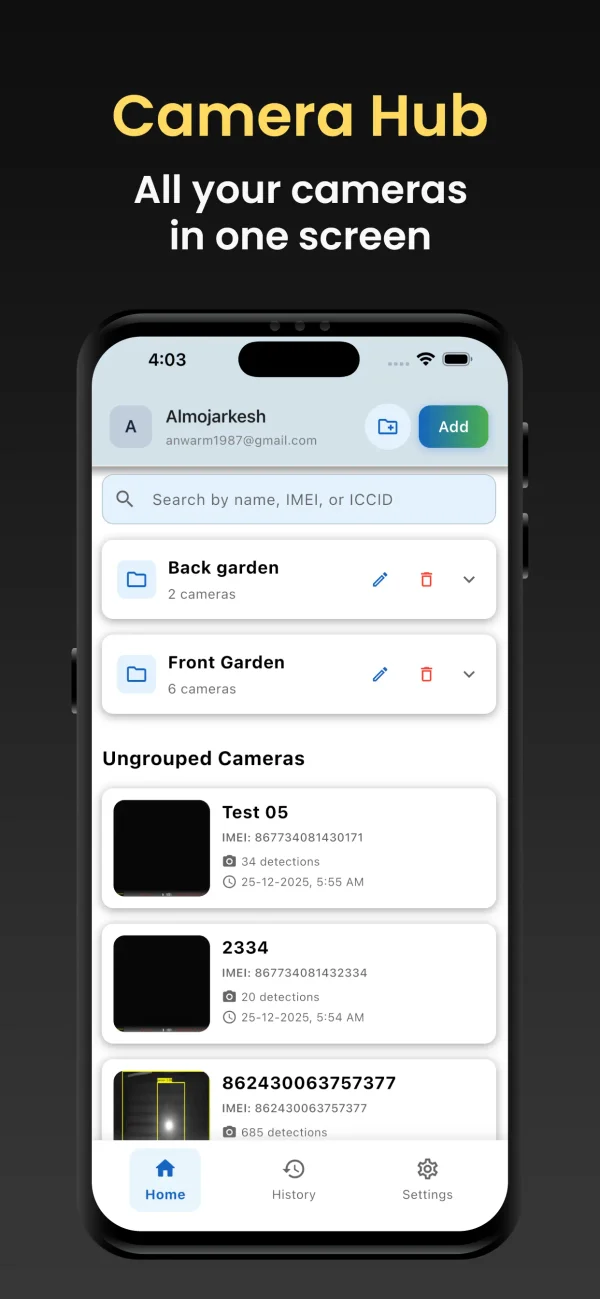
DeterCam makes camera management effortless. Whether you are setting up new security devices or monitoring multiple feeds, DeterCam gives you complete control anywhere and anytime.
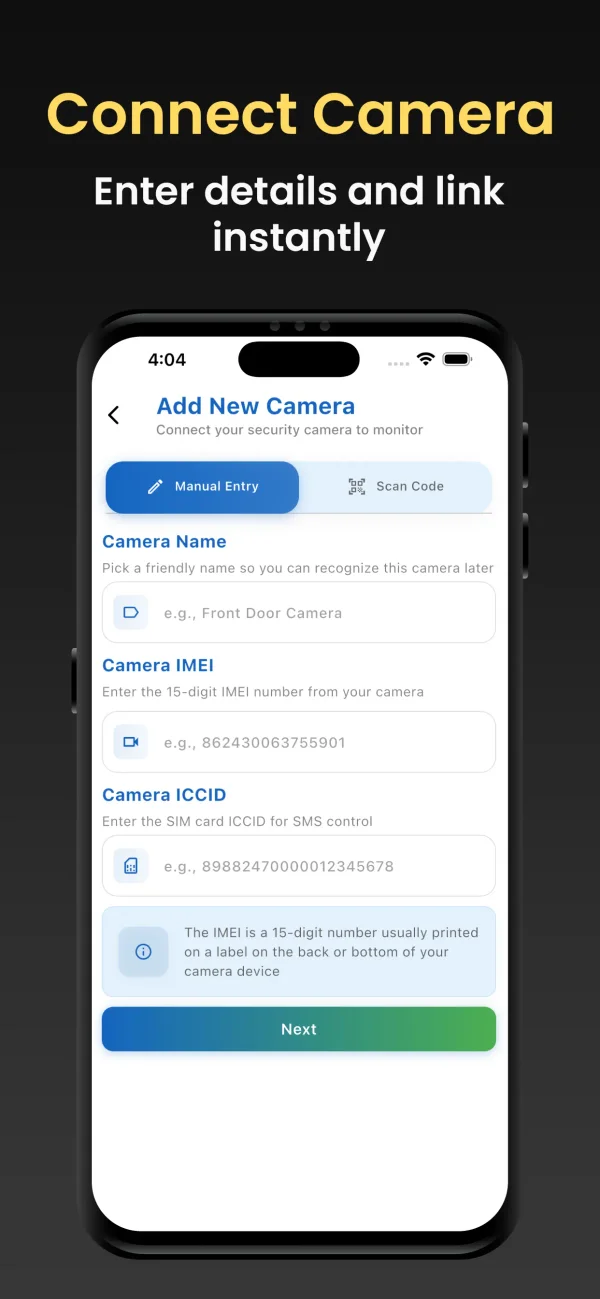
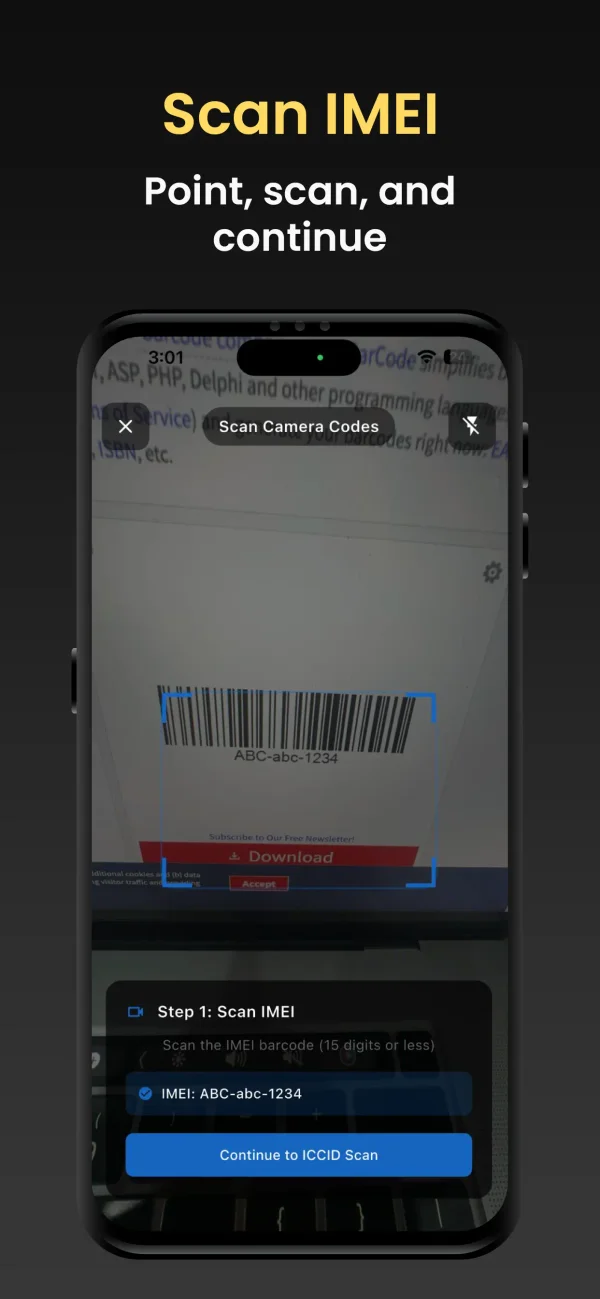
Quick Camera Setup
Add cameras manually or instantly using barcode, ICCID, or IMEI scanning. No complicated steps, just scan, connect, and go.
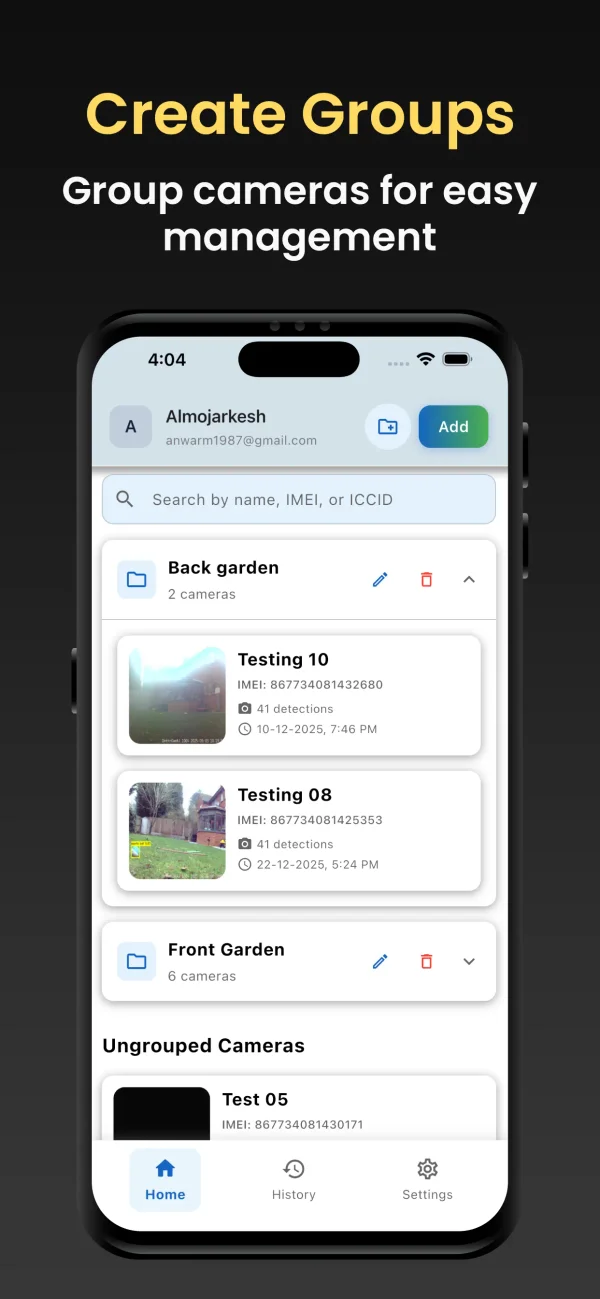
Organize with Camera Groups
Create custom groups to organize your cameras by location, purpose, or priority. Manage multiple cameras efficiently with intuitive grouping features.
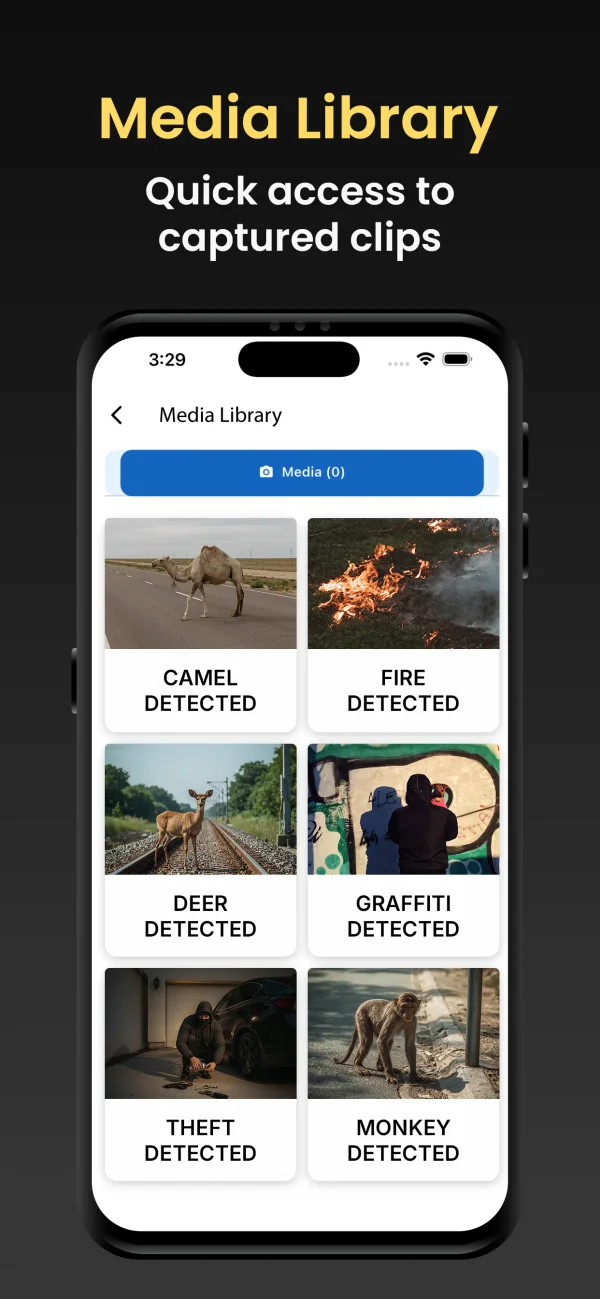
Smart Detection Results
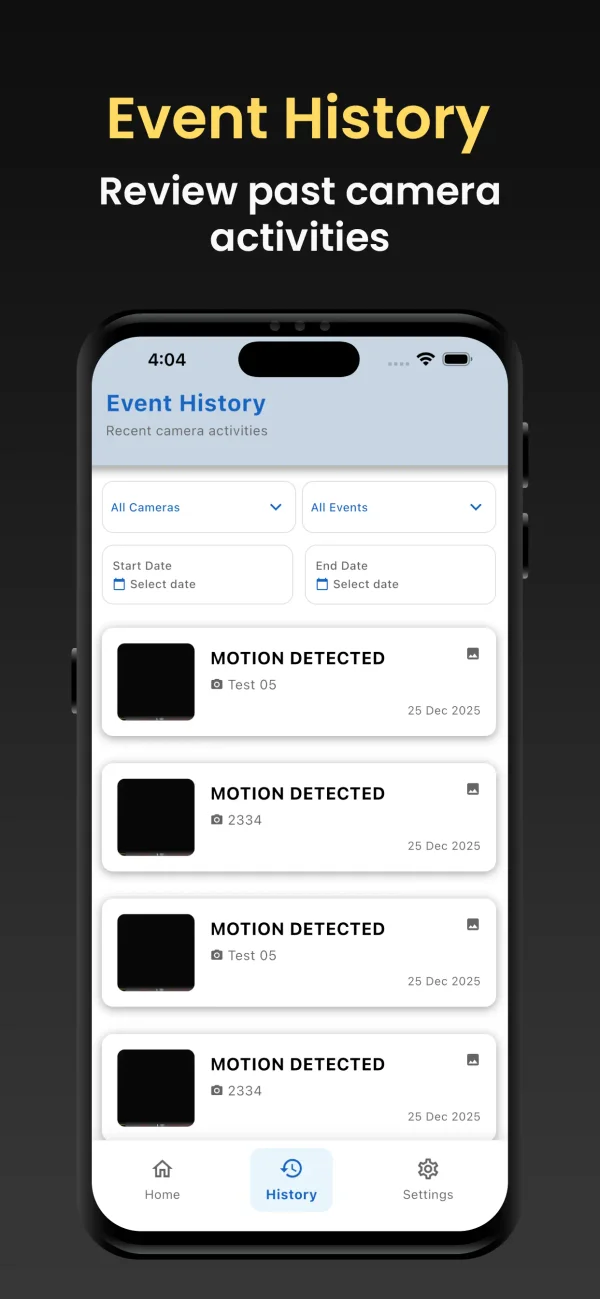
View real time video streams and captured images directly within the app. Stay updated with live detections and event based snapshots.
Seamless User Login and Signup
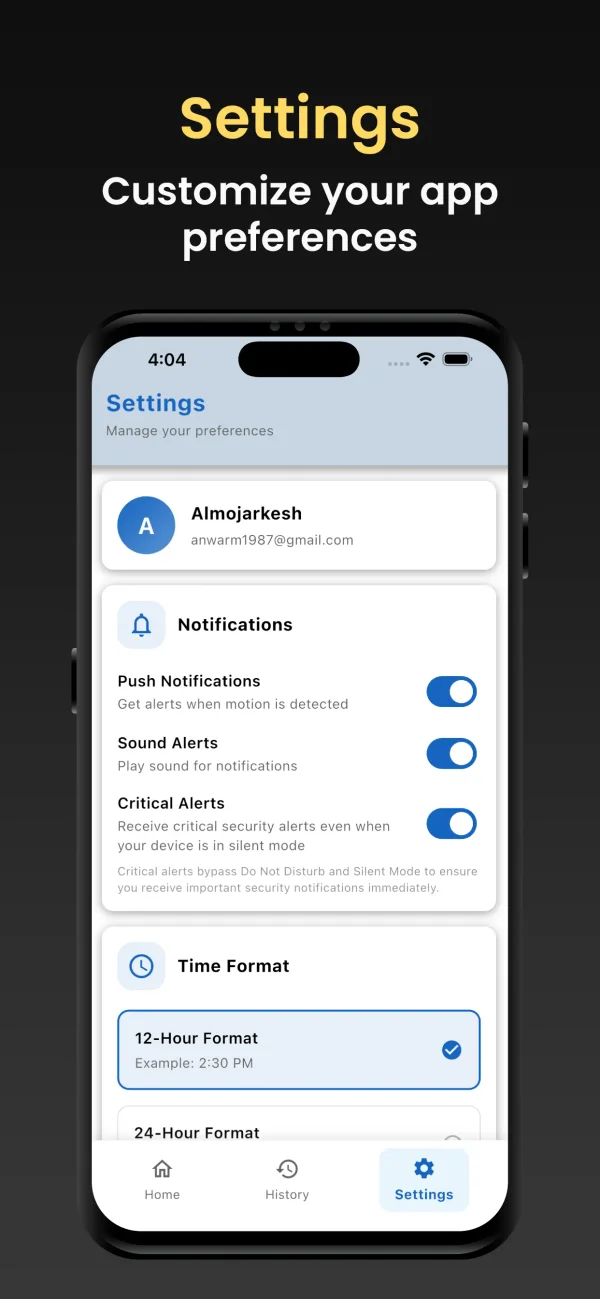
Create an account in seconds to securely access your camera data across devices.
Powerful Yet Simple Interface
A clean and modern interface designed for smooth navigation and instant access to key features.
Reliable and Secure
Your data stays protected, and we prioritize privacy and safety with every connection.
What’s new
Version 1.1.53 · Nov 5, 2026
G100 Camera Settings
1. View and edit G100 camera settings directly from the app.
2. Manage capture settings including photo size, video resolution, and video length.
3. Configure PIR trigger sensitivity and delay intervals.
4. Set up time-lapse and timer schedules.
5. Control deterrence features — warning light and sound with custom schedules.
6. View and configure AI species detection with individual thresholds.
7. Manage power and connection settings like work mode and LED power.
8. Live status indicator showing if settings are applied, pending, or reported.
9. Automatic timezone detection for camera time sync.
Share Permissions
10. Camera owners can now set permissions when sharing a camera or group.
11. "Can delete events" permission controls who can delete events and media.
12. "Can change camera settings" permission controls who can edit camera settings.
13. Shared users without delete permission no longer see the delete button on events.
14. Shared users without settings permission see camera settings as read-only.
15. G100 settings are read-only for shared users without the settings permission.
16. Owner-only G100 settings (work mode, live resolution, AI detection) are always read-only for shared users.
17. Only camera owners can share a camera with others.
18. Permission badges shown on shared user tiles in the share dialog.
19. Server error messages displayed as-is for permission-related errors.
App privacy
What Innovation Factory Limited declares on the App Store about how this app handles data.
-
Data linked to you
May be collected and linked to your identity.
- Contact info
Privacy practices may vary, for example with the features you use or your age.
Information
- Seller
- Innovation Factory Limited
- Category
- Productivity
- Version
- 1.1.53
- Updated
- Nov 5, 2026
- Released
- Dec 7, 2025
- Size
- 82.3 MB
- Requires
- iOS 16.0 or later
- Age rating
- 4+
- Price
- Free
- Languages
- English
- Copyright
- © 2025 InnovFactory
You might also like
-
 Open SesmeOpensesme
-
 PDF to Excel Converter & XLSXConvert PDF to Excel Sheets
-
 Vimar VIEW WirelessProductivity
-
 PAK AppProductivity
-
 Tally: Counter & Score TrackerClick to count number widget
-
 Themely - Themes, Widget, IconThemes & Custom Widgets
-
 3D Snap: LiDAR Room ScannerDesign & Create Floor Plans
-
 Image Converter: JPEG PDF HEICConvert to JPG PNG & SVG File
-
 BLE Scanner 4.0 – Bluetooth LEScan,Connect & Find BLE Device
-
 Chatbot AI Assistant - ChatAppAI Chat Bot & Image Generator