DevOps·GitHub Foundations Prep
701-200·GitHub Foundations
Designed for iPhone, iPad, iPod touch
In-app purchases
- Age rating4+
- CategoryEducation
- DeveloperCHOI SEONGMIN
- LanguagesEnglish+ 2 more
- Size173.6 MB
Links to the official App Store page
Download.org hosts no file of DevOps·GitHub Foundations Prep. The button opens its official App Store page, published by CHOI SEONGMIN. Listing last checked on Nov 13, 2026.
Screenshots


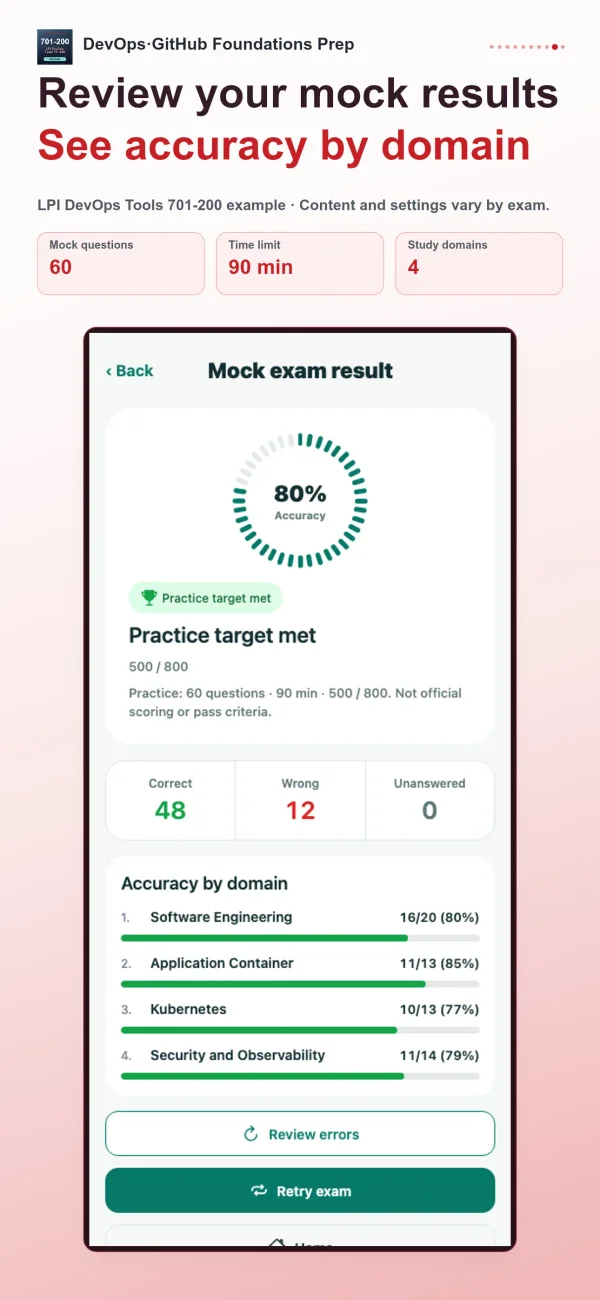
About
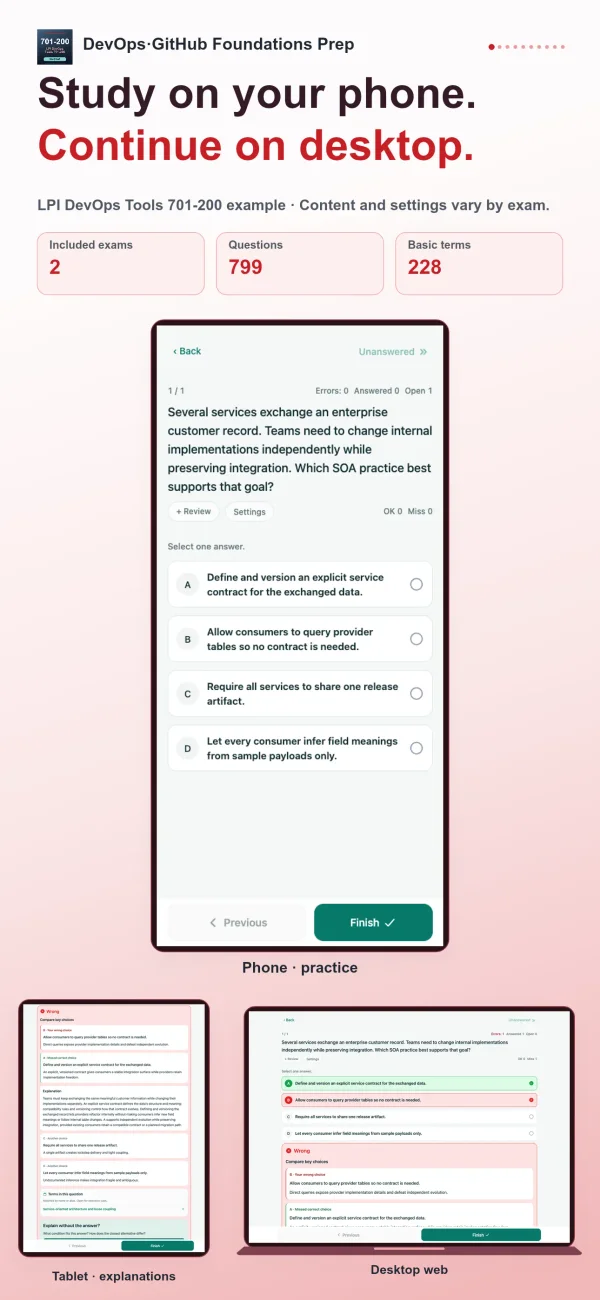
Keep studying across your phone, tablet and desktop.
Use your phone on the move and a tablet or desktop when you want more room to study. Connect the same StudyCert account to continue your learning in the app and on the desktop web.
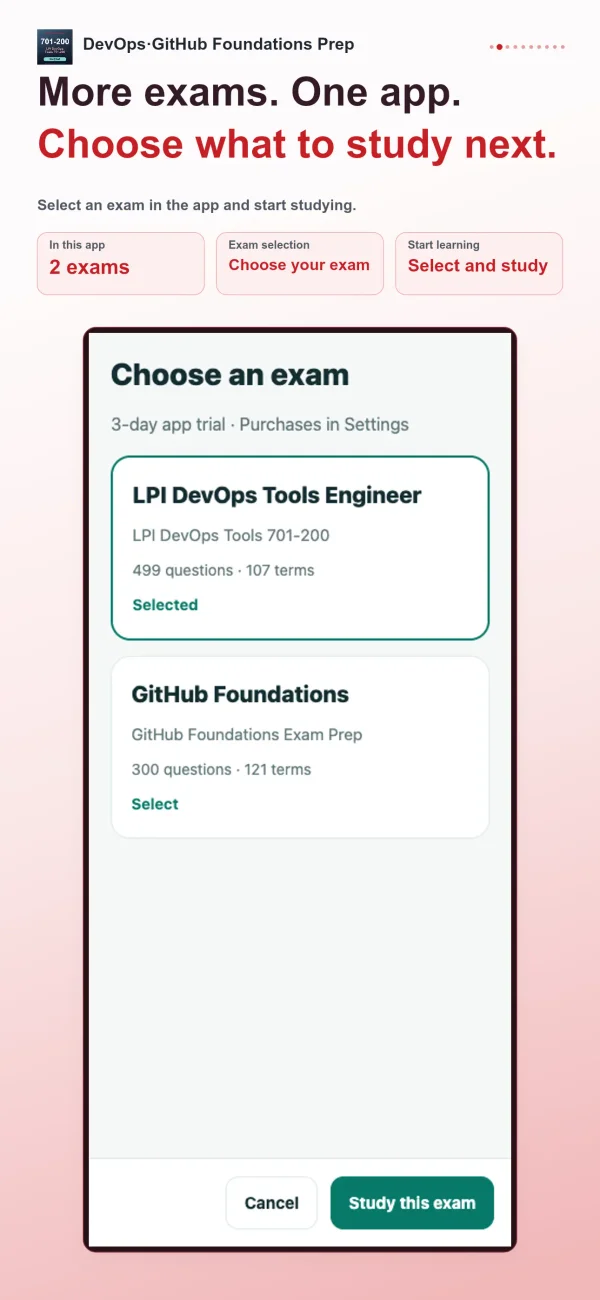
Includes 799 practice questions across 2 exams.
1. Prepare for LPI DevOps Tools Engineer with 499 practice questions and 107 key terms.
Study coverage · 4 areas: Software Engineering · Application Container · Kubernetes · Security and Observability
Content languages: English, Korean, Japanese. Counts: English materials.
2. Prepare for GitHub Foundations with 300 practice questions and 121 key terms.
Study coverage · 7 areas: Understand Git and GitHub basics · Work with GitHub repositories · Collaborate using GitHub · Apply modern development practices · Manage projects with GitHub · Understand privacy, security, and administration · Explore the GitHub community
Content languages: English, Korean, Japanese. Counts: English materials.
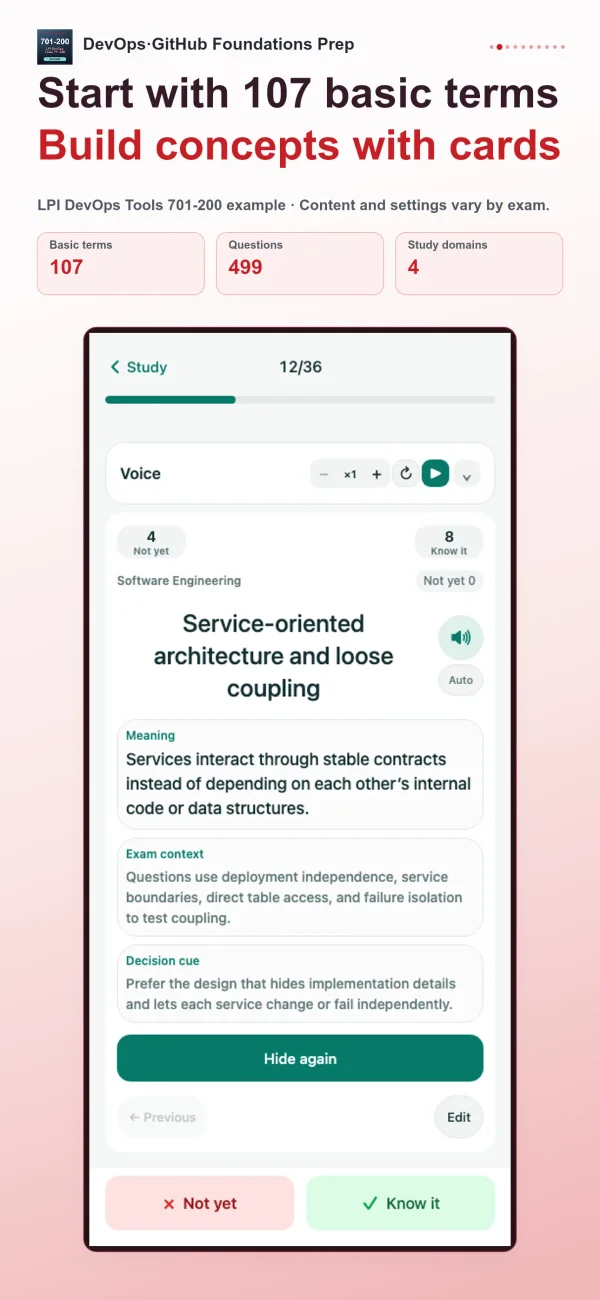
1. Learn the basic terms
Use flashcards for meanings, exam context and selection criteria. Mark known and unfamiliar terms for focused review.
2. Practice and read the explanations
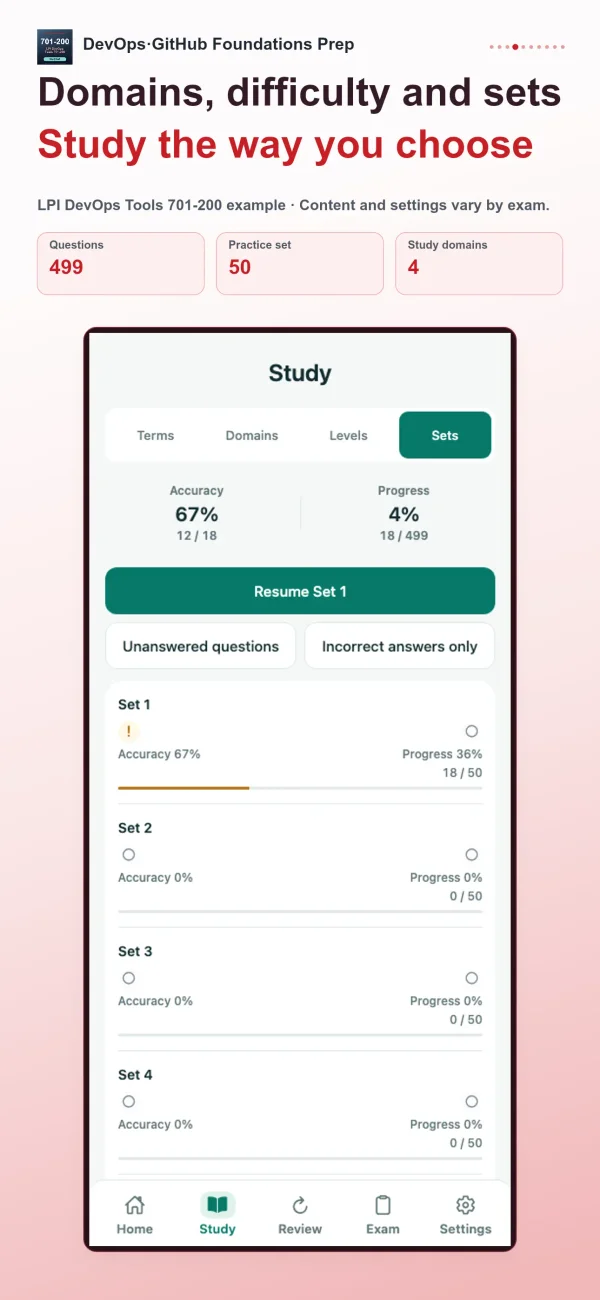
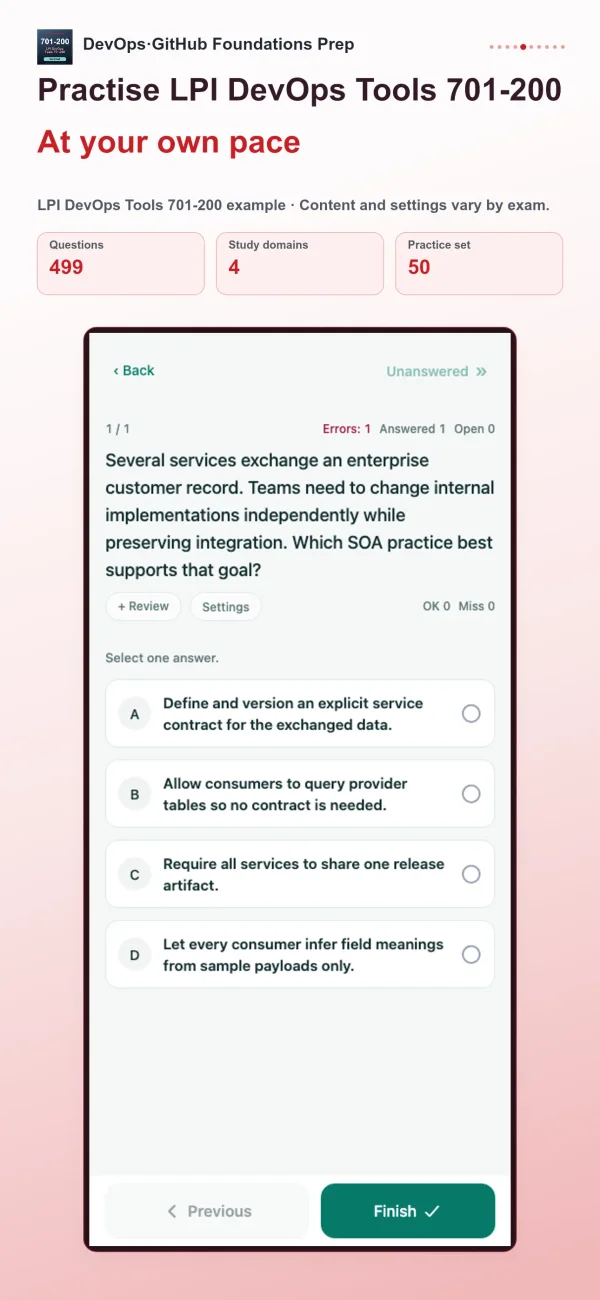
Study by exam-specific set, domain or difficulty. Read answer and option explanations; use unfinished and wrong-answer filters, shuffle, a timer and session resume.
Practice in sets of 50 questions for each exam.
3. Review mistakes
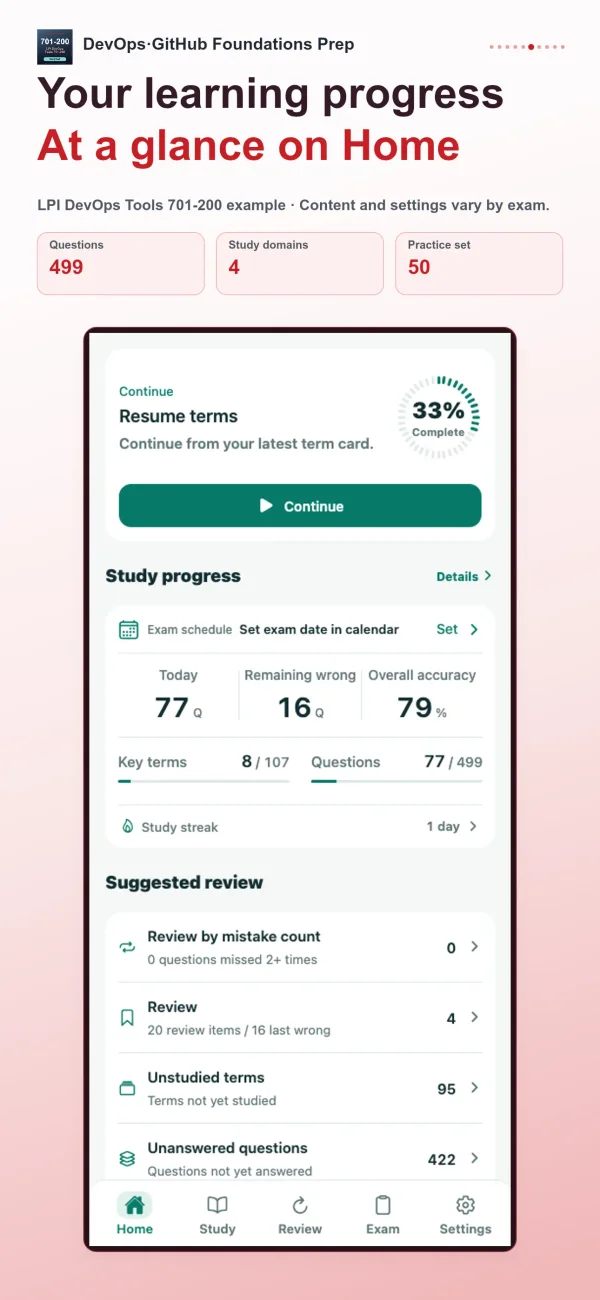
Revisit bookmarks, recent errors and repeated mistakes. Use glossary reports, weak-area analysis and study history to plan revision.
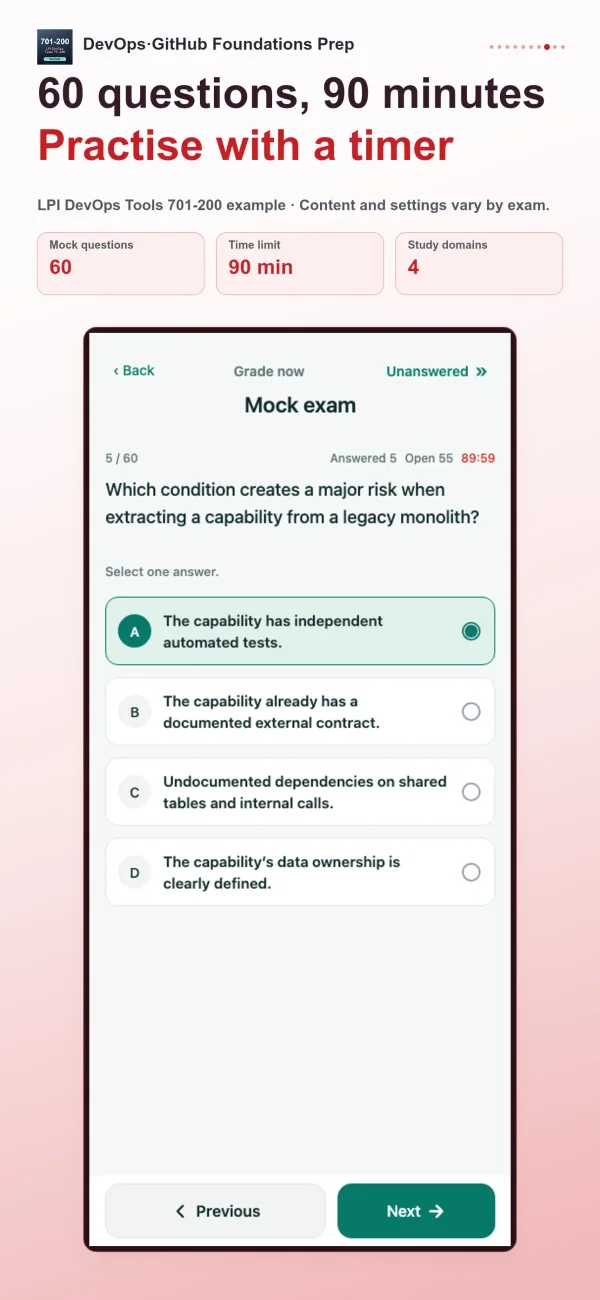
4. Check readiness with a timed mock
Use each exam’s settings below, then review results, domain scores and mistakes.
Mock questions / time limit (minutes), by exam: 1: 60 / 90; 2: 50 / 100
Tools that fit your study routine
Audio study and autoplay are optional. Listen to terms and meanings and adjust repeats and pauses. Continue your routine with a study calendar, weekly goals, reminders and themes.
Content, features, languages and paid access are specific to each exam. Check the included content and price before purchasing.
This is an independent study aid, not an official, affiliated or endorsed app of any exam administrator or certification body. Exam names and trademarks belong to their respective owners.
What’s new
Version 1.0.6 · Nov 12, 2026
Improved the display of commands and code in practice questions.
App privacy
What CHOI SEONGMIN declares on the App Store about how this app handles data.
-
Data not linked to you
May be collected but is not linked to your identity.
- Purchases
- Usage data
Privacy practices may vary, for example with the features you use or your age.
Information
- Seller
- CHOI SEONGMIN
- Category
- Education
- Version
- 1.0.6
- Updated
- Nov 12, 2026
- Released
- Aug 17, 2026
- Size
- 173.6 MB
- Requires
- iOS 15.1 or later
- Age rating
- 4+
- In-app purchases
- Yes
- Languages
- English, Japanese, Korean
- Copyright
- © 2026 Choiseongmin
You might also like
-
 GH-500 GitHub Adv SecurityCert Practice & CodeQL Prep
-
 PCD DevOps Engineer Exam PrepGCP Certification Study & CICD
-
 DevOps Engineer Pro PrepCloud Certification Practice
-
 GH-200 GitHub ActionsCICD Cert Study & Mock Exams
-
 Code Complete: JS PracticeExercises with real tests
-
 InterHub: Interview PrepEducation
-
 GH-900 GitHub FoundationsGit Cert Practice Test & Prep
-
 DevOps Engineer Exam Prep 2026Professional DOP‑C02 Test
-
 TechLexiconMaster Tech Skills by Playing
-
 AWS DevOps Engineer Pro CertStudy Guide & Flashcard Review