Dictafy: Voice Notes
Private Speech & Talk to Text
Designed for iPhone
Free · In-app purchases
- Age rating4+
- CategoryProductivity
- DeveloperDavid Irons
- LanguagesEnglish+ 1 more
- Size2.6 MB
Links to the official App Store page
Download.org hosts no file of Dictafy: Voice Notes. The button opens its official App Store page, published by David Irons. Listing last checked on Nov 19, 2026.
Screenshots
About
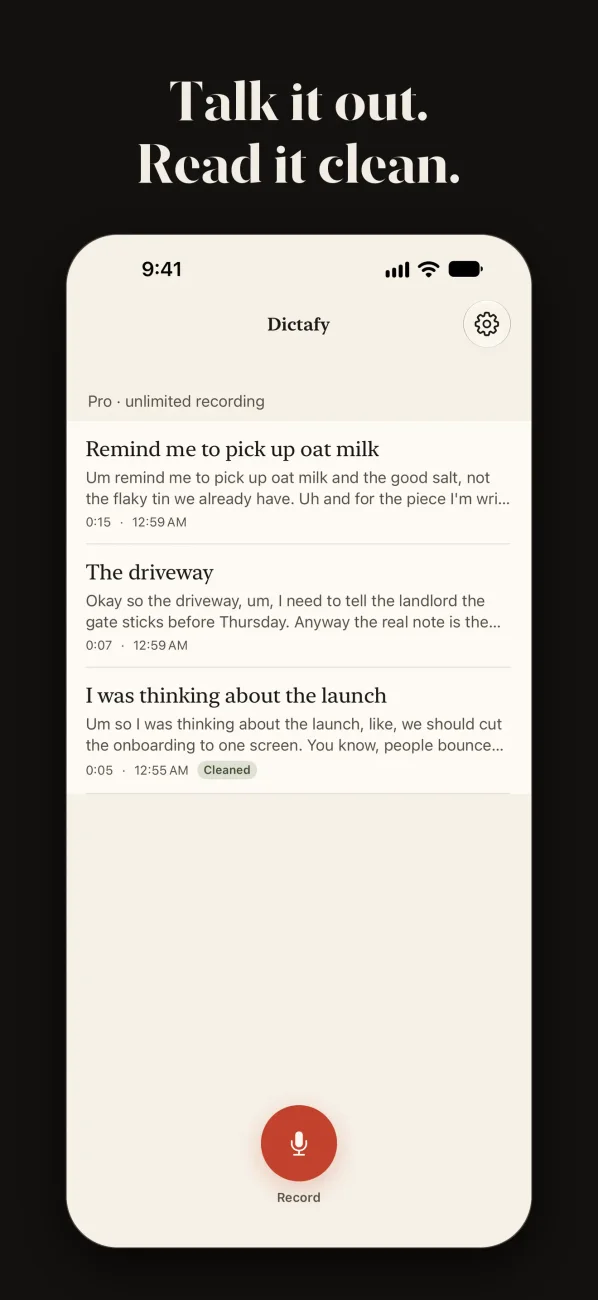
Think faster than you type? Just talk. Dictafy turns your spoken thoughts into clean, ready-to-use writing.
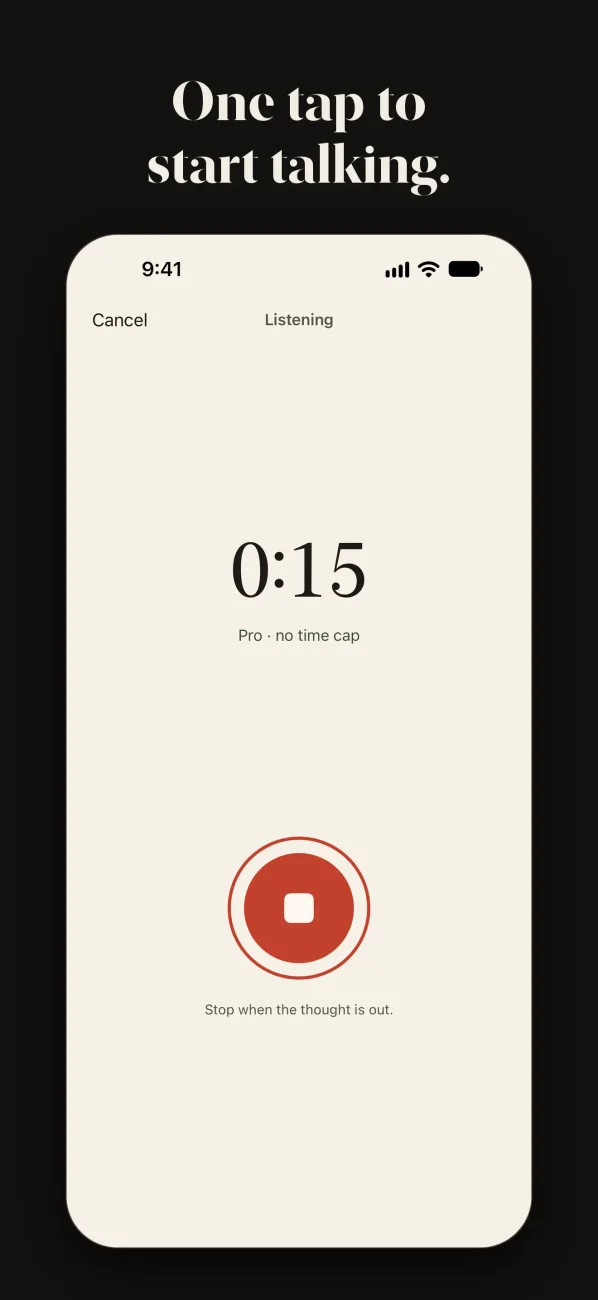
HIT RECORD, TALK NATURALLY
Ramble, pause, restart, say "um." Dictafy captures it all.
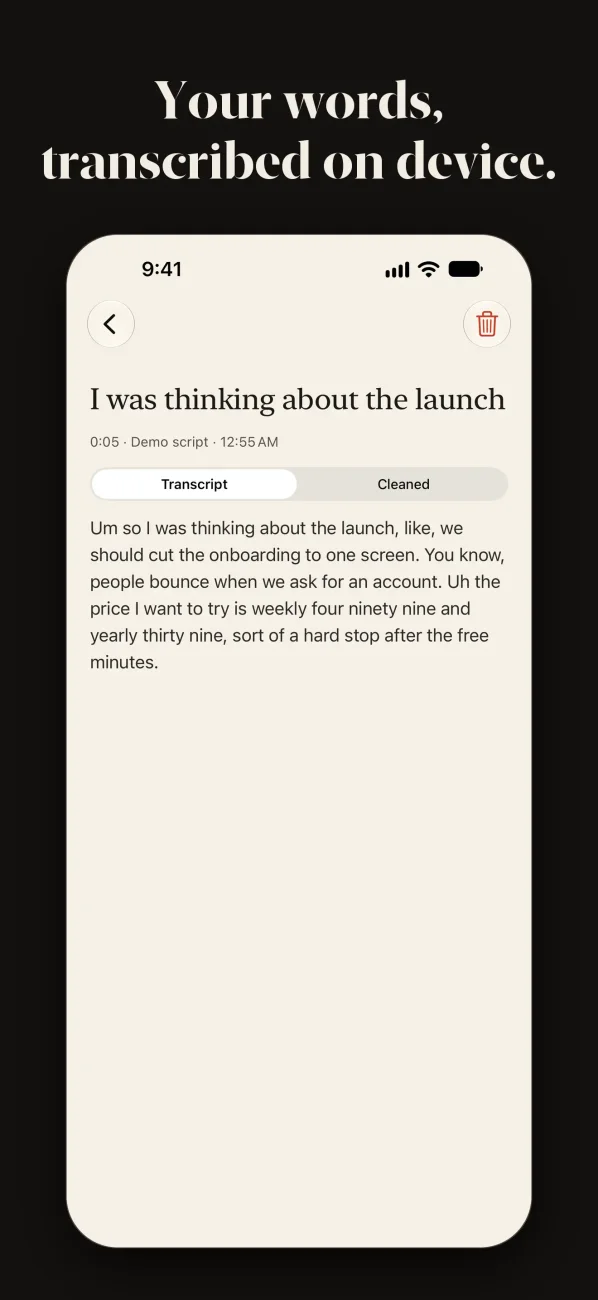
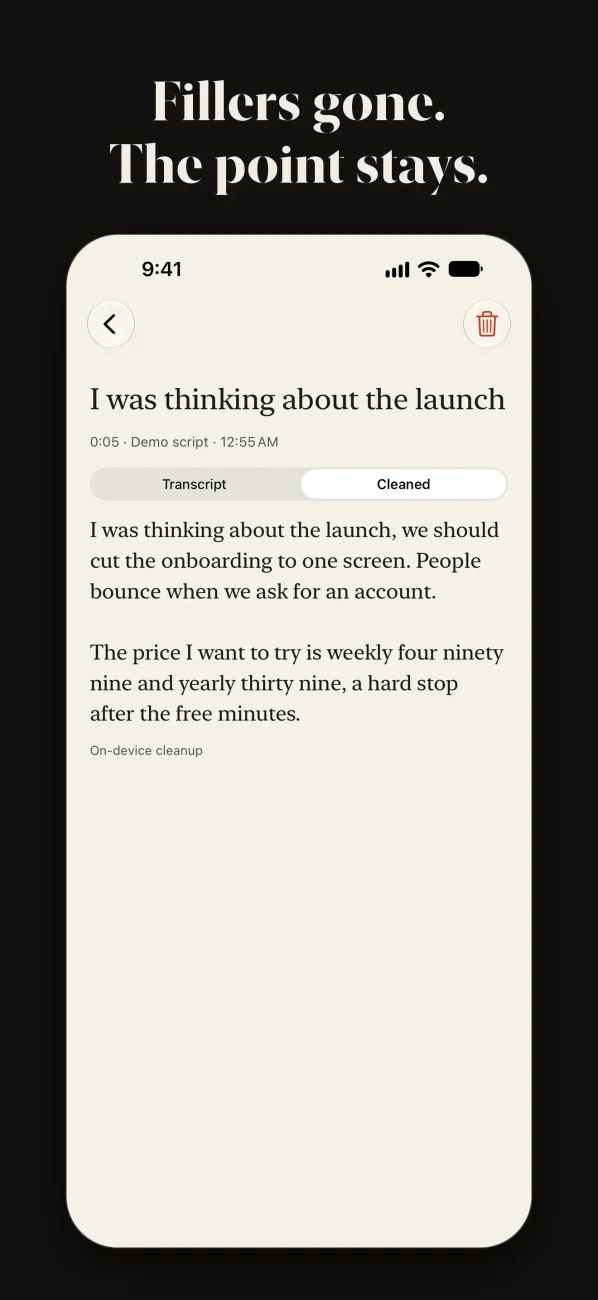
GET A TRANSCRIPT
See exactly what you said, word for word.
GET CLEAN NOTES
Dictafy rewrites your recording into clear, readable prose: filler words removed, thoughts organized, ready to paste into an email, doc, or journal.
GREAT FOR
• Capturing ideas on a walk or in the car (parked)
• Drafting emails, posts, and messages
• Journaling and reflection
• To-do lists and brain dumps
• Meeting and lecture takeaways
PRIVATE BY DESIGN
• No account, no sign-up
• Your notes are stored on your device
TRY IT FREE
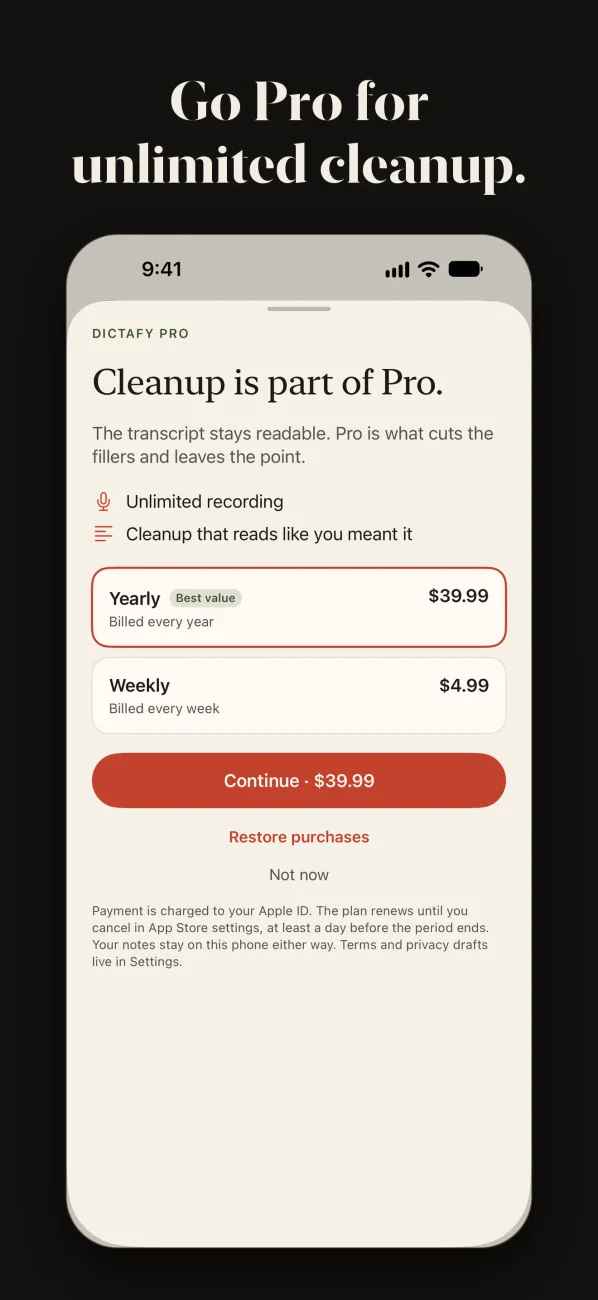
Your first 10 minutes of recording are free. Upgrade to Dictafy Pro (weekly or yearly) for more recording and clean notes.
SUBSCRIPTION INFO
Payment is charged to your Apple ID at confirmation of purchase. Subscriptions renew automatically unless canceled at least 24 hours before the end of the current period. Manage or cancel anytime in your App Store account settings.
Terms of Use: https://dictafy.co/terms.html
Privacy Policy: https://dictafy.co/privacy.html
What’s new
Version 1.2 · Nov 13, 2026
Dictafy 1.2 makes a cleaned note easier to shape, and easier to subscribe to.
Rewrite again. On a note, Rewrite as restyles the text you are looking at. Earlier versions stay on the note, and you can move between them. The original transcript stays beside them.
Translate while you clean up. Pick a language and Pro writes the note in it.
Write like me. Paste a short sample in Settings and Dictafy matches your voice and tone.
Dictionary. Teach Dictafy a word it hears wrong, such as dictify to Dictafy. The change is used before cleanup and when the keyboard inserts text.
Keyboard Rewrite. After you dictate, or when text is selected, Rewrite cleans it and puts the new text back in the field.
Plans. Yearly is the plan we suggest, with a 7-day free trial for new subscribers. Monthly is there if you want a shorter plan. Lifetime is a one-time payment and does not renew.
App privacy
What David Irons declares on the App Store about how this app handles data.
-
Data not linked to you
May be collected but is not linked to your identity.
- Purchases
- User content
- Identifiers
Privacy practices may vary, for example with the features you use or your age.
Information
- Seller
- David Irons
- Category
- Productivity
- Version
- 1.2
- Updated
- Nov 13, 2026
- Released
- Oct 15, 2026
- Size
- 2.6 MB
- Requires
- iOS 17.0 or later
- Age rating
- 4+
- Price
- Free
- In-app purchases
- Yes
- Languages
- English, Spanish
- Copyright
- © 2026 Dictafy
You might also like
-
 Sayso: Voice to TextTurn your voice into text
-
 Live AI Translate: TranslatorVoice, Text, Photo Translation
-
 Trans Asst - AI TranslatorText, Photo & Voice Translator
-
 Translate AI: Quick TranslatorText, Voice & Camera Instantly
-
 Bami Live: AI InterpreterLive Voice Translator
-
 AudioSnap – Text to SpeechHigh-Quality Voice Reader
-
 Dictation Speech to Text: SpeaAudio Transcription Voice Memo
-
 SpeechBee: Voice to TextDictation & Text to Speech
-
 Voice Notes Speech to TextRecord, Transcribe, Summarise
-
 Speech to Text: Transcribe STTDictation & Voice to Notes