
- Age rating4+
- CategoryHealth & Fitness
- DeveloperLifestyles Technologies, Inc
- LanguagesEnglish
- Size29.6 MB
Links to the official App Store page
Download.org hosts no file of DietMaster Go. The button opens its official App Store page, published by Lifestyles Technologies, Inc. Listing last checked on Nov 12, 2026.
Screenshots
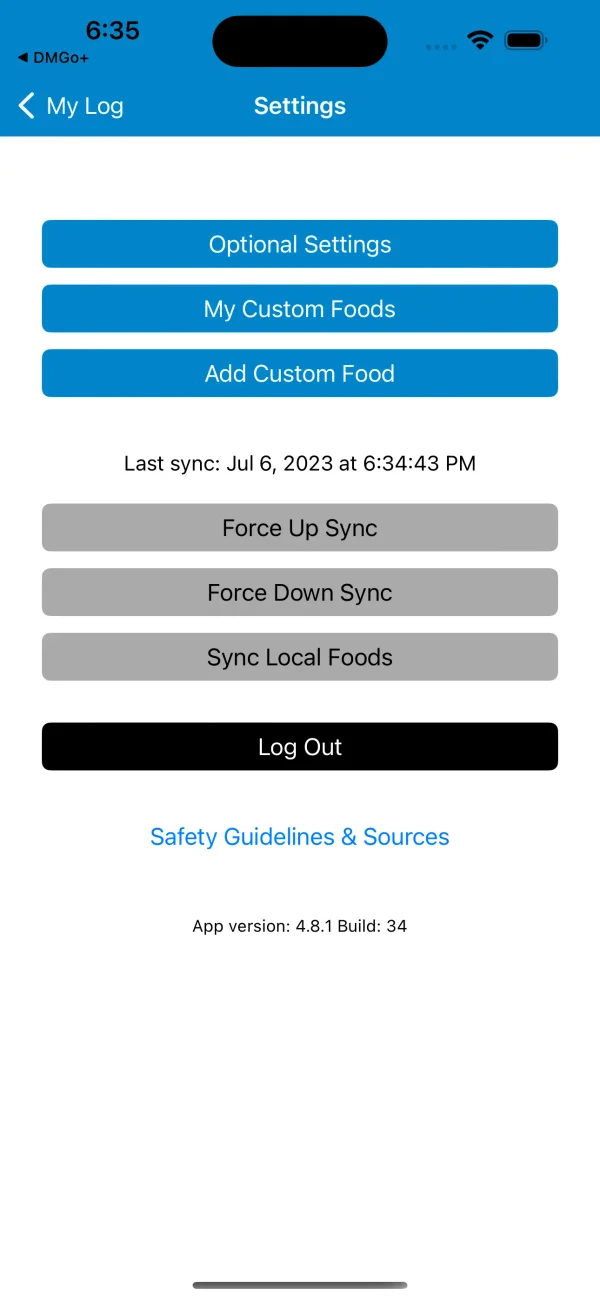
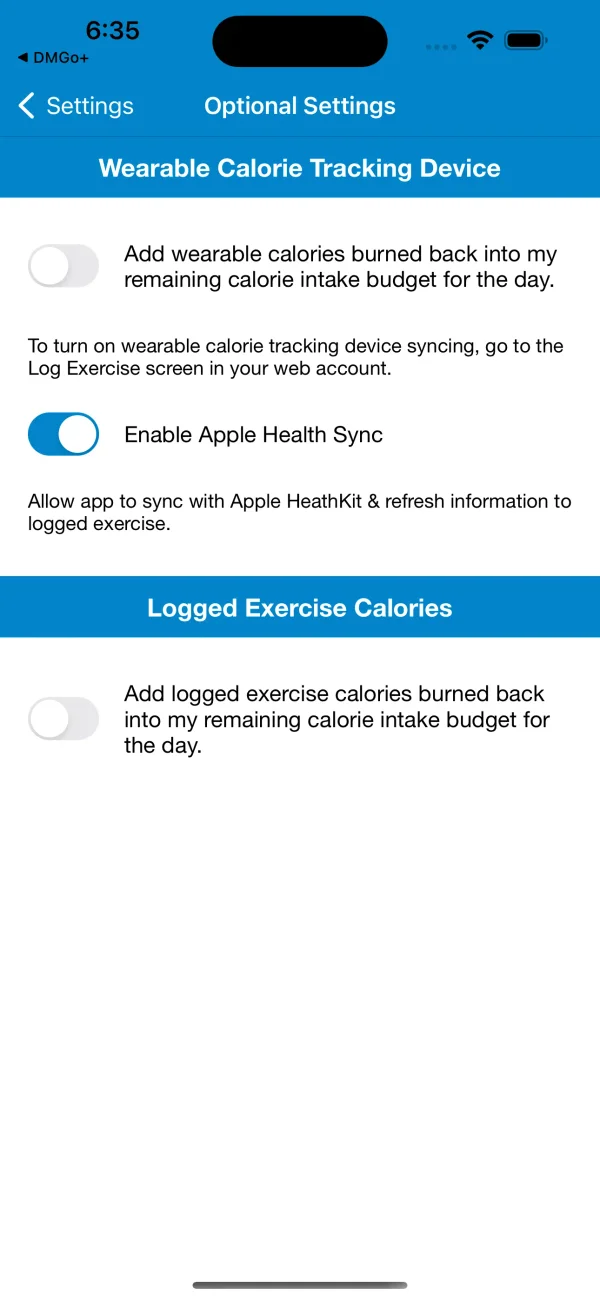
About
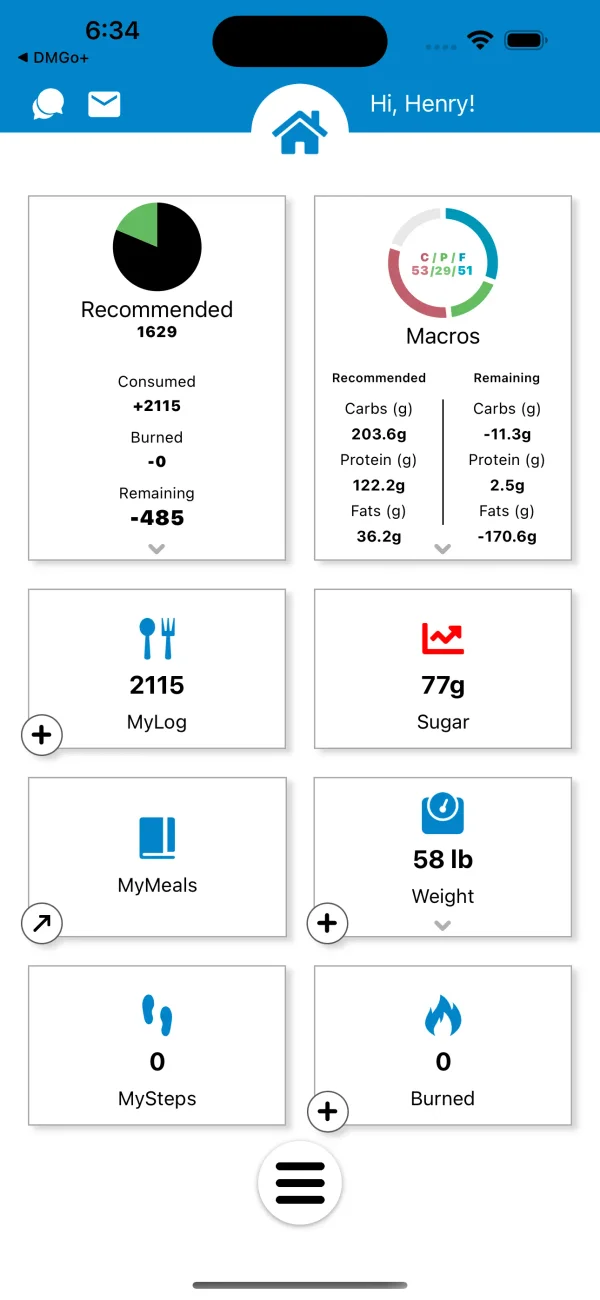
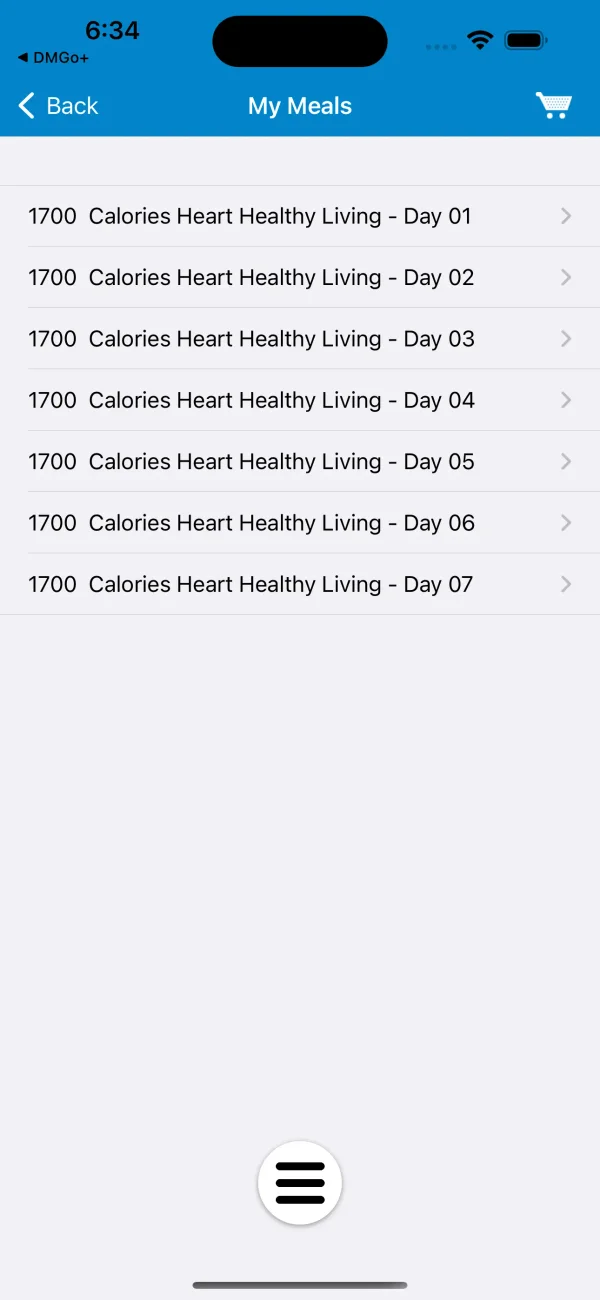
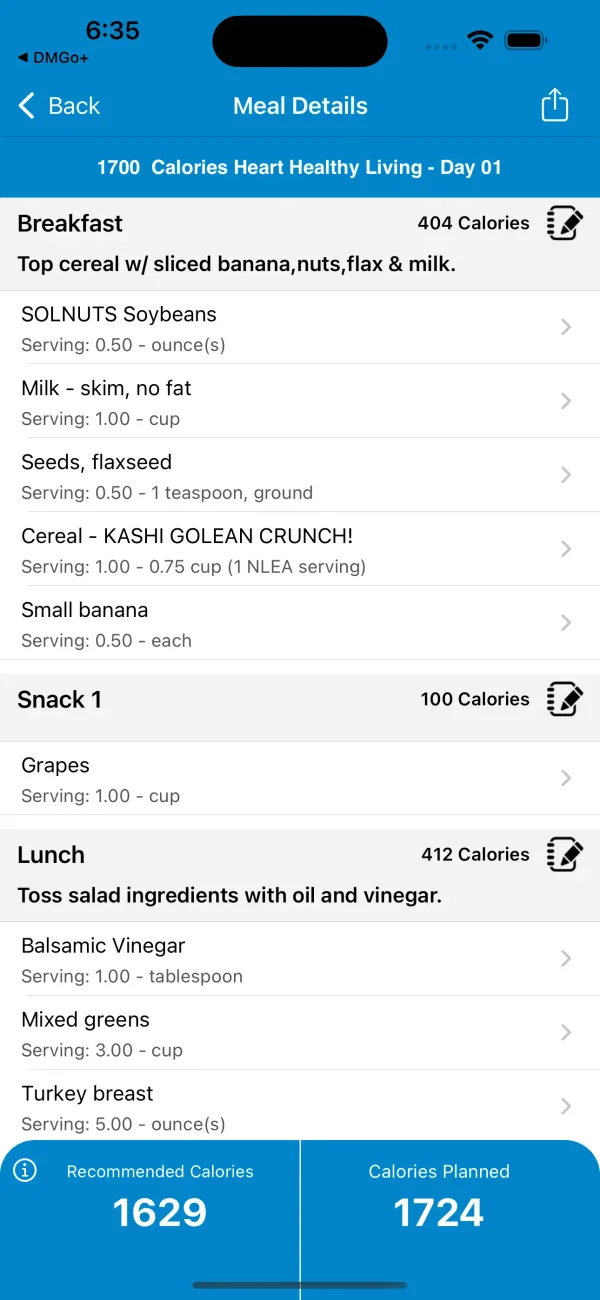
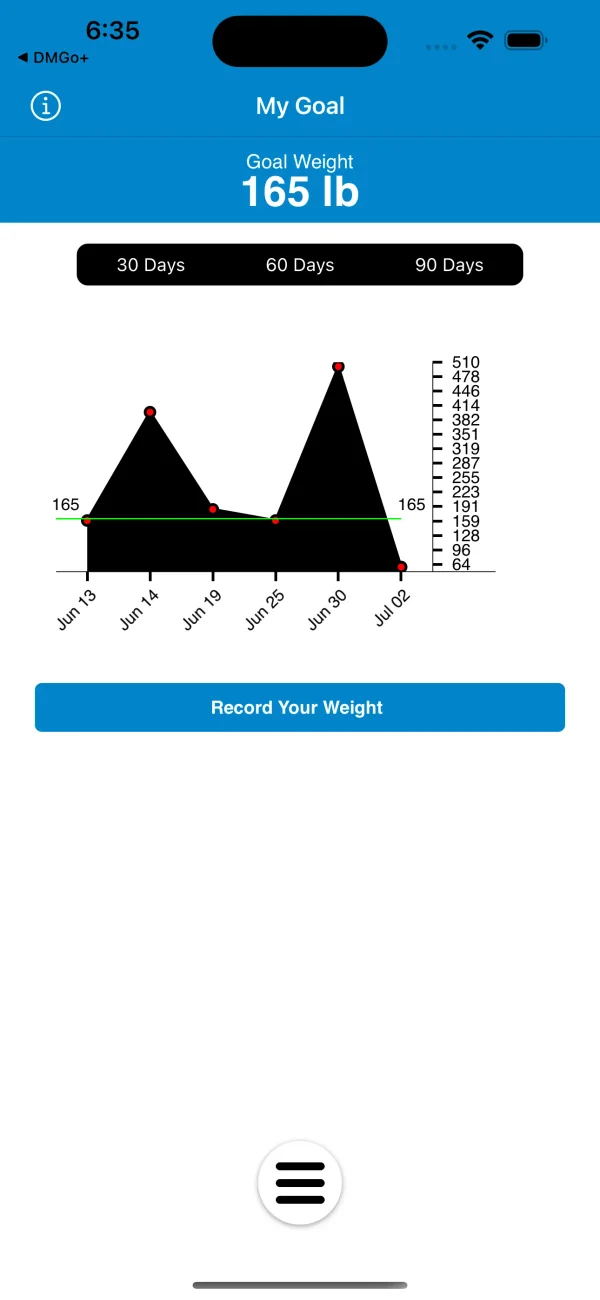
DietMaster Go is a professional food and activity logging tool that can only be activated by an authorized nutrition counselor. You login to DietMaster Go by using your username and password that was provided by the counselor when your web based cloud account is set up. Your nutritional and weight management goals are setup by the counselor on your web cloud account, then pushed to the DietMaster Go app. These nutritional and weight management goals include your daily calorie budget, goal weight, BMI, macronutrient ratios and other important factors that attribute to better overall health, nutritional habits and weight control.
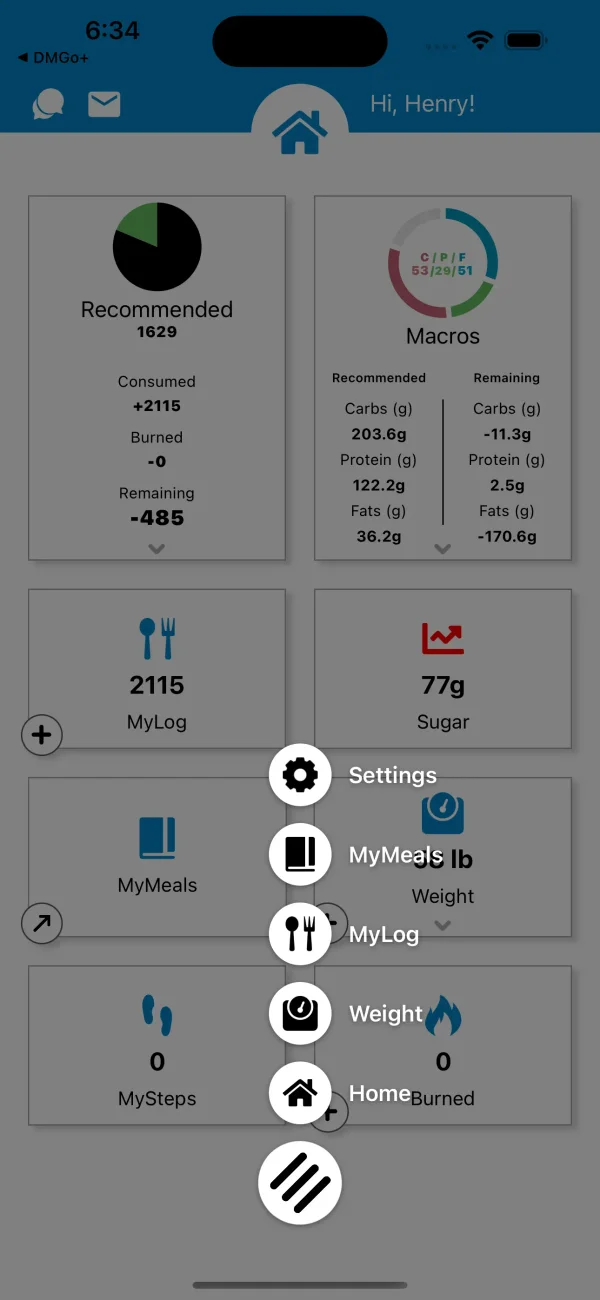
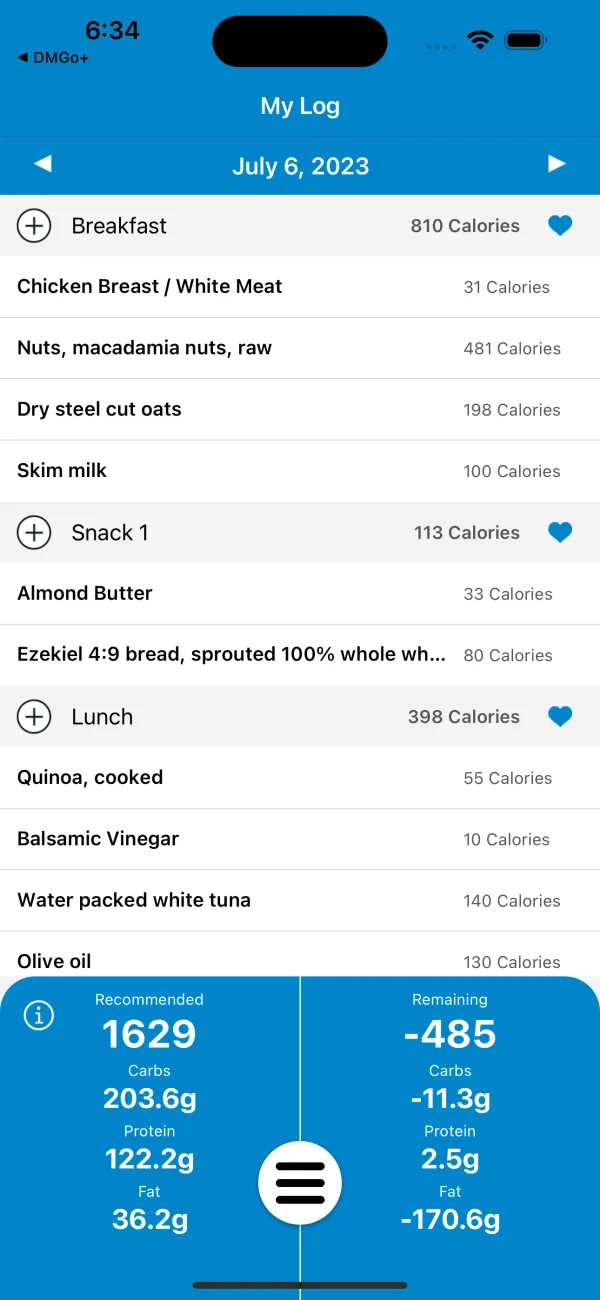
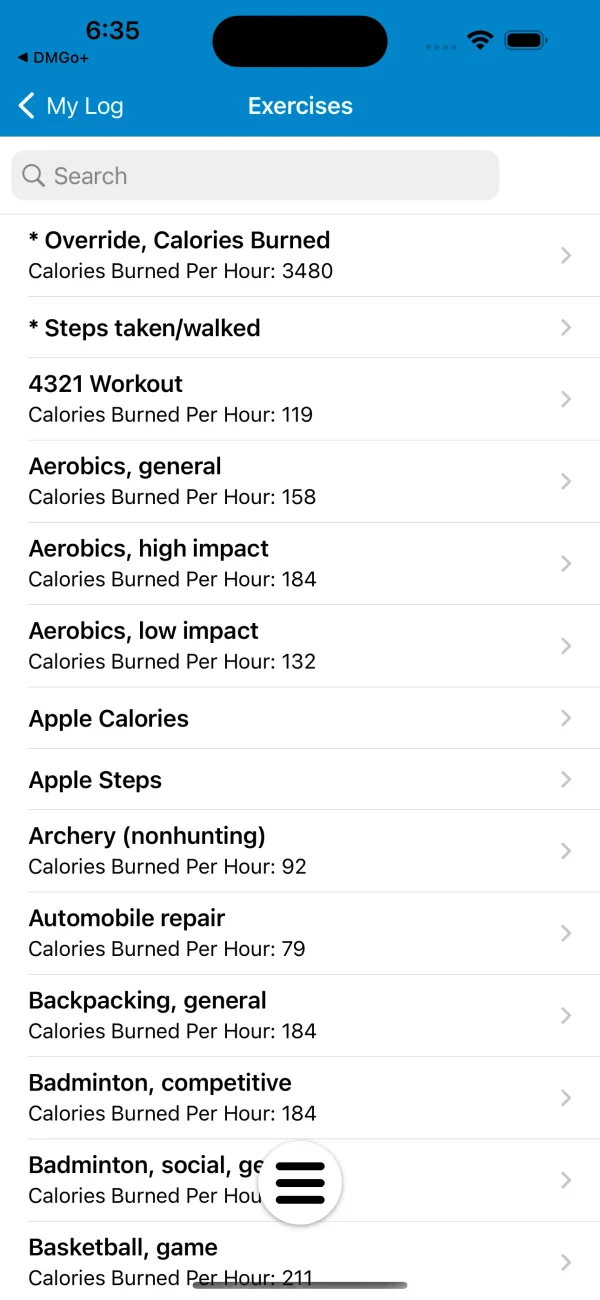
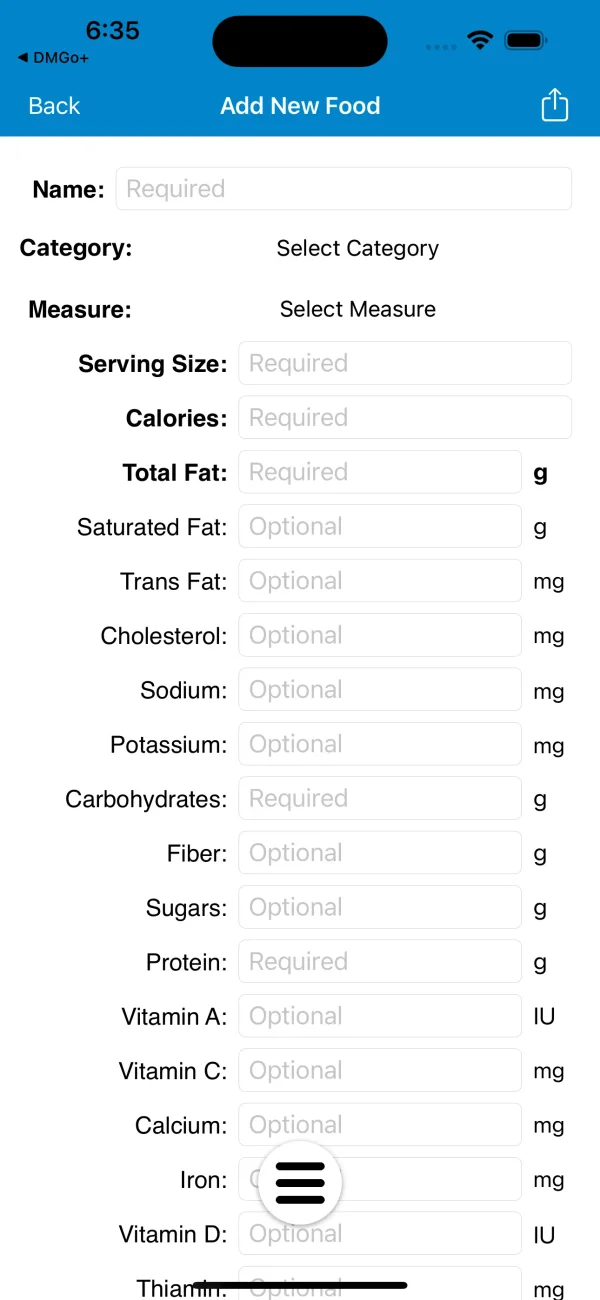
How it works: Once you login to Dietmaster Go app you can log foods and activities to track your daily amount of calories consumed or burned during activities, and compare those numbers with what has been established by your counselor. DietMaster Go's cloud account also allows logging online via a web based portal. Regardless if you log on your phone or the cloud account, all data is sync'd up and down. This logged information can then be viewed and monitored by your nutrition counselor for better coaching and compliance to your personalized plan.
Step up your goals with Apple Health integration! With step and calorie counting with Apple Health you can now stay on track with up to date daily activity syncing. To enable automatic syncing with Apple Health, login to your profile, go to Settings and activate “Enable Apple Watch Sync.”
What’s new
Version 4.9.0 · Jan 31, 2024
Bug fixes
App privacy
What Lifestyles Technologies, Inc declares on the App Store about how this app handles data.
-
Data not linked to you
May be collected but is not linked to your identity.
- Health and fitness
- Diagnostics
Privacy practices may vary, for example with the features you use or your age.
Information
- Seller
- Lifestyles Technologies, Inc
- Category
- Health & Fitness
- Version
- 4.9.0
- Updated
- Jan 31, 2024
- Released
- Mar 9, 2012
- Size
- 29.6 MB
- Requires
- iOS 15.0 or later
- Age rating
- 4+
- Price
- Free
- Languages
- English
- Copyright
- © 2022 Lifestyles Technologies, Inc.
You might also like
-
 TOTAL ATHLETE TRAININGHealth & Fitness
-
 The Beyond StudiosHealth & Fitness
-
 Nutrition NowMeal Plans-Nutrition Tracking
-
 T3 Fitness MobileTrain. Fuel. Rise
-
 Hockessin Athletic Club AppHealth & Fitness
-
 furo.fit: Wellbeing CommunitySocial Fitness & Weight Loss
-
 InBody hiHealth & Fitness
-
 ClubReady TeamHealth & Fitness
-
 MusclewareMuscleware Live Notifications
-
 Demotu • Coaching IntelligenceAssess. Program. Track.