
Digext: Save AI Conversations
Extract Webpages & Read Later
Designed for iPhone, iPad, Mac
Free · In-app purchases
- Age rating4+
- CategoryProductivity
- DeveloperDigext LLC
- LanguagesEnglish+ 45 more
- Size253.2 MB
Links to the official App Store page
Download.org hosts no file of Digext: Save AI Conversations. The button opens its official App Store page, published by Digext LLC. Listing last checked on Nov 24, 2026.
Screenshots




About
Digext saves your AI conversations and the best of the web, then collects and organizes them beautifully.
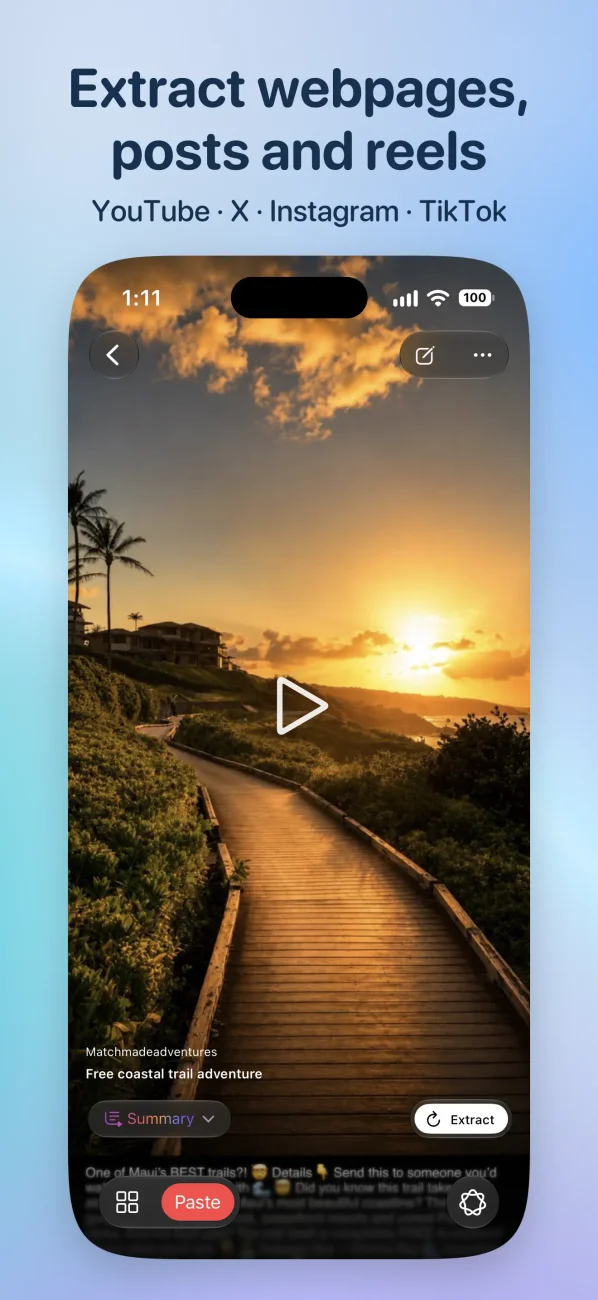
Paste to save, or share directly from any app. Save answers from ChatGPT, Claude, Gemini and Grok, and whole webpages, articles, posts and reels from YouTube, X, Instagram, TikTok, Reddit, Medium, Substack and more. No typing.
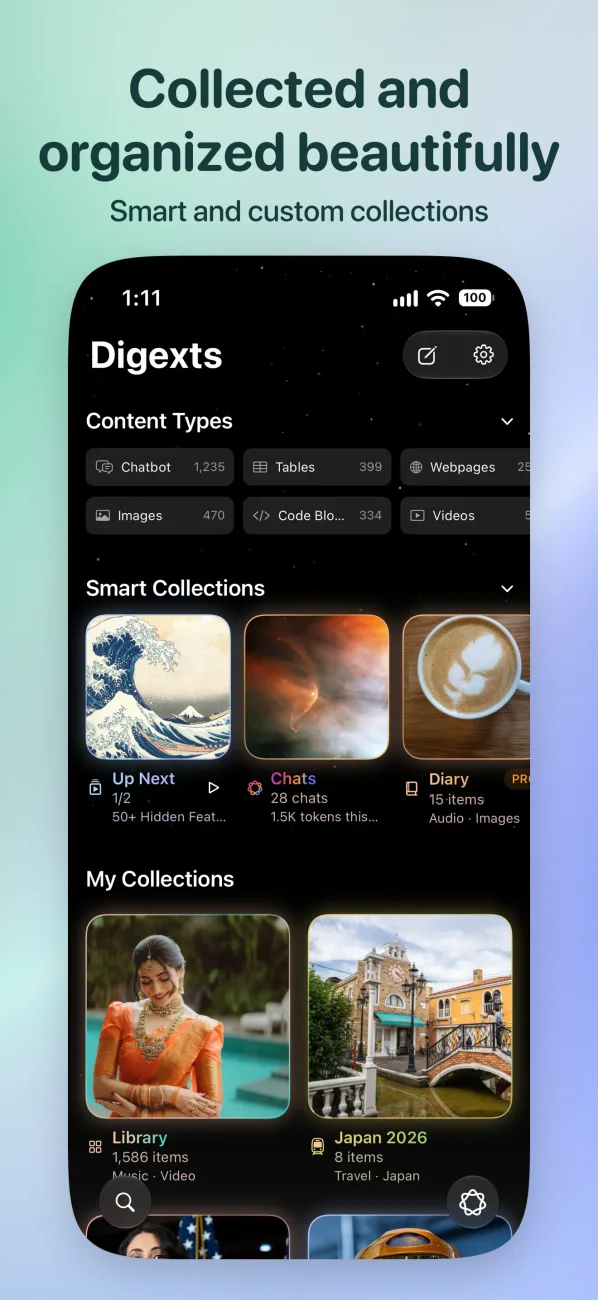
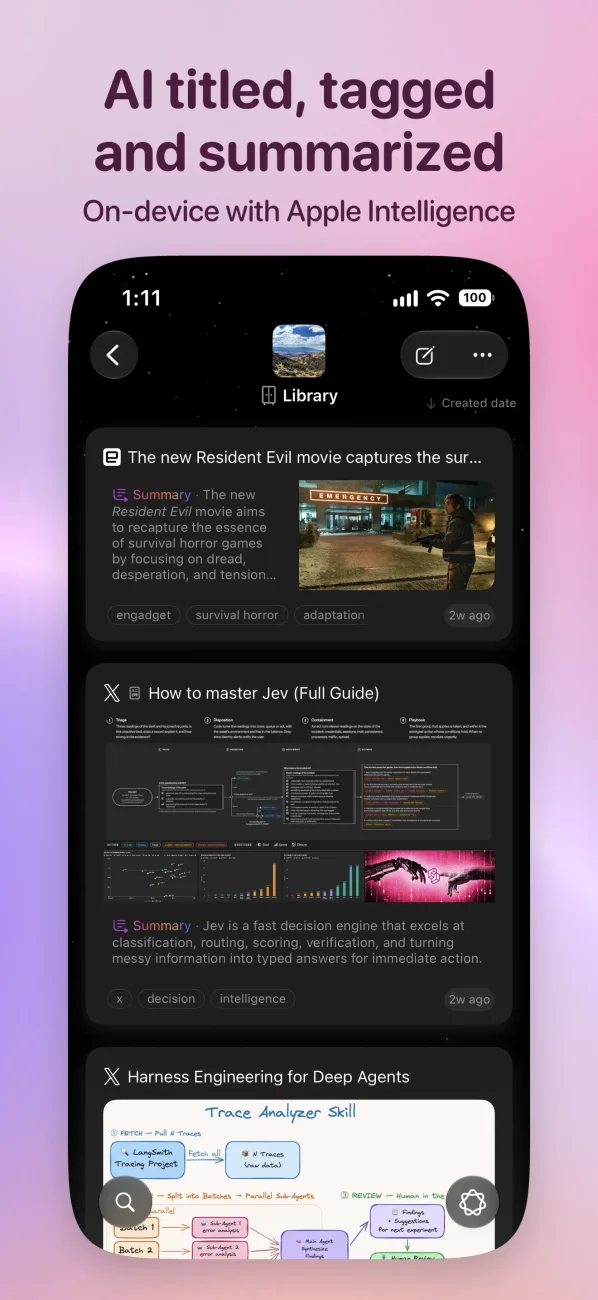
Everything lands in a library that organizes itself: smart and custom collections with their own covers, plus titles, tags and summaries written on your device by Apple Intelligence.
Digext is local-first. Your content stays on your device by default, with optional iCloud sync if you enable it.
With Digext you can:
• Save AI conversations from ChatGPT, Claude, Gemini and Grok
• Save webpages, articles, posts and reels from YouTube, X, Instagram, TikTok and more
• Collect them into smart and custom collections, organized for you
• Get titles, tags and summaries made on-device with Apple Intelligence
• Import your ChatGPT and Claude conversations and notes
• Search everything, in the app and from Spotlight
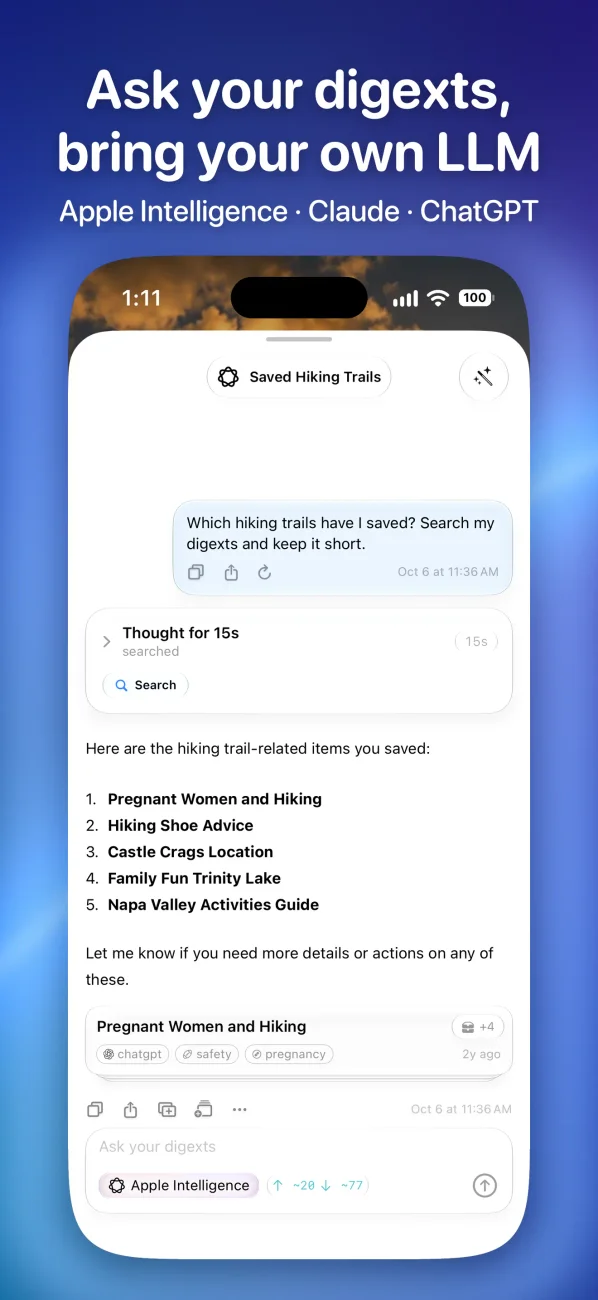
• Ask questions about what you saved with Apple Intelligence, or sign in to Claude or ChatGPT
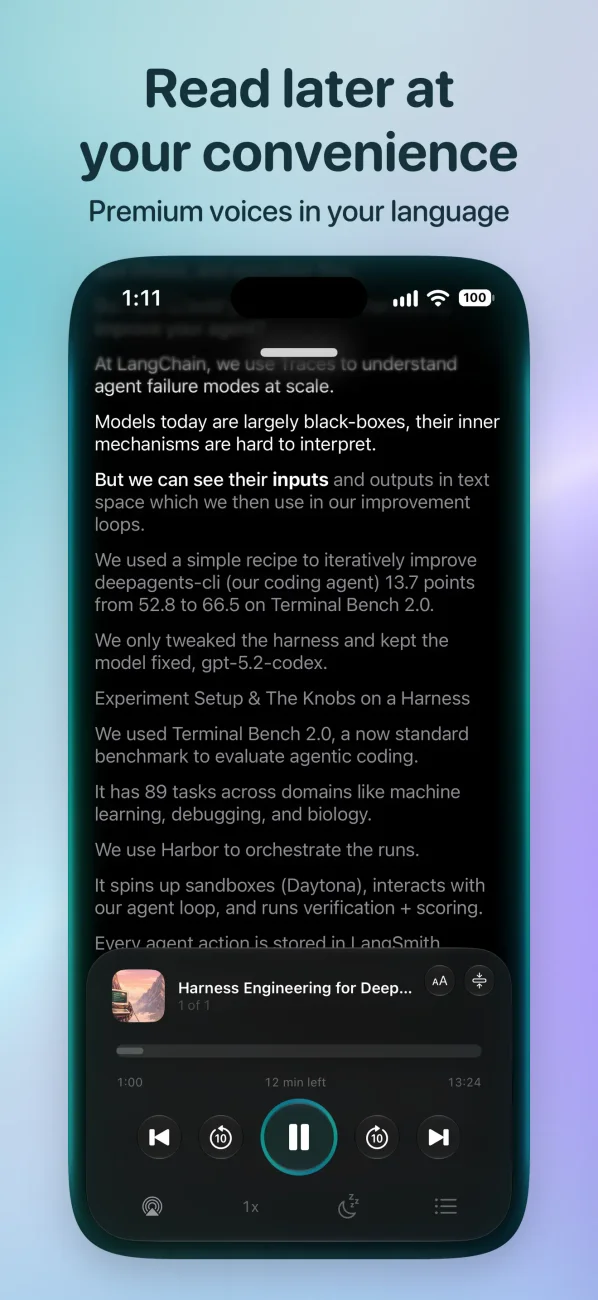
• Read later, or listen with premium voices in your language
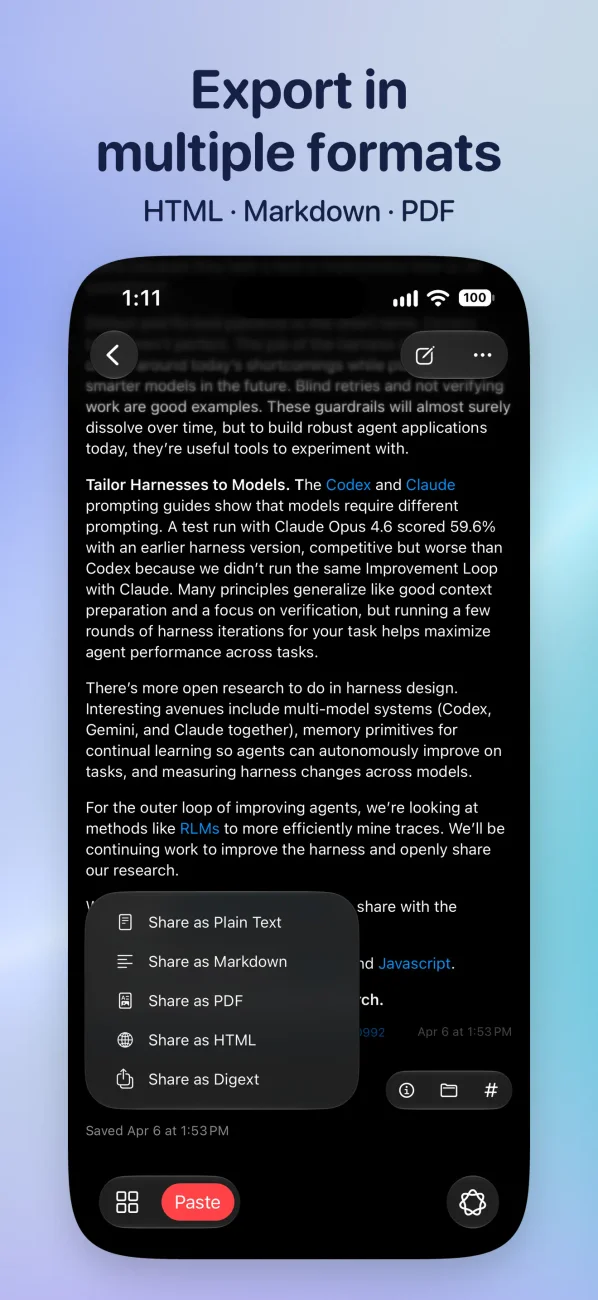
• Export as HTML, Markdown or PDF
• Keep a private journal of your day
Digext Pro unlocks advanced diary features, imports, playback queue, and more — with flexible monthly and annual plans.
Terms of Use: https://www.apple.com/legal/internet-services/itunes/dev/stdeula/
What’s new
Version 2026.47.643 · Nov 23, 2026
Notes
• Write your own Note inside any Digext, next to what you saved.
• Format it with headings, bold, italic, highlights, lists and checklists. Undo and redo as you write.
• Close a Note before you're done and Digext keeps your draft.
A free month of PRO
• New to Digext? At the end of Dex's tour, try PRO free for a month, or keep the free week. Cancel before the month ends and you pay nothing.
Better saves
• Saved pages keep their own fonts and text sizes, and 8 more reading fonts come with the app.
• Claude artifacts and ChatGPT sites save in their own look, with their charts, drawings and small apps.
• Manga and comic chapters save whole and sharp. GoComics and Webtoon save just the comic.
• ChatGPT shares and GitHub pages keep their type.
Also
• Edit Digext is redrawn: move, copy or delete parts on one sheet.
• Digext opens where you left off, even after iOS closes it in the background.
• Settings > Delete Digext deletes all your data from this device and your iCloud, then shows how to delete the app.
• Typing in chat no longer crashes, and photos you save are no longer cropped on their own.
App privacy
What Digext LLC declares on the App Store about how this app handles data.
-
Data not collected
The developer does not collect any data from this app.
Privacy practices may vary, for example with the features you use or your age.
Information
- Seller
- Digext LLC
- Category
- Productivity
- Version
- 2026.47.643
- Updated
- Nov 23, 2026
- Released
- May 6, 2026
- Size
- 253.2 MB
- Requires
- iOS 26.0 or later
- Age rating
- 4+
- Price
- Free
- In-app purchases
- Yes
- Languages
- English, Arabic, Bengali, Bulgarian, Catalan, Croatian, Czech, Danish, Dutch, Finnish, French, German + 34 more
- Copyright
- © 2026 Digext LLC
You might also like
-
 Sutyo AISutyo Personal Memory
-
 Anycap: Capture & BookmarksSave anything. Ask your AI.
-
 SocratusAI Second Brain for Your Notes
-
 Dewey: Disorganized NotesRemember everything
-
 Flipnotes - Digital NotebookThe Fastest Notes App.
-
 Stash: Fast Add to ClipboardSnippets, links, photos, files
-
 Stellata: Save Links & ReelsBookmark Manager & Moodboard
-
 Keeplea: Save & Find My StuffWhere did I put it? Just ask.
-
 BriskListSave Now, Read Later
-
 KeepSpotSave all your digital content