- Age rating4+
- CategoryUtilities
- DeveloperSeungJun Lee
- LanguagesEnglish
- Size42.4 MB
Links to the official App Store page
Download.org hosts no file of Digital Clock Ultra. The button opens its official App Store page, published by SeungJun Lee. Listing last checked on Nov 16, 2026.
Screenshots

About
Transform your clock with Digital Clock Ultra! Personalize with photos, calendar, year progress tracker, and sleek design. Download now!
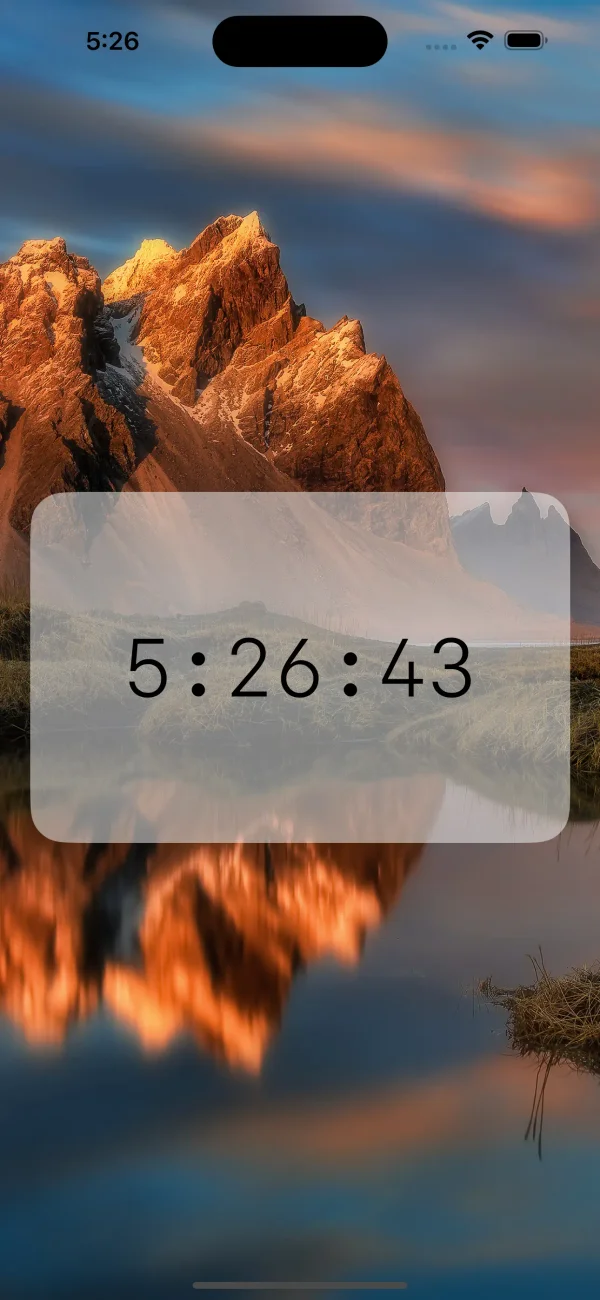
Digital Clock Ultra is an app that provides a comprehensive time-keeping experience for users. The app includes a digital clock display that can be set to either a 12-hour or 24-hour format. The clock is displayed in large, easy-to-read digits that can be seen from a distance.
In addition to the clock, Digital Clock Ultra also includes a built-in calendar that shows the current month and marks today's date with a red dot. Plus Digital Clock Ultra show Year Progress.
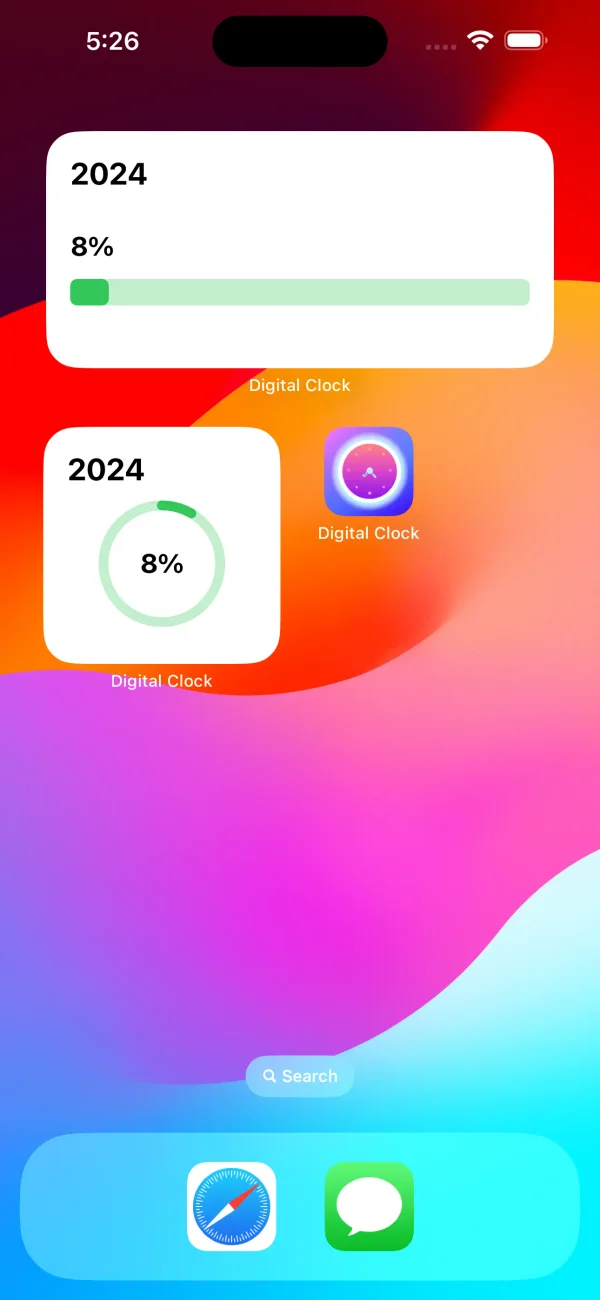
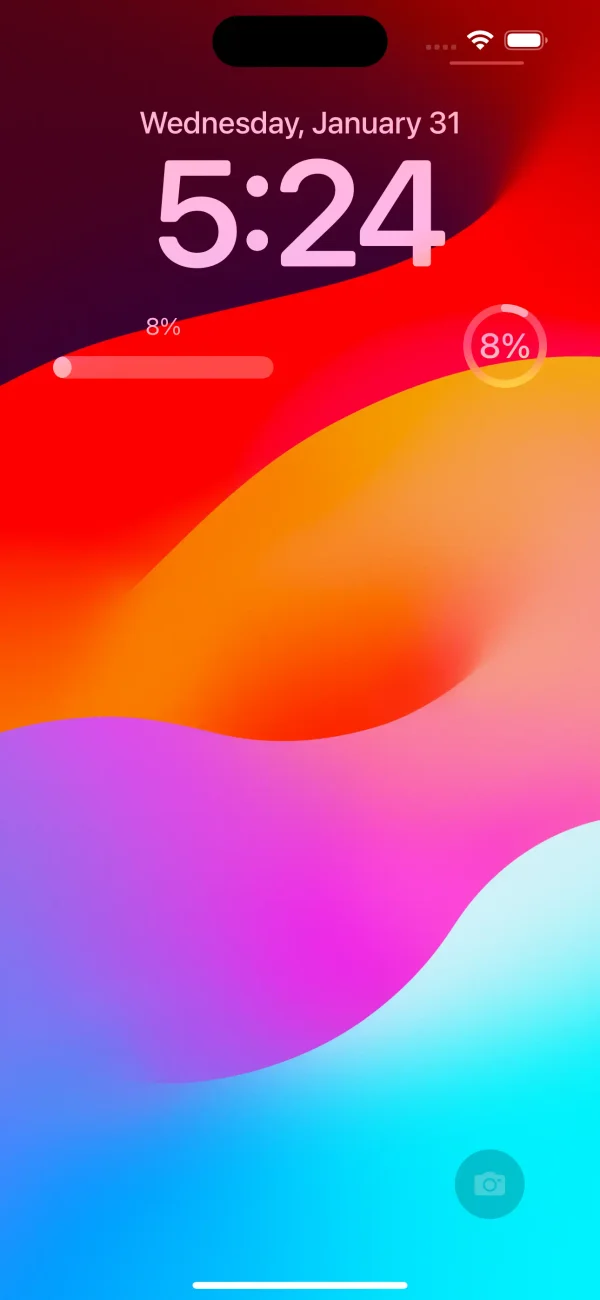
Year Progress is a feature in Digital Clock Ultra that displays the current year's progress as a percentage. The app calculates the number of days that have passed since January 1st and displays it as a percentage, giving users a visual representation of how much of the year has already elapsed.
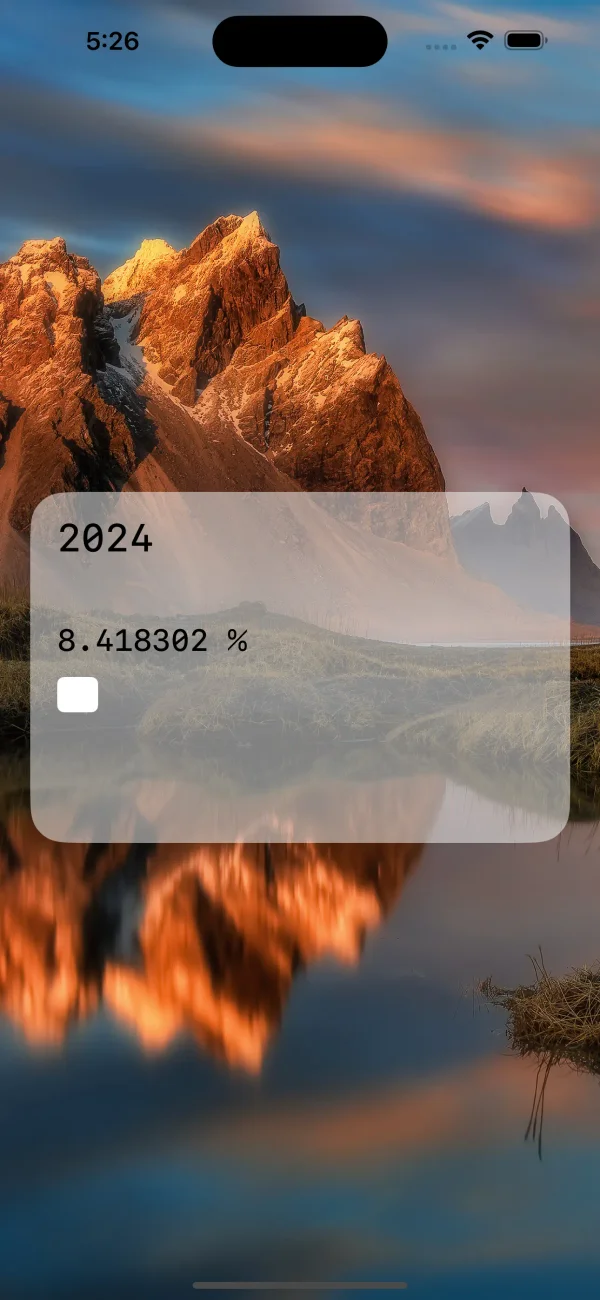
One of the unique features of Digital Clock Ultra is the ability to set your own photos as background images. Users can choose from their own photo library or use default image. The app automatically adjusts the photo to fit the screen and adds a transparent clock overlay on top. This feature allows users to personalize the app and make it truly their own.
Digital Clock Ultra is designed with a sleek and modern user interface that is easy to navigate. All the features are easily accessible from the main screen, making it easy to switch between the clock, calendar, and settings.
Overall, Digital Clock Ultra is a great app for anyone who wants a customizable clock and a basic calendar experience. With its digital clock display, built-in calendar, and the ability to set your own photos as background images, this app is perfect for keeping track of time and adding a personal touch to your device.
What’s new
Version 1.3 · Jan 31, 2024
Now Digital Ultra Clock is available on iPhone!
App privacy
What SeungJun Lee declares on the App Store about how this app handles data.
-
Data not collected
The developer does not collect any data from this app.
Privacy practices may vary, for example with the features you use or your age.
Information
- Seller
- SeungJun Lee
- Category
- Utilities
- Version
- 1.3
- Updated
- Jan 31, 2024
- Released
- Feb 24, 2023
- Size
- 42.4 MB
- Requires
- iOS 17.0 or later
- Age rating
- 4+
- Price
- Free
- Languages
- English
- Copyright
- © 2024 Seungjun Lee
You might also like
-
 Screen Clock DigitalA huge Screen Digital Clock
-
 World-Digital-ClockWorld Digital Clock Anytime
-
 Lightweight ClockA simple clock with seconds
-
 Big Clock: Digital DisplayHuge Nightstand Clock & Timer
-
 Digital Clock - Advance TimeWidget, Customize Your Time
-
 Custom Digital ClockCustomizable digital clock
-
 LED Clock - ICL03LED Digital Clock App
-
 SFClockSimple Flip Clock and Calendar
-
 Minimum ClockSimple Digital Clock
-
 Smart Digital & Analog ClockCustomizable Clock with Widget