Digital Clock Widget · StandBy
Live Seconds, Weather, Bedside
Designed for iPhone, iPad
Free · In-app purchases
- Age rating17+
- CategoryUtilities
- DeveloperbyteNine AS
- LanguagesEnglish
- Size585.8 MB
Links to the official App Store page
Download.org hosts no file of Digital Clock Widget · StandBy. The button opens its official App Store page, published by byteNine AS. Listing last checked on Nov 20, 2026.
Screenshots
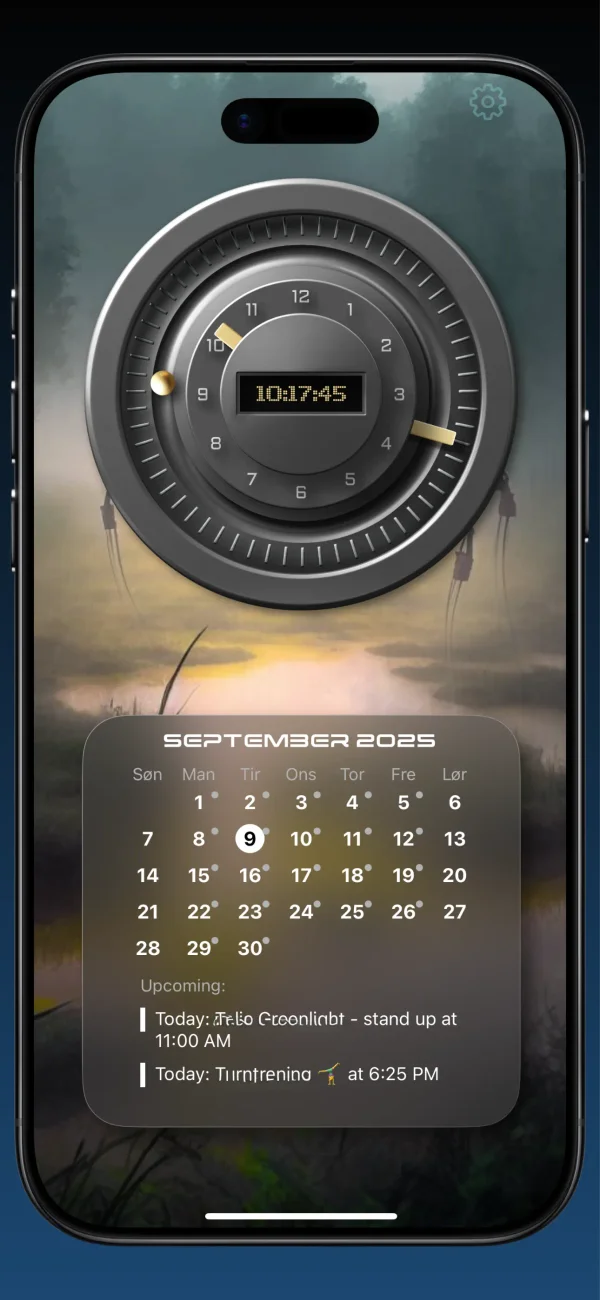
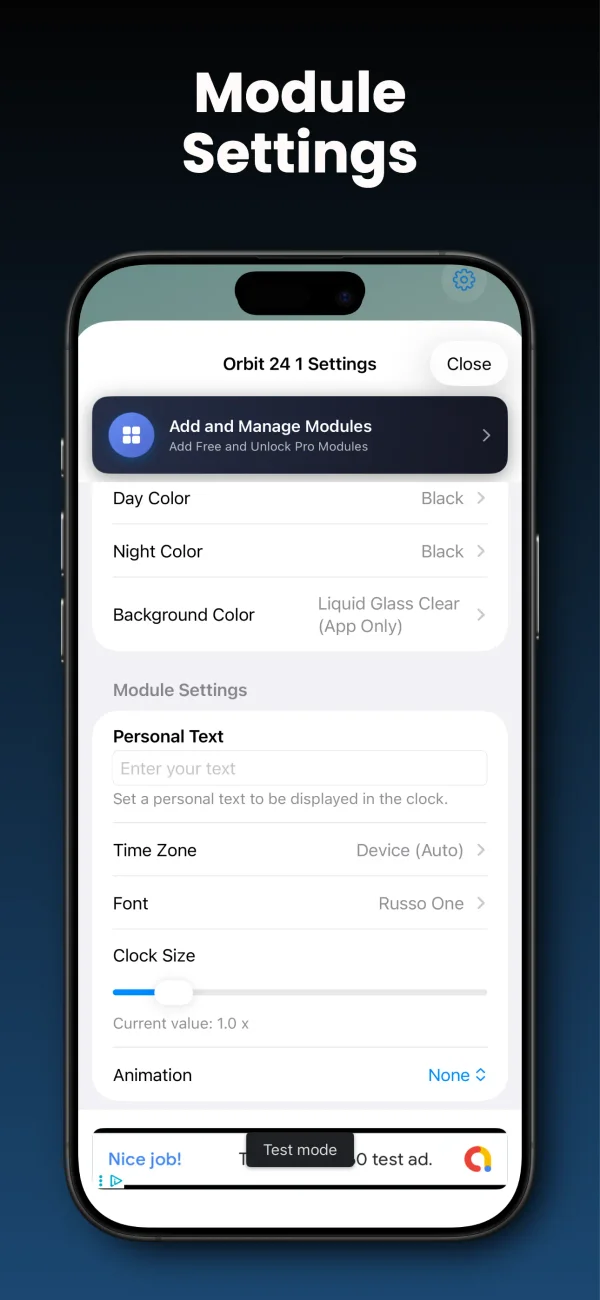
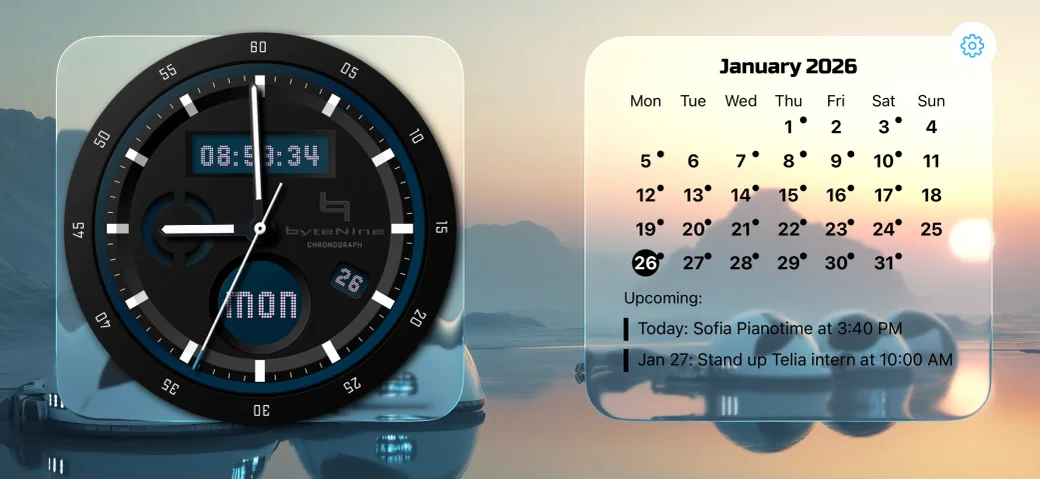
About
Digital Clock Widget · StandBy — Beautiful Clocks for iPhone, iPad & Mac
Turn any iPhone, iPad, or Mac into a stunning always-on bedside clock, with advanced Alarm — and pin gorgeous, weather-aware digital clock widgets straight to your home screen. Digital Clock Widget · StandBy is a complete clock toolkit: home-screen widgets in every size, fullscreen iOS StandBy mode, live weather, and an ever-growing library of beautifully crafted analog and digital clock faces.
Try every premium clock free for 24 hours.
WHY DIGITAL CLOCK WIDGET · STANDBY?
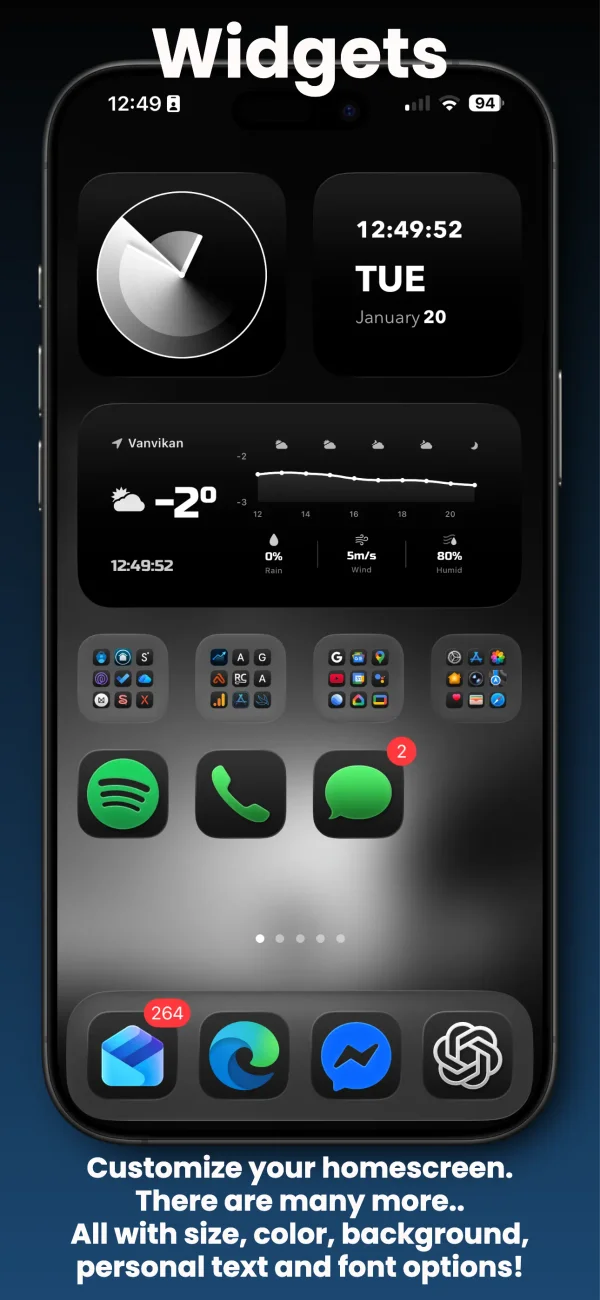
- Beautiful digital clock widgets in every iOS widget size
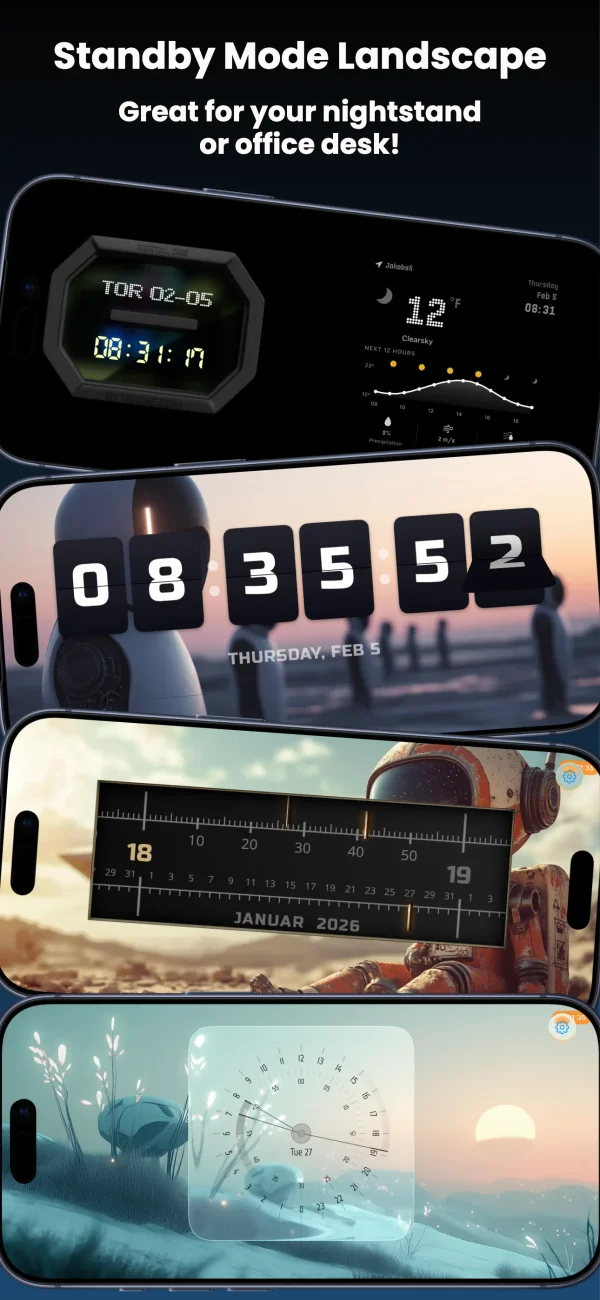
- Native iOS StandBy mode — bedside clock when charging
- Live weather forecast built into many clock faces
- 20+ analog, digital, and flip clock styles
- Live ticking seconds — the detail other clock apps skip
- Works on iPhone, iPad, Mac, and Apple Watch
NATIVE iOS STANDBY MODE — YOUR BEDSIDE CLOCK REIMAGINED
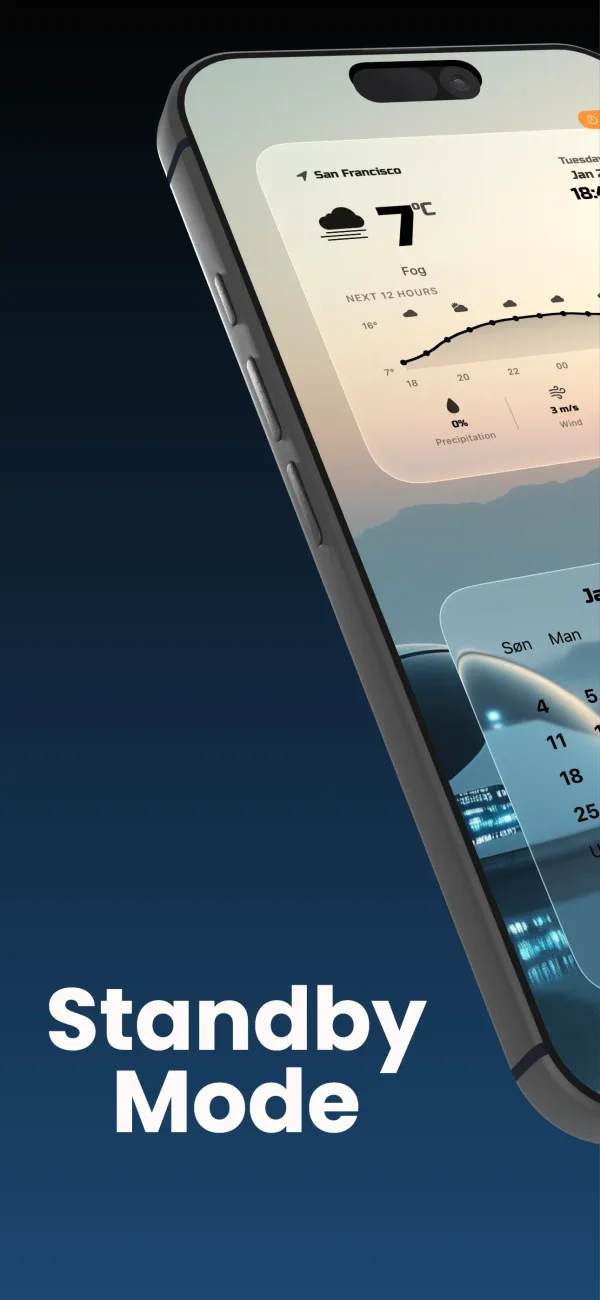
Plug your iPhone in, turn it sideways, and watch your bedside clock come alive. Swipe through fullscreen clock widgets and turn any nightstand or charging dock into a premium ambient display.
- Display one or two modules at once
- Optional "floating" and "dipping" animations
- Flexible sizing to fit any setup
- All clocks ready instantly on first launch
- Smooth 60fps second hands
HOME-SCREEN DIGITAL CLOCK WIDGETS
- Widgets in every size — small, medium, large, and extra large
- Customize background, accent color, size, and font right from widget settings
- Live ticking seconds on supported analog and digital styles
- Personal text, time zones, and rich color themes
- Real-time updates without draining your battery
GORGEOUS CLOCK FACES — ANALOG & DIGITAL
Browse the full library — many free designs, Digital Clock Pro unlocks the premium collection:
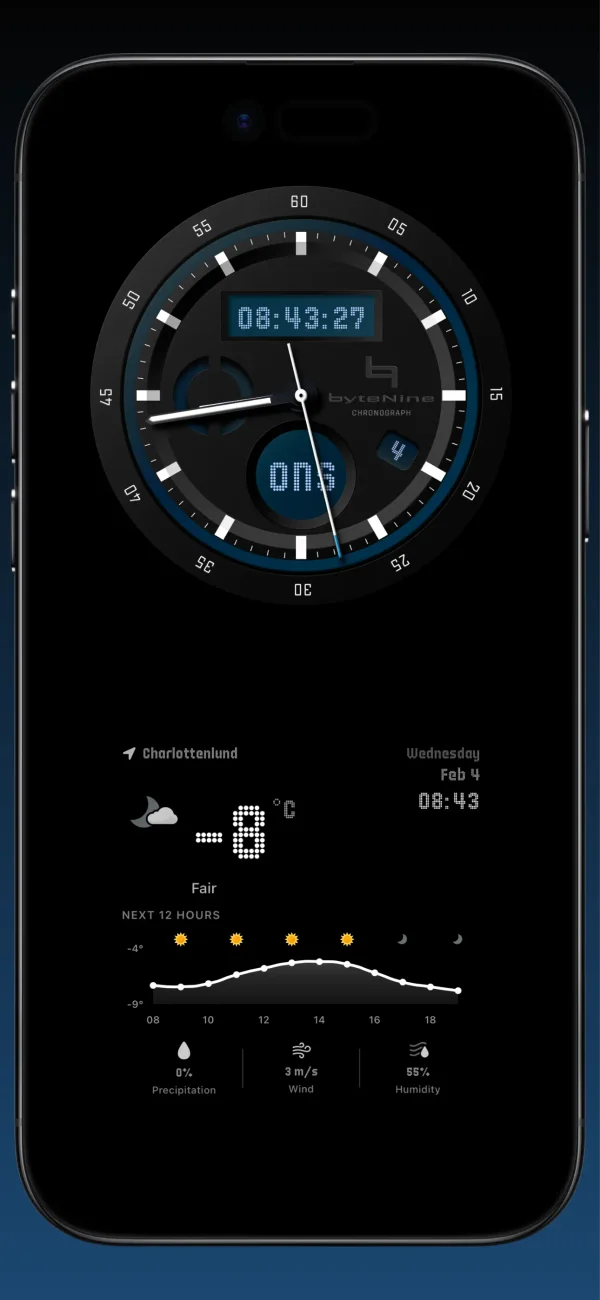
- Chronograph, Gold, Blue Circle, White Circle — premium analog clocks
- Digital, Simple Digital, Big Sec — beautiful digital clock widgets
- Simple Analog, Flip Clock, and more
- New premium clock designs added regularly
LIVE WEATHER
- Current conditions with next-hours overview
- Celsius/Fahrenheit toggle, location naming
- Lightweight, battery-friendly updates
- Weather data powered by Apple Weather
PHOTO FRAME MODULE
- Display your favorite photos in beautiful frames
- Multiple frame styles: classic, vintage, polaroid, and more
- Add personal text captions
PERSONALIZED NEWS
- Curated categories — Technology, Business, Sports, and more
- Clean reading view with full-screen option
- Image-rich articles with smooth scrolling
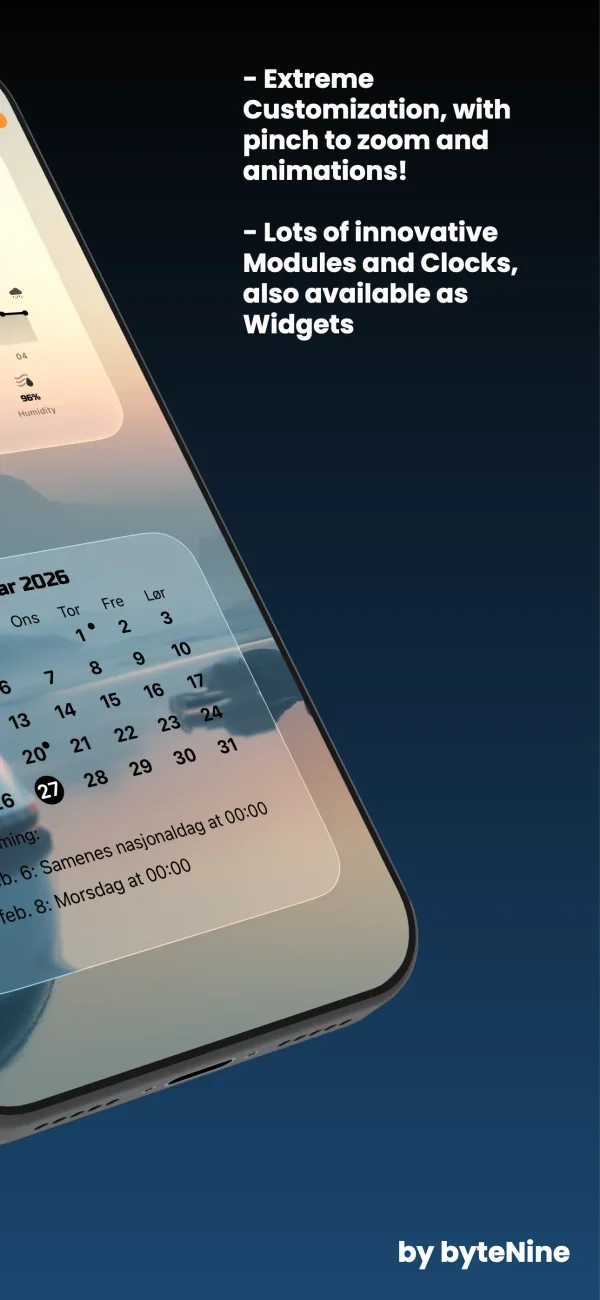
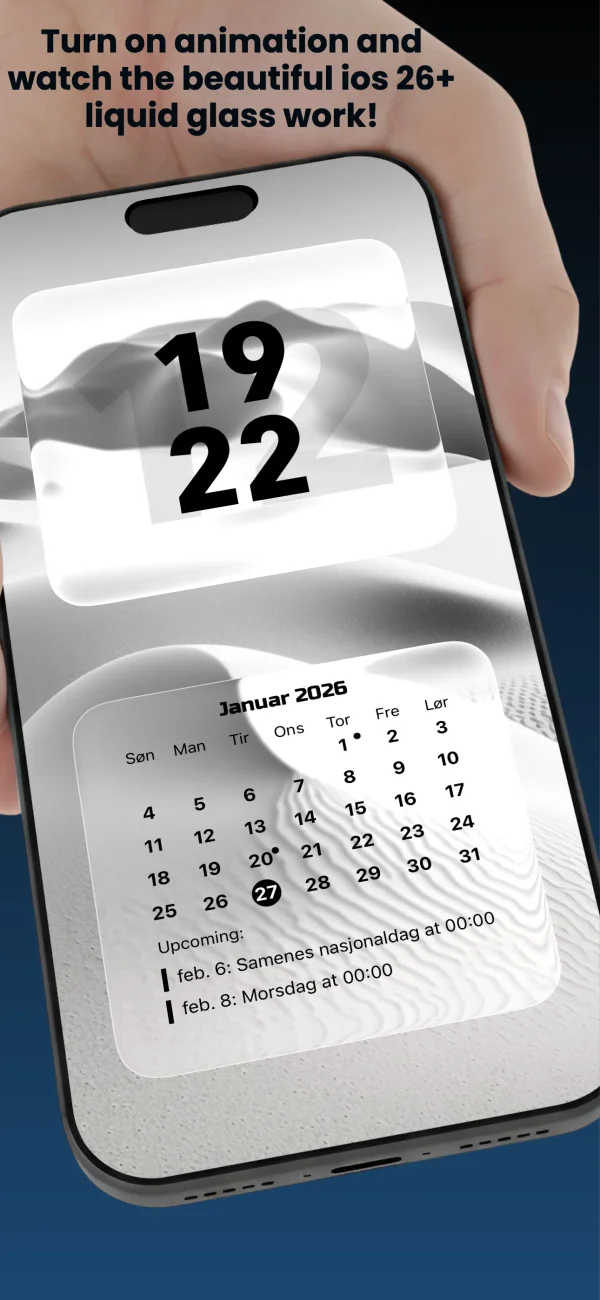
MONTHLY CALENDAR
- Beautiful month grid with localized weekdays
- Highlights today and your upcoming events
MUSIC & SPOTIFY
- Apple Music now playing (system player) with quick controls
- Spotify integration with playback info and controls
(Note: Spotify Premium required for playback control; non-Premium users get a friendly fallback and open-in-Spotify option)
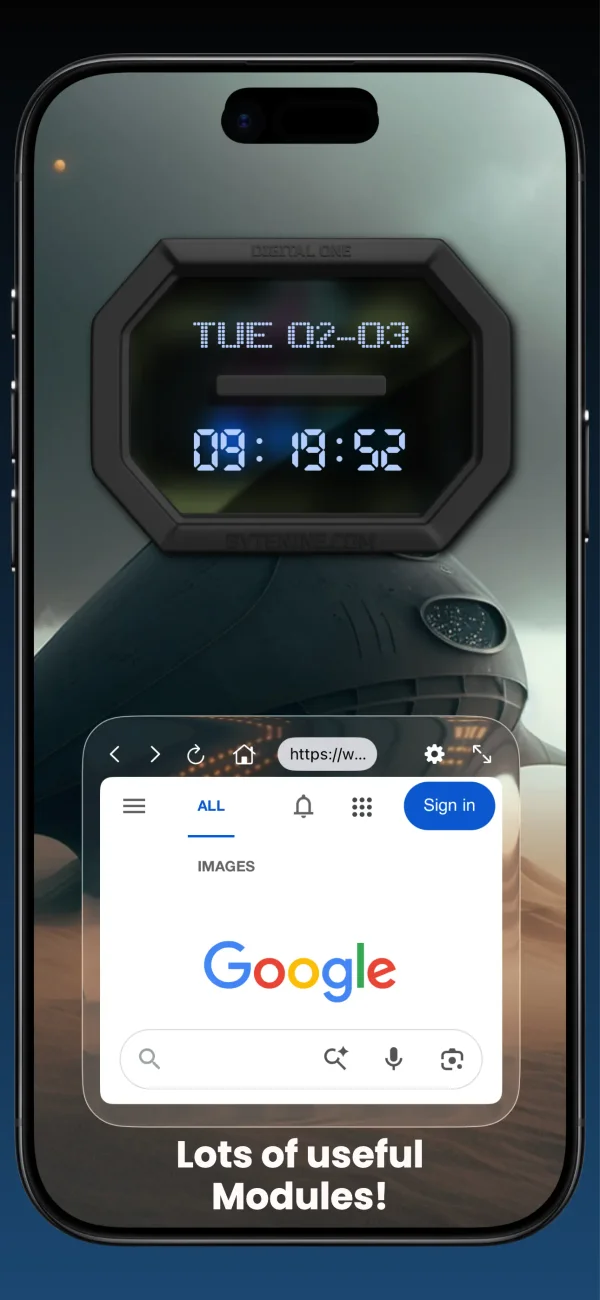
WEBVIEW MODULE
- Pin your favorite website with optional auto-refresh
- One-tap full-screen browsing with overlay controls
DIGITAL CLOCK PRO
- Unlock every premium clock style
- Remove all ads
- Enhanced customization options
- Try free for 24 hours
START LOOKING AT TIME IN STYLE
Whether you want a single elegant digital clock widget, a wall of analog clocks on your iPad, or a fullscreen StandBy bedside display, Digital Clock Widget · StandBy has every clock face you need.
Requires iOS 17. Runs on iPhone, iPad, and Mac (via Designed for iPad).
Hope you enjoy the clocks!
Terms of Use: https://www.apple.com/legal/internet-services/itunes/dev/stdeula/
What’s new
Version 3.3 · Sep 4, 2026
- New spectacular widget Orbit 24
- New advanced alarm feature: Using ios built in Alarm feature for 100% trustworthy alarm, with beautiful Alarmtones. Requires ios v. 26
- New name: Digital Clock Widget · StandBy
- Redesigned clock selection — find your favorite clock faster
- Performance and stability improvements
App privacy
What byteNine AS declares on the App Store about how this app handles data.
-
Data used to track you
May be used to track you across apps and websites owned by other companies.
- Purchases
- Identifiers
- Usage data
-
Data linked to you
May be collected and linked to your identity.
- Purchases
- Location
- Contact info
- User content
- Identifiers
- Usage data
-
Data not linked to you
May be collected but is not linked to your identity.
- Location
- User content
- Usage data
- Diagnostics
Privacy practices may vary, for example with the features you use or your age.
Information
- Seller
- byteNine AS
- Category
- Utilities
- Version
- 3.3
- Updated
- Sep 4, 2026
- Released
- Feb 11, 2026
- Size
- 585.8 MB
- Requires
- iOS 17.0 or later
- Age rating
- 17+
- Price
- Free
- In-app purchases
- Yes
- Languages
- English
- Copyright
- © byteNine
You might also like
-
 AlwaysOn: Standby ClockNightstand & Ambient Display
-
 Clock Widget CreatorCustom Clock Widgets
-
 Minimal Digital Clock & AlarmAesthetic Nightstand & Desk
-
 Grail - Clock WidgetAnalog & Digital Watch Faces
-
 Screen Clock DigitalA huge Screen Digital Clock
-
 Analog Clock ۬Desk, Digital & Analog Clock
-
 Antique Analog Clock WidgetElegant analog clock widget
-
 Big Digital Clock WidgetDesigned for iOS 17 StandBy
-
 Digital Clock - LED RetroNight stand clock
-
 Digital Clock: Night Stand-bySimple Bedside Alarm & Widget