Digital Speedometer Simple App
GPS Speed Tracker, MPH & HUD
Designed for iPhone, iPad
Free · In-app purchases
- Age rating4+
- CategoryNavigation
- DeveloperIGLO LABS COMPANY LIMITED
- LanguagesEnglish+ 17 more
- Size31.5 MB
Links to the official App Store page
Download.org hosts no file of Digital Speedometer Simple App. The button opens its official App Store page, published by IGLO LABS COMPANY LIMITED. Listing last checked on Nov 13, 2026.
Screenshots
About
Turn your iPhone into a GPS speedometer, digital MPH gauge and trip tracker with Digital Speedometer Simple App. View speed, distance and journey statistics in one clear dashboard.
GPS SPEEDOMETER
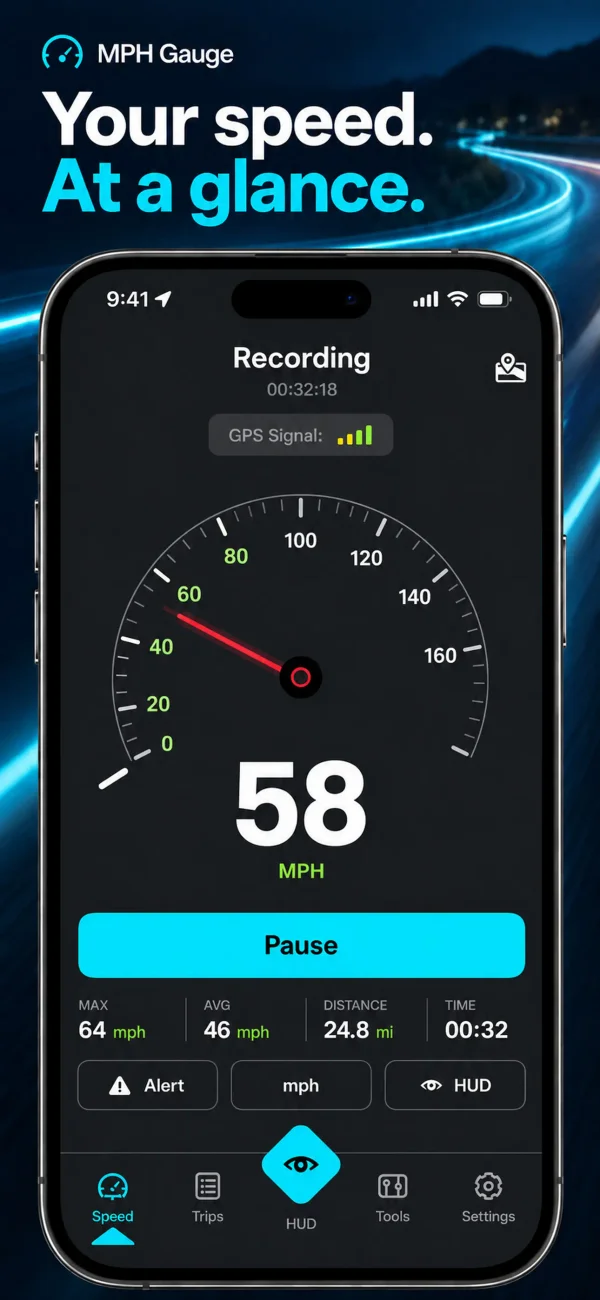
Check your current speed with an analog dial and large digital readout. Switch between MPH and km/h, monitor GPS signal status, and view maximum speed, average speed, distance and elapsed time.
HUD DISPLAY
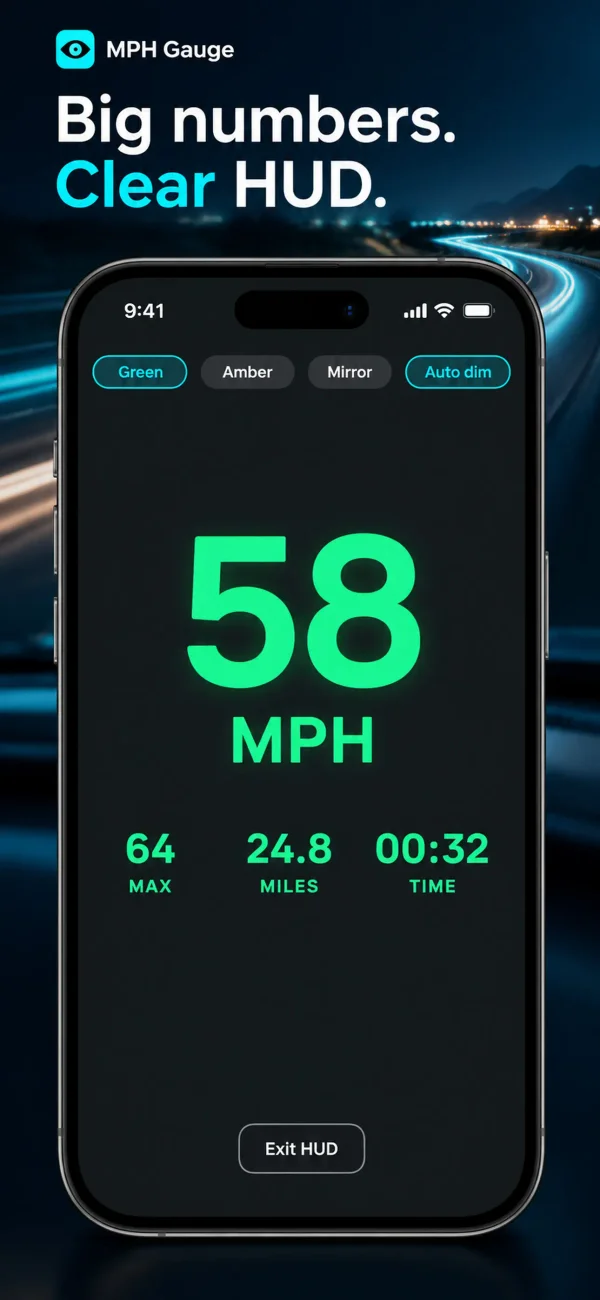
Use a full-screen speed display with mirror mode for windshield reflection. Choose green or amber and adjust automatic dimming.
CUSTOM SPEED ALERTS
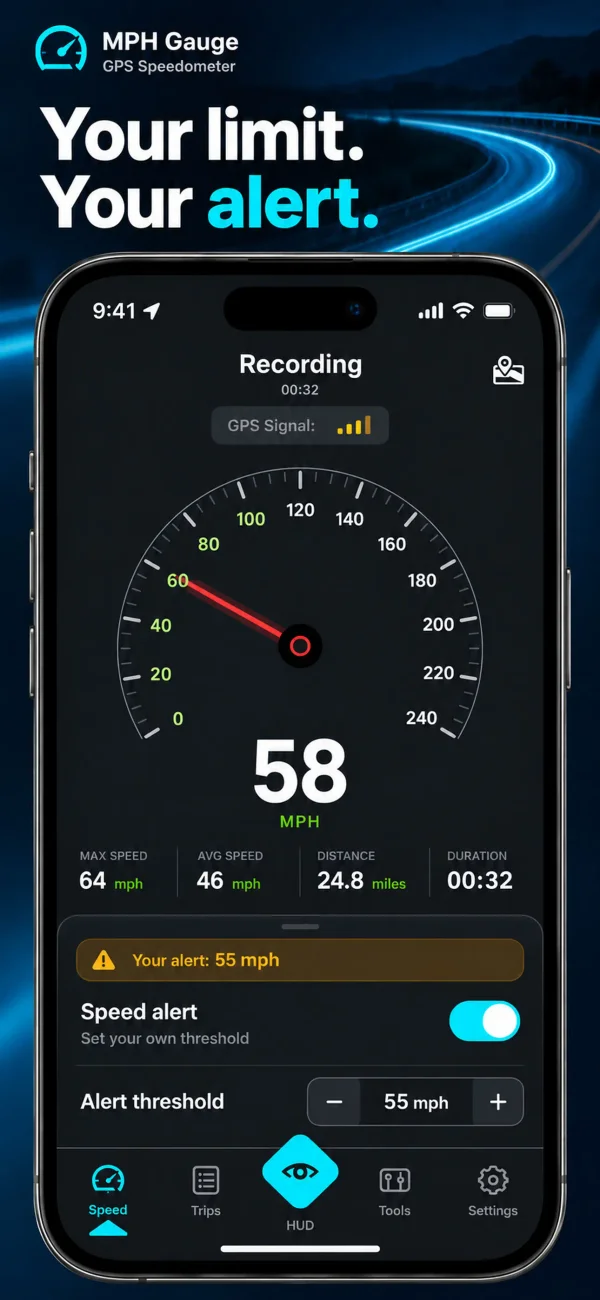
Set a speed threshold and receive warnings when you exceed it. Alerts use your chosen threshold and do not detect posted road speed limits.
TRIP TRACKER & ODOMETER
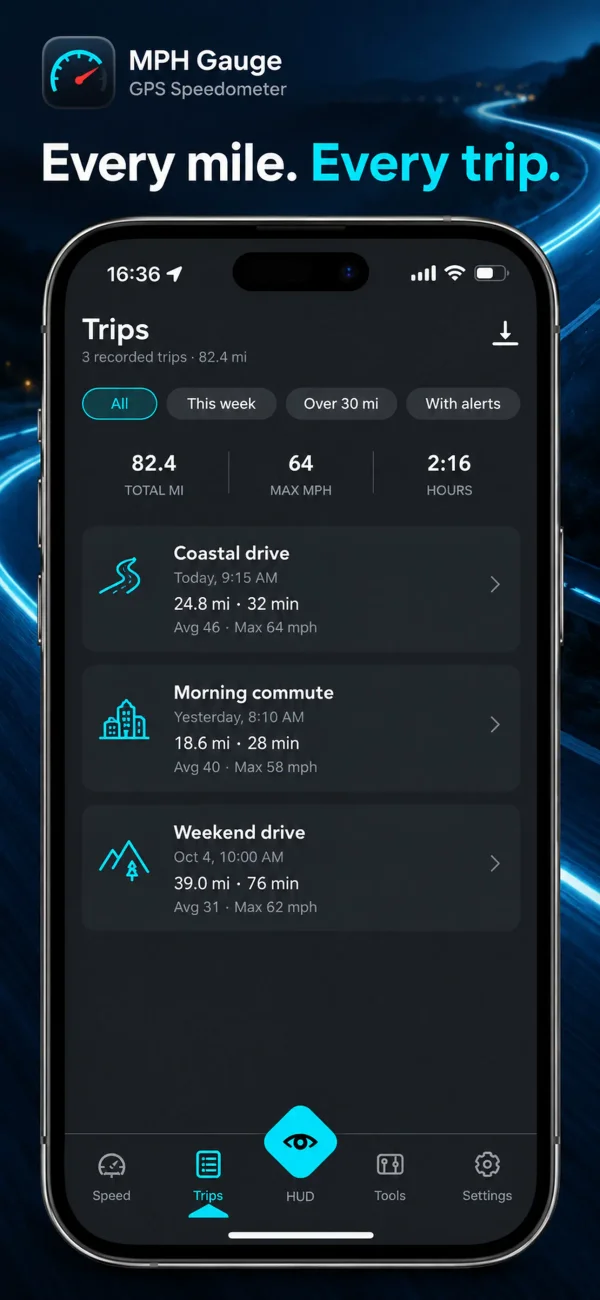
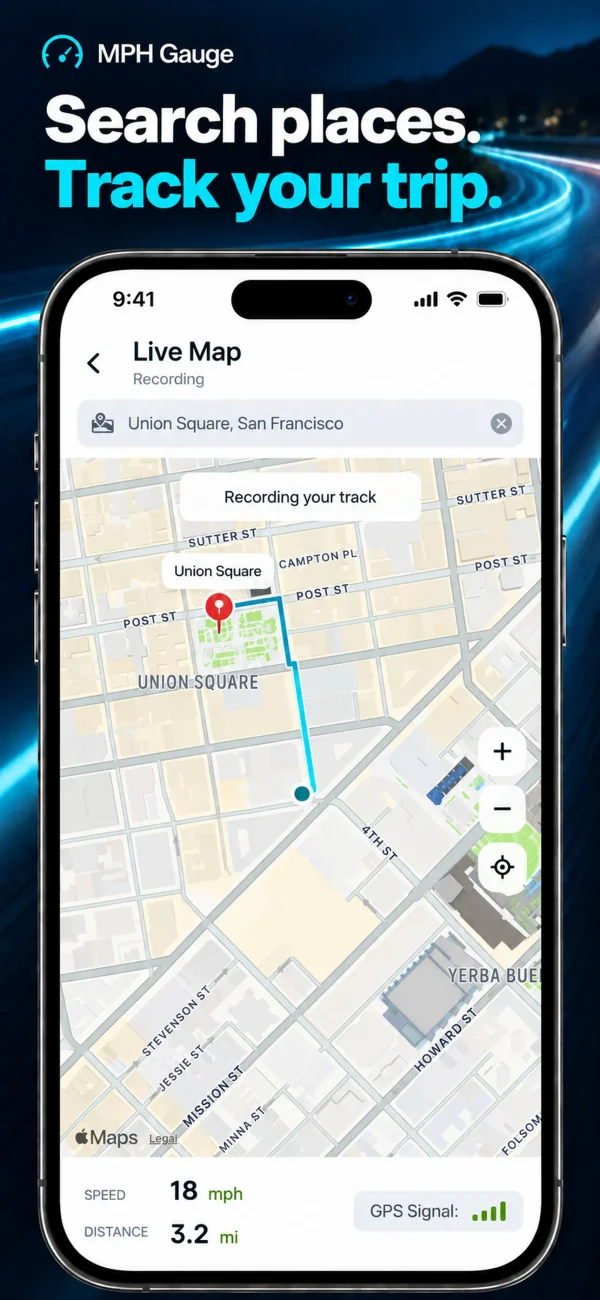
Record trips manually or start automatically when movement is detected. Review saved journeys, filter trip history and track distance with two resettable counters.
EXPORT TRIP DATA
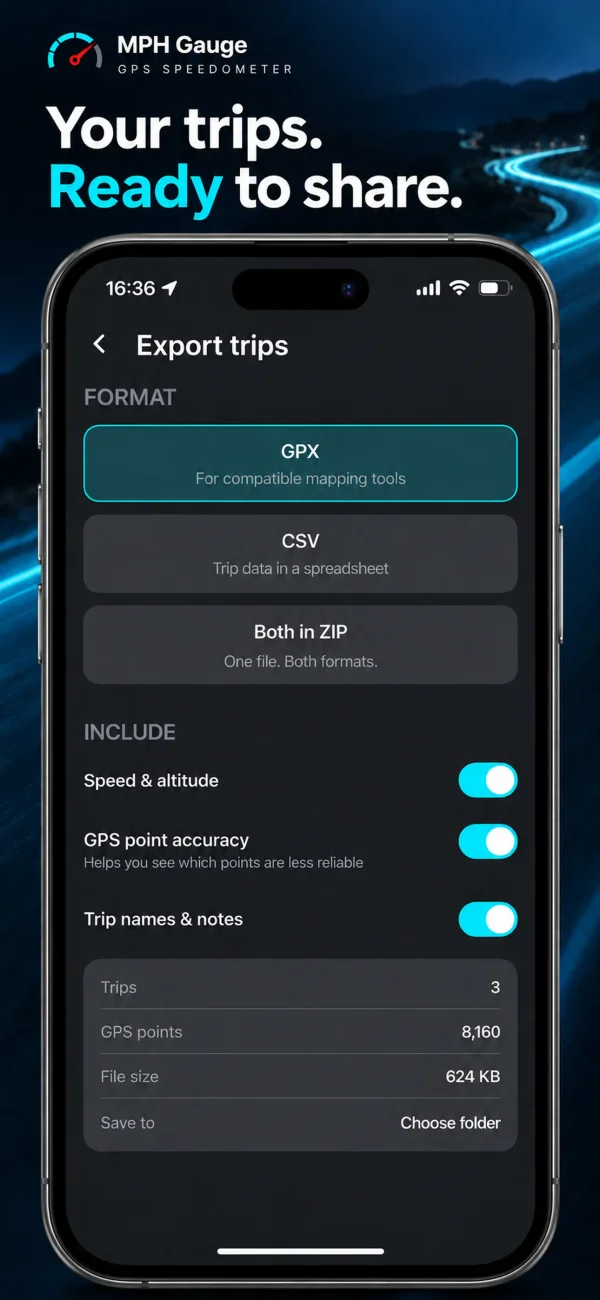
Export GPX, CSV or both in a ZIP file. Include speed, altitude, GPS accuracy, trip names and notes for further review.
EXTRA TOOLS
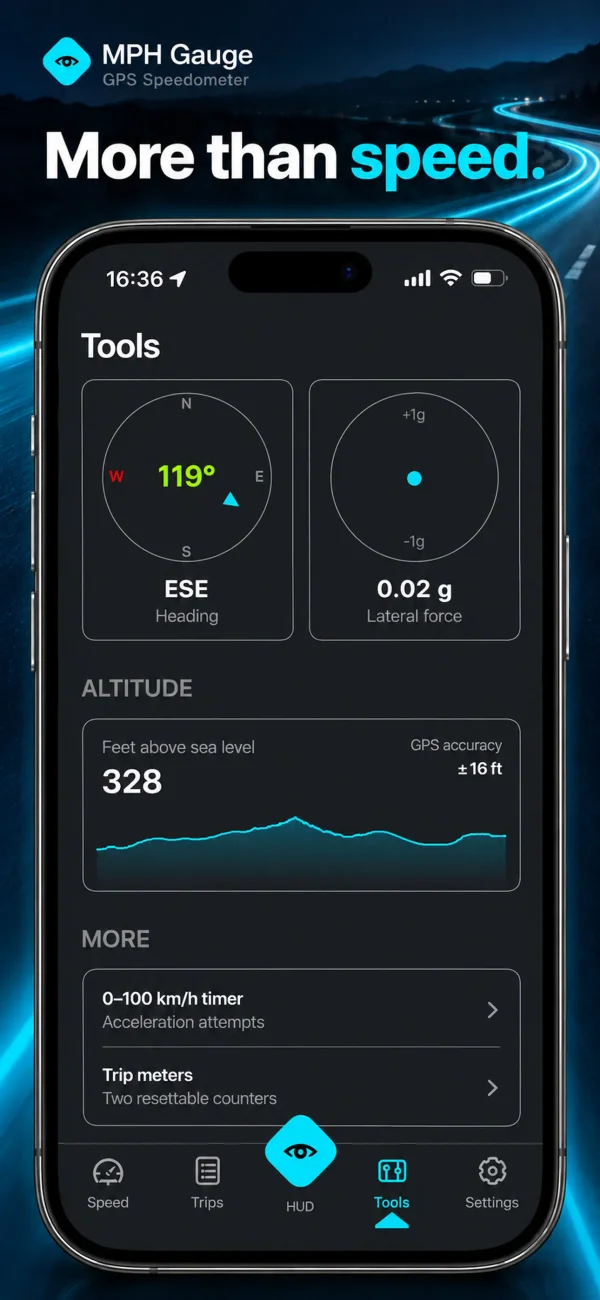
Check compass heading, altitude and lateral G-force. Use the 0–100 km/h timer to review acceleration attempts and personal records.
CUSTOMIZE YOUR DISPLAY
Choose light, dark or system themes, keep the screen awake, lock landscape orientation and select your language and units.
Location access is required. Measurements depend on GPS reception and device capabilities. Set up the app before moving. Use your vehicle’s instruments and posted road signs as your primary reference.
SUBSCRIPTION:
We offer auto-renewing subscription:
• Length: Weekly and Yearly
• Your subscription will be charged to your iTunes Account at confirmation of purchase and will automatically renew for the selected duration unless auto-renew is turned off at least 24 hours before the end of the current period.
• You can manage your subscription and turn off auto-renewal by visiting your iTunes Account Settings after purchase
Privacy Policy & Terms of Use
• Privacy Policy: https://iglolabs.com/privacy-policy
• Terms of Use: https://iglolabs.com/terms-of-service
What’s new
Version 1.0.1 · Nov 10, 2026
Bug Fixes.
App privacy
What IGLO LABS COMPANY LIMITED declares on the App Store about how this app handles data.
-
Data used to track you
May be used to track you across apps and websites owned by other companies.
- Usage data
-
Data linked to you
May be collected and linked to your identity.
- Usage data
Privacy practices may vary, for example with the features you use or your age.
Information
- Seller
- IGLO LABS COMPANY LIMITED
- Category
- Navigation
- Version
- 1.0.1
- Updated
- Nov 10, 2026
- Released
- Oct 23, 2026
- Size
- 31.5 MB
- Requires
- iOS 17.0 or later
- Age rating
- 4+
- Price
- Free
- In-app purchases
- Yes
- Languages
- English, Arabic, Dutch, French, German, Hindi, Indonesian, Italian, Japanese, Korean, Malay, Polish + 6 more
- Copyright
- © 2026 iGlo Labs
You might also like
-
 VeloX GPS SpeedometerGPS Speed & Road Alerts
-
 Bản Đồ Tài XếNavigation
-
 VN TrekkerNavigation
-
 Drive Mate - Driver's NetworkSpeed Sharing & Car Community
-
 Speedometer: GPS & MPHSpeed Tracker & Trip History
-
 Speedometer: GPS Dash Cam HUDMPH Tracker, Odometer & Alert
-
 Speedometer ®Measure Speed & Distance
-
 SPTurbo - SpeedometerSpeedometer-measure your speed
-
 mySpeedmeterDisplay various Speed Values
-
 GPS Speedometer: Car HUDMPH KMH Odometer Trip Log