DIMLITE pro commissioning
Commission DIMLITE pro system.
Designed for iPhone, iPad, iPod touch
- Age rating4+
- CategoryUtilities
- DeveloperZumtobel Lighting GmbH
- LanguagesEnglish
- Size25.4 MB
Links to the official App Store page
Download.org hosts no file of DIMLITE pro commissioning. The button opens its official App Store page, published by Zumtobel Lighting GmbH. Listing last checked on Nov 12, 2026.
Screenshots
About
The DIMLITE pro commissioning app has been specially developed to help make commissioning the DIMLITE pro lighting control system intuitive. The DALI-2-based, scalable lighting control system for small to medium areas of application encompasses a wide range of functions – from simple switching on and off and dimming/brightening to daylight linking – even with Tunable White lighting – and individual lighting scenarios.
Each system supports up to 64 DALI 1 or DALI 2-based LED drivers and 16 input devices such as sensors or momentary-action switches. A single DALI LED driver or control device can therefore belong to several groups and thus various scenes.
The app is so intuitive to use, commissioning can be completed in just four simple steps. A particularly practical feature is Bluetooth, which enables unlimited use of the app even in offline mode.
Step 1: Create
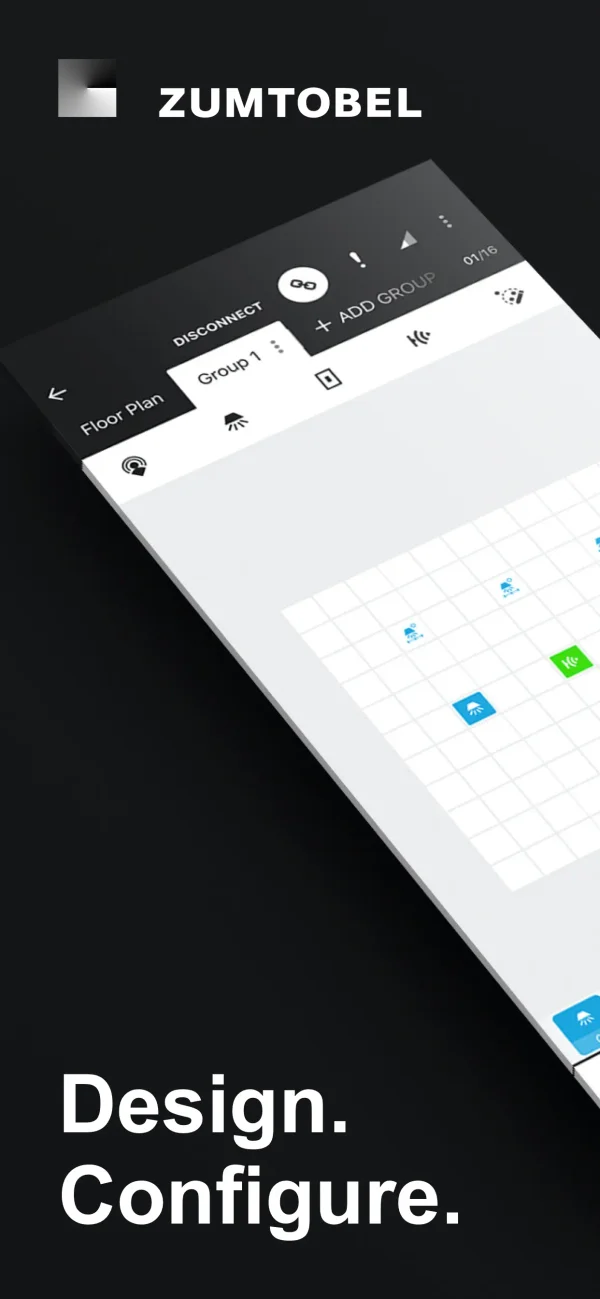
In the first step, the new project is created. The basis for this can be either a new floor plan or a cloned layout. Luminaires are grouped and planned with corresponding light scenes.
Step 2: Connect and identify
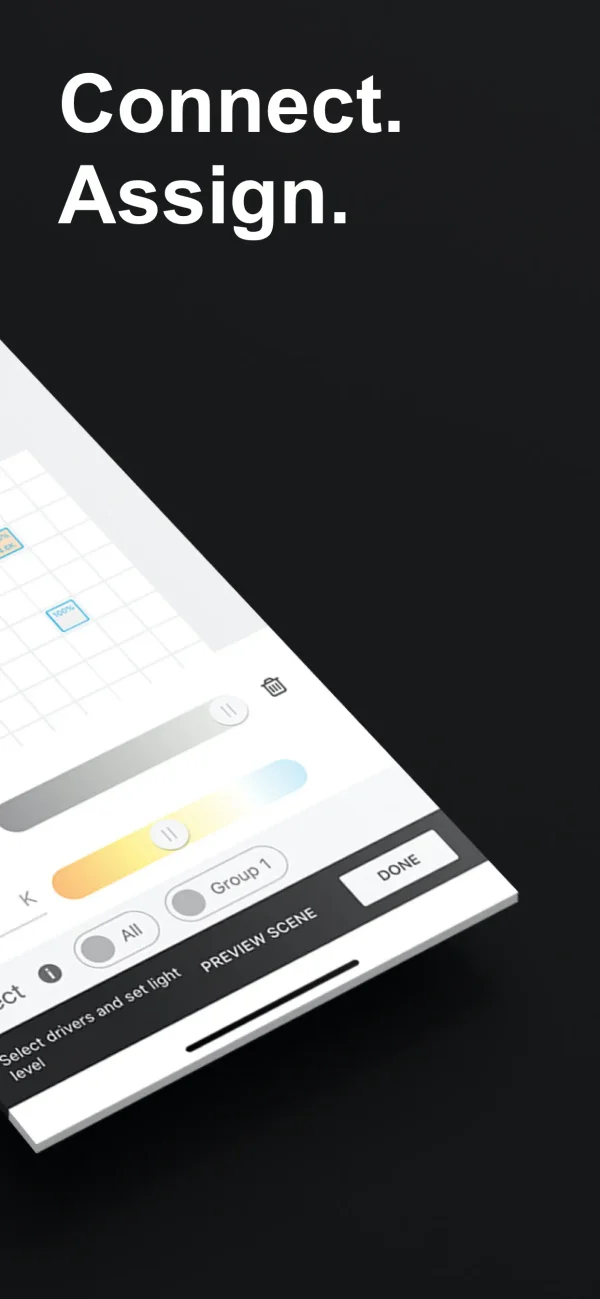
Once the DIMLITE pro commissioning app is connected to the DIMLITE pro application controller, the system components (e.g. LED drivers, sensors or switches) in the app are automatically addressed. Easy device identification with the single touch of the device icon or single press of the switch push button.
Step 3: Plan
Using drag and drop, system components such as luminaires, sensors and momentary-action switches can now be placed in the floor plan and assigned to the various groups.
Step 4: Configure
The desired functions can then be defined and assigned. Finally, the project can be PIN-protected.
Completed projects and templates can be shared or copied and pasted to other projects. An over-the-air update ensures that the software is always up to date.
What’s new
Version 2.1.1 · Dec 16, 2024
Individual luminaire setups can be as well quiet complex and consist of up to 4 independent light heads with multiple drivers, groups and control devices like sensors and push button interfaces. Lighting manufacturers are able to create various luminaire setups using new Free-standing luminaire (FSL) configurator.
With the latest release DIMLITE pro commissioning APP is able to bring advantages of dynamic time-based lighting to our customers as new DIMLITE pro G2 hardware support highly accurate real time clock. Now it is possible to assign different Human Centric Lighting profiles to one or multiple groups with Tunable White luminaries.
Custom background images can now be used for the floor plan view. You can now take a photo or load images from your Gallery, use them as background for your plan, and store them as template for future projects.
App privacy
What Zumtobel Lighting GmbH declares on the App Store about how this app handles data.
-
Data not linked to you
May be collected but is not linked to your identity.
- Usage data
- Diagnostics
Privacy practices may vary, for example with the features you use or your age.
Information
- Seller
- Zumtobel Lighting Gmbh
- Category
- Utilities
- Version
- 2.1.1
- Updated
- Dec 16, 2024
- Released
- May 28, 2020
- Size
- 25.4 MB
- Requires
- iOS 13.4 or later
- Age rating
- 4+
- Languages
- English
- Copyright
- © Zumtobel Lighting GmbH
You might also like
-
 sCS commissioningDALI-2 setup via Bluetooth
-
 sCS RemoteBluetooth lighting control
-
 DALI-2 RS PlugUtilities
-
 iZy connectUtilities
-
 Sensor ConfigurationUtilities
-
 DALI Cockpit MobileDALI Configuration and Control
-
 BEGA ConnectUtilities
-
 Tuner4TRONIC FieldNFC programming of LED drivers
-
 ParamApp+Utilities
-
 Wiser eSetup by FellerUtilities