Dimly: Screen Time App Blocker
Digital Detox & Stay Focused
Designed for iPhone, iPad
In-app purchases
- Age rating4+
- CategoryProductivity
- DeveloperYaysoft LTD
- LanguagesRussian+ 32 more
- Size35.7 MB
Links to the official App Store page
Download.org hosts no file of Dimly: Screen Time App Blocker. The button opens its official App Store page, published by Yaysoft LTD. Listing last checked on Nov 12, 2026.
Screenshots


About
Your phone is too bright. Not the screen, the pull. Dimly turns it down.
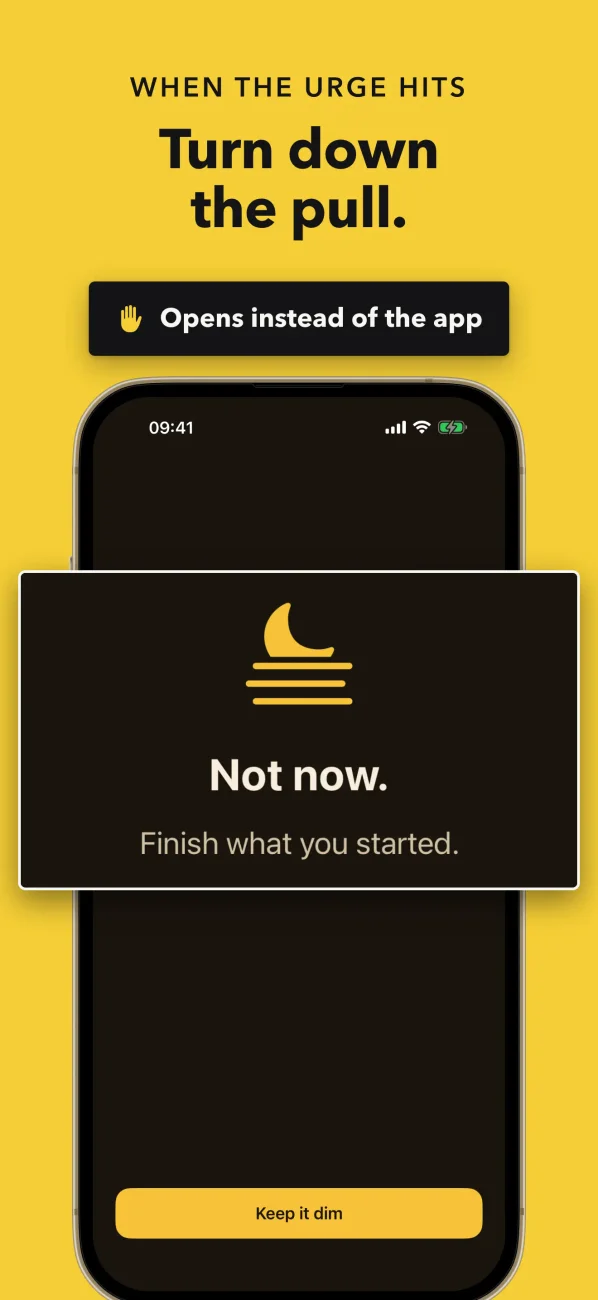
Pick the apps, categories and websites that take your hours. When you open one, Dimly's shield appears instead, with a note you wrote to yourself. The app stays closed until your time is up.
DIM IN ONE TAP
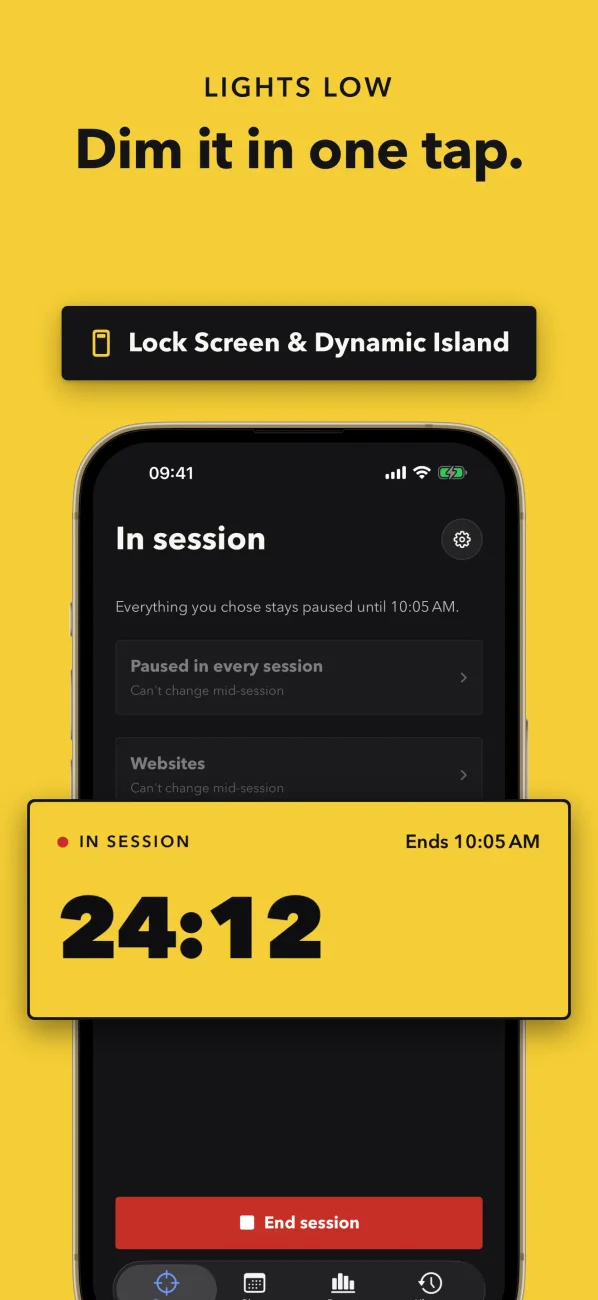
Choose 5, 15, 25, 45 or 60 minutes, or any length up to 8 hours, and start. Ending early is always possible, but Dimly asks first and shows how far you got, because the moment you want out is exactly when one tap is too easy.
PLANS THAT RUN ON THEIR OWN
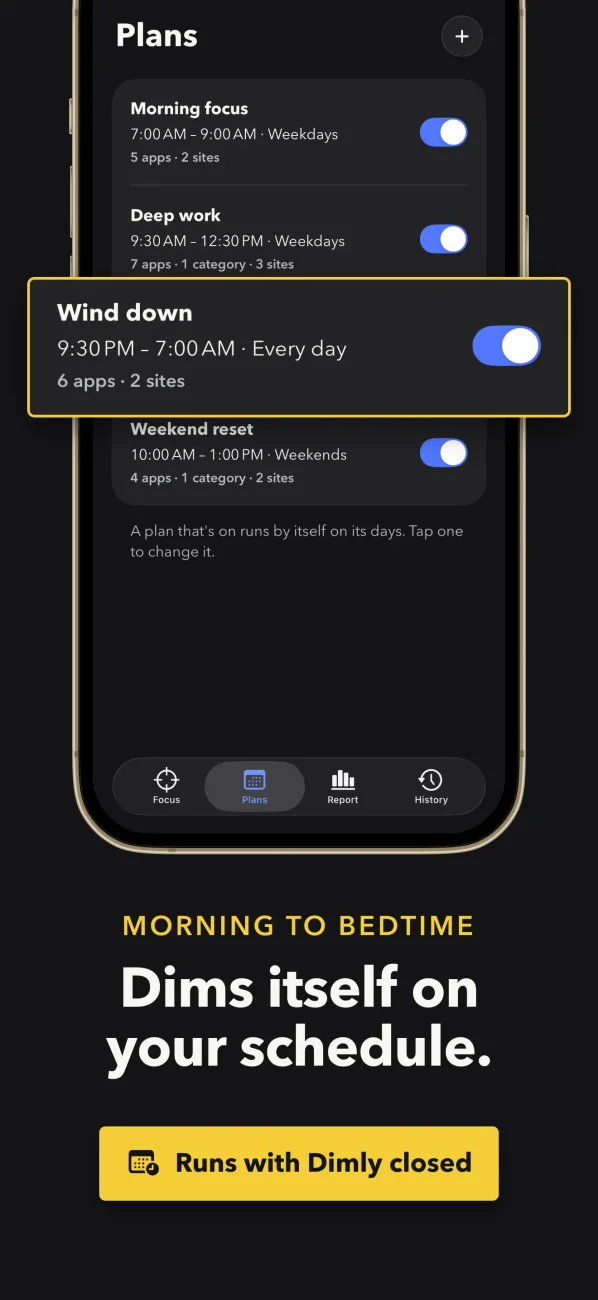
Set the hours when the pull is strongest: weekday mornings, deep work, after dinner, in bed. Plans switch on and off by themselves on the days you pick, even when Dimly is closed, and can run past midnight.
STRICT MODE
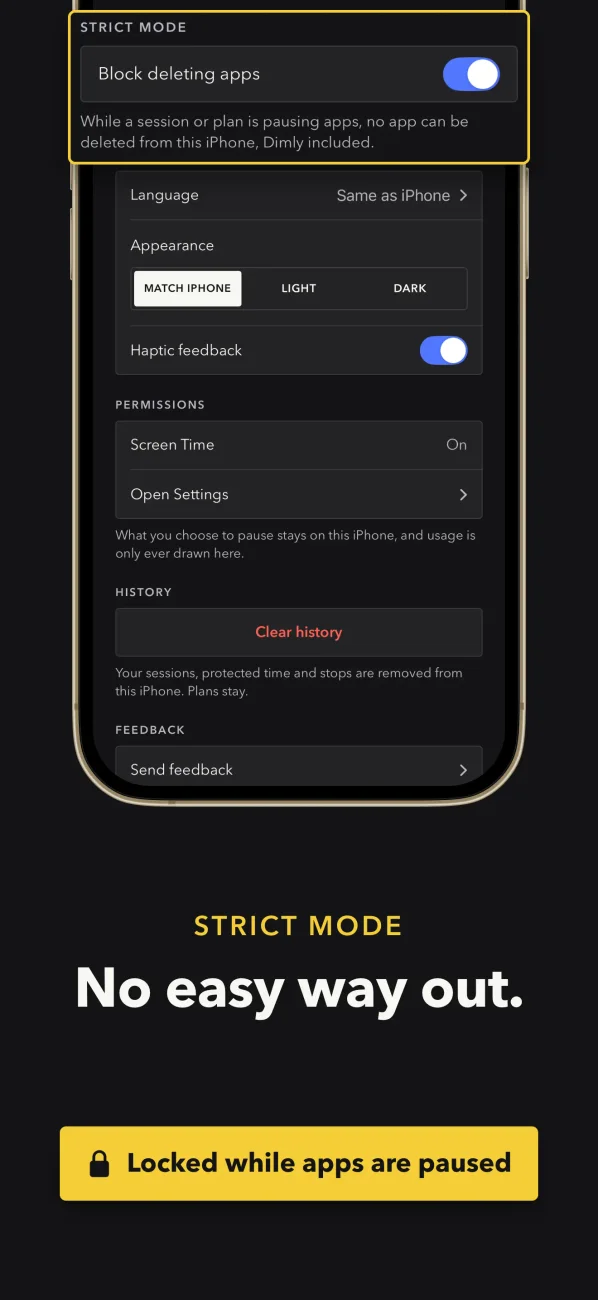
Turn it on and, while a session or plan is running, no app can be deleted from your device, Dimly included. No easy way out.
WEBSITES TOO
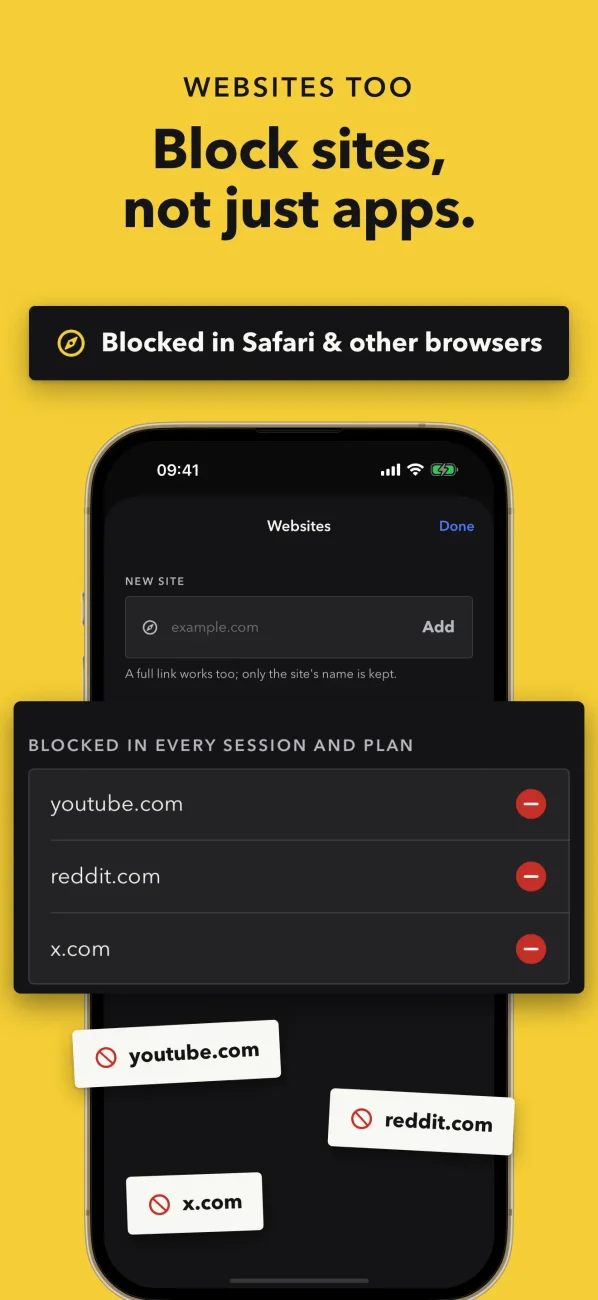
Type any address and it is blocked in Safari and other browsers whenever Dimly is dimming.
HOURS BACK, EVERY WEEK
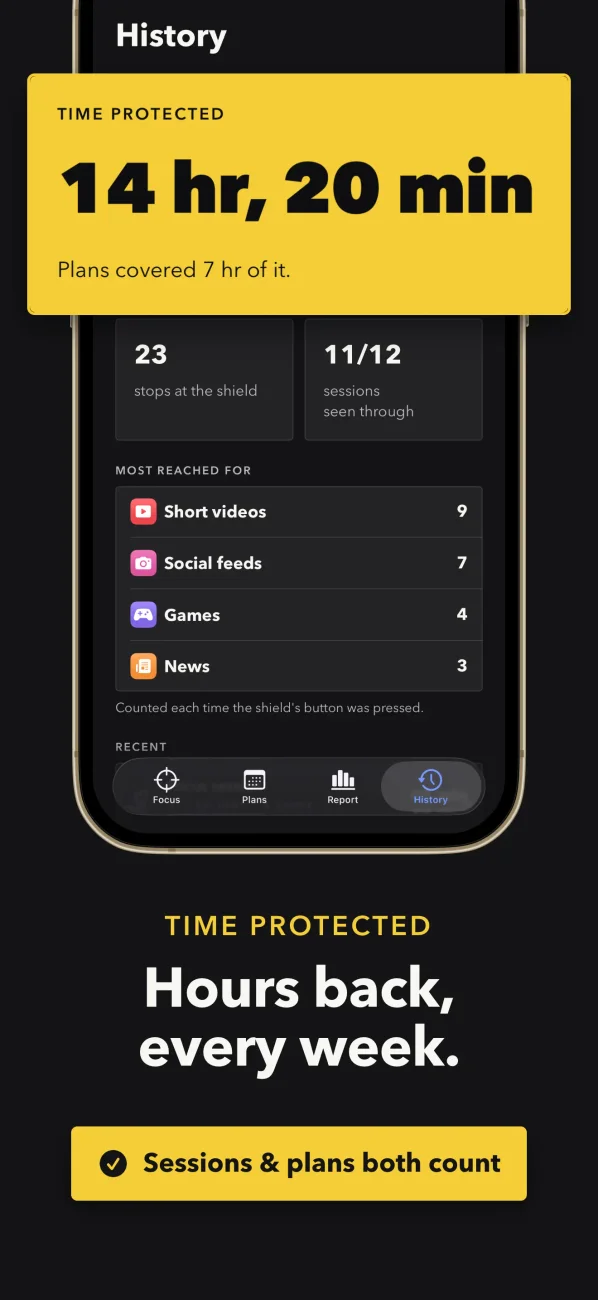
History shows the time you protected, the sessions you saw through and every time you reached for something paused, so you can watch the pull fade week by week.
SEE WHERE THE TIME GOES
Screen Time reports show your daily total, pickups, notifications and the apps that took the most, right inside Dimly.
YOUR SHIELD, YOUR WORDS
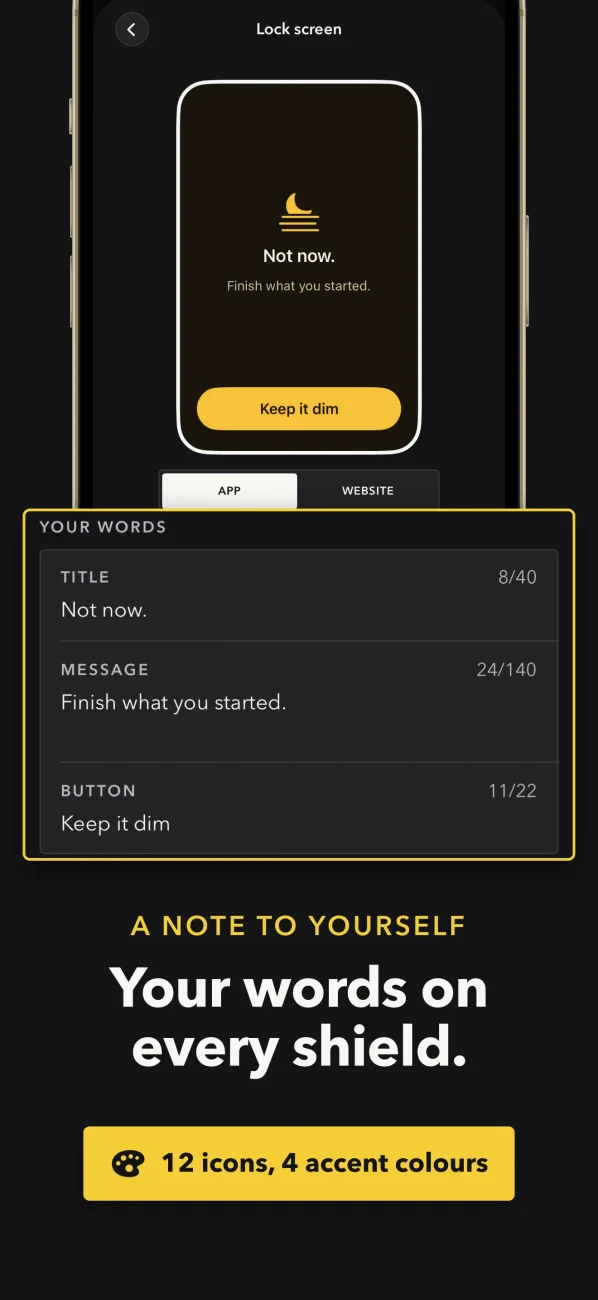
Change the shield's title, message, icon and colours, so the note you see is the one that works on you.
ALWAYS WITHIN REACH
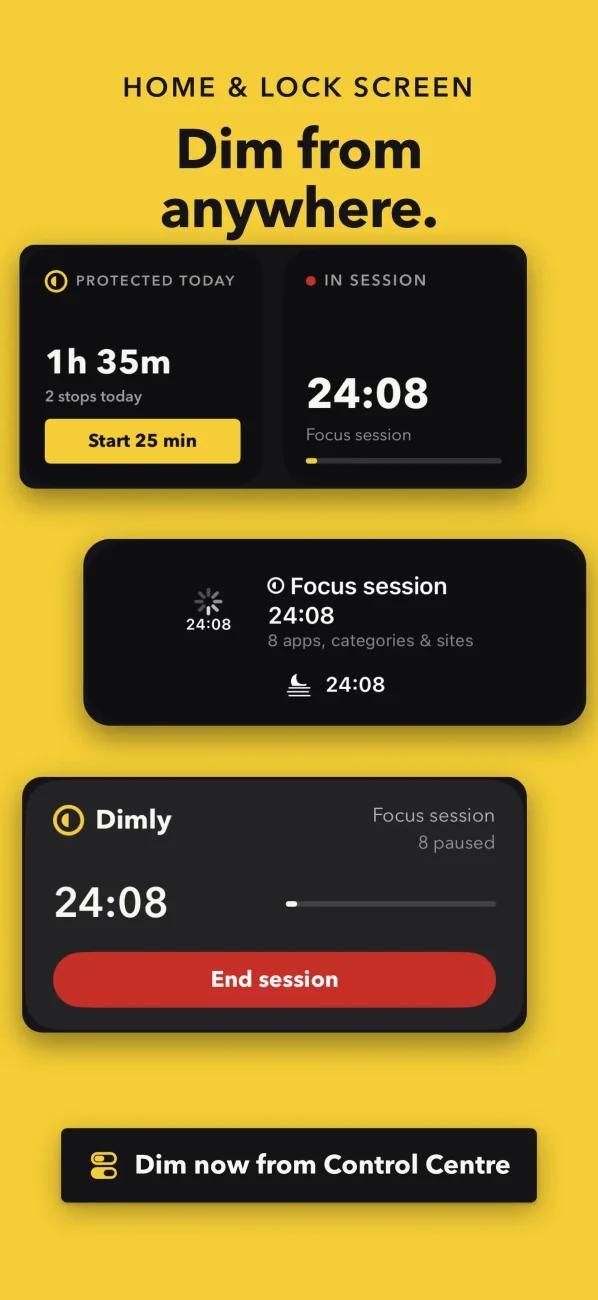
Widgets show what is paused today, a Control Centre control starts a session from anywhere, and on iPhone a Live Activity counts down on the Lock Screen and in the Dynamic Island, with an End button.
PRIVATE BY DESIGN
Dimly works through Apple's Screen Time. The apps you pick stay on your device and Dimly never learns which ones they are. No account needed. iCloud sync of plans and history is optional and off by default.
SUBSCRIPTION
Dimly Plus unlocks sessions, plans, websites, strict mode and the custom shield. It is available as an auto-renewing subscription (weekly or yearly; a free trial is available to new subscribers on the yearly plan) or as a one-time Lifetime purchase. The price is shown in the app before you confirm. Payment is charged to your Apple Account at confirmation of purchase, or when the free trial ends. A subscription renews automatically unless auto-renewal is turned off at least 24 hours before the end of the current period. You can manage or cancel it at any time in your Apple Account settings. The Lifetime purchase is a single payment and never renews.
Privacy Policy: https://dimlyfocus.app/privacy
Terms of Use: https://dimlyfocus.app/terms
Apple EULA: https://www.apple.com/legal/internet-services/itunes/dev/stdeula/
App privacy
What Yaysoft LTD declares on the App Store about how this app handles data.
-
Data not collected
The developer does not collect any data from this app.
Privacy practices may vary, for example with the features you use or your age.
Information
- Seller
- YAYSOFT UYGULAMA GELISTIRME YAZILIM HIZMETLERI LIMITED SIRKETI
- Category
- Productivity
- Version
- 1.0.0
- Updated
- Oct 7, 2026
- Released
- Oct 7, 2026
- Size
- 35.7 MB
- Requires
- iOS 17.0 or later
- Age rating
- 4+
- In-app purchases
- Yes
- Languages
- Russian, Hindi, Vietnamese, English, Arabic, Hungarian, Dutch, Greek, Danish, Hebrew, Indonesian, Spanish + 21 more
- Copyright
- © Dimly Focus
You might also like
-
 HourBack - Screen TimePhone Addiction & App Blocker
-
 Yohaku: Stop Scrolling TodayScreen Time & App Blocker
-
 Pulse Focus: Pomodoro TimerStudy, ADHD & productivity
-
 Screen Time Control app +App Blocker, Focus & Timer
-
 Vowlock: Strict App BlockerDopamine detox, stay focused
-
 why? – screen time controlnotice before you doomscroll
-
 Lockify: App Blocker & FocusScreen Time Lock · Deep Work
-
 Limit screen time, apps lockerAppblock, Home Workout, Squats
-
 Solys: Screen Time ControlApp Blocker & Dopamine Detox
-
 Deadbolt: Dumb Phone & DetoxApp blocker & less screen time