
- Age rating4+
- CategoryHealth & Fitness
- DeveloperDenis Kutuzov
- LanguagesEnglish+ 1 more
- Size14.1 MB
Links to the official App Store page
Download.org hosts no file of Ding - Meditation Timer. The button opens its official App Store page, published by Denis Kutuzov. Listing last checked on Nov 23, 2026.
Screenshots



About
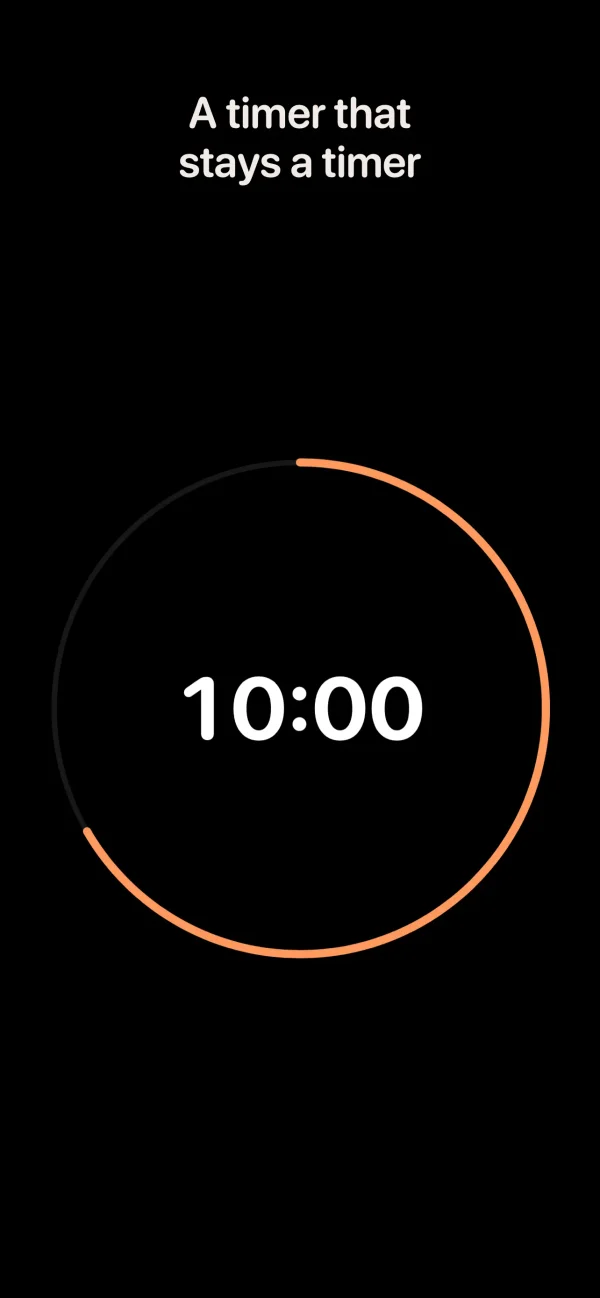
A timer that stays a timer. Free, no paywalls.
Two taps to the sit — open a preset and start the timer. The timer needs no account and no internet, and nothing pops up before or after the sit. Less app, more practice.
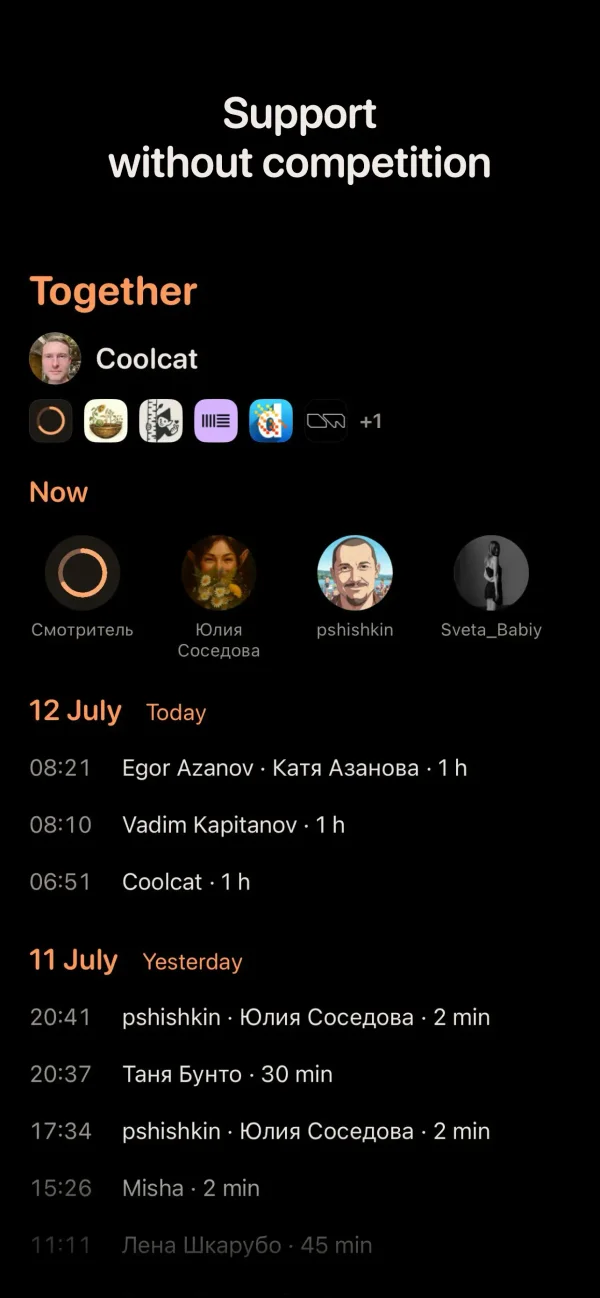
You sit on the cushion by yourself — but you're not alone. If you want company, connect Discord, and the “Together” feed will show which of the people you know sat today. New to Discord? Come to our open Ding community. Visibility is up to you, and you can turn it off at any time.
What's inside:
— Accurate timing: the timer holds even if you background the app or lock the screen. If the system closes the app, the app will notify you instead.
— Apple Watch: the timer on your wrist, works even without the phone. Same presets, vibration instead of bells, sessions count toward your practice and streak.
— Presets: each practice keeps its own name, duration, start and end bell, interval bells, and a short note to yourself.
— Background sound: breathing (5.5-second inhale and exhale), noise, or shruti — chosen per preset, it ducks under the bells, with an optional fade-out.
— A pause before you begin: time to settle on the cushion.
— Preset sharing: send a link — they open it and add it to their presets.
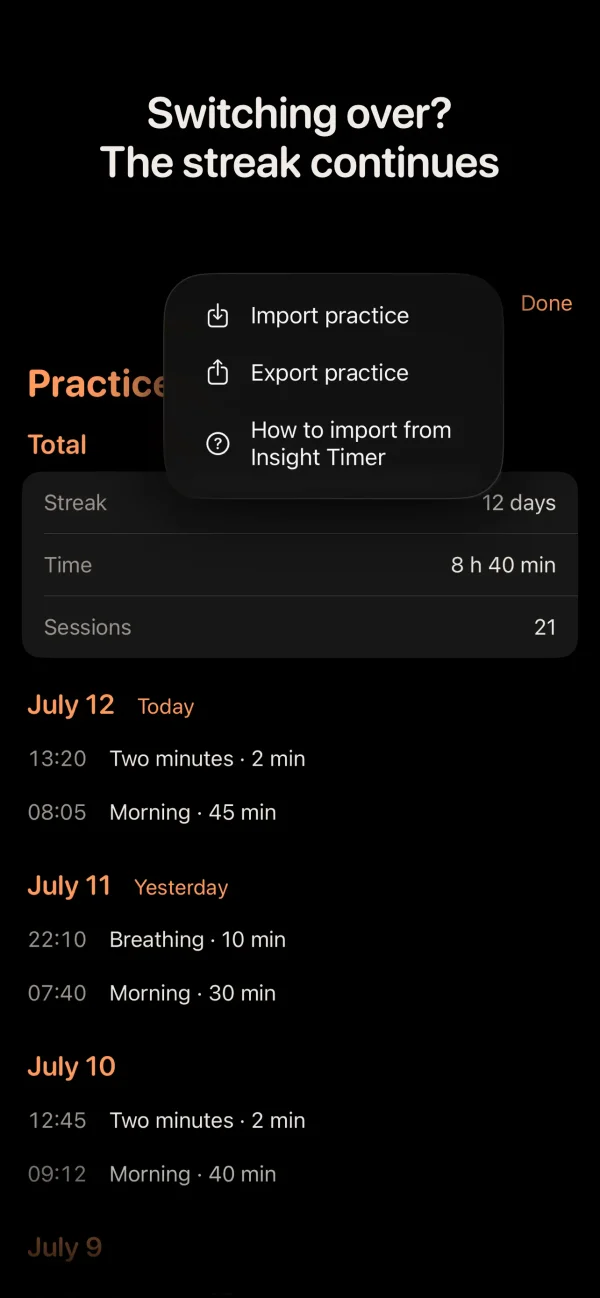
— Coming from Insight Timer? Your practice imports along with your streak.
— Your practice is saved locally on your phone, to Health (mindful minutes) and to Calendar.
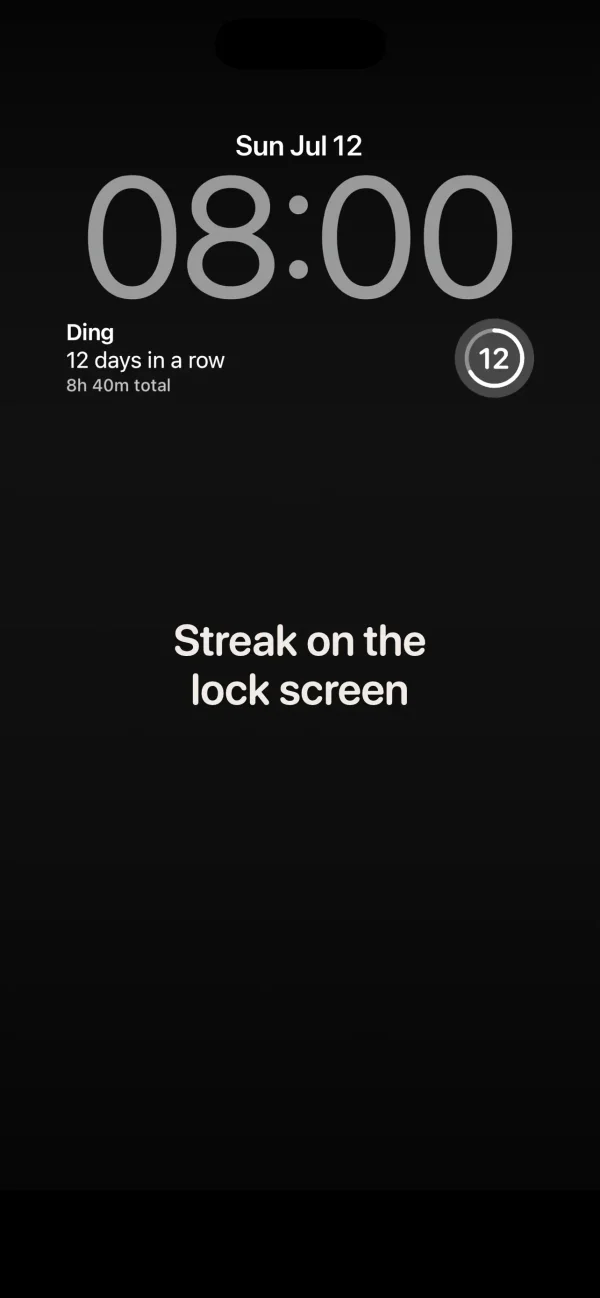
— Widgets: the streak on the Home Screen and the Lock Screen, a tap opens the app.
— Presets and practice history sync through iCloud.
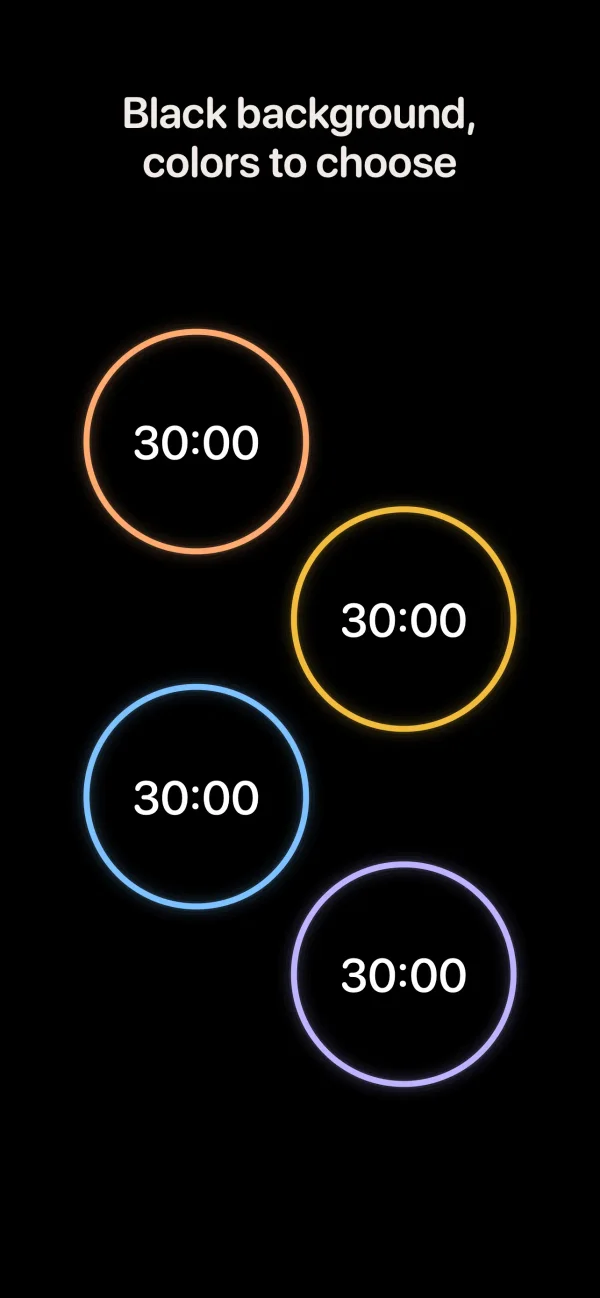
— Four color themes: the background is always black, the color is up to you.
— Protection from accidental touches: a cat or a sleeve won't end your sit.
— Screen dimming: the screen dims a little during a session to save battery.
— Interrupted sessions are restored.
Questions? Write to us — the Ding community (link in Settings) or support.ding@gmail.com.
What’s new
Version 1.2.0 · Nov 19, 2026
Navigation
- New tabs make it easier to switch between Timer, Practice, Together and Settings
iPhone Duo
- The timer works in portrait and in both landscape orientations
- The layout adapts as you rotate, fold or unfold your phone
- Presets and the timer appear side by side in landscape when unfolded
App privacy
What Denis Kutuzov declares on the App Store about how this app handles data.
-
Data linked to you
May be collected and linked to your identity.
- Contact info
- Identifiers
- Usage data
- Diagnostics
Privacy practices may vary, for example with the features you use or your age.
Information
- Seller
- Denis Kutuzov
- Category
- Health & Fitness
- Version
- 1.2.0
- Updated
- Nov 19, 2026
- Released
- Jul 30, 2026
- Size
- 14.1 MB
- Requires
- iOS 18.0 or later
- Age rating
- 4+
- Price
- Free
- Languages
- English, Russian
- Copyright
- © 2026 Denis Kutuzov
You might also like
-
 Meditation Timer - Bell & LogInterval chime for mindfulness
-
 Meditation Timer & Sleep SoundOffline Breathing Mindfulness
-
 Focal - Meditation TimerHealth & Fitness
-
 Metta TimerTrain, sit, brew.
-
 AnoesisMeditation timer
-
 Kala Yoga TimerHealth & Fitness
-
 SomaEchoBrainwaves for emotional calm
-
 inRitm — Calories & WorkoutsSnap meals, train, track cycle
-
 Echo MinuteSimple meditation timer
-
 TickstepInterval Timer: HIIT & Tabata