
- Age rating4+
- CategoryProductivity
- DeveloperKhuat Linh
- LanguagesVietnamese+ 1 more
- Size15.8 MB
Links to the official App Store page
Download.org hosts no file of Dingo - Goal Planner. The button opens its official App Store page, published by Khuat Linh. Listing last checked on Nov 17, 2026.
Screenshots


About
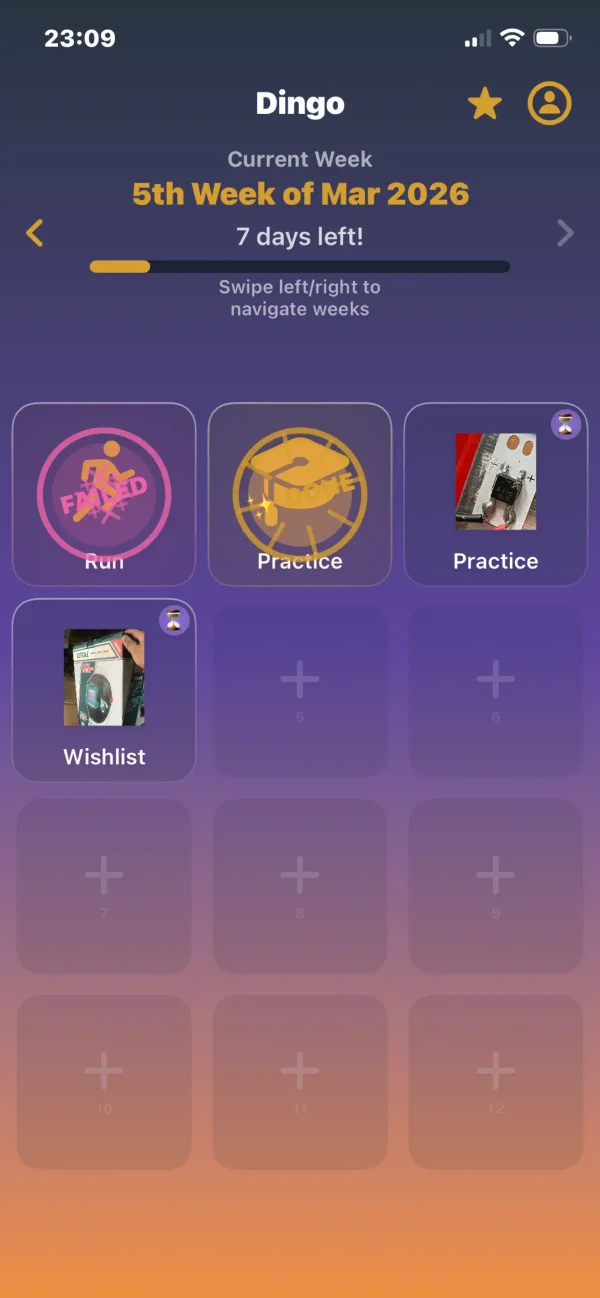
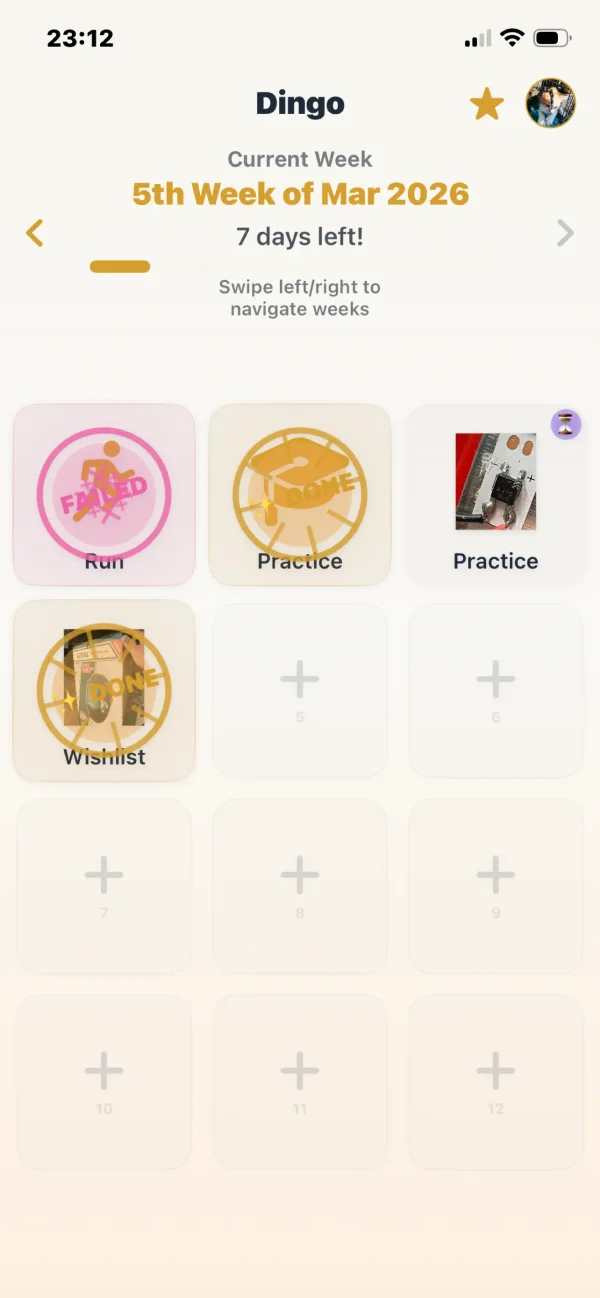
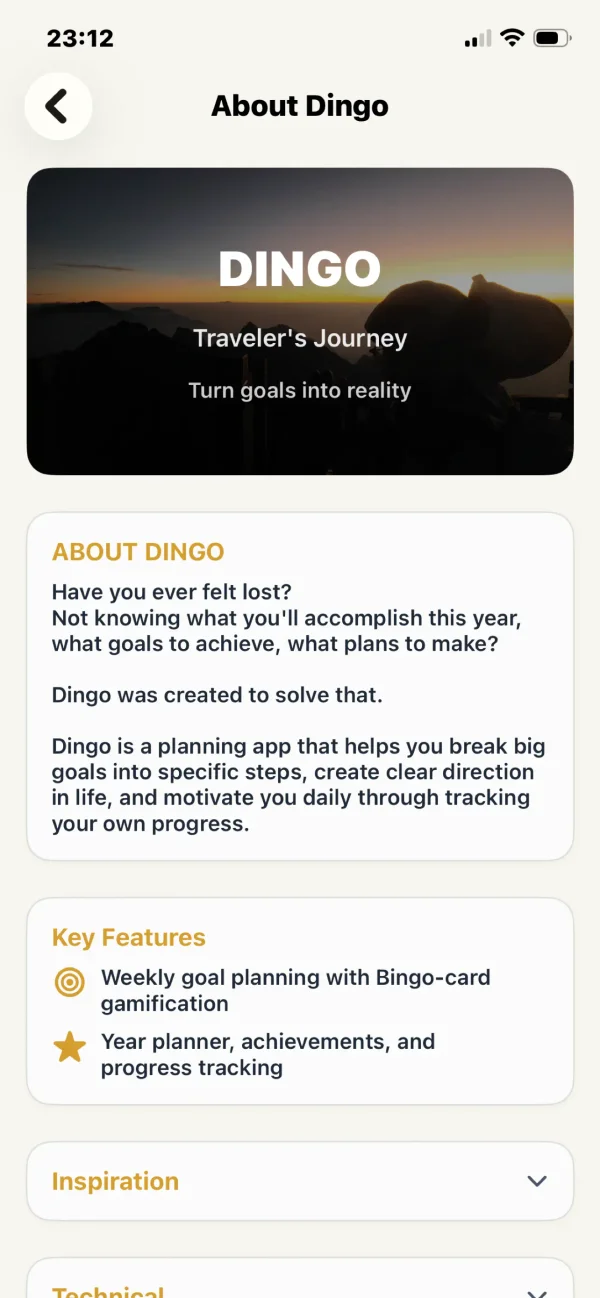
Dingo turns your yearly goals into a fun Bingo card game. Set up to 25 goals, track your progress, and celebrate every win with confetti animations.
KEY FEATURES:
• Bingo-style goal board — visualize your year at a glance
• Goal tracking with Active, Completed, and Failed statuses
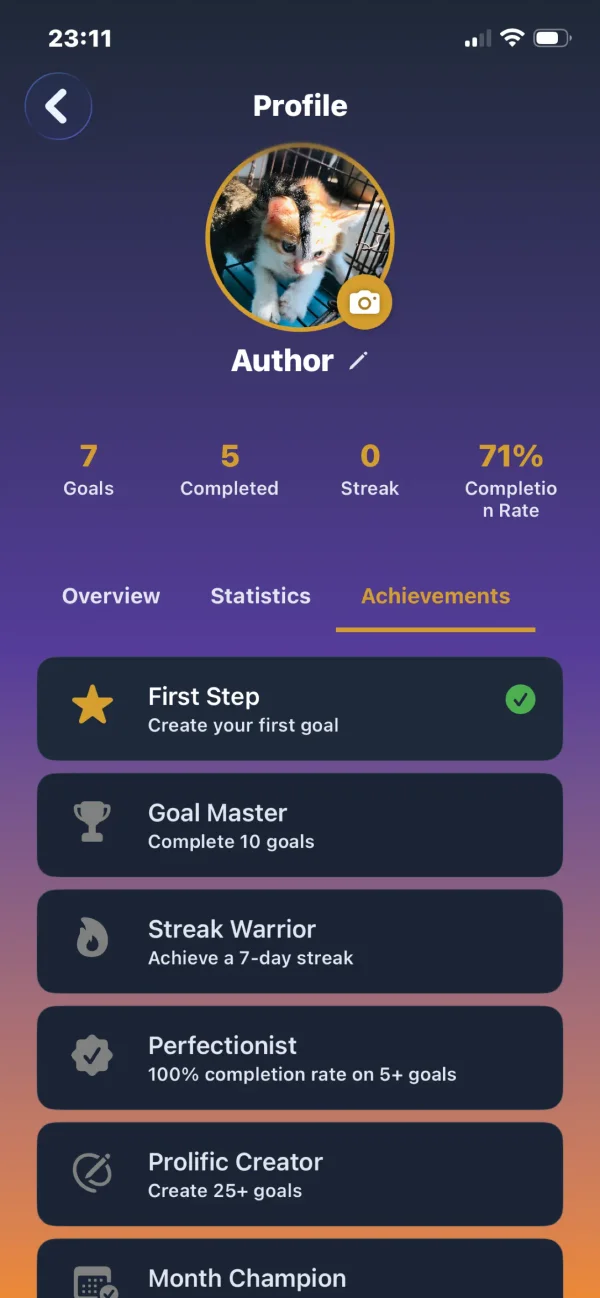
• Achievement badges to reward your milestones
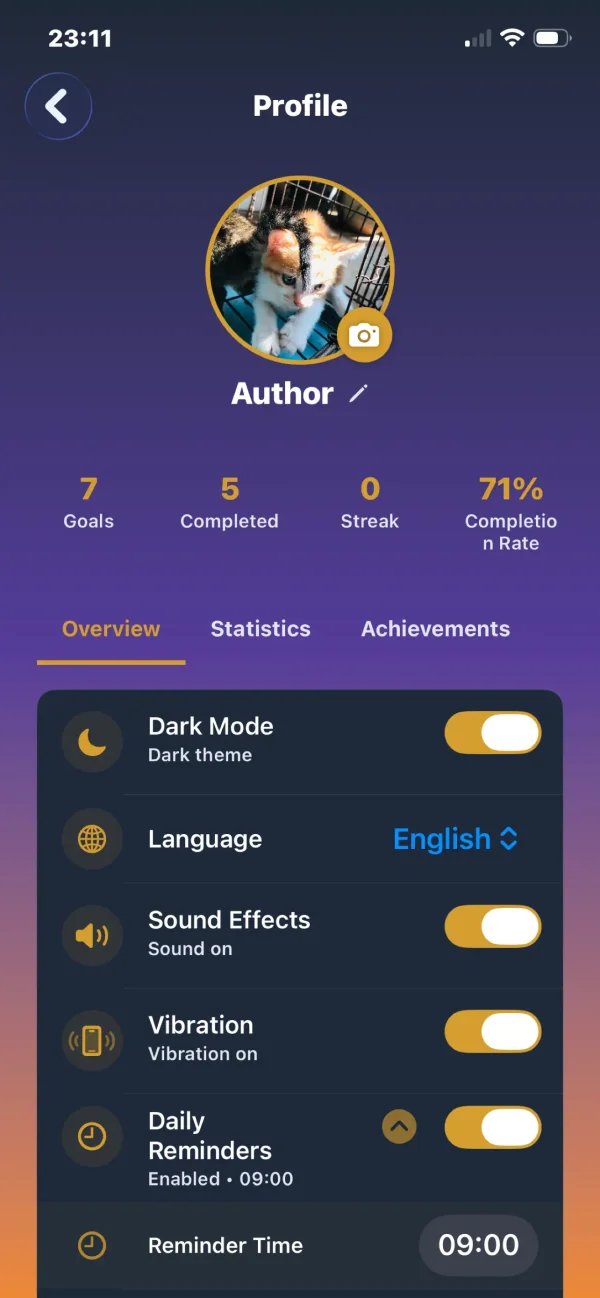
• Streak tracking to keep your momentum going
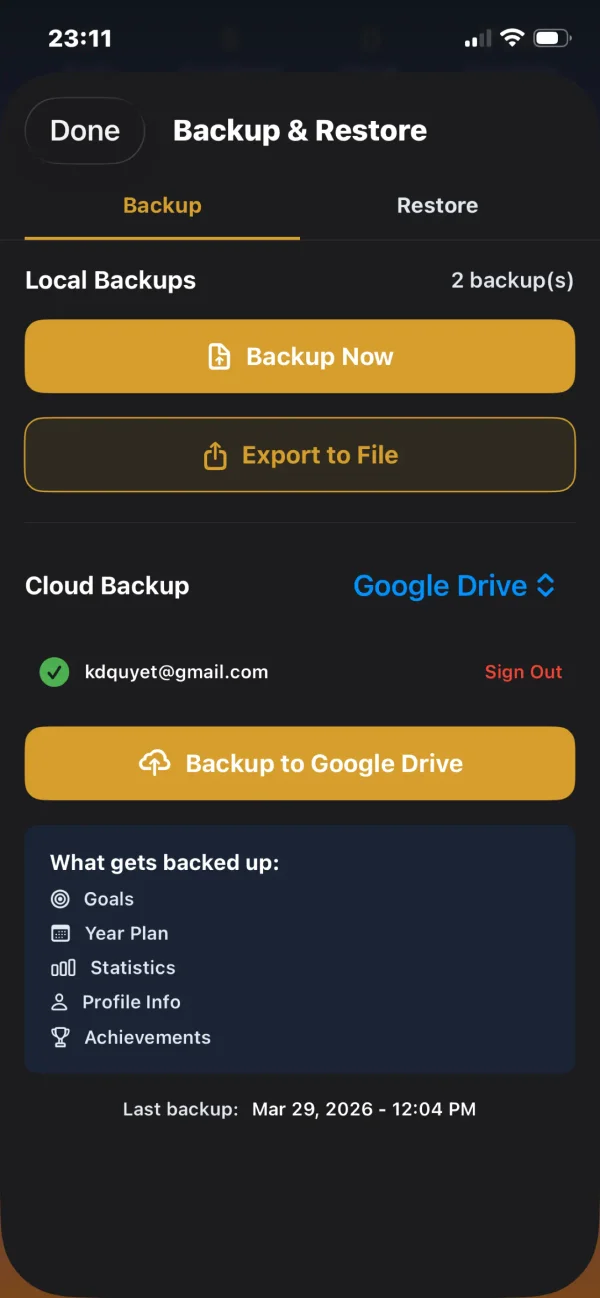
• Backup & restore your data safely
• Daily and weekly reminder notifications
• English and Vietnamese language support
• Dark mode with beautiful Mountain Sunrise theme
Whether you're chasing fitness goals, career milestones, or personal growth — Dingo makes the journey rewarding and visual.
What’s new
Version 1.3.12 · Oct 28, 2026
- Pick the app font in Theme: System, Classic, Handwritten or Playful; text also follows your iOS text size
- Buttons stay readable in every theme, including the dark Chalkboard look
- Redesigned widgets in small, medium and large sizes that follow your theme; the medium one shows each goal's picture large and steps through the week's goals with ◀ ▶
- Tap a month on the large Yearly Notes widget to open it in full in the Year Planner
- New Week Overview widget: every goal of the week at a glance, with progress and days left
- The small widget shows another goal every 15 minutes
- Each month's notes in the Year Planner show in full and grow as you write
- Swipe between weeks from the gaps between goals too, not only from the week header
- A long goal shows in full while you edit it
- Finished goals get a gold postmark, failed goals a red ink stamp, and their pictures stay clear underneath
- The daily reminder shows a different goal and quote each day, and the weekly one counts this week's goals
- Cropping a photo opens as a card you swipe down to cancel, instead of a screen whose Cancel button could not be tapped
- Goal and profile photos show again after an update, instead of a plain document icon, and backups include them all
- New goal photos take far less space and load faster on the board
- Restoring a backup is all-or-nothing: if it fails, your current goals stay as they were
- New here? A short hand-drawn guide on the home screen shows how to add, finish, edit and move goals; replay it from Profile
App privacy
What Khuat Linh declares on the App Store about how this app handles data.
-
Data not collected
The developer does not collect any data from this app.
Privacy practices may vary, for example with the features you use or your age.
Information
- Seller
- Khuat Linh
- Category
- Productivity
- Version
- 1.3.12
- Updated
- Oct 28, 2026
- Released
- Mar 31, 2026
- Size
- 15.8 MB
- Requires
- iOS 17.0 or later
- Age rating
- 4+
- Languages
- Vietnamese, English
- Copyright
- © 2026 Khuat linh - Su
You might also like
-
 HabitBingoStop Tracking. Start Playing.
-
 WinGoal!Crush Goals with Bingo!
-
 Marks: Goal TrackerProductivity
-
 Todo Bingo - Keep Your Habits8-task bingo shuffled daily
-
 PumBaby - Baby TrackerFeed, Sleep & Diaper Log
-
 Locked: Less Screen TimeBreak your Phone Addiction
-
 Doing++ - Pomodoro&To-doPomodoro&To-Do connect life
-
 ThreadPocket - WebLink ManagerSave social posts & web Links
-
 WithU Focus: Pomodoro & StudyGamified Focus & Productivity
-
 HabitGrid - Goal trackerDaily habit completion checker