Disflow - Motion Image Editor
Unique Animation Brush
Designed for iPhone, iPad, iPod touch
Free · In-app purchases
- Age rating12+
- CategoryPhoto & Video
- DeveloperNixes
- LanguagesEnglish+ 2 more
- Size45.0 MB
Links to the official App Store page
Download.org hosts no file of Disflow - Motion Image Editor. The button opens its official App Store page, published by Nixes. Listing last checked on Nov 14, 2026.
Screenshots

About
The easiest way to bring photos to life by animating, combining and blending unlimited layers.
—————————————
IMAGINATION IS THE LIMIT
—————————————
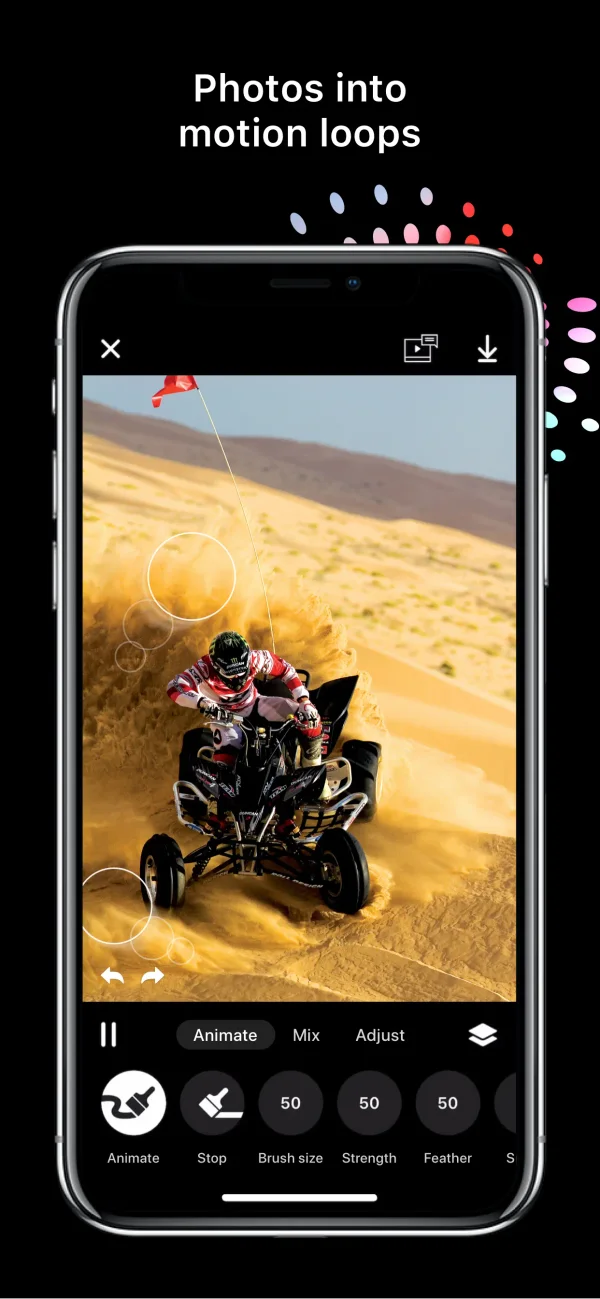
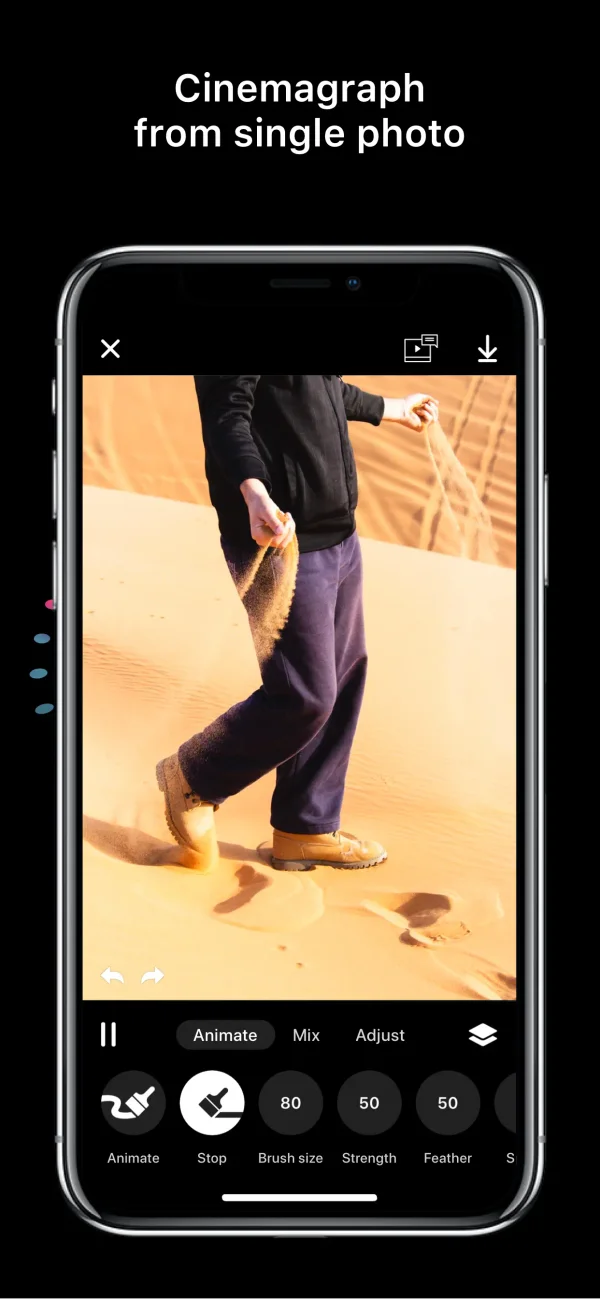
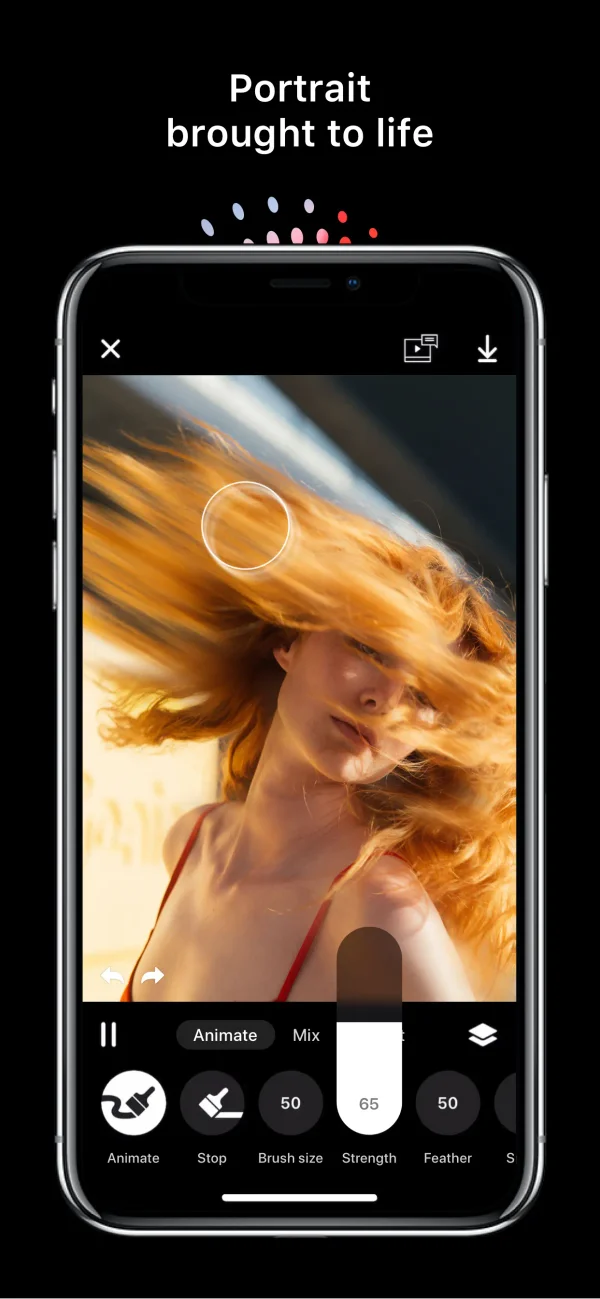
То create motion in an image just paint the area you want in the direction you want it to move. To stop an animation just paint over it with the stop brush. It’s that simple. No anchors, no points, no arrows.
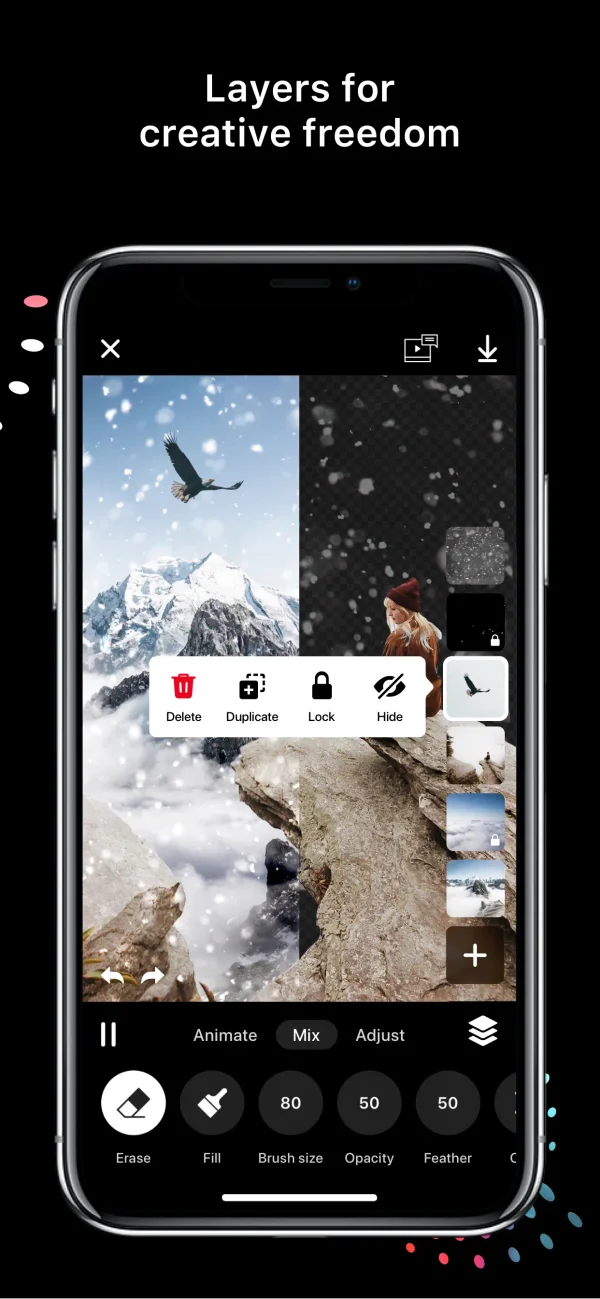
Add layers from your photos or use the integrated Unsplash and Pixabay browsers. Turn every layer into an animated special effect with blending and masking. To tune the appearance to your liking you can adjust contrast, saturation, brightness and hue for each layer.
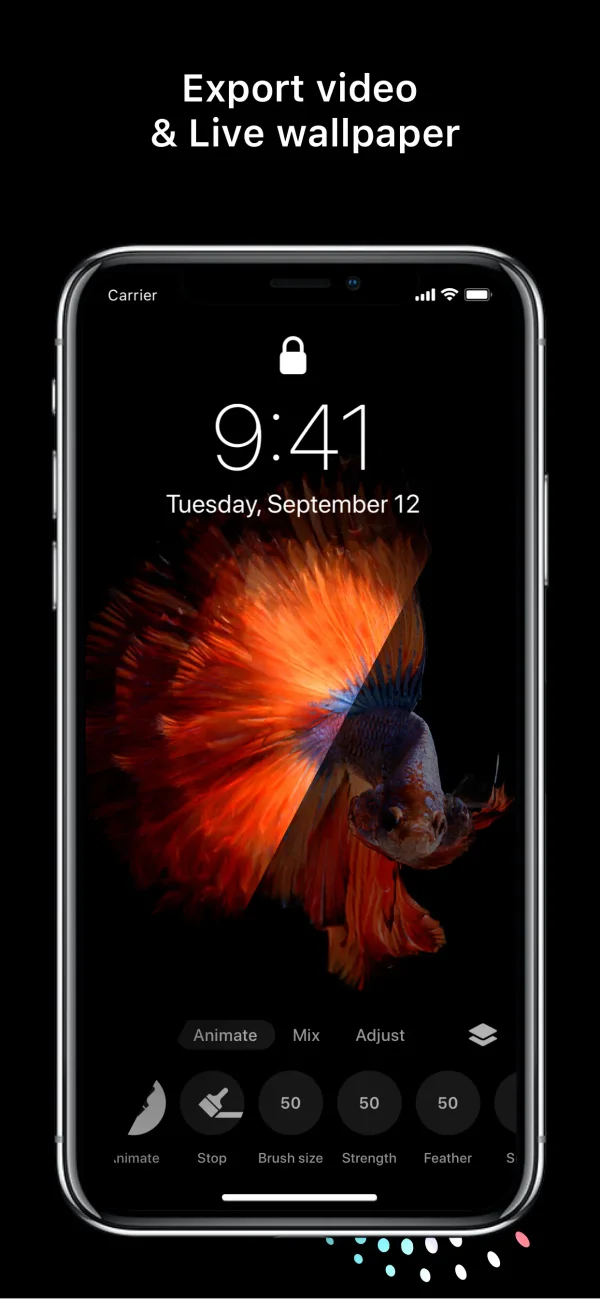
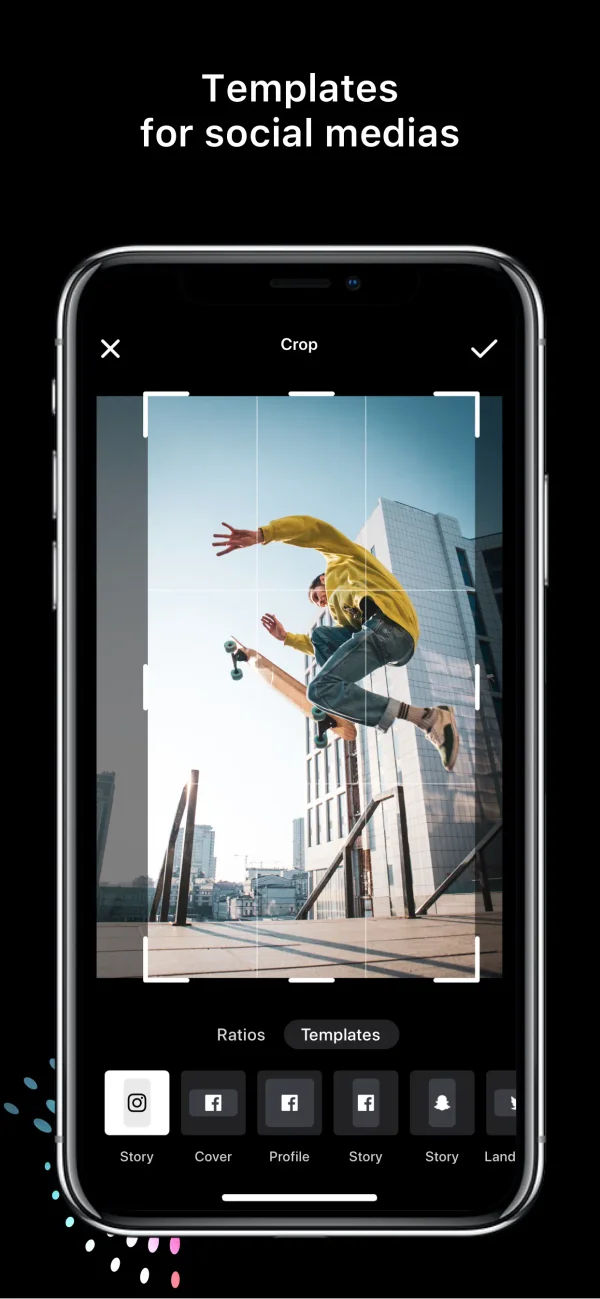
Export your animation as a seamless loop up to 20 seconds video or as a live wallpaper. At your disposal are predefined templates for Facebook and Instagram stories and posts.
The app contains premium features. You can test all of them for free as much as you want, but you won't be able to export your creation.
--------------------------
FEATURES
--------------------------
Projects
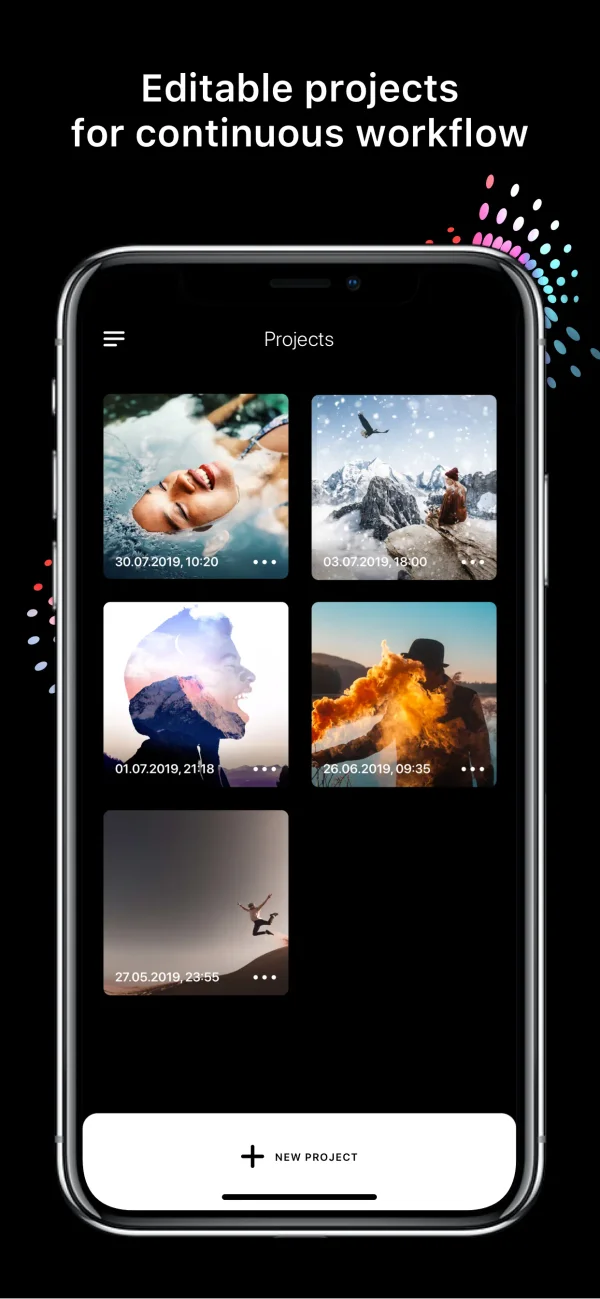
* Auto-save all animations in editable projects
Animate
* Animation and stop brush
* Brush size, strength and feather
* Animation speed
Mix (p)
* Erase or fill brush
* Brush size, opacity and feather
Adjust (p)
* Blending
* Hue
* Opacity
* Contrast
* Brightness
* Saturation
Layers (p)
* Layers limit depends on the device
* Transparent PNG support
* Hide/show
* Rearrange
* Lock
* Duplicate
* Import from Photos, Unsplash or Pixabay
Undo/Redo
* Unlimited undo and redo operations
Export
* 5, 10, 15, 20 seconds video
* Live wallpaper (p)
Templates
* Instagram post and story
* Facebook cover, profile video and story
* Snapchat story
* Twitter
* iPhone wallpaper
(p) - Premium features part of Disflow Pro. You can test all premium features as much as you want but you won't be able to export your creation.
Video overlay effects coming soon to Disflow Pro!
Have any questions? Contact us!
nixes.io/disflow/
instagram: @disflowapp
Terms of use: https://nixes.io/disflow/termsofuse/
Privacy policy: https://nixes.io/disflow/privacy/
UNLEASH YOUR INNER ARTIST – DOWNLOAD DISFLOW!
What’s new
Version 1.3.1 · Dec 9, 2025
* bug fix
App privacy
What Nixes declares on the App Store about how this app handles data.
-
Data not collected
The developer does not collect any data from this app.
Privacy practices may vary, for example with the features you use or your age.
Information
- Seller
- Nixes EOOD
- Category
- Photo & Video
- Version
- 1.3.1
- Updated
- Dec 9, 2025
- Released
- Jun 1, 2019
- Size
- 45.0 MB
- Requires
- iOS 13.0 or later
- Age rating
- 12+
- Price
- Free
- In-app purchases
- Yes
- Languages
- English, Simplified Chinese, Traditional Chinese
- Copyright
- © Nixes
You might also like
-
 Flow Photo ArtCamera movement and motion
-
 PictoAnimateLandscape Photos into Videos.
-
 KinoGlitchGlitch Video FX & 3D Art
-
 Animatix - Photo AnimationSet your photos in motion
-
 Secret Photo Vault: iLockBoxHide Videos, Files & Notes
-
 Infinite Photo Film EffectsCinematic LensFlare Filters
-
 Image Converter: HEIC-JPG-PNGConvert photo / picture
-
 PixaMotion 3d Photo Video LoopLive photo & AI moving picture
-
 New Year Wishes & CardsXmas & New Year Wishes Maker
-
 Cinemagraph ProImagery That Gets Noticed