
DishPointer (Satellite Finder)
Quick Precise Sat-Dish Install
Designed for iPhone, iPad, iPod touch
Free · In-app purchases
- Age rating4+
- CategoryUtilities
- DeveloperSouria HAKKAR
- LanguagesEnglish
- Size68.5 MB
Links to the official App Store page
Download.org hosts no file of DishPointer (Satellite Finder). The button opens its official App Store page, published by Souria HAKKAR. Listing last checked on Nov 20, 2026.
Screenshots

About
DishPointer allows you to align your satellite dish with great precision in a minimum of time thanks to augmented reality.
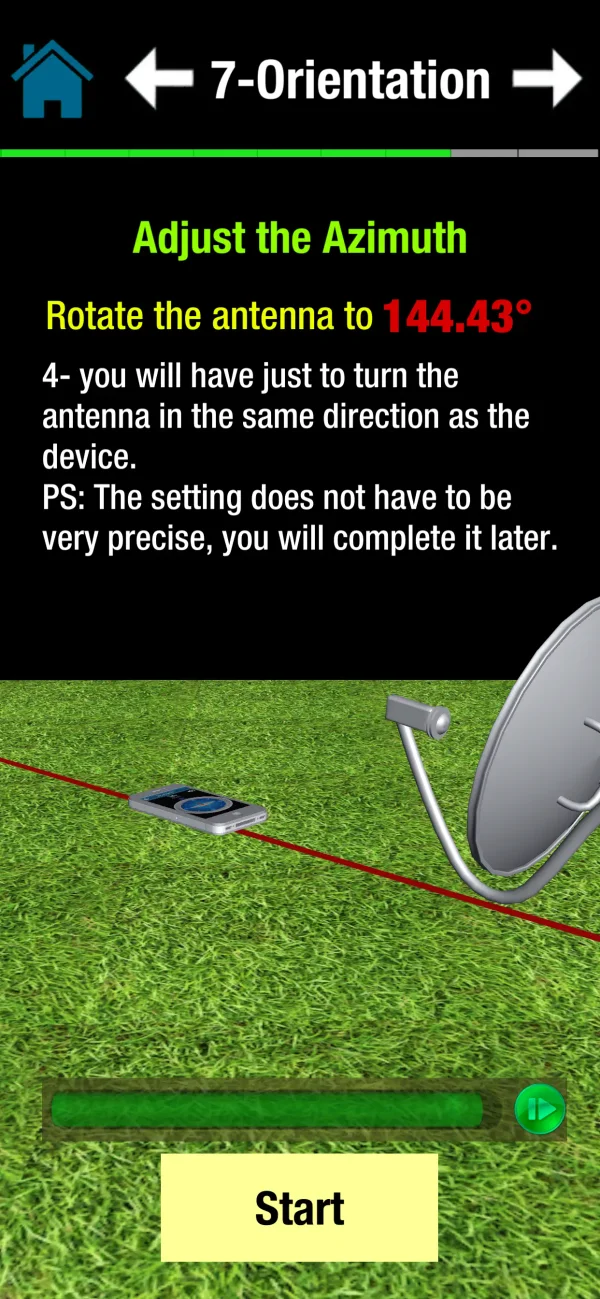
Adjusting a dish has always been complicated. but thanks to DishPointer this task becomes child's play. By following the 9 steps of the application, you will successfully install your dish in few minutes.
No more need for a gyroscope to use augmented reality. We have combined the accelerometer and magnetometer data to compensate for the possible absence of the gyroscope. This allows the majority of smartphones to benefit from augmented reality.
In DishPointer we have also integrated a module to calculate the magnetic declination and compensate the error between magnetic north and geographic north because we have noticed that the majority of smartphones do not integrate this declination. This help to display the right direction
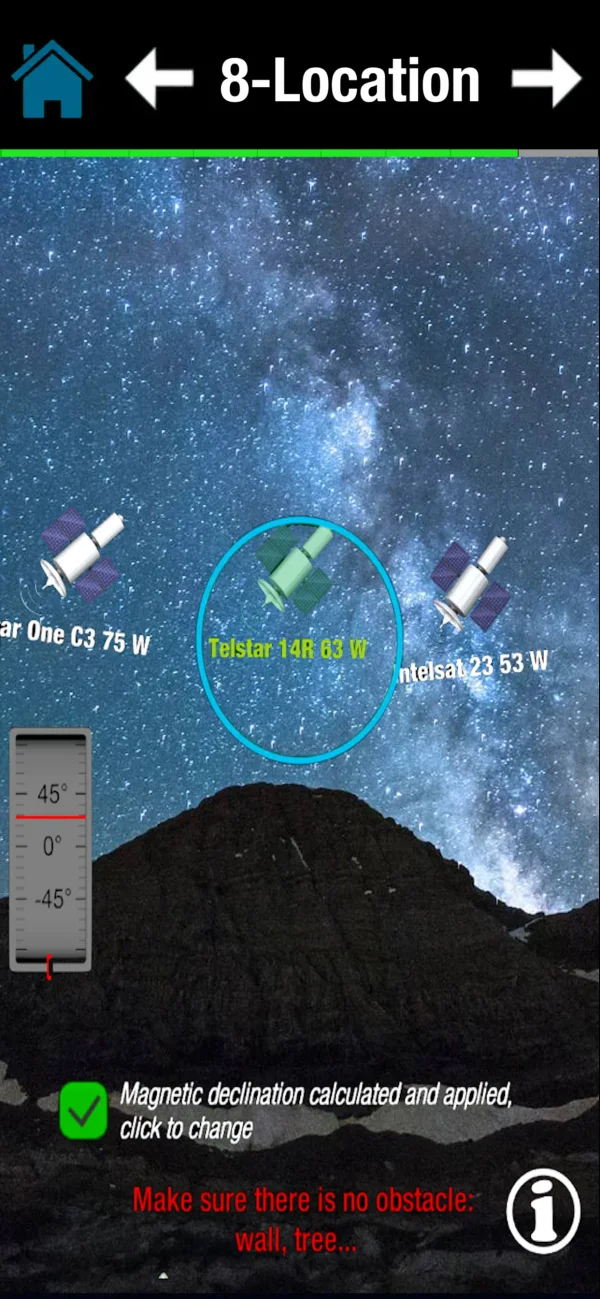
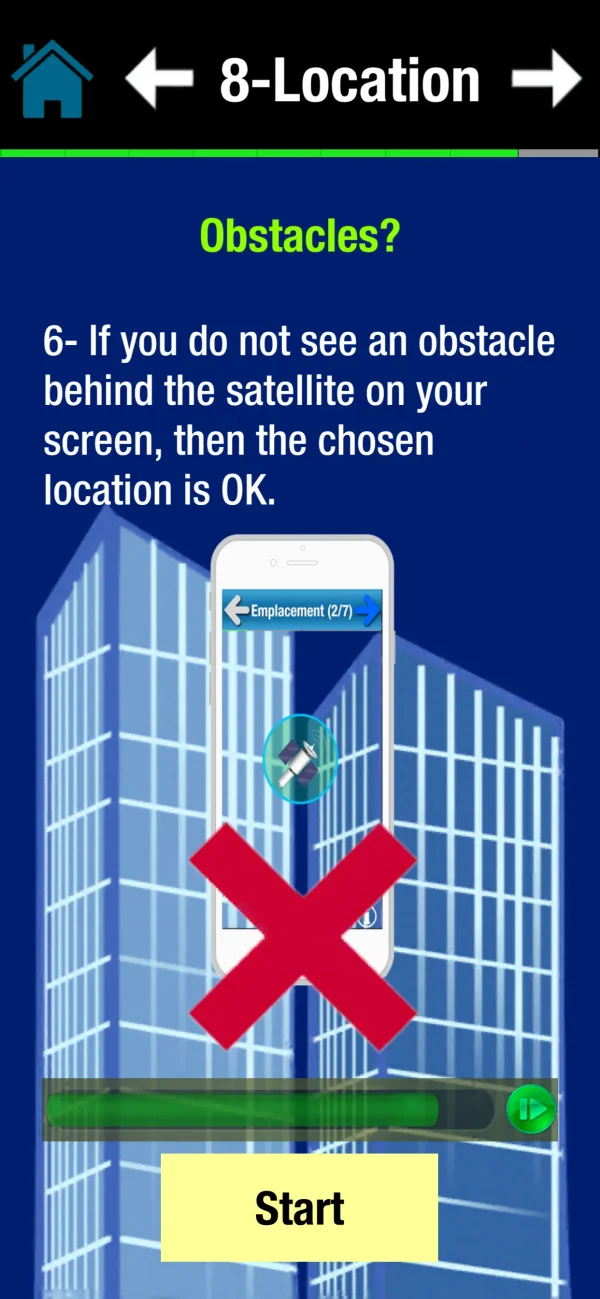
DishPointer is an application that lets you orient your dish or antenna to any satellite. Thanks to the sensors of your smartphone (Compass, accelerometer) this application displays the target satellite in space in order to better choose the location of your dish or antenna and to ensure the absence of any obstacle (wall, tree…).
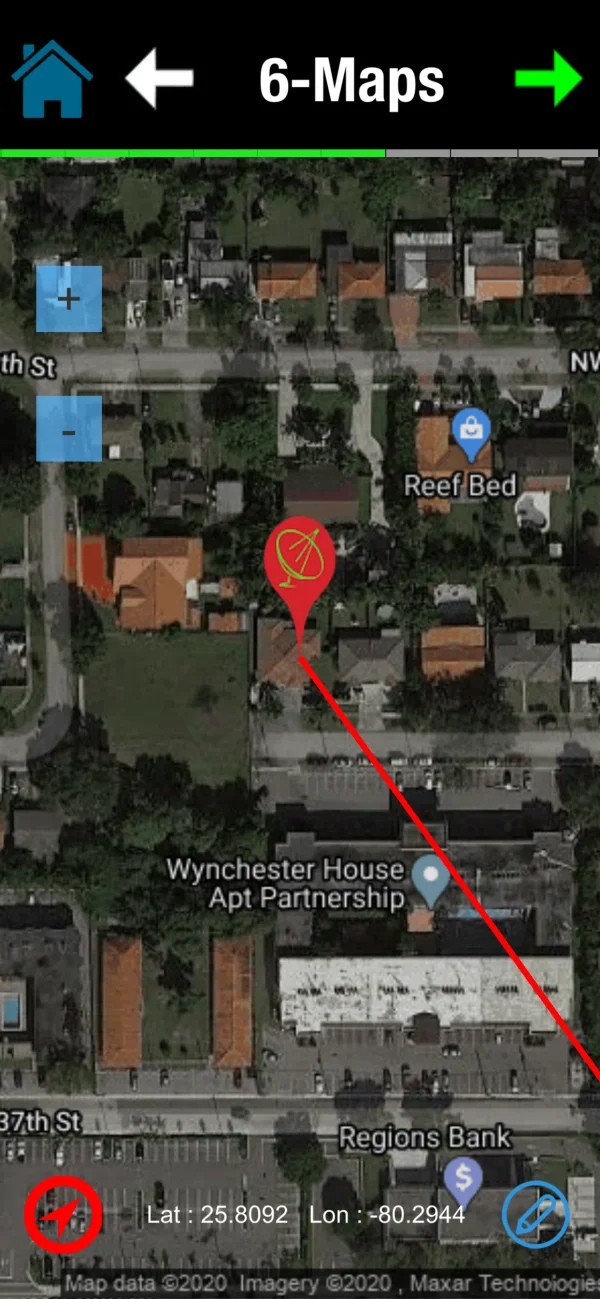
DishPointer also uses GPS to display your location on a map and then display the direction of the target satellite from your location.
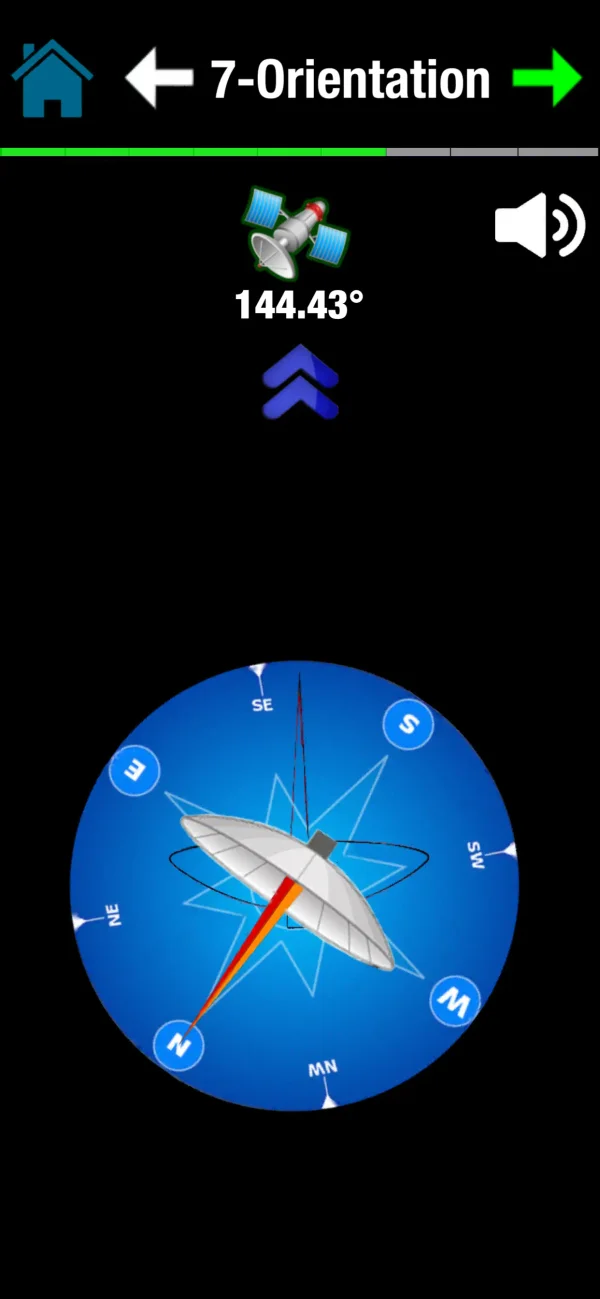
The compass accompanied by a beep allows you to orient your antenna or satellite dish by following the acceleration of the beeps and the arrow of the compass.
The accelerometer is used to check that the support of your antenna or dish is vertical.
The steps for adjusting the antenna or the dish:
1- choose your language
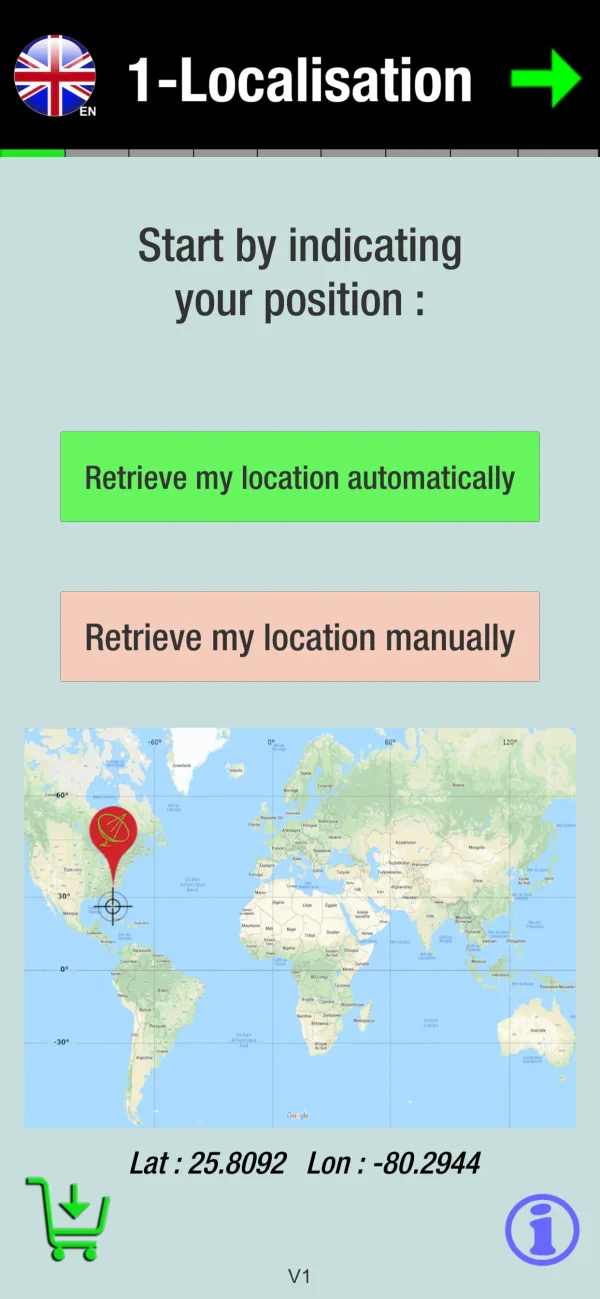
2- retrieving your GPS position automatically using GPS or manually by entering your latitude and longitude.
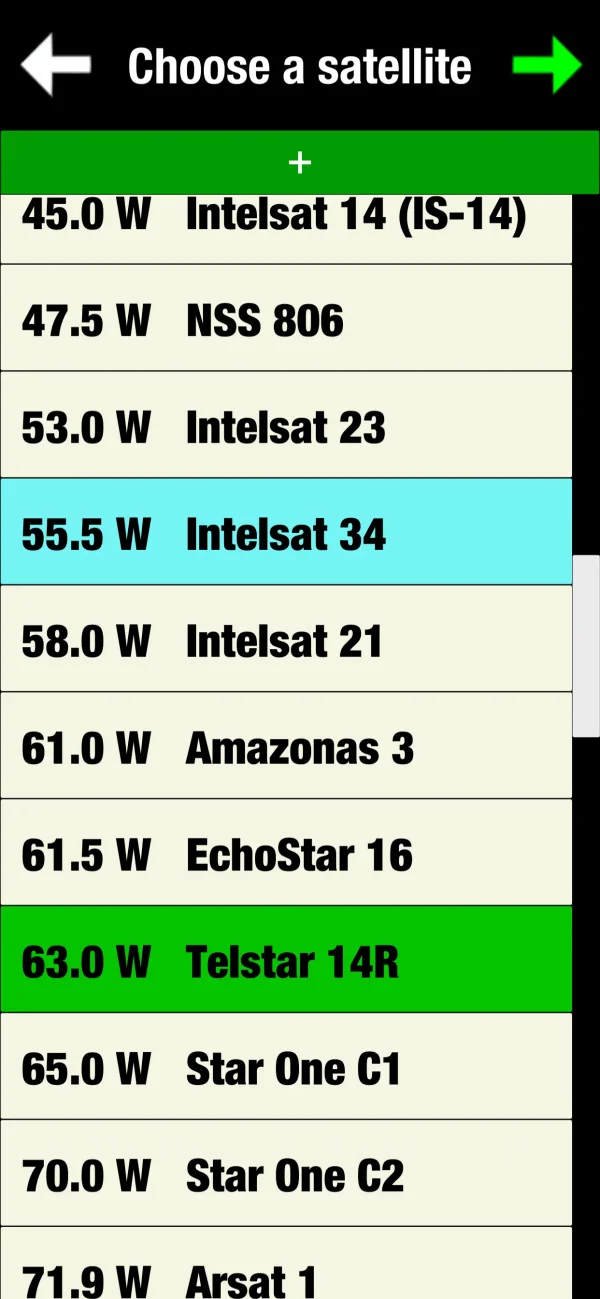
3- choose your target satellite to calculate the orientation parameters of the antenna or the satellite dish.
4- check that the support of your antenna or dish is vertical.
5- calculate the polarization and adjust the rotation of the LNB (the head of your antenna or satellite dish)
6- adjust the elevation
7- display of a line which indicates the orientation of the target satellite from your position on a Google Maps.
8- using the compass of your smartphone accompanied by a beep to help you find the right direction of the satellite (available in Pro version).
9- display the satellite in augmented reality thanks to your camera and make sure that there is no obstacle. This is used to validate the location of your antenna or dish (available in the Pro version).
10- refine the settings.
For the app to work properly, DishPointer will need the compass and the accelerometer from your smartphone.
Tips:
- if your smartphone does not have a GPS, you can manually enter your latitude and longitude (you can get them on Google Maps).
- the compass is only essential for the Pro version.
- do not hesitate to recalibrate the compass and avoid approaching it too close to the arm of the parabola because it is sensitive to metallic elements. Try to place your smartphone where there is the least magnetic interference.
The free version of DishPointer is enough for you to install your dish. It will calculate the orientation parameters and display the precise direction of the satellite on a Maps map.
The Pro version offers you the use of augmented reality to see the exact position of satellites in space. It also provides you with an assistant based on the phone compass to display the exact direction of the target satellite.
Contact: infosoftycontactfree@gmail.com
What’s new
Version 4 · Mar 5, 2024
- Added user consent
- Updating APIs
- Bug fix
App privacy
What Souria HAKKAR declares on the App Store about how this app handles data.
-
Data used to track you
May be used to track you across apps and websites owned by other companies.
- Location
- Identifiers
- Usage data
- Diagnostics
-
Data linked to you
May be collected and linked to your identity.
- Location
- Identifiers
- Usage data
- Diagnostics
-
Data not linked to you
May be collected but is not linked to your identity.
- Diagnostics
Privacy practices may vary, for example with the features you use or your age.
Information
- Seller
- Souria HAKKAR
- Category
- Utilities
- Version
- 4
- Updated
- Mar 5, 2024
- Released
- Apr 1, 2020
- Size
- 68.5 MB
- Requires
- iOS 12.0 or later
- Age rating
- 4+
- Price
- Free
- In-app purchases
- Yes
- Languages
- English
- Copyright
- © 2024 InfoSofty
You might also like
-
 Satellite map AR SatFinder 3DAntenna mobile signal finder
-
 Satellite TranspondersSatellite dish installation
-
 SatFinder (MGE)Utilities
-
 Satellite Tracker & FinderView Live Satellites
-
 Satellite DishSatellite Finder
-
 VXAppUtilities
-
 SatFinder Pro Satellite FinderDish Alignment Antenna Pointer
-
 Satellite Tracker ISS Live MapISS & Satellite Tracker Live
-
 DishAim: Satellite FinderDish Pointer, Sat Alignment
-
 Starlink Satellite PassesSatellite Tracker in AR