
- Age rating4+
- CategoryUtilities
- DeveloperSilvio fosso
- LanguagesEnglish
- Size46.3 MB
Links to the official App Store page
Download.org hosts no file of DisplayerPad. The button opens its official App Store page, published by Silvio fosso. Listing last checked on Nov 12, 2026.
Screenshots
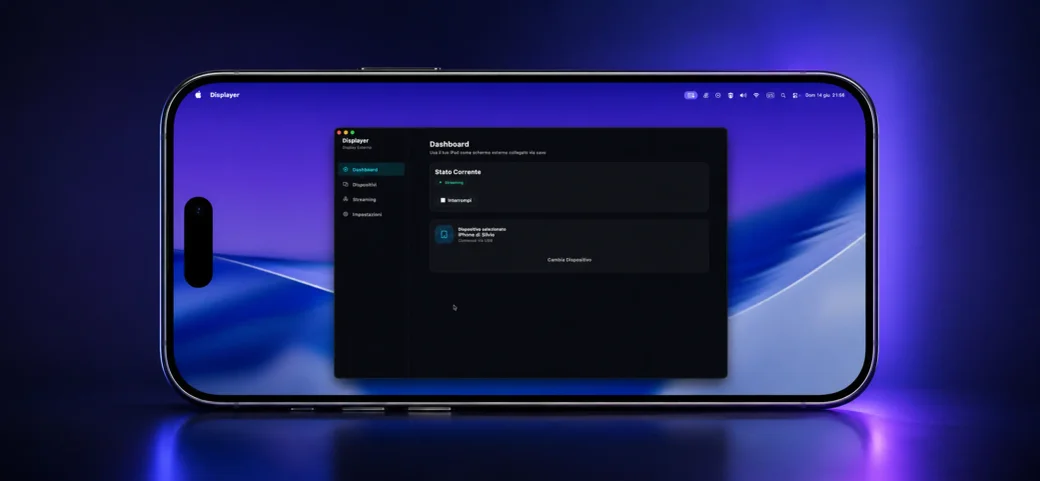
About
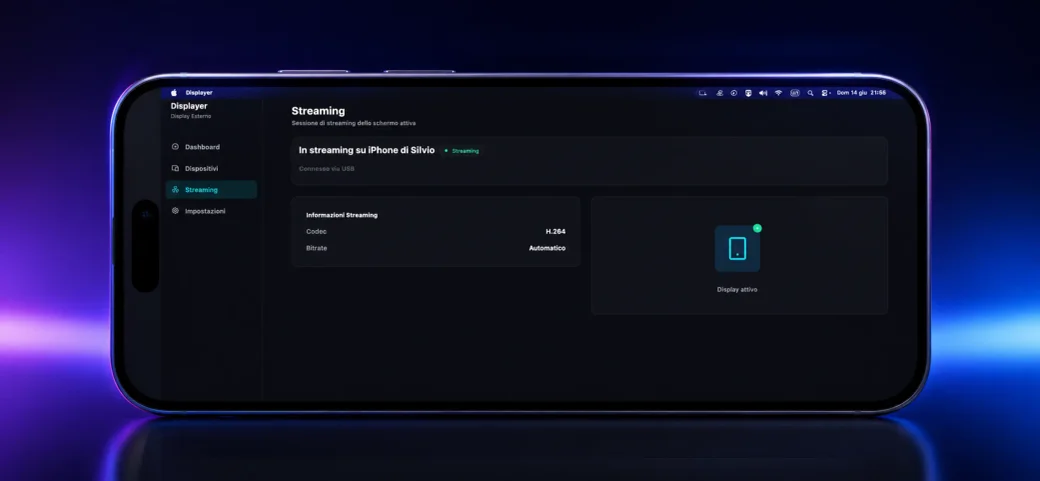
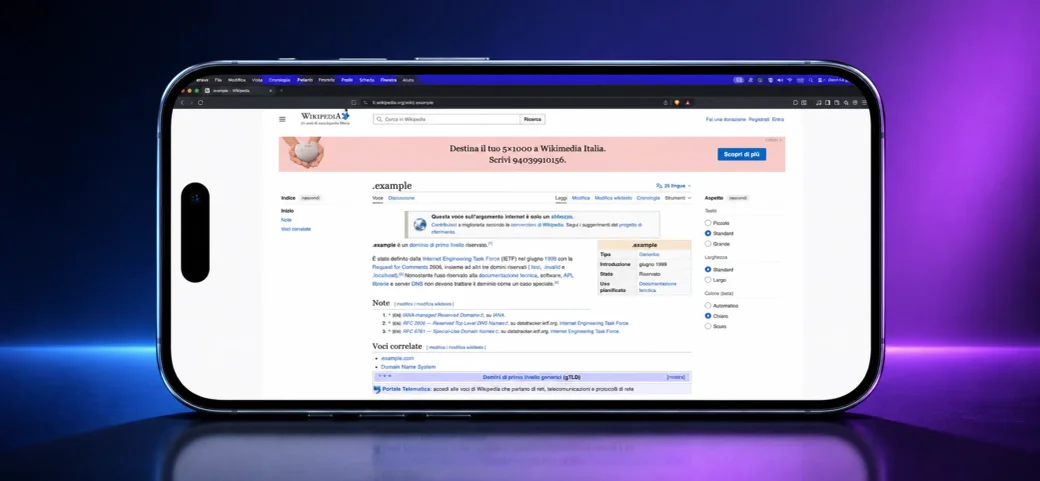
DisplayerPad turns your iPad into a wired external display for your Mac.**
With DisplayerPad, you can use your iPad as a second screen through a stable cable connection, without relying on Wi-Fi. It is designed for users who want a simple, portable, and reliable way to extend their Mac workspace using a device they already own.
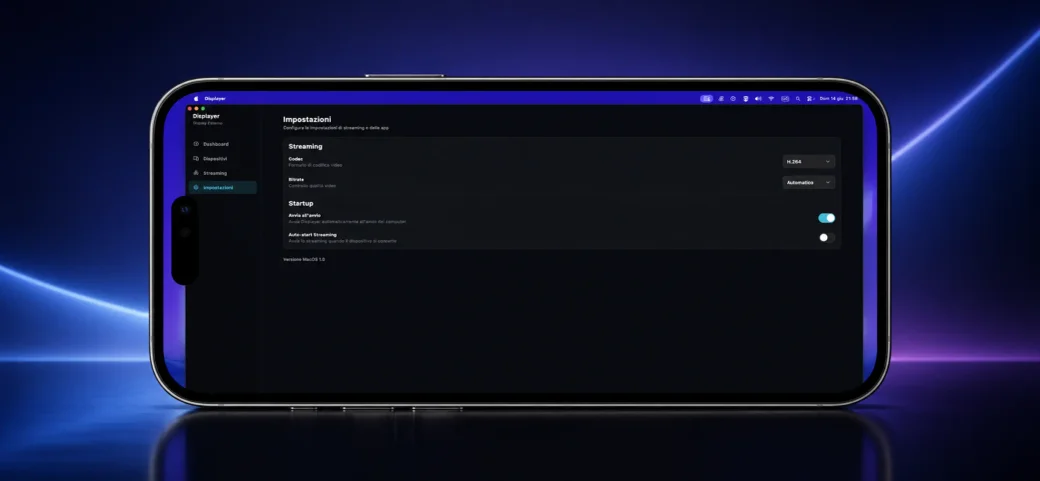
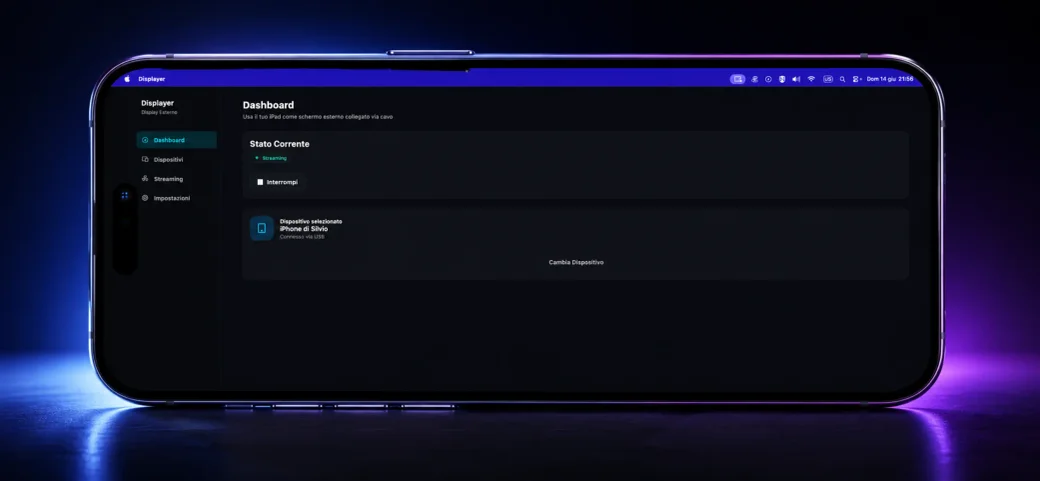
DisplayerPad works together with the Displayer macOS companion app. Connect your iPad to your Mac using USB-C or Lightning, open the companion app on macOS, and start using your iPad as an additional display.
Whether you are studying, coding, designing, writing, browsing, presenting, or managing multiple windows, DisplayerPad gives you extra screen space wherever you are. It can help you keep reference materials open, move tools and panels to a separate screen, monitor communication apps, or simply work more comfortably with a wider digital workspace.
DisplayerPad was created with accessibility in mind. Similar second-screen solutions are often paid products, but DisplayerPad is completely free. The goal is to make wired second-display functionality available to more people, especially those who already own an iPad and want to get more value from it without buying extra hardware or paying for subscriptions.
The app focuses on a clean and essential experience: connect the cable, start the Mac companion app, and use your iPad as a portable external display. A wired connection helps provide a more stable experience compared to wireless solutions, especially in places where Wi-Fi may be weak, crowded, or unreliable.
**Main features:**
* Use your iPad as a wired second display for your Mac
* Extend your Mac workspace with a portable screen
* Connect through USB-C or Lightning
* Avoid depending on Wi-Fi
* Useful for productivity, development, design, studying, presentations, and multitasking
* Completely free to use
**Requirements:**
DisplayerPad requires the Displayer macOS companion app to work.
A compatible Mac and a wired connection between Mac and iPad are required.
DisplayerPad is an independent project built with the idea that useful technology should be accessible, practical, and available to everyone.
What’s new
Version 1.1 · Aug 18, 2026
Minor changes
App privacy
What Silvio fosso declares on the App Store about how this app handles data.
-
Data not collected
The developer does not collect any data from this app.
Privacy practices may vary, for example with the features you use or your age.
Information
- Seller
- Silvio fosso
- Category
- Utilities
- Version
- 1.1
- Updated
- Aug 18, 2026
- Released
- Jun 17, 2026
- Size
- 46.3 MB
- Requires
- iOS 18.2 or later
- Age rating
- 4+
- Languages
- English
- Copyright
- © Silvio Fosso
You might also like
-
 EhomeweiDisplayiPad App for EHOMEWEI Monitors
-
 Fry WiFiDiagnose Wi-Fi Slowdowns
-
 uBrowserPro - Portable BrowserBrowser on your Watch
-
 The Simplest Ever Find My IPMy IP & Country, nothing more!
-
 MirroxPowerful Native Remote Desktop
-
 Launcher RemoteUtilities
-
 ExtenderExtend Your Mac Display
-
 audiOS Terminal KeyboardVoice Keyboard That Just Works
-
 OutdoorOnly ToolkitField tools for geocachers
-
 Pocketop BrowserDesktop-style, in your pocket