
Distance Anywhere
Measure distance anywhere
Designed for iPhone, iPad, iPod touch
$0.99
- Age rating4+
- CategoryUtilities
- DeveloperMasanori Katsuta
- LanguagesEnglish+ 1 more
- Size883.0 KB
Links to the official App Store page
Download.org hosts no file of Distance Anywhere. The button opens its official App Store page, published by Masanori Katsuta. Listing last checked on Nov 15, 2026.
Screenshots




About
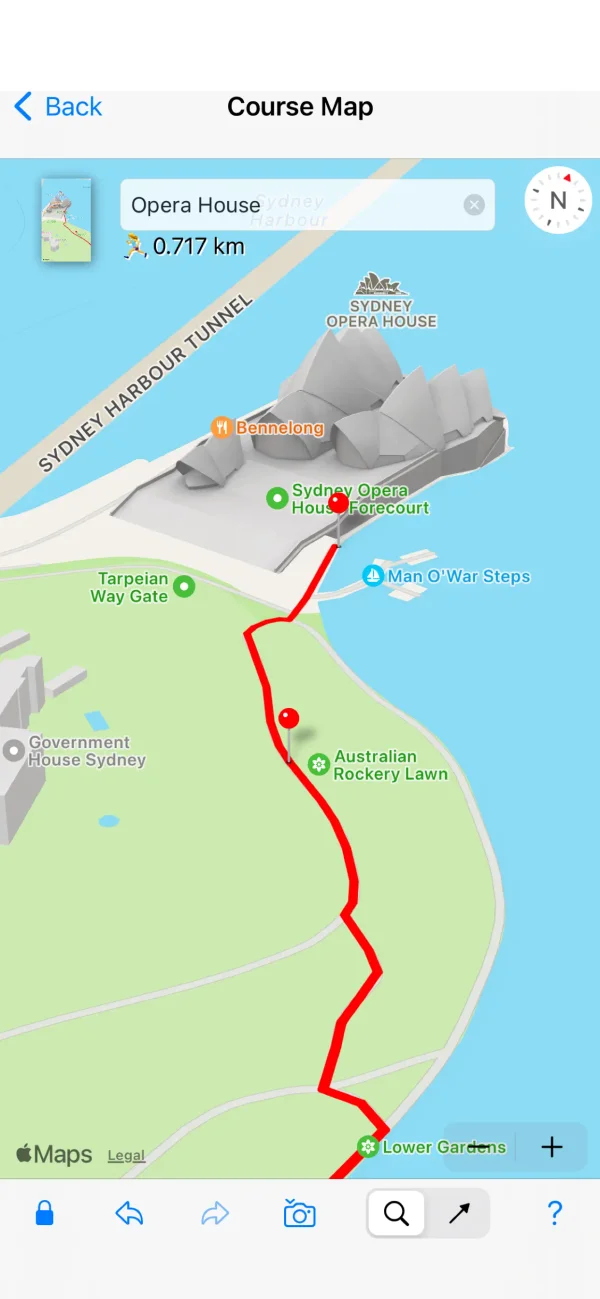
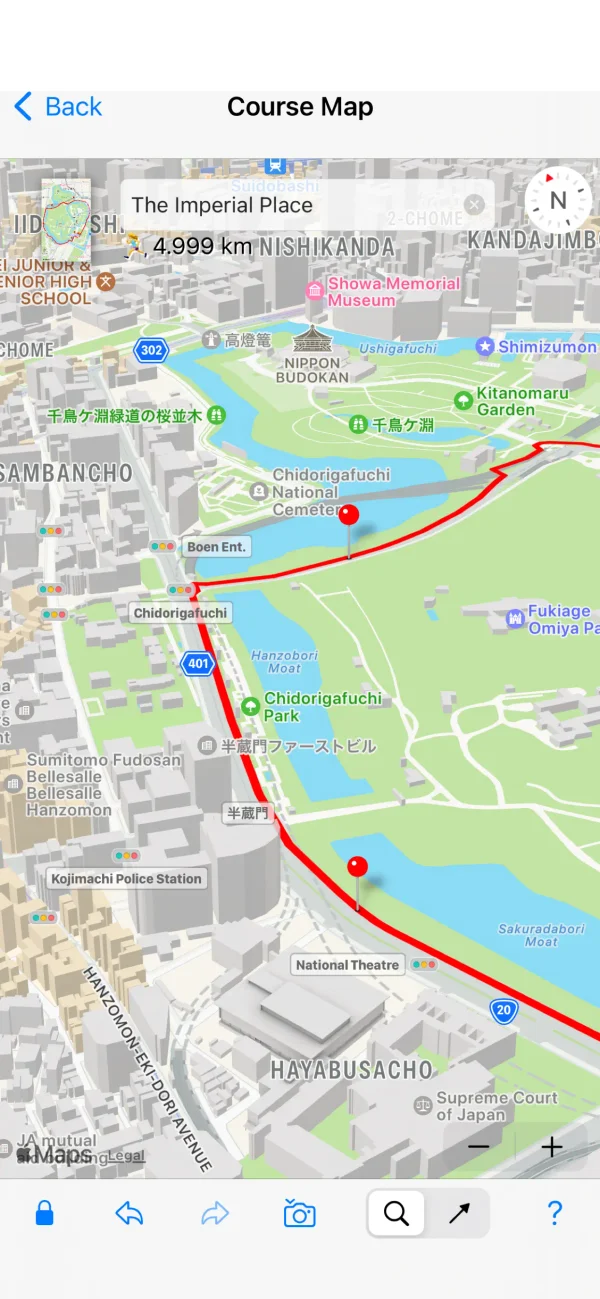
◎ Possible to accurately measure the course length such as walking course and running course.
◎ You can designate any location on the map which can not normally be specified.
◎ Possible to measure routes without sidewalks and roadways, such as within the premises, in the park, on the river, on the sand dune.
※ When using route search, you need to be connected to the Internet.
- Features
· Search for routes by pinning on the map.
· In places that can not be searched, add a route manually.
· Check the place you are on the map by icon.
· Correspond to undo and redo per pin.
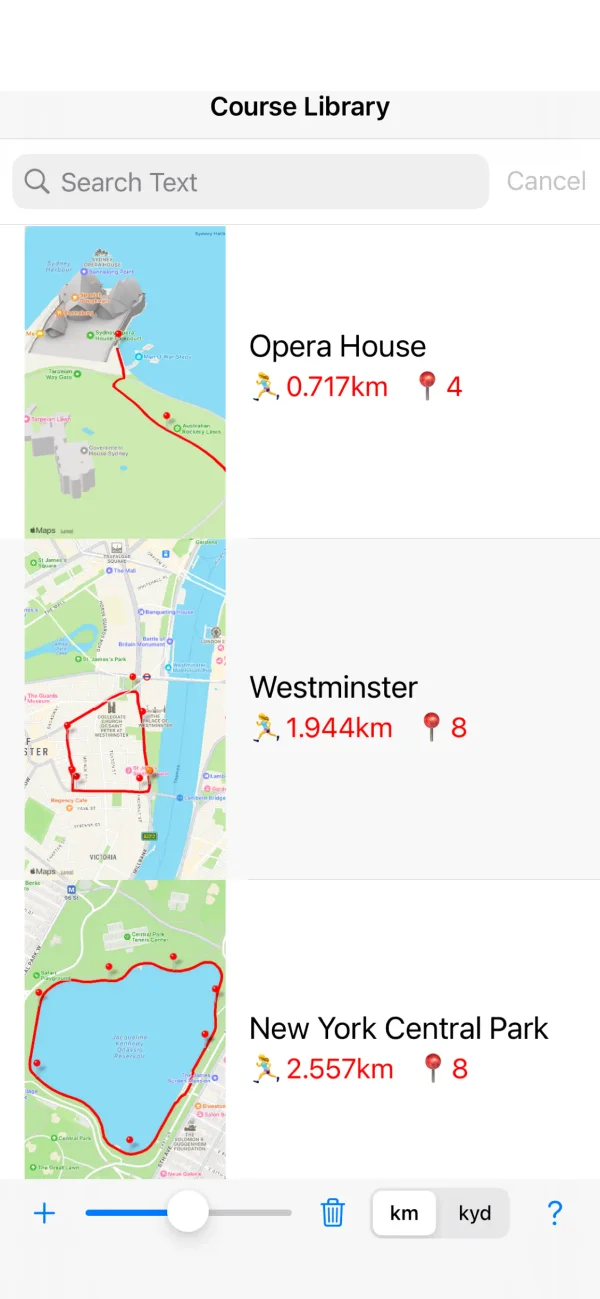
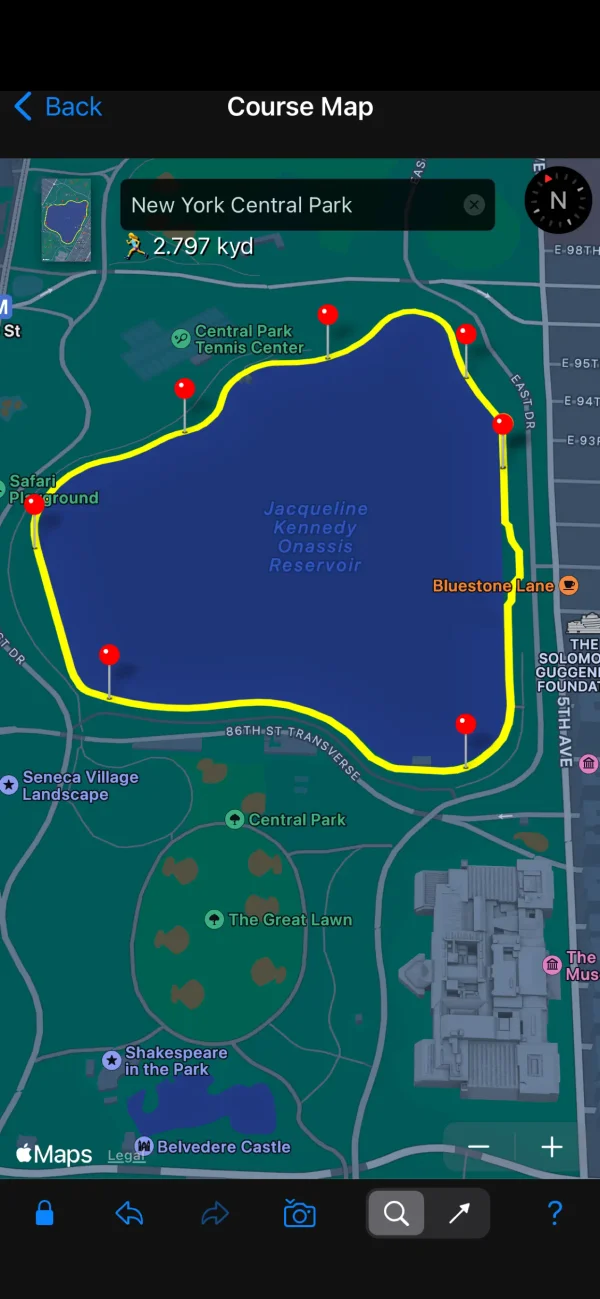
· Save the course with thumbnail map by capture button.
· Registration of various courses to the course library.
· List of thumbnail maps in the course library.
· Continuous zoom display of thumbnail map.
· Distance units can be switched between meters and yards.
- How to Enter a Course
Tap on the map to set up pins and decide the route in order.
In the place where roads exists, switch to the [Route Search] mode and set the pin so that the desired route is displayed.
Set up the pin frequently in places where there are likely to be multiple routes.
Then you will find the route you want.
It is very effective to set up a pin around a corner.
If you want to set up a pin in a place where there are no roads, switch to the [Linear Route] mode first.
- Trouble Shooting
(1) When the message “Directions Not Available” is displayed
The Location Service is temporarily unavailable.
In this case, let's go back to the course library.
Please restart the search after a while.
Once you terminate the app, the service will recover.
- Automatic tracking
You can switch to the automatic tracking mode by tapping the icon showing the current location.
In this mode, the current location is always displayed in the center of the map.
Tap the icon again to cancel the mode.
What’s new
Version 1.0.3 · Apr 11, 2024
- Fixed an issue where the distance was not displayed when specifying a linear route.
- Fixed the help.
App privacy
What Masanori Katsuta declares on the App Store about how this app handles data.
-
Data not collected
The developer does not collect any data from this app.
Privacy practices may vary, for example with the features you use or your age.
Information
- Seller
- Masanori Katsuta
- Category
- Utilities
- Version
- 1.0.3
- Updated
- Apr 11, 2024
- Released
- Jul 24, 2017
- Size
- 883.0 KB
- Requires
- iOS 13.0 or later
- Age rating
- 4+
- Price
- $0.99
- Languages
- English, Japanese
- Copyright
- © KATS SOFT
You might also like
-
 渓流釣りアプリ -Native Stream App-Utilities
-
 bwCalc(シンプルにデザインされた計算機、税込みも表示)Utilities
-
 DentaCalc - History and ReuseUtilities
-
 年号電卓PlusUtilities
-
 MapRadiusRadius on Map
-
 Universal HVAC ControlUtilities
-
 ThunderTixBox office software
-
 マイナチェッカーUtilities
-
 Route Tracking Tape MeasureRecord trace & distance + area
-
 SC-LiteUtilities