
- Age rating4+
- CategoryProductivity
- DeveloperSquirrels LLC
- LanguagesEnglish
- Size7.2 MB
Links to the official App Store page
Download.org hosts no file of Ditto Connect. The button opens its official App Store page, published by Squirrels LLC. Listing last checked on Nov 12, 2026.
Screenshots
About
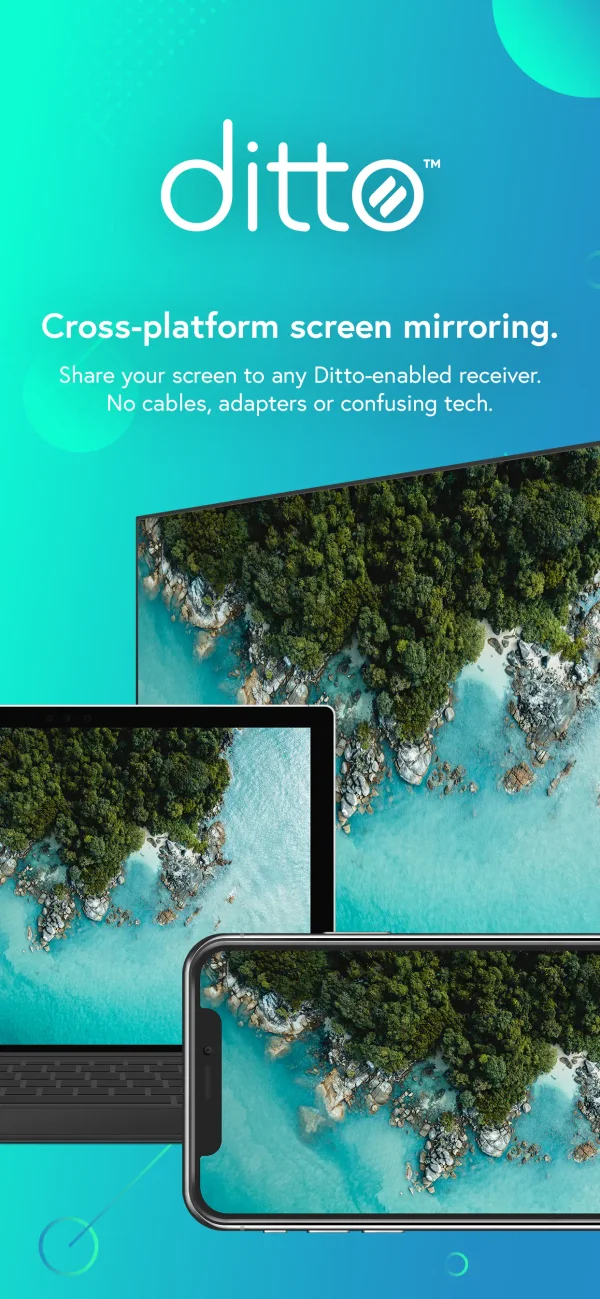
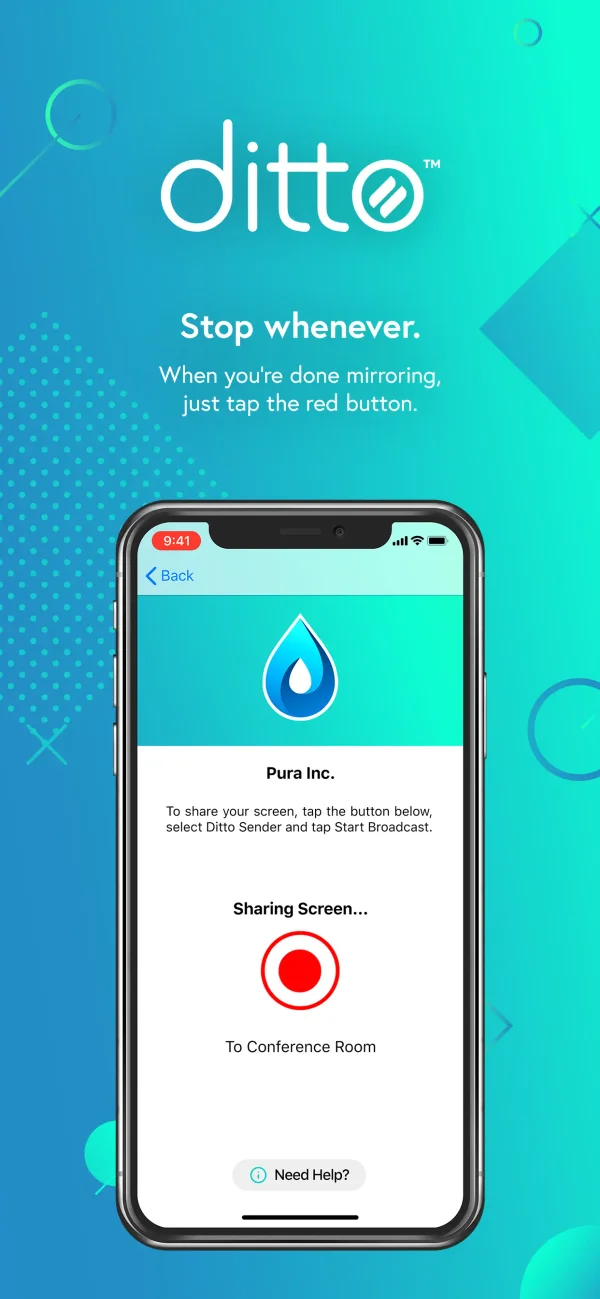
Connect your device to the big screen in seconds ¬— no cables, adapters or confusing technology required.
There are many things to worry about when you’re standing in front of your peers and all eyes are on you. With Ditto Connect, screen mirroring isn’t one of them.
EASY TO USE
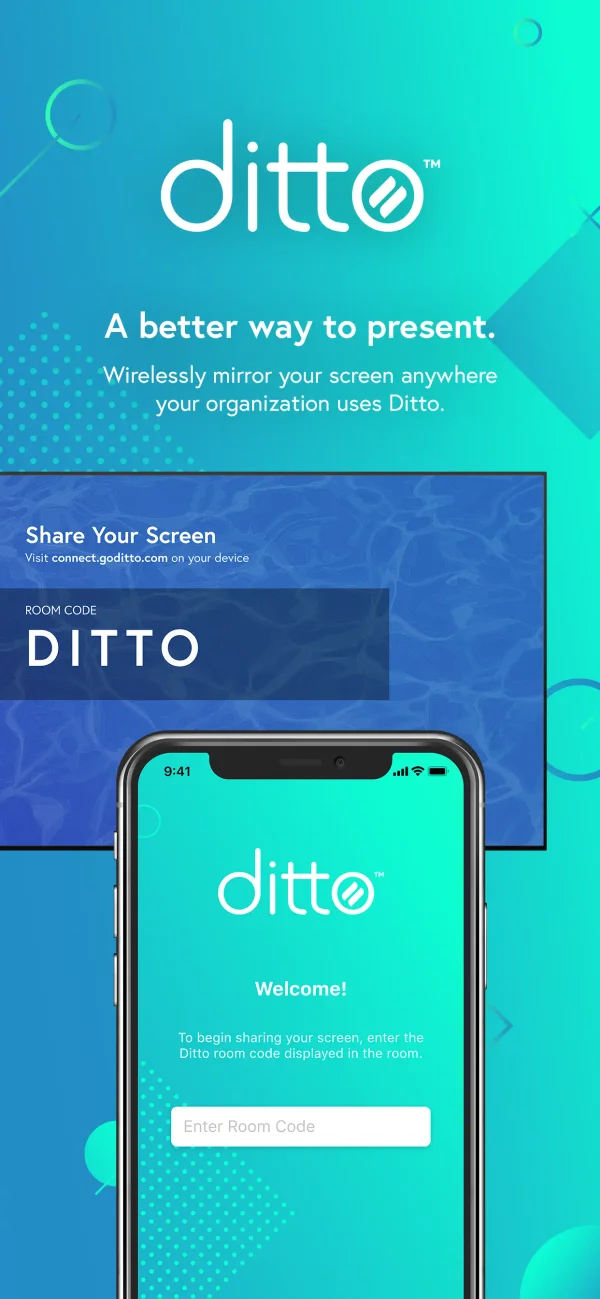
Ditto Connect makes it easy to wirelessly display what’s on your screen to everyone in the room.
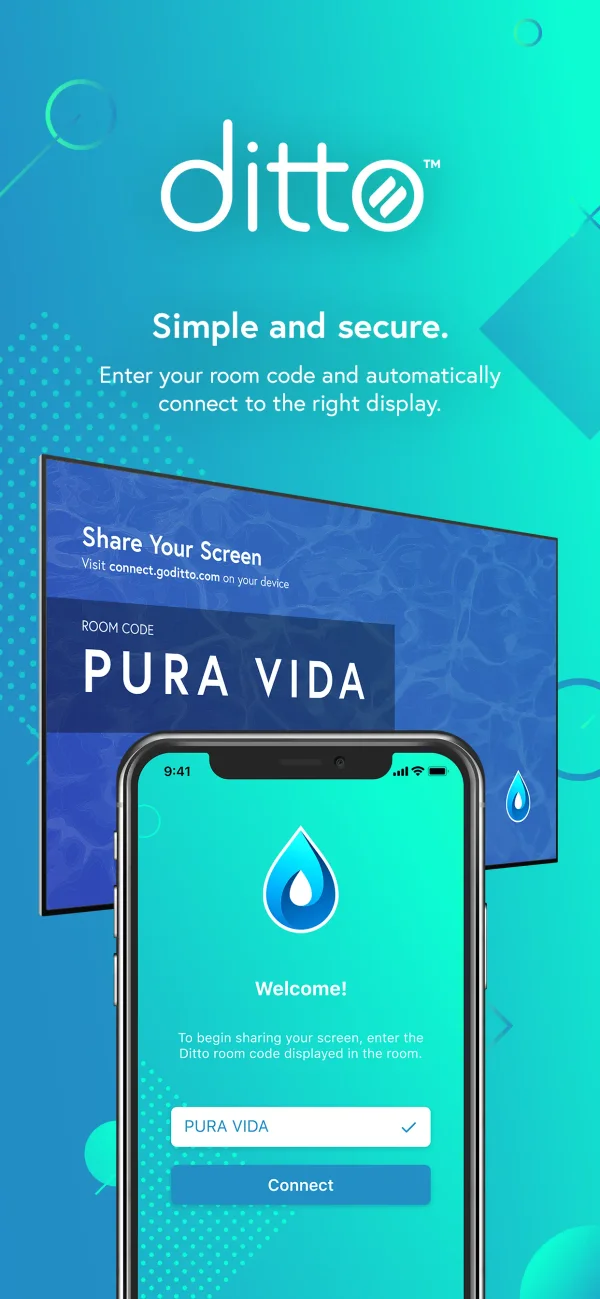
Simply enter a room code into Ditto Connect and your device will automatically connect to the appropriate Ditto receiver. Never worry about connecting to the wrong screen or not having the right adapters or technology again.
SAVE TIME
Consider how much meeting or class time is spent trying to figure out how to connect to the primary display. That’s not a problem anymore. No more wasted time. No more frustration.
Screen mirroring with Ditto Connect in any conference room, meeting space or classroom is simple and immediate for anyone who needs to share their screen. You can even mirror to multiple screens simultaneously.
HOW IT WORKS:
• Open the Ditto Connect app
• Enter a room code
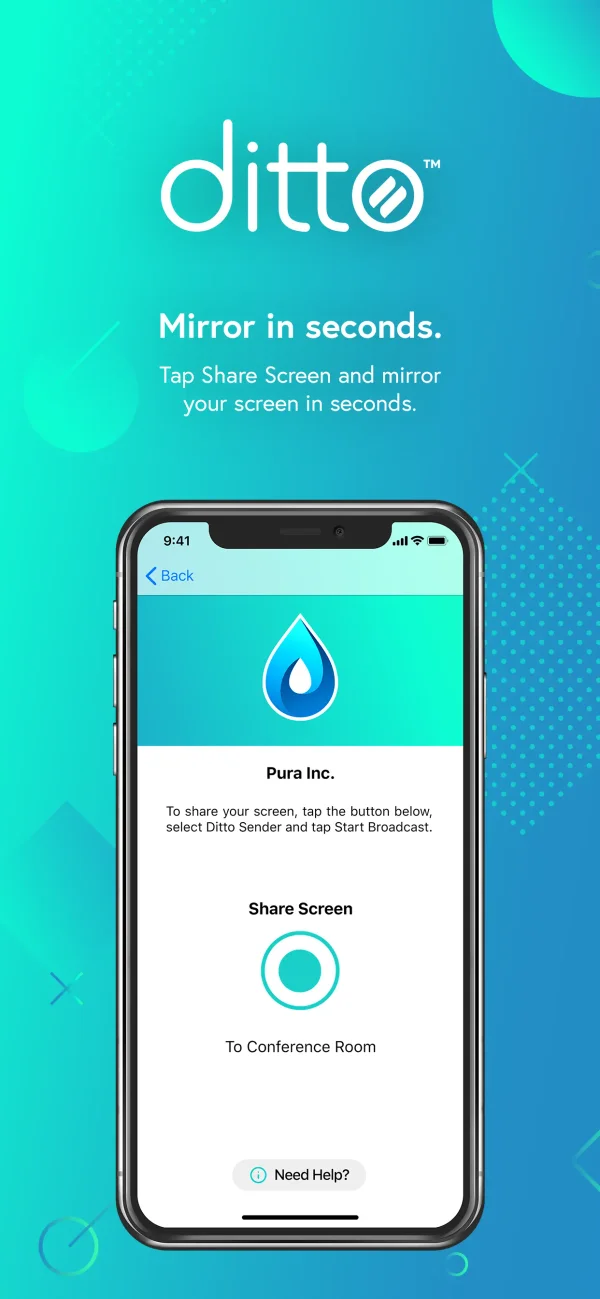
• Begin sharing
*You will need a Ditto receiver to connect. Do not expect to download this app and be able to connect to any TV, receiver or display without first setting up a Ditto receiver. Seriously, that won’t work.
To learn more about setting up a Ditto receiver, visit airsquirrels.com/ditto/receivers
What’s new
Version 1.2.13 · May 7, 2026
- Improved audio and video synchronization while screen mirroring
- Bug fixes and improvements
App privacy
What Squirrels LLC declares on the App Store about how this app handles data.
-
Data not linked to you
May be collected but is not linked to your identity.
- Usage data
- Diagnostics
Privacy practices may vary, for example with the features you use or your age.
Information
- Seller
- Squirrels LLC
- Category
- Productivity
- Version
- 1.2.13
- Updated
- May 7, 2026
- Released
- Apr 18, 2019
- Size
- 7.2 MB
- Requires
- iOS 16.0 or later
- Age rating
- 4+
- Price
- Free
- Languages
- English
- Copyright
- © 2026 Squirrels, LLC
You might also like
-
 OmnichargeProductivity
-
 Crestron AirMediaWireless Presentation
-
 Q-SYS UCI ViewerProductivity
-
 OptiSigns Digital SignageDigital Signage made simple
-
 ChapterBuilderRecruitment made easy.
-
 Swivl CaptureSmart video collaboration
-
 Pharos PrintProductivity
-
 Extron ControlProductivity
-
 ShareLink ProProductivity
-
 Mosyle BusinessDevice Management at Work