
- Age rating4+
- CategoryUtilities
- DeveloperCsaba Iranyi
- LanguagesEnglish
- Size5.0 MB
Links to the official App Store page
Download.org hosts no file of DLNA Browser. The button opens its official App Store page, published by Csaba Iranyi. Listing last checked on Nov 15, 2026.
Screenshots



About
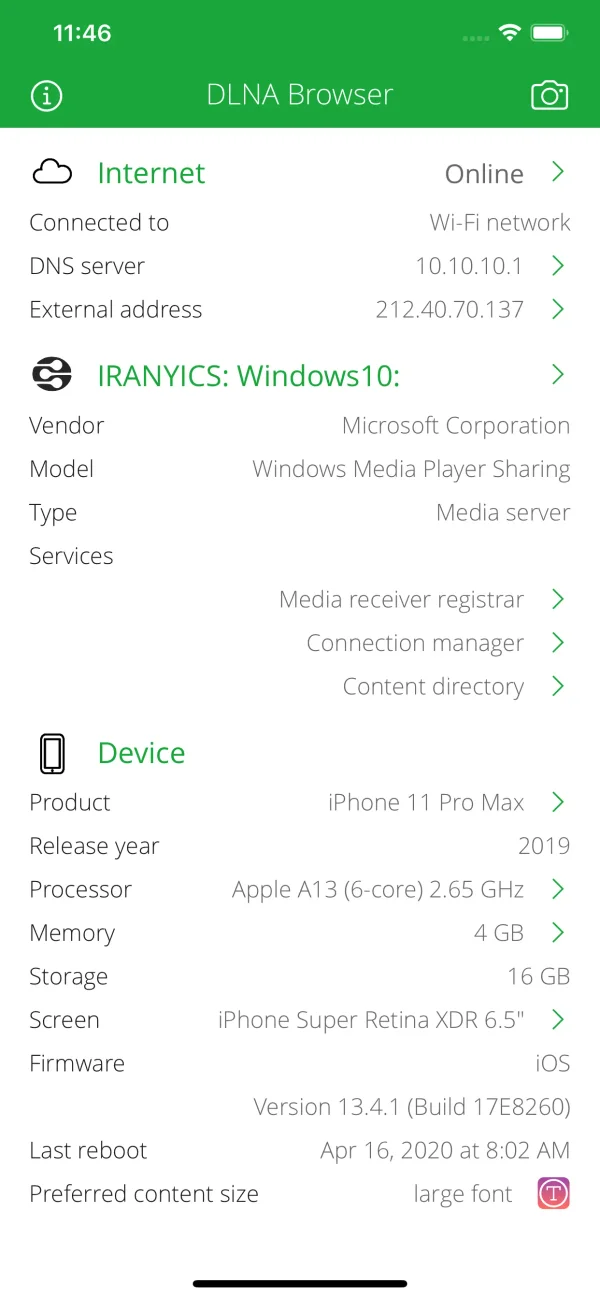
Discover and explore your local network. Search for DLNA compatible devices like media servers, TVs, wireless speakers, printers, security cameras, home sensors, lights, HVAC thermostats, LAN/WAN network devices and so on...
DLNA Browser is a very powerful tool for discover the available DLNA (UPnP) capable devices on your home or office local network.
ABOUT DLNA
Digital Living Network Alliance (DLNA) is a nonprofit collaborative standards organization established by Sony and Intel in June 2003, that is responsible for defining interoperability guidelines to enable sharing of digital media between multimedia devices. DLNA uses Universal Plug and Play (UPnP) for media management, discovery and control. UPnP defines the type of device that DLNA supports ("server", "renderer", "controller") and the mechanisms for accessing media over a network.
Typical DLNA (UPnP) devices:
• Media servers (PS3, Xbox, Plex, Serviio, Twonky, Mediatomb, WMC, stc.)
• Media renderers: TV, display, wireless speaker.
• Network device: LAN/WAN router, Wi-Fi access point.
• Home automation elements: solar protection blind, light, HVAC thermostat, home sensors.
• Printer, scanner, feeder.
• Remote access client, server, agent.
• Telephony client, server.
• BMLinks device (Japanese office devices: printer, scanner).
• Personal message receiver.
• Media Center.
• Quality of Service (QoS) device.
SERVICE BROWSING
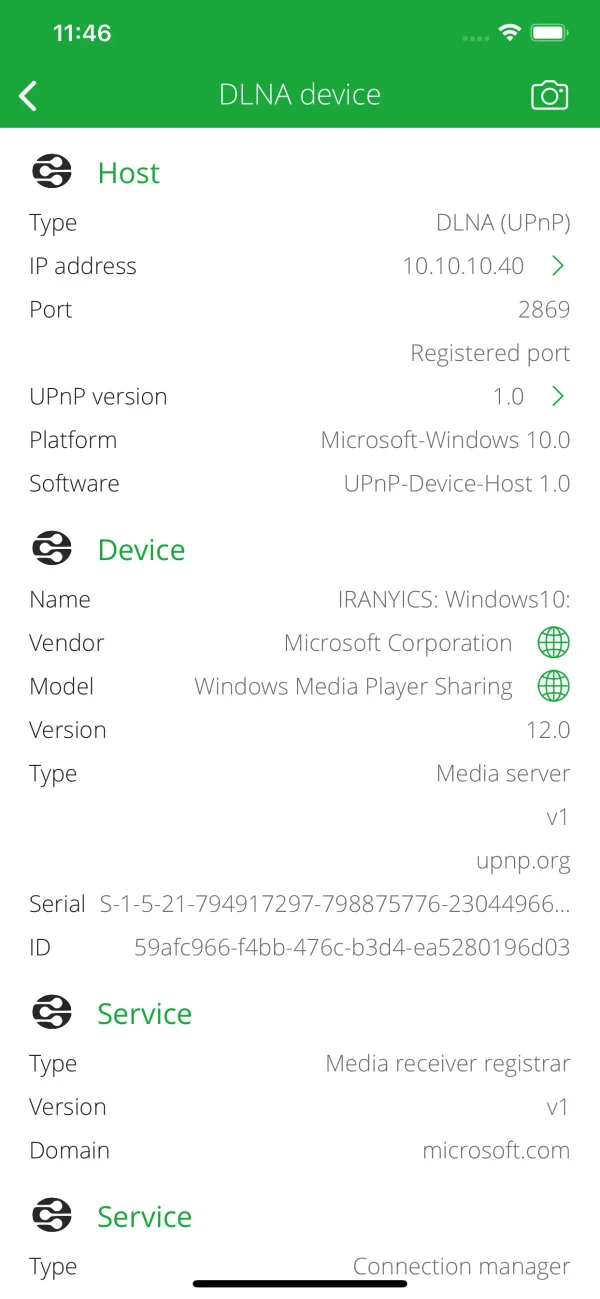
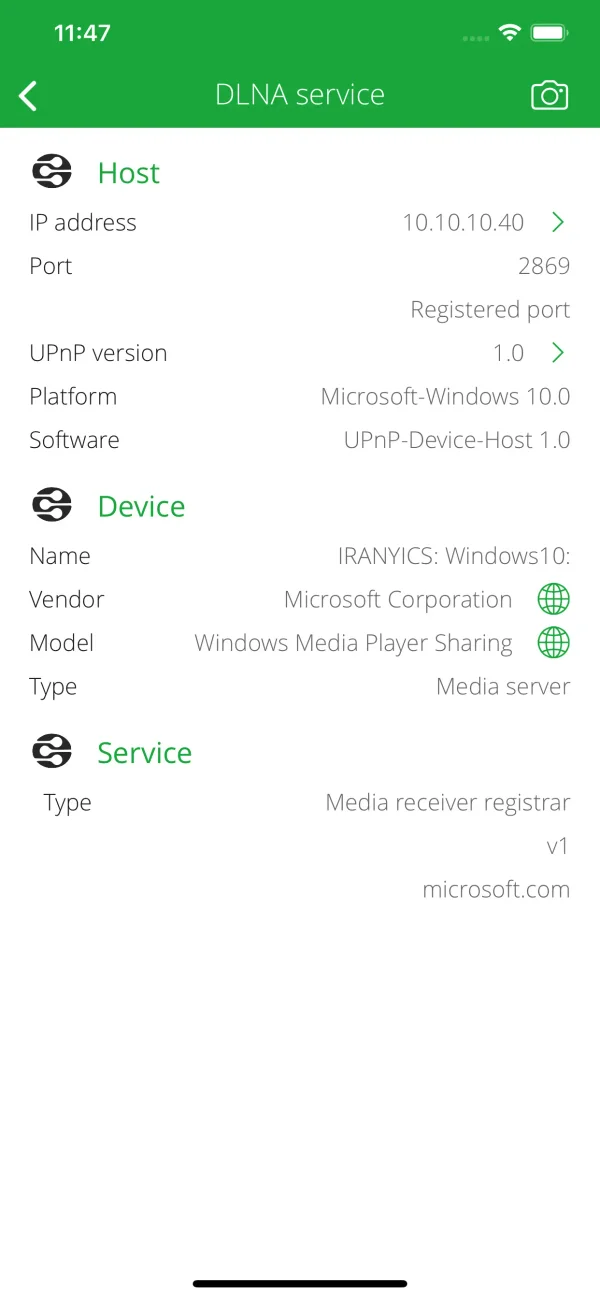
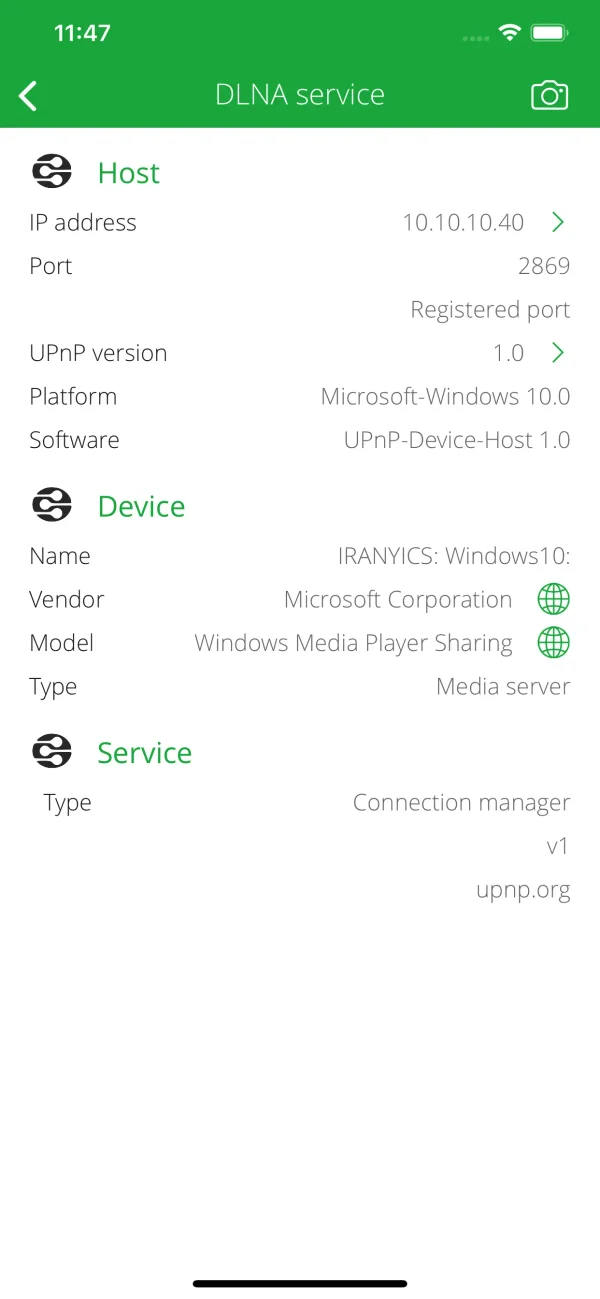
• Search for available and currently running DLNA (UPnP) root and embedded devices and services.
• Analyze and describe device name, manufacturer, model, type, version, serial number, UPC code, etc.
• Determine operating system/version and UPnP server product and version.
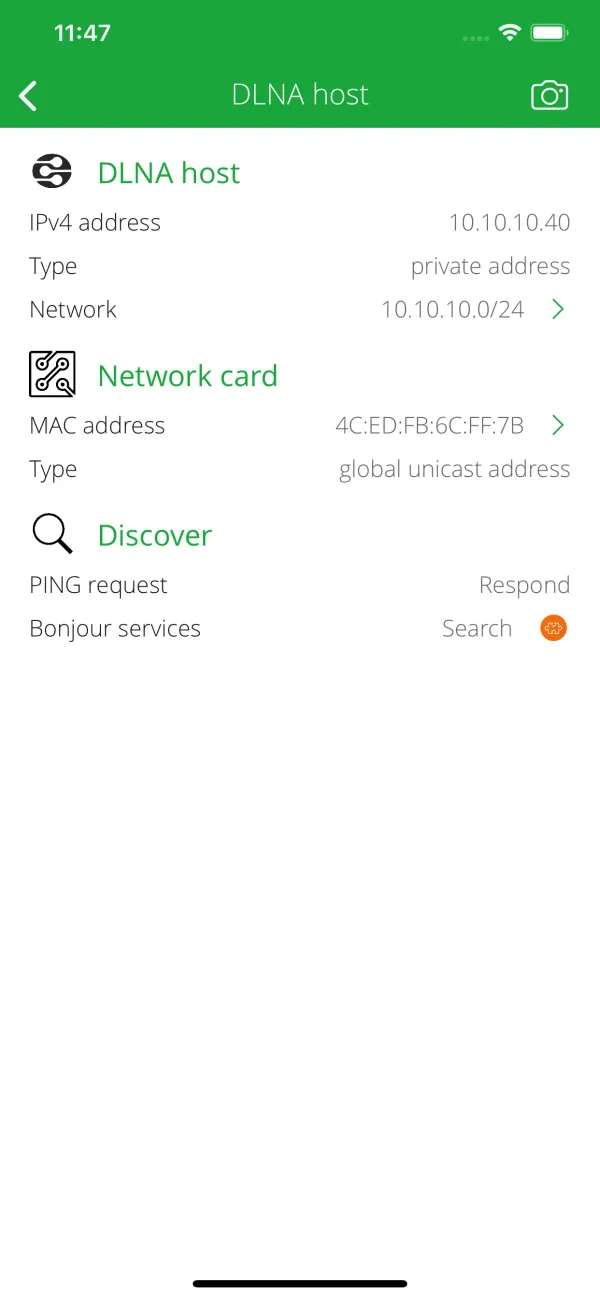
• Show DLNA host IP address, port number, UPnP version, local name, domain name, MAC address (with vendor information), PING capability.
INTERNET INFO
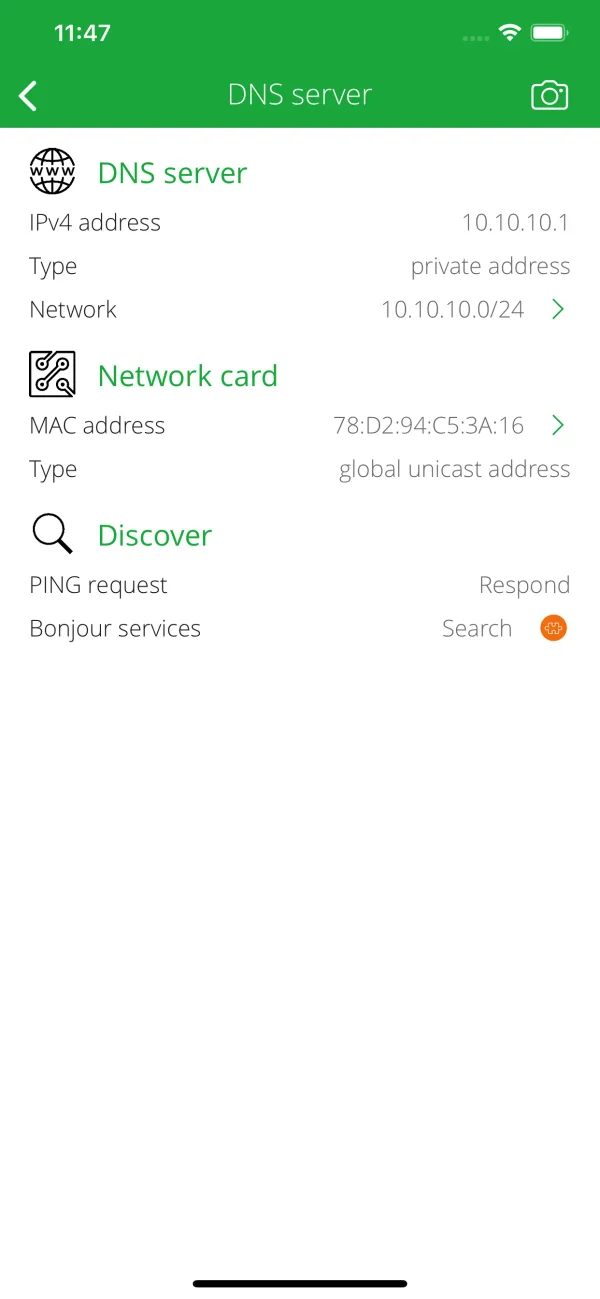
• Show default gateways, IP addresses, networks.
• Show DNS servers, search domain names, local MAC addresses, host name resolve.
• Depth external address analysis: ISP name, autonomous system name, whois, ping, regional internet registry info.
• Full offline MAC vendor database.
REACH UI FEATURES
• Info menu with feedback and privacy settings
• Use the camera icon (upper-right corner) to create and print/send/share a screenshot from the entire page.
• Pull down with your finger to refresh the information.
• Long press on a cell to copy/print/send/open as/share the cell value.
• Shake your device to refresh the information.
What’s new
Version 1.14 · Feb 11, 2025
BUG FIXES AND STABILITY IMPROVEMENTS
App privacy
What Csaba Iranyi declares on the App Store about how this app handles data.
-
Data not collected
The developer does not collect any data from this app.
Privacy practices may vary, for example with the features you use or your age.
Information
- Seller
- Csaba Iranyi
- Category
- Utilities
- Version
- 1.14
- Updated
- Feb 11, 2025
- Released
- Apr 11, 2015
- Size
- 5.0 MB
- Requires
- iOS 13.0 or later
- Age rating
- 4+
- Price
- $3.99
- Languages
- English
- Copyright
- Copyright © Csaba Iranyi. All rights reserved.
You might also like
-
 NetTools ProPro Network Toolkit
-
 Omnistat: System MonitorDevice stats, history, alerts
-
 LocalSitesshows local device's websites
-
 iNetTools - ProBest Network Diagnosis App
-
 iNet Pro - Network ScannerKnow your network…
-
 Flame Services BrowserA service browser for Bonjour
-
 System Status Pro: hw monitorCPU,battery,memory usage info
-
 Device System Services - ToolsSystem Services - Tools
-
 Network Analyzer Pro: IP ToolsWiFi scanner & internet speed
-
 Network UtilityNetwork tools made easy