- Age rating4+
- CategoryUtilities
- DeveloperMoataz AbdElkawy
- LanguagesEnglish+ 1 more
- Size87.0 MB
Links to the official App Store page
Download.org hosts no file of DNS+. The button opens its official App Store page, published by Moataz AbdElkawy. Listing last checked on Nov 12, 2026.
Screenshots
About
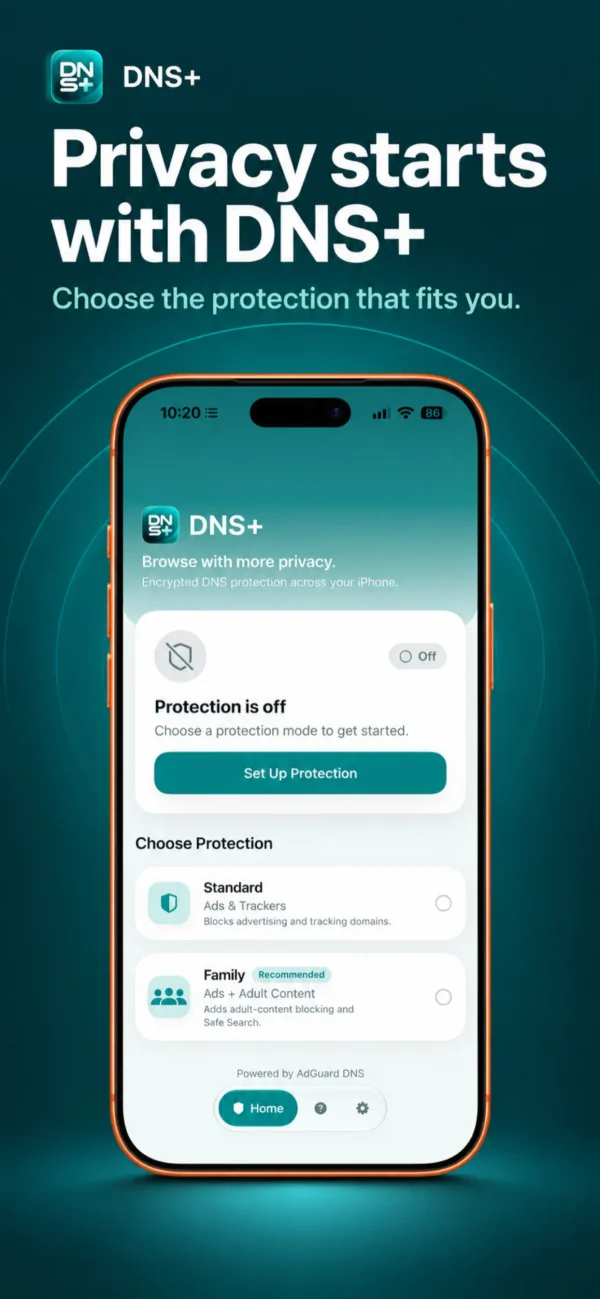
DNS+ is a simple encrypted DNS configuration utility for iPhone.
It lets you configure DNS-over-HTTPS at the system level, so your selected DNS service can be used across supported apps and browsers.
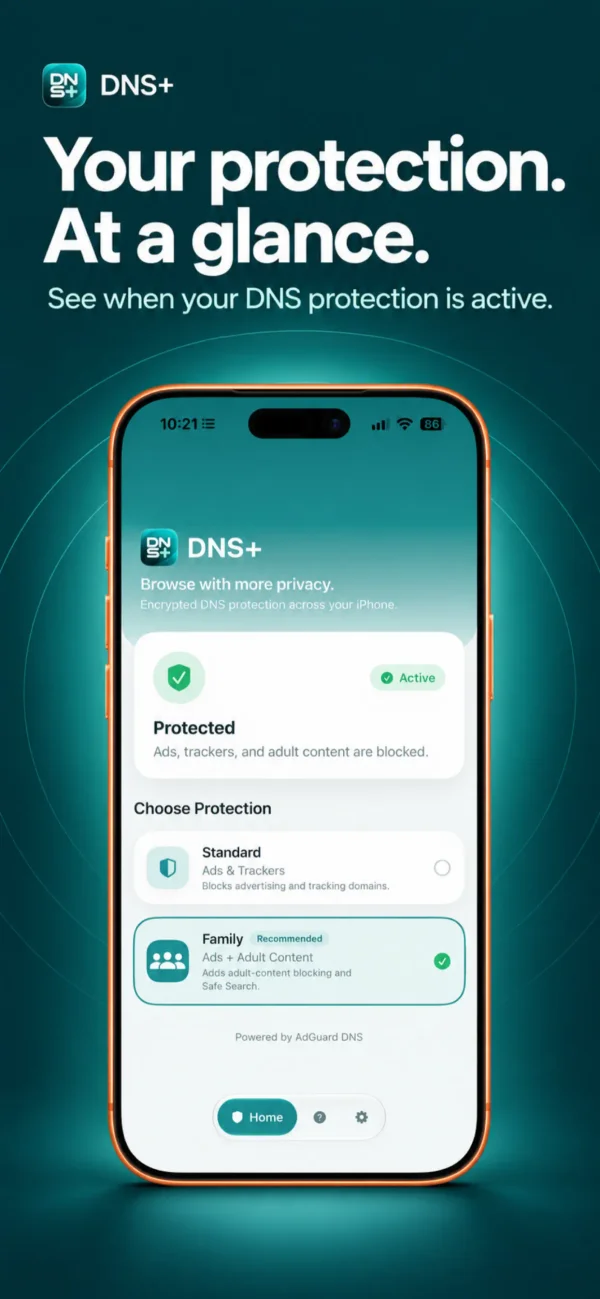
Choose between two protection modes:
STANDARD PROTECTION
Uses encrypted DNS filtering for a cleaner and more private browsing experience.
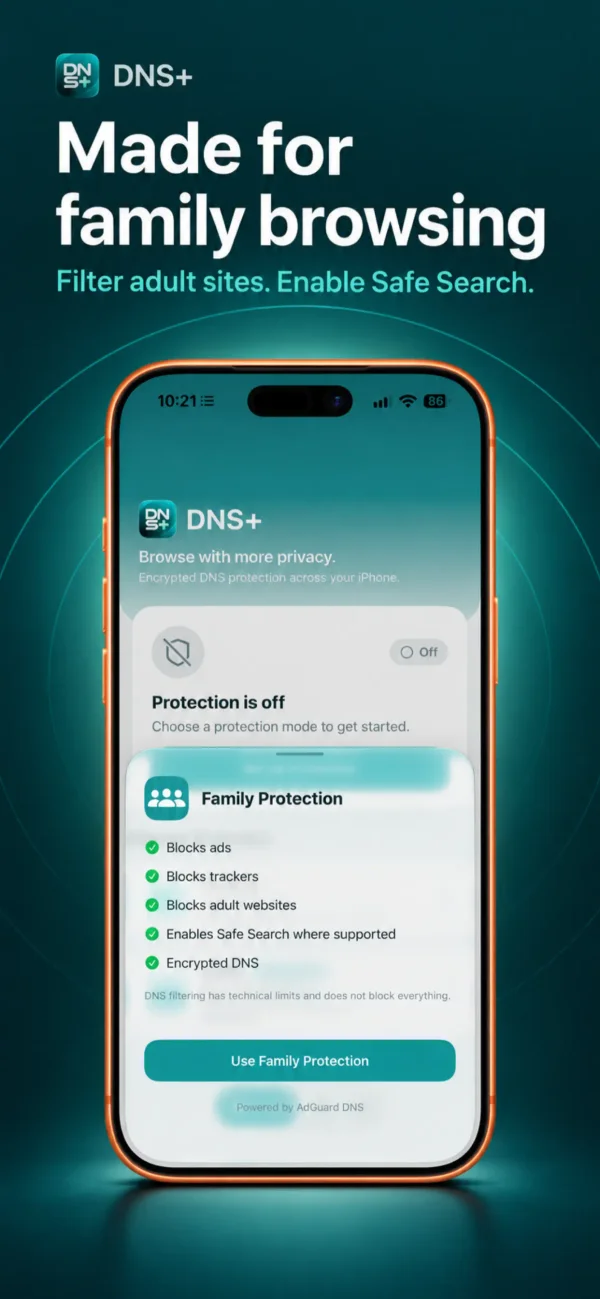
FAMILY PROTECTION
Adds filtering for adult-content domains and enables Safe Search where supported.
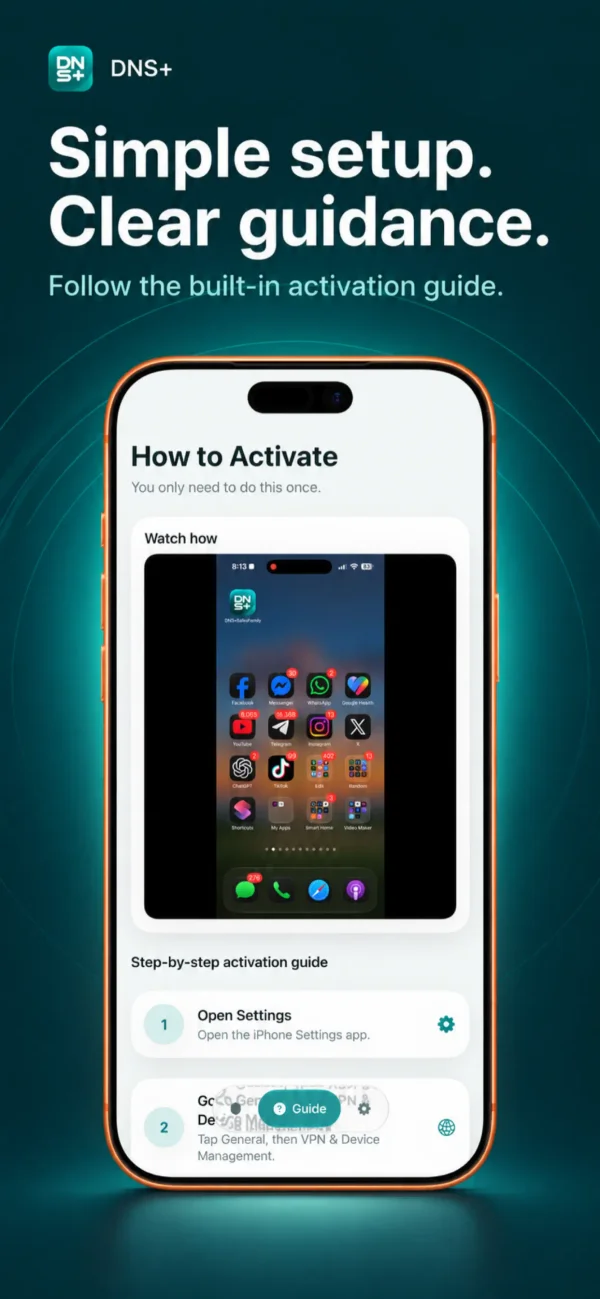
HOW TO USE
1. Choose your preferred protection mode.
2. Set up DNS+.
3. Open iPhone Settings.
4. Go to General > VPN & Device Management > DNS.
5. Select DNS+.
You only need to activate DNS+ once. After that, you can switch between Standard and Family protection directly from the app.
PRIVACY
DNS+ does not require an account and does not inspect or collect your browsing history.
DNS requests are handled by the selected DNS provider.
DNS+ uses AdGuard Public DNS as its DNS provider.
Please note that DNS-based filtering has technical limitations and may not filter all content.
App privacy
What Moataz AbdElkawy declares on the App Store about how this app handles data.
-
Data not collected
The developer does not collect any data from this app.
Privacy practices may vary, for example with the features you use or your age.
Information
- Seller
- Moataz AbdElkawy
- Category
- Utilities
- Version
- 1.0
- Updated
- Oct 16, 2026
- Released
- Oct 15, 2026
- Size
- 87.0 MB
- Requires
- iOS 17.0 or later
- Age rating
- 4+
- Price
- Free
- Languages
- English, Arabic
- Copyright
- © 2026 Mohamed Abu Ali
You might also like
-
 NanoJet: Save & Organize FilesPlay & Edit Video Offline
-
 Flow: DNS ManagerBlock Ads, Trackers & Malware
-
 TrackCut: Ai Video EditorMusic,Shorts & Reels Maker
-
 Tech VPN Pro - Protect PrivacyFast, Secure & Private VPN
-
 Car TV - IPTV M3U Video PlayerCast & Mirror to Car Display
-
 Jinx - System-Wide Ad BlockerBlock ads &Fast Private Secure
-
 CMC Speed TestUtilities
-
 Storage Cleaner: SpaceFreshPhoto Cleaner & Free Up Space
-
 Fake Mail - Temp MailAnonymous temp email.
-
 Vello - Private Media ManagerPrivate & Easy Media Manager