
Do! Premium – To Do List
Reminders & widgets, your way
Designed for iPhone, iPad, iPod touch
$20.00 · In-app purchases
- Age rating4+
- CategoryProductivity
- DeveloperSIMPLERION Co., Ltd
- LanguagesEnglish+ 5 more
- Size102.9 MB
Links to the official App Store page
Download.org hosts no file of Do! Premium – To Do List. The button opens its official App Store page, published by SIMPLERION Co., Ltd. Listing last checked on Nov 15, 2026.
Screenshots

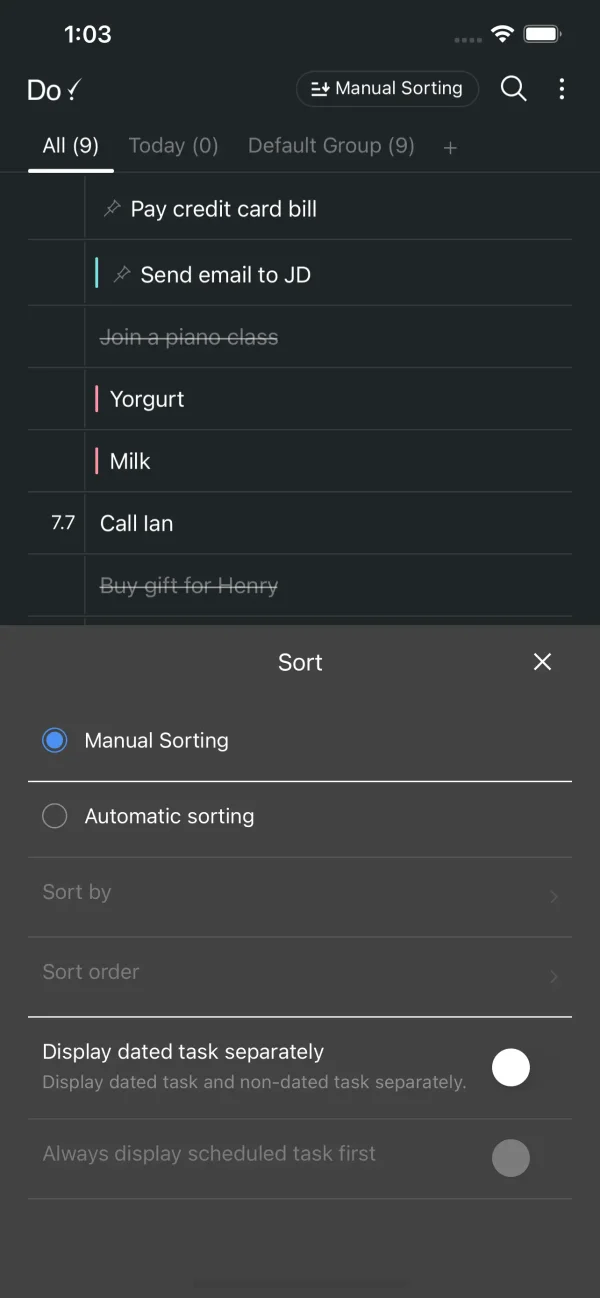
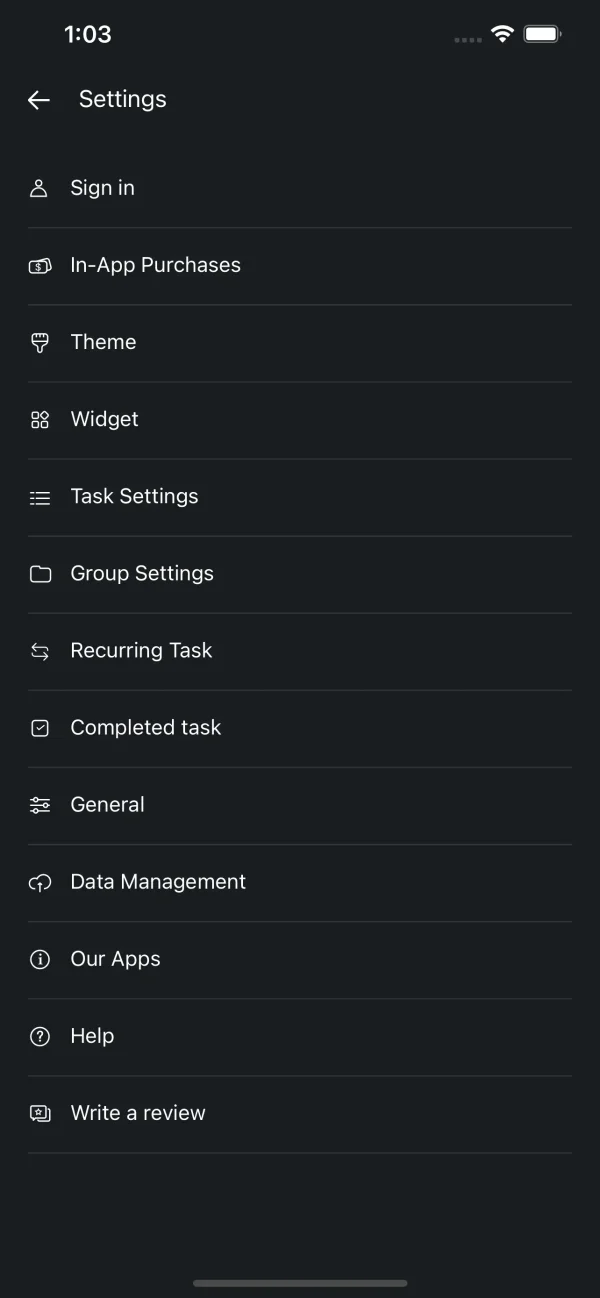

About
Jot it down.
Enjoy checking it off.
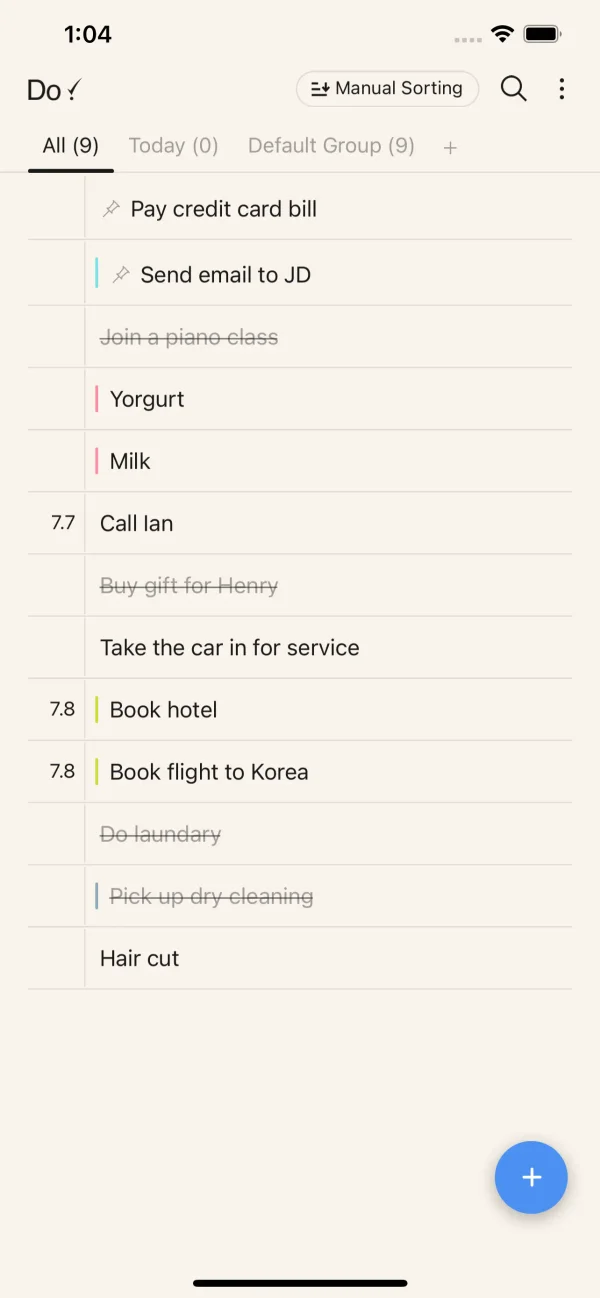
Groceries on the way home. A deadline you don't want to miss. A habit you'd like to keep. Do! Premium gives your everyday to-dos a simple, ad-free home: add a task, then double-tap when it's done.
■ A thought, a note, a satisfying checkoff
Catch a task while it's on your mind. Finished? Double-tap to mark it done. Even a small task deserves that little moment of satisfaction.
■ Make it a list you like coming back to
Choose your themes and fonts, with sounds inspired by pen and paper. Like picking a favorite notebook, make your daily list feel like yours.
■ A place for every part of your day
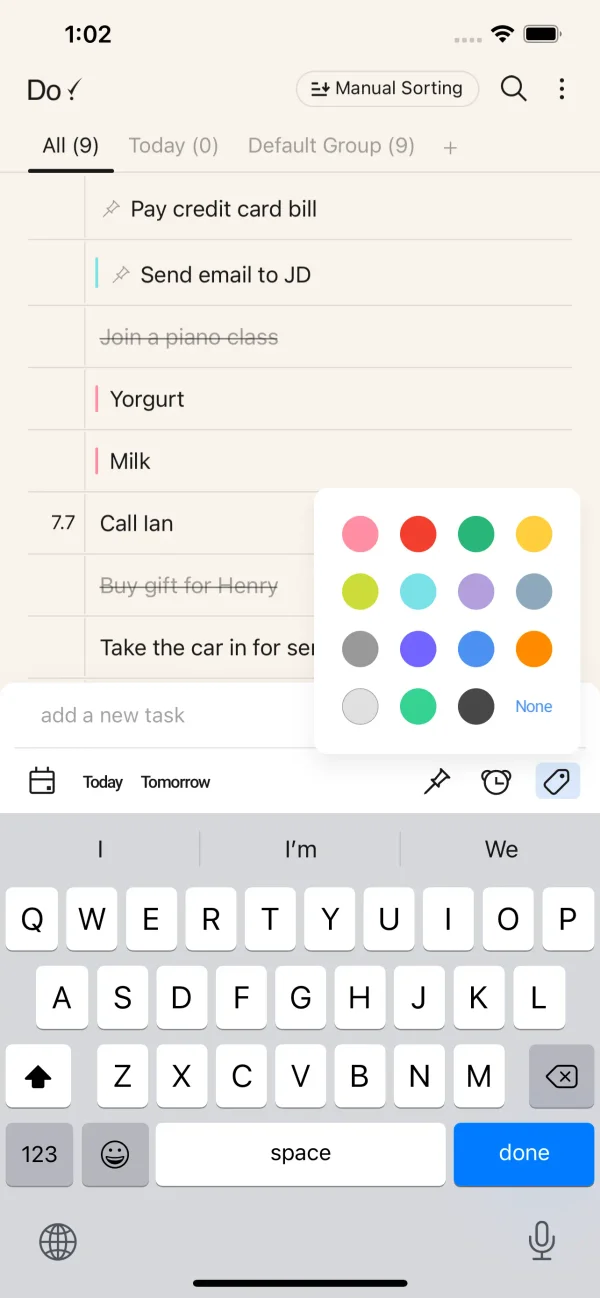
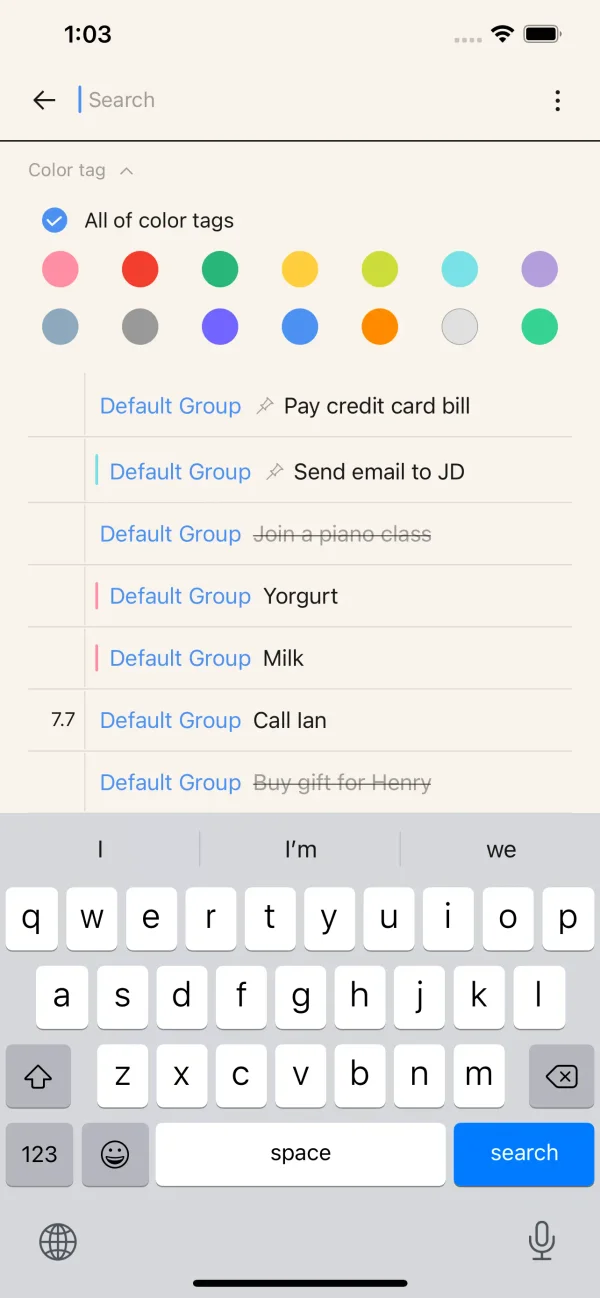
Keep work, study and shopping in their own groups. Add color to tell things apart, and pin the tasks you want to keep in sight.
■ Less to remember, every time around
Set tasks to repeat daily, weekly, monthly or yearly. Add reminders for the things you don't want to miss.
■ A quick look from your home screen
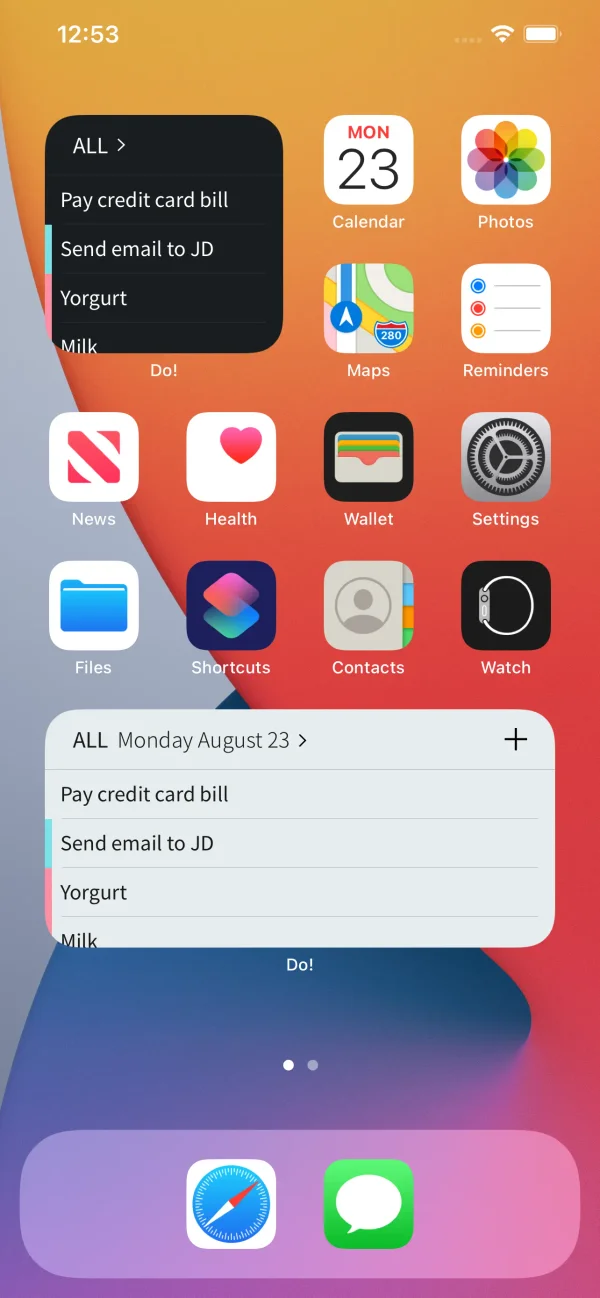
Keep your to-dos close with home screen widgets. Check your list during a busy morning without opening the app.
■ Put your keyboard to work
Use an external keyboard to add tasks and give longer notes room to breathe.
• Add a task: Command(⌘) + N
• Insert a line break: Option(⌥/Alt) + Enter
■ Your list, on your other devices
Use the same app and sign in with the same account to sync your tasks across devices. Pick up your familiar list when you switch devices.
■ App lock and backups
Lock access to the app with a passcode or Face ID on supported devices. Back up your data through Dropbox or email and restore it when needed.
It doesn't have to be a big plan.
Start with one thing you'd like to do today.
■ No ads
This is a paid version with no ads.
Questions and suggestions: do@simplerion.com
What’s new
Version 7.9.1 · Nov 10, 2026
Now available in French!
Improved syncing of tasks, groups, and recurring task settings across devices.
Made reminder scheduling and widget updates more reliable.
Improved the overall UI and fixed various bugs for better stability.
App privacy
What SIMPLERION Co., Ltd declares on the App Store about how this app handles data.
-
Data linked to you
May be collected and linked to your identity.
- Contact info
- Identifiers
-
Data not linked to you
May be collected but is not linked to your identity.
- Diagnostics
- Other data
Privacy practices may vary, for example with the features you use or your age.
Information
- Seller
- SIMPLERION Co., Ltd
- Category
- Productivity
- Version
- 7.9.1
- Updated
- Nov 10, 2026
- Released
- Mar 9, 2011
- Size
- 102.9 MB
- Requires
- iOS 15.0 or later
- Age rating
- 4+
- Price
- $20.00
- In-app purchases
- Yes
- Languages
- English, French, German, Japanese, Korean, Simplified Chinese
- Copyright
- © SIMPLERION ALL RIGHTS RESERVED
You might also like
-
 Simple ToDo List & TasksProductivity
-
 Workflowy: Note, List, OutlineNotes App and To Do List
-
 GoodTask: To Do List & PlannerReminders, Calendar & Projects
-
 Mindlist — To Do List & TasksMinimalist Daily Schedule
-
 Things 3Organize your life
-
 OmniFocus 4Accomplish More Every Day
-
 To Do List - Reminders & TasksTask Manager with Calendar
-
 To Do List Widget - SimpleHome Screen ToDo Lists & Tasks
-
 NotePlan - To-Do List & NotesMarkdown, Planner, Calendar
-
 TimeBloc - Daily PlannerTime Block, To-Do & Routines