
- Age rating4+
- CategoryProductivity
- DeveloperDuc Lai
- LanguagesEnglish
- Size25.4 MB
Links to the official App Store page
Download.org hosts no file of Doc Scan Pro 2024. The button opens its official App Store page, published by Duc Lai. Listing last checked on Nov 14, 2026.
Screenshots
About
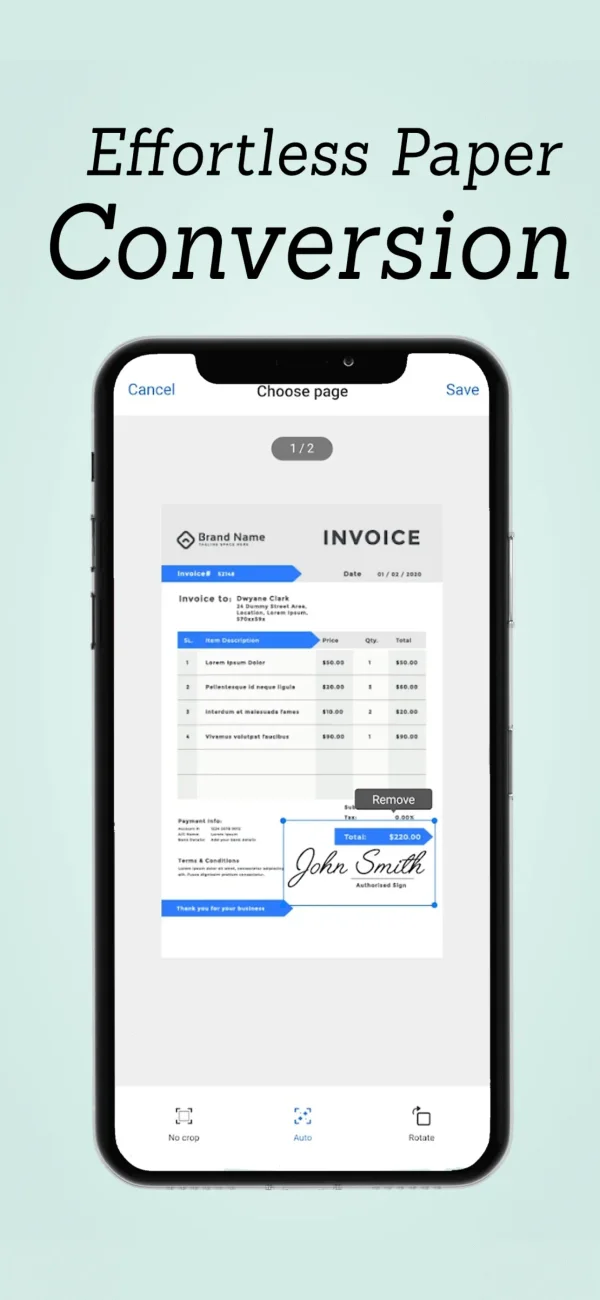
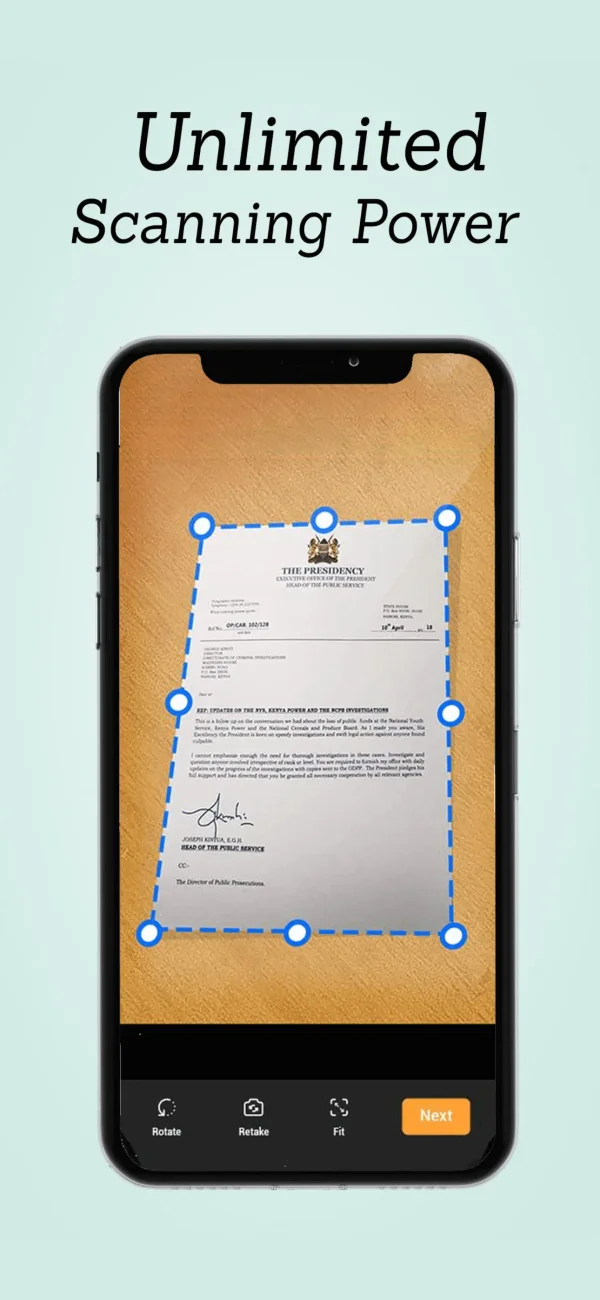
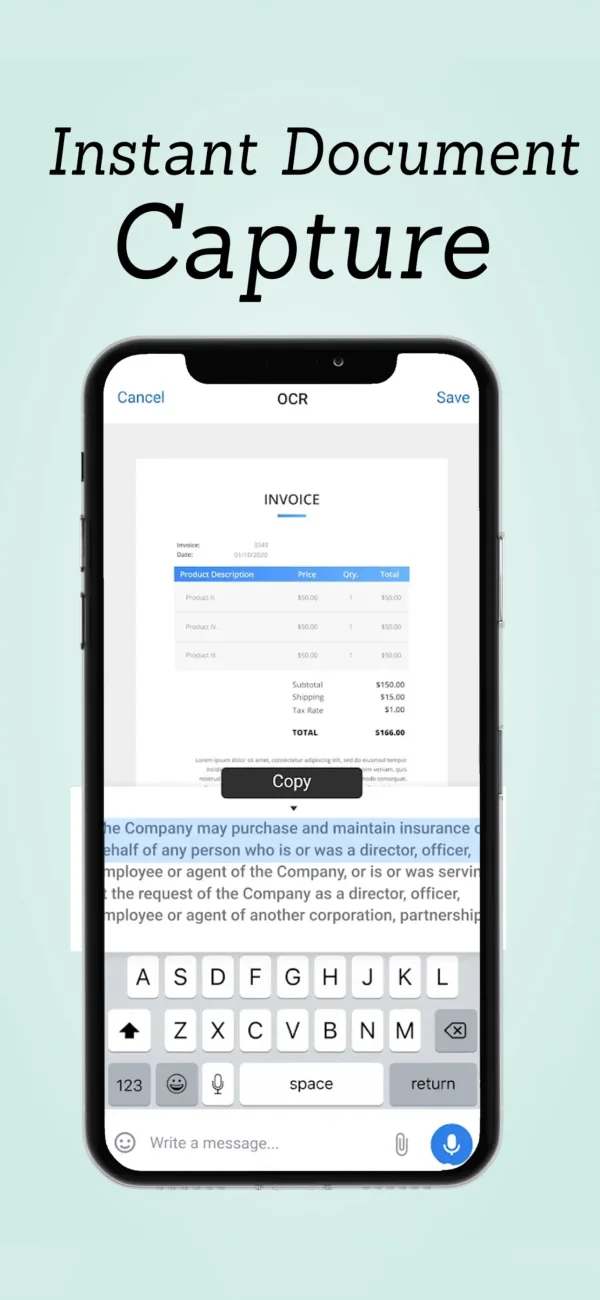
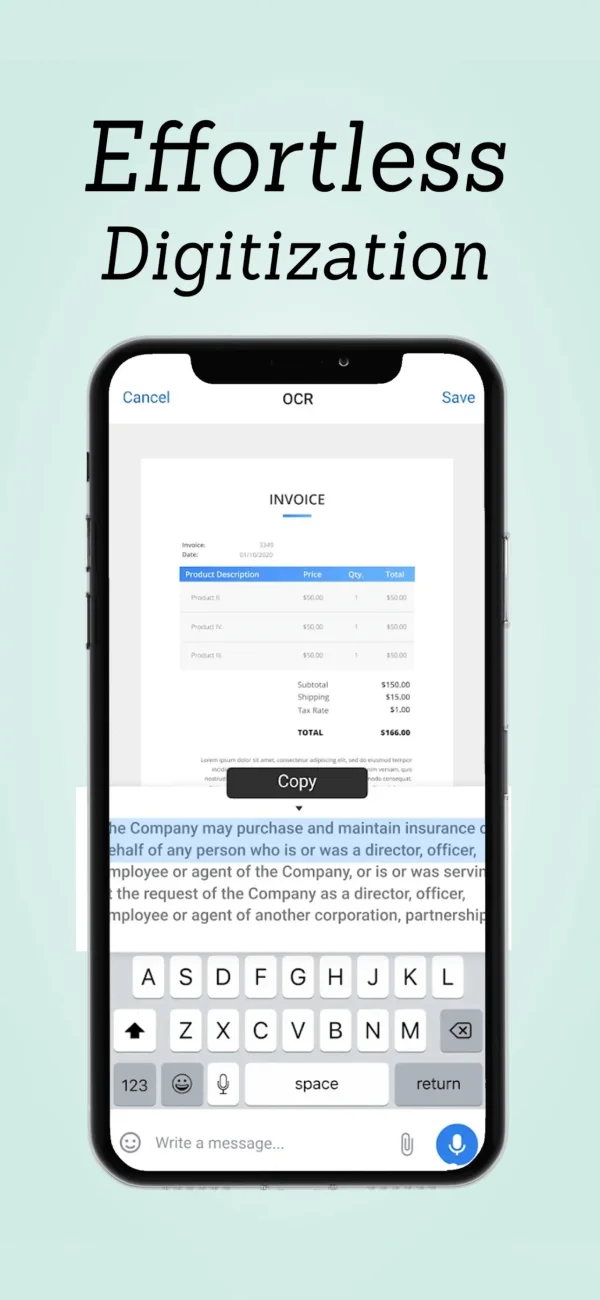
Doc Scan Pro offers a convenient way to create digital copies of your documents by converting them into image files using your Apple device's camera. This advanced document scanning app allows you to scan and save unlimited documents effortlessly. Simply place your document on a flat surface, frame it within the app, and capture the image with a tap. Store your scanned documents securely on your device as high-quality image files.
Key Features:
Effortless Scanning: Capture digital copies of your documents with ease using your device's camera.
Unlimited Image Scans: Enjoy unlimited scanning capability with the Pro version of the Document Scanner.
Post-Processing Effects: Enhance and adjust scans with built-in editing tools.
Flash Torch: Illuminate documents in low-light conditions using the device's flash torch.
High Clarity: Tap on the screen to focus and ensure the highest clarity of your scans.
Secure Storage: Save image files directly to your device for safekeeping.
File Management: Easily manage and organize scanned images within the app.
Share and Transfer: Share finished image files or transfer them to your computer for archival.
User-Friendly Interface: Intuitive and easy-to-use app interface for quick document scanning.
Built on React Native: Utilizes the power of React Native technology for seamless performance.
How It Works:
Place your document on a flat surface and frame it within the app.
Tap to capture the document scan as an image.
Enhance and adjust the scan using post-processing effects if needed.
Save the scan as an image file securely on your device.
Share or transfer the image file for further use or safekeeping.
Doc Scan Pro is ideal for digitizing old documents, receipts, notes, and more, turning them into high-quality digital images for convenient storage and sharing. Simplify your document management process with this versatile document scanning app.
What’s new
Version 1.1 · Aug 17, 2024
Thank you for using the Doc Scan Pro app. In this update, we have fixed some minor bugs related to the accuracy of document scanning. We wish you productive work.
App privacy
What Duc Lai declares on the App Store about how this app handles data.
-
Data not collected
The developer does not collect any data from this app.
Privacy practices may vary, for example with the features you use or your age.
Information
- Seller
- Duc Lai
- Category
- Productivity
- Version
- 1.1
- Updated
- Aug 17, 2024
- Released
- May 10, 2024
- Size
- 25.4 MB
- Requires
- iOS 13.0 or later
- Age rating
- 4+
- Price
- Free
- Languages
- English
- Copyright
- © MNI Tech
You might also like
-
 Inkdot: AI Note TakerTranscribe, Summarize & Ask
-
 NoteOwl: Private AI Note TakerVoice Dictation, meeting notes
-
 MyQRCode Gerador de QR CodesQR Codes Ilimitados
-
 Spokoi: Focus & Screen TimeBlock Apps & Save Time
-
 Voice to Text Keyboard: ARAPrivate on-device dictation
-
 Boom - 30 sec Energy Liftopen. snap. boom.
-
 Document Scanner & Cam ScanProductivity
-
 Easy Daily Habits and BMIHealthy habits, BMI calculator
-
 PDF Converter: Edit & ScanSign & Convert Image to PDF
-
 VIPI-DRIVERProductivity