Doc Scanner PDF, Convert & OCR
Scan PDF Documents & Converter
Designed for iPhone
Free · In-app purchases
- Age rating4+
- CategoryBusiness
- DeveloperRuslan Khalikov
- LanguagesEnglish+ 13 more
- Size171.2 MB
Links to the official App Store page
Download.org hosts no file of Doc Scanner PDF, Convert & OCR. The button opens its official App Store page, published by Ruslan Khalikov. Listing last checked on Nov 20, 2026.
Screenshots
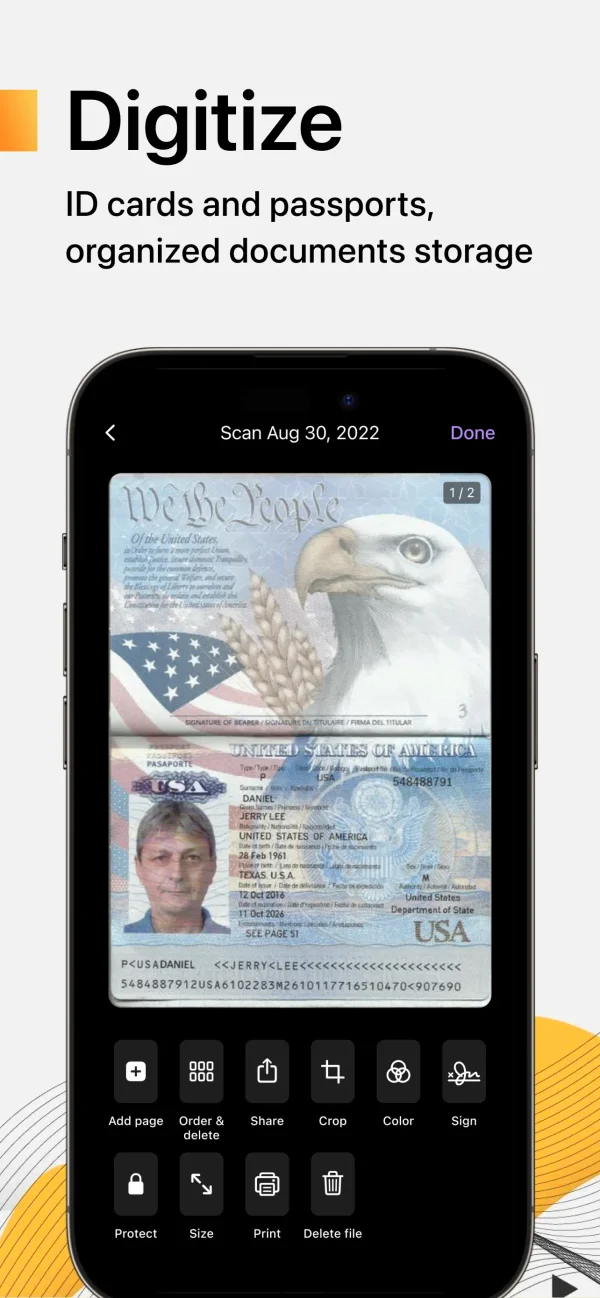
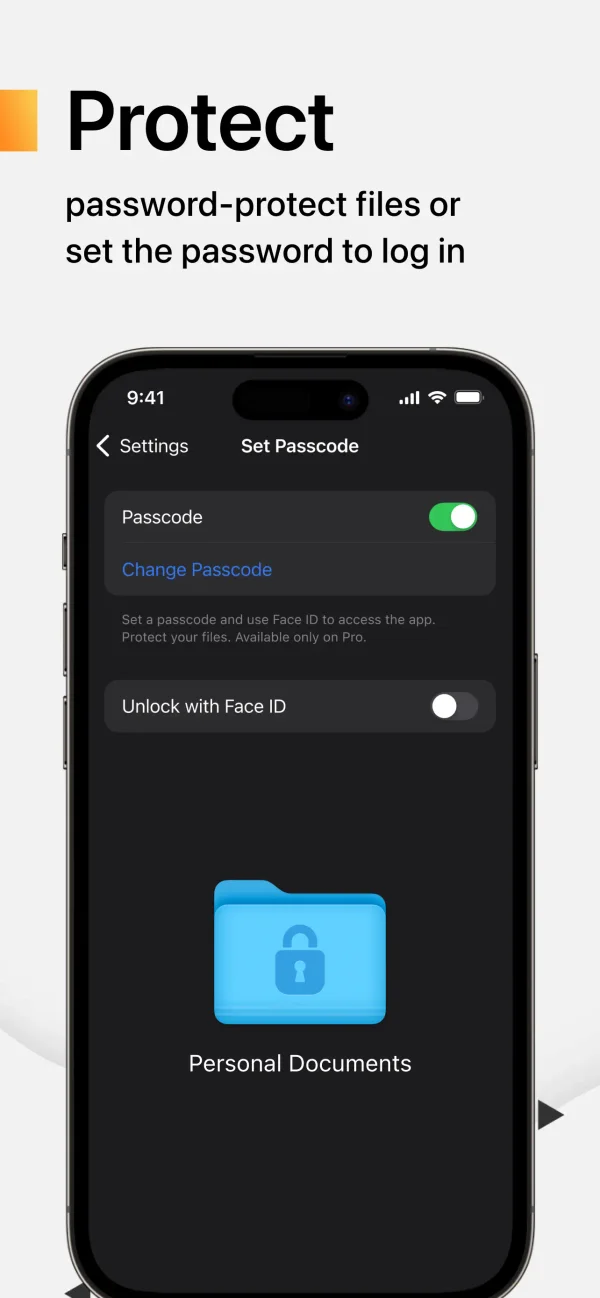
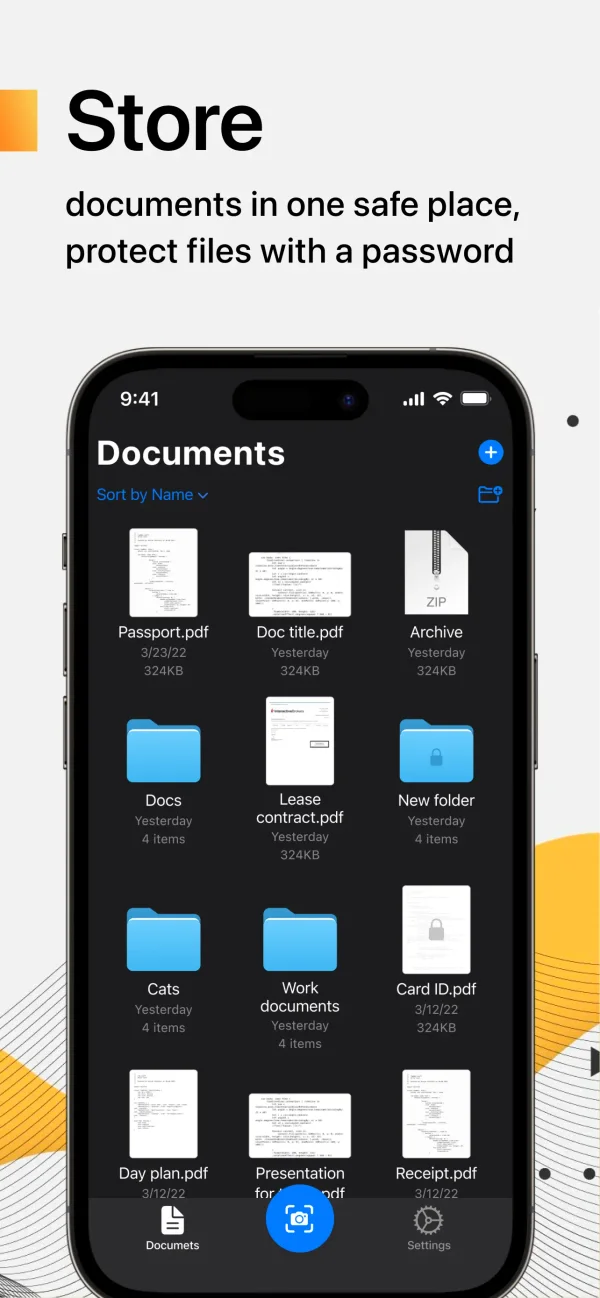
About
Welcome to Scanius Pro, your ultimate solution for effortless document scanning on the go! Say goodbye to bulky scanners and messy paperwork, as Scanius Pro transforms your smartphone into a powerful portable scanner. Whether you're digitizing receipts or contracts Scanius Pro simplifies the process, ensuring crisp, clear scans with just a few taps. Scanning, editing, signing, and sharing multipage documents in high-quality PDF, JPEG, PNG formats has never been easier.
INSTANT SCANNING
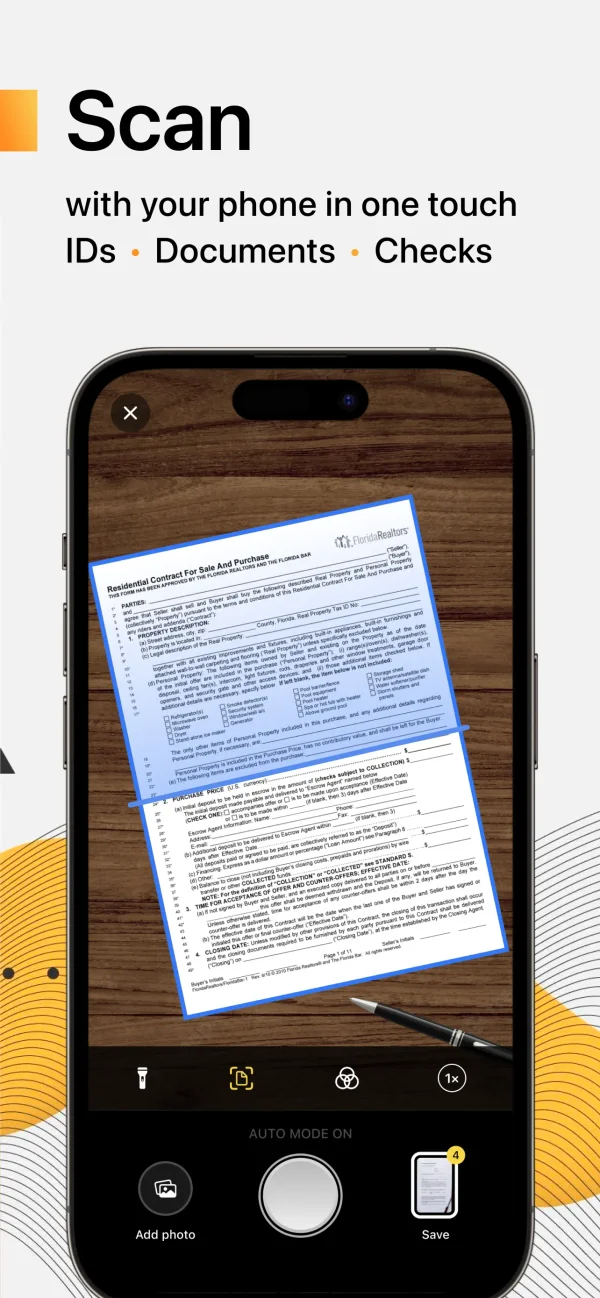
With Scanius Pro, capture documents in seconds. Simply point your camera, and Scanius Pro automatically detects edges, enhances image quality, and produces high-resolution scans. Scan quickly and smoothly:
- Business documents, agreements, letters, invoices, order sheets;
- Paper notes and sketches so they are always at hand;
- Rent payments, credit notes, invoices, or any other printed documents.
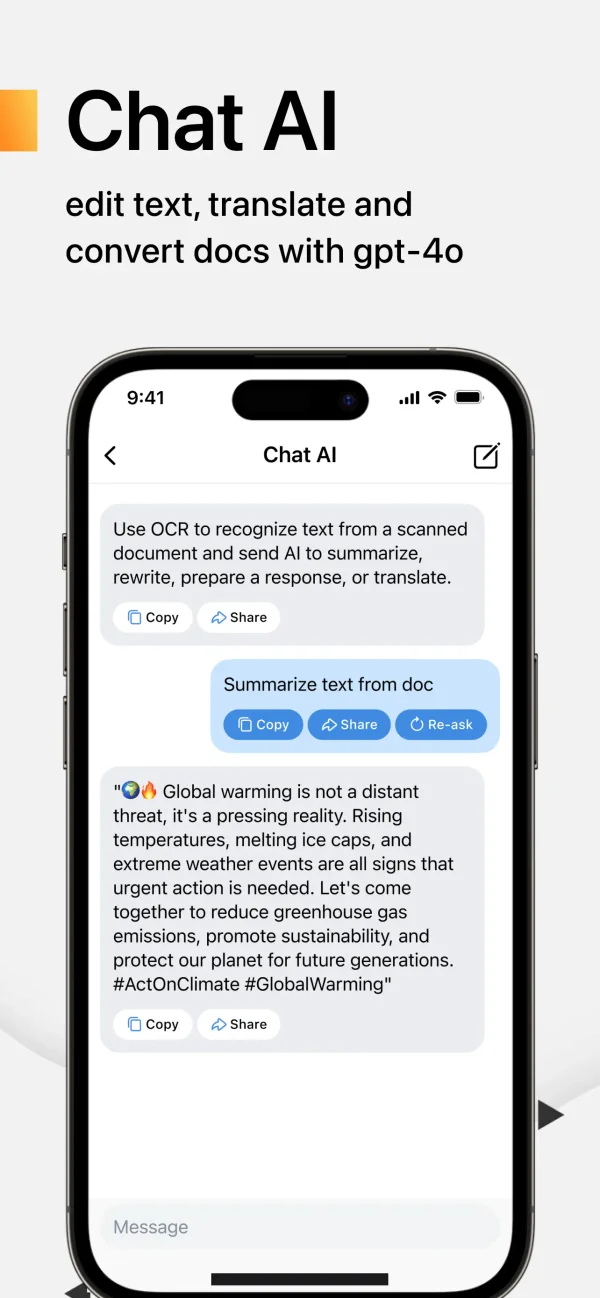
AI FUNCTIONS WITH GPT-5.1
- Work with text. Edit, summarize, reduce, enlarge, rephrase, and paraphrase.
- Translate text into any language in one click.
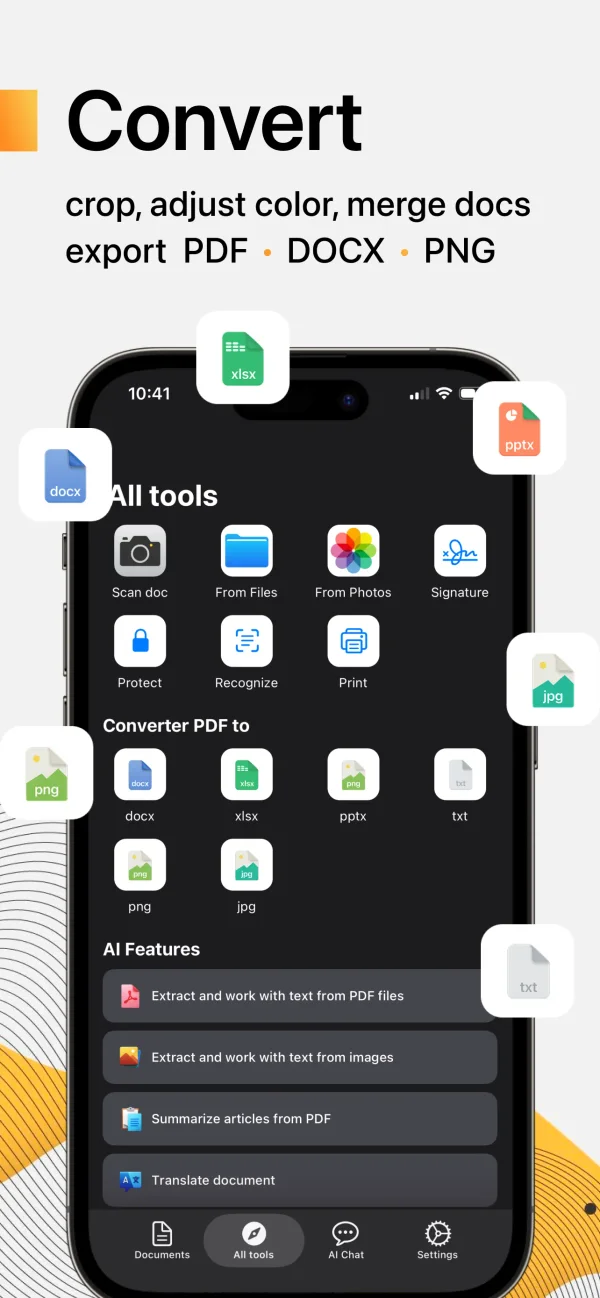
- Convert documents to pdf, png, jpg, docx, pptx, txt, xml, txt, json and more.
- Use assistants: study, work, horoscope, health, sports, etc.
CONVERT SCANNED DOCS TO VARIOUS FORMATS
- Convert pdf to other docs: docx, pptx and xlsx
- Convert pdf to images: png and jpg
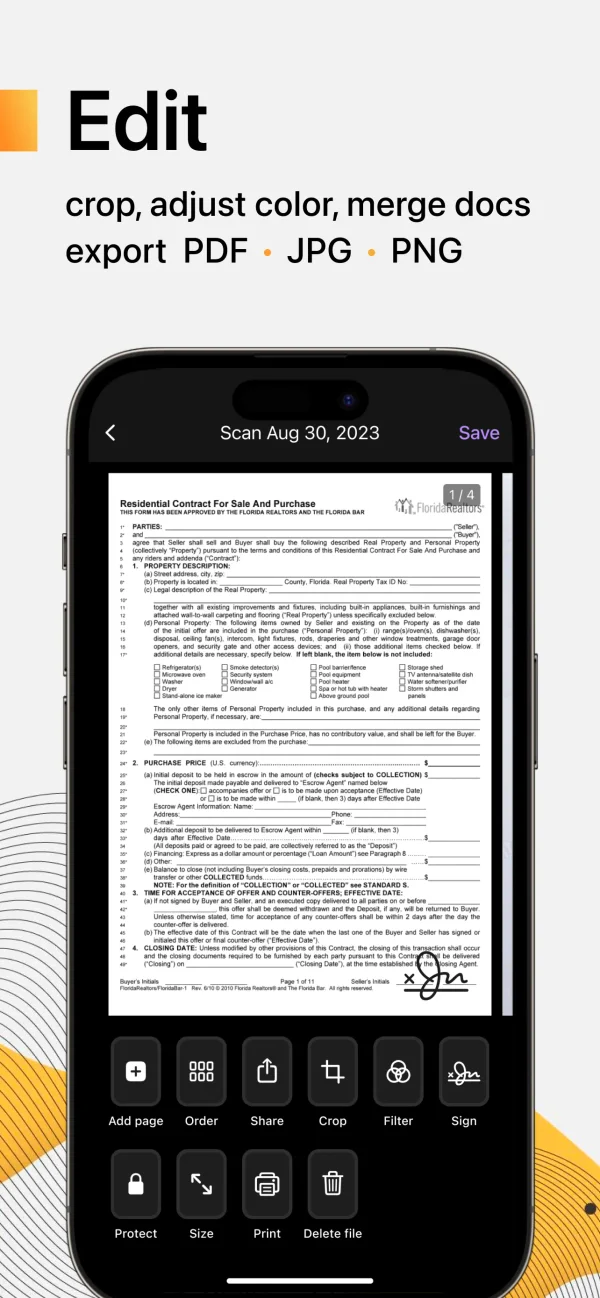
AUTO-CROP & PERSPECTIVE CORRECTION
No need to worry about aligning your documents perfectly. Our intelligent algorithms automatically crop and correct perspective, delivering professional-looking scans every time.
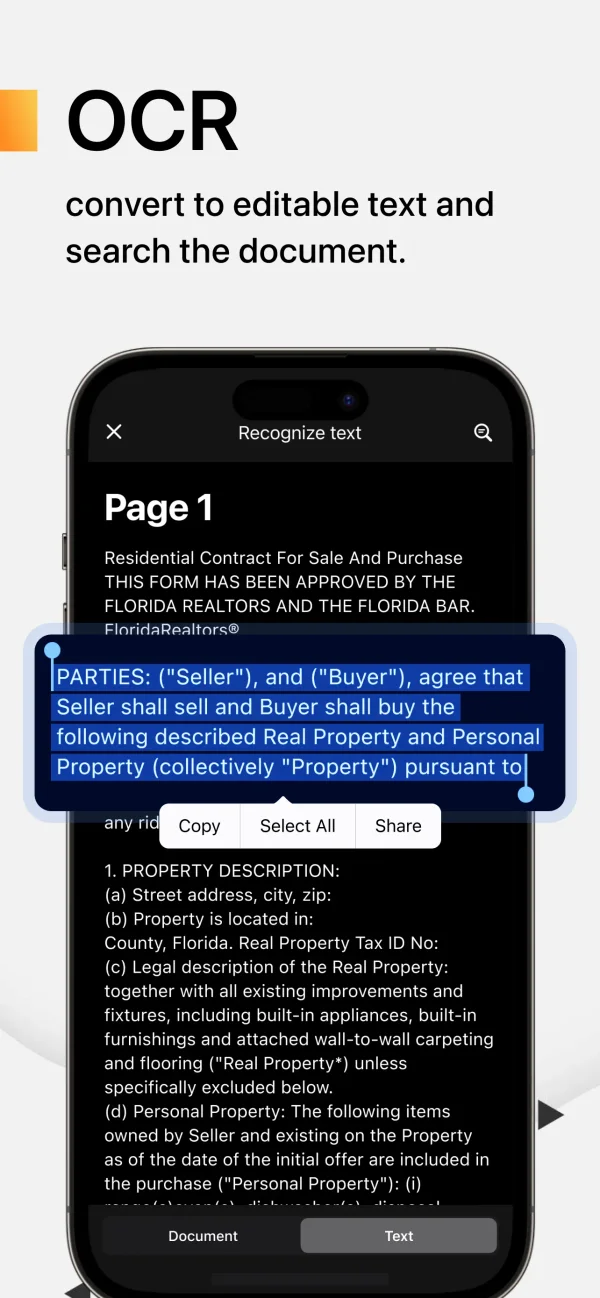
OCR - OPTICAL CHARACTER RECOGNITION
Transform scanned documents into editable text with OCR feature. Easily extract text from scans, making it convenient to search, copy, and edit your documents.
- Extract and modify text from books, invoices, scans, and more;
- Both printed and handwritten text are automatically detected;
- Translate recognized text.
SIGN SCANS IN THE APP
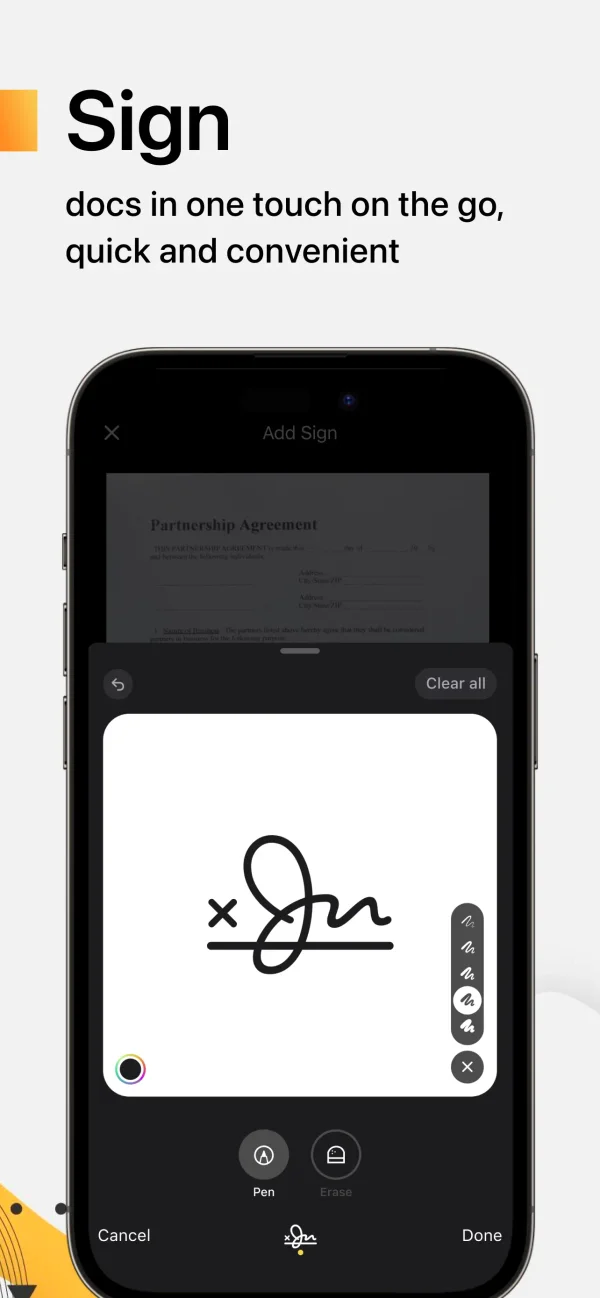
E-Sign scanned documents directly on your device:
- Create one or multiple signatures within the app;
- Easily add them to any scanned pages with a single tap.
MULTI-PAGE SCANNING
Effortlessly scan multiple pages into a single document. Scanius Pro streamlines the process, allowing you to add pages seamlessly to create comprehensive PDFs.
CUSTOMIZABLE SETTINGS
Tailor Scanius Pro to suit your preferences with customizable settings. Adjust resolution, file format, and other parameters to meet your specific scanning needs.
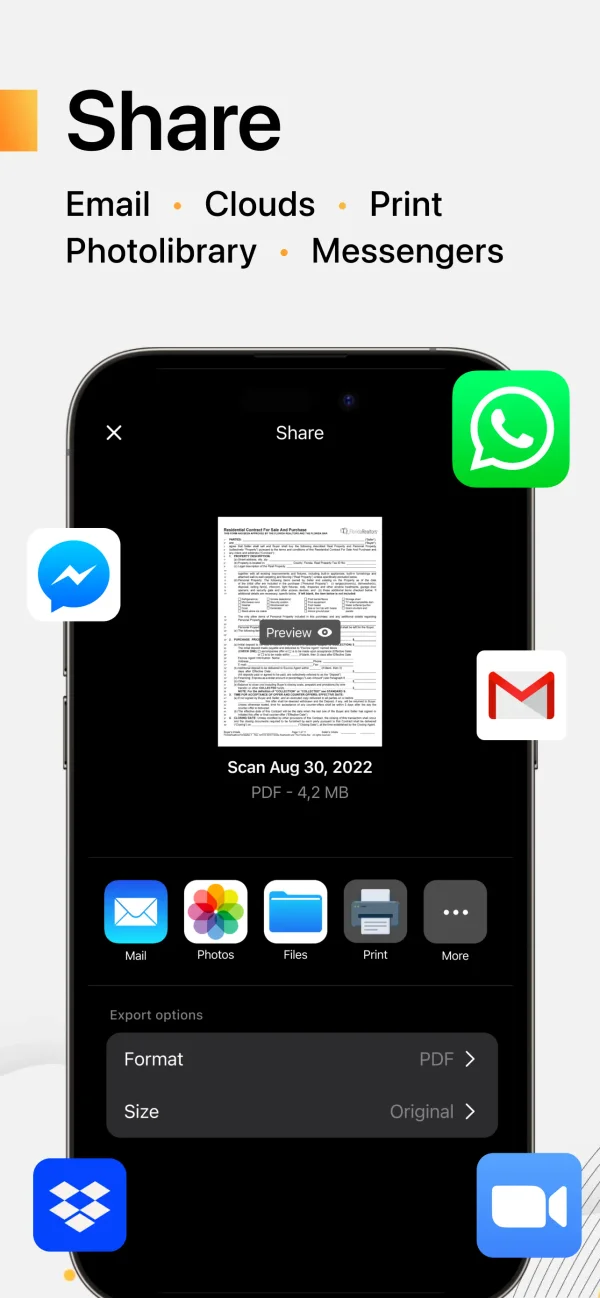
SECURE SHARING
Share your scans securely with password protected sharing feature. Send documents via email, messaging apps, or directly to colleagues and clients, knowing your data is protected.
- Email or messaging in PDF, JPEG, or PNG formats, or save directly to Photos;
- Export to Dropbox, Google Drive, or open in any third-party application.
ORGANIZATIONAL TOOLS
Keep your scanned documents organized with Scanius Pro's intuitive file management system. Create folders and easily locate your documents for quick access.
Scanius Pro is essential for remote workers, students, professionals in various industries such as accounting, real estate, management, and law. Effortlessly digitize essential documents including contracts, tax forms, tickets, receipts, handwritten notes, and assignments, then export them in PDF, JPG, PNG formats.
SCANIUS PRO
- Subscribe to access Pro features of the app. Payment will be charged upon purchase confirmation.
- A free trial period is available with the subscription, which automatically extends to a paid subscription after the trial period ends.
- Subscriptions automatically renew 24 hours before the expiration date. You can cancel the free trial or subscription at any time in the account settings on the App Store.
Privacy Policy: https://scaniusapp.com/privacy
Terms of Use: https://scaniusapp.com/terms
Your feedback matters! Share your thoughts by leaving a review to assist us make Scanius Pro better. And feel free to contact us support@scaniusapp.com
What’s new
Version 2.3.3 · Sep 21, 2026
Bug fixes and stability improvements.
App privacy
What Ruslan Khalikov declares on the App Store about how this app handles data.
-
Data not linked to you
May be collected but is not linked to your identity.
- Usage data
- Diagnostics
Privacy practices may vary, for example with the features you use or your age.
Information
- Seller
- Ruslan Khalikov
- Category
- Business
- Version
- 2.3.3
- Updated
- Sep 21, 2026
- Released
- Aug 15, 2023
- Size
- 171.2 MB
- Requires
- iOS 16.0 or later
- Age rating
- 4+
- Price
- Free
- In-app purchases
- Yes
- Languages
- English, Catalan, French, German, Hindi, Indonesian, Italian, Japanese, Portuguese, Russian, Simplified Chinese, Spanish + 2 more
- Copyright
- © Ruslan Khalikov
You might also like
-
 Invoice Maker for ContractorsInvoicing, Estimates Generator
-
 Invoice Maker・Estimate AppInvoicing Tool & Templates
-
 Scarlet AI – Chatbot AssistantGenerative Personal Chat Bot
-
 Invoice Maker Simple GeneratorEasy Receipt Creator
-
 ShiftFlow: Track Team HoursTime Clock Timesheets for Work
-
 Best VPN - Free VPN Unlimited™VPN Unlimited, Free VPN Proxy
-
 PDF Editor・PDF File ConverterPDF Scanner, Filler and Signer
-
 AI+ Chat & Al Video GeneratorIA Video Creator & Generation
-
 FAX send app: Simple FaxingEasy send & receive documents
-
 Phone Protection, VPN SecurityMalware & Antivirus for iPhone