Doc Scanner: PDF File OCR
Document, ID & Receipt Scanner
Designed for iPhone, iPod touch
Free · In-app purchases
- Age rating4+
- CategoryProductivity
- DeveloperYIGIT SAMET OLMEZ
- LanguagesEnglish
- Size123.0 MB
Links to the official App Store page
Download.org hosts no file of Doc Scanner: PDF File OCR. The button opens its official App Store page, published by YIGIT SAMET OLMEZ. Listing last checked on Nov 13, 2026.
Screenshots

About
Turn your iPhone into a fast document scanner. Doc Scanner captures sharp, searchable PDFs in seconds: point the camera and automatic edge detection does the rest.
SCAN ANY DOCUMENT
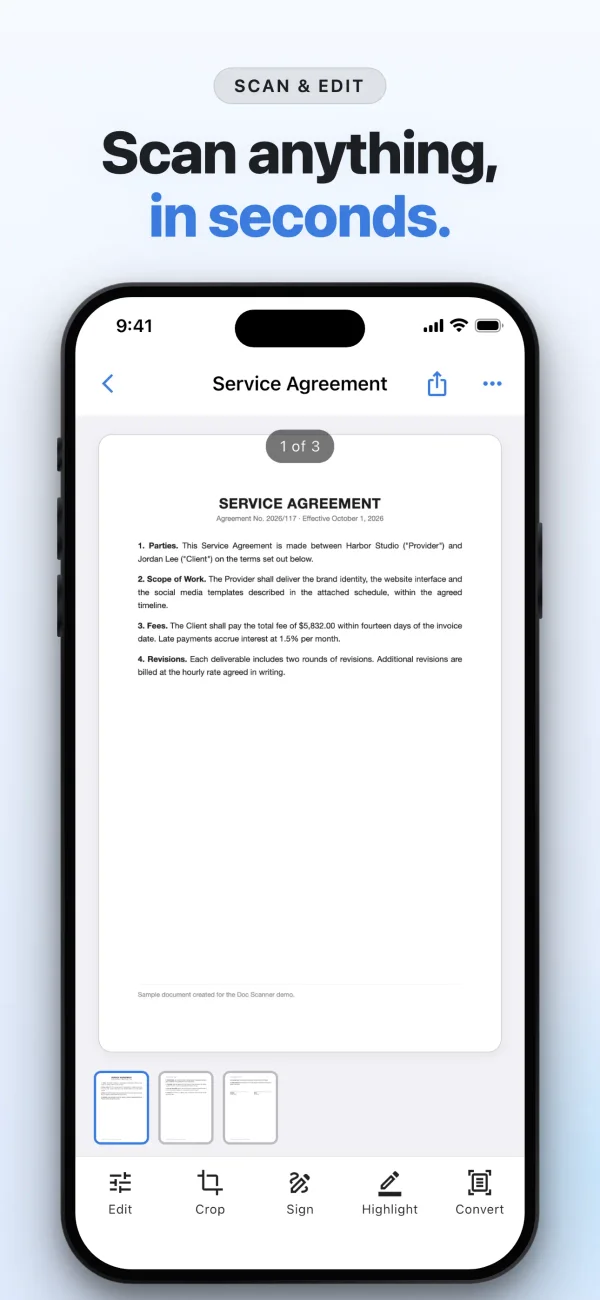
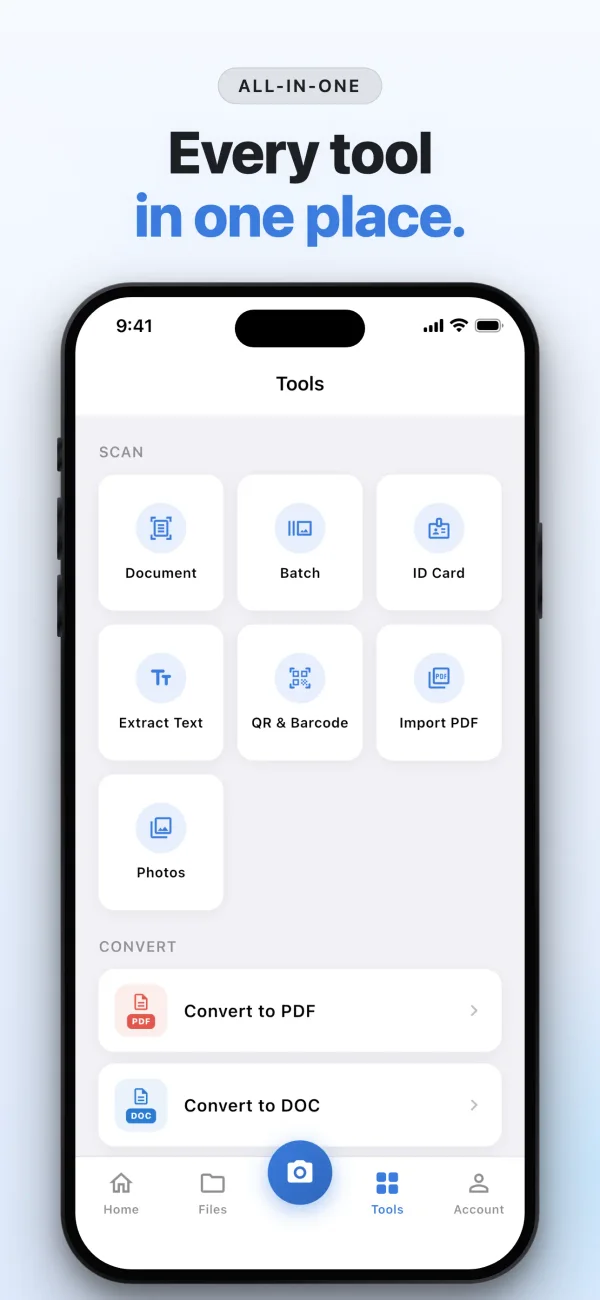
• Document mode with automatic edge detection and perspective correction
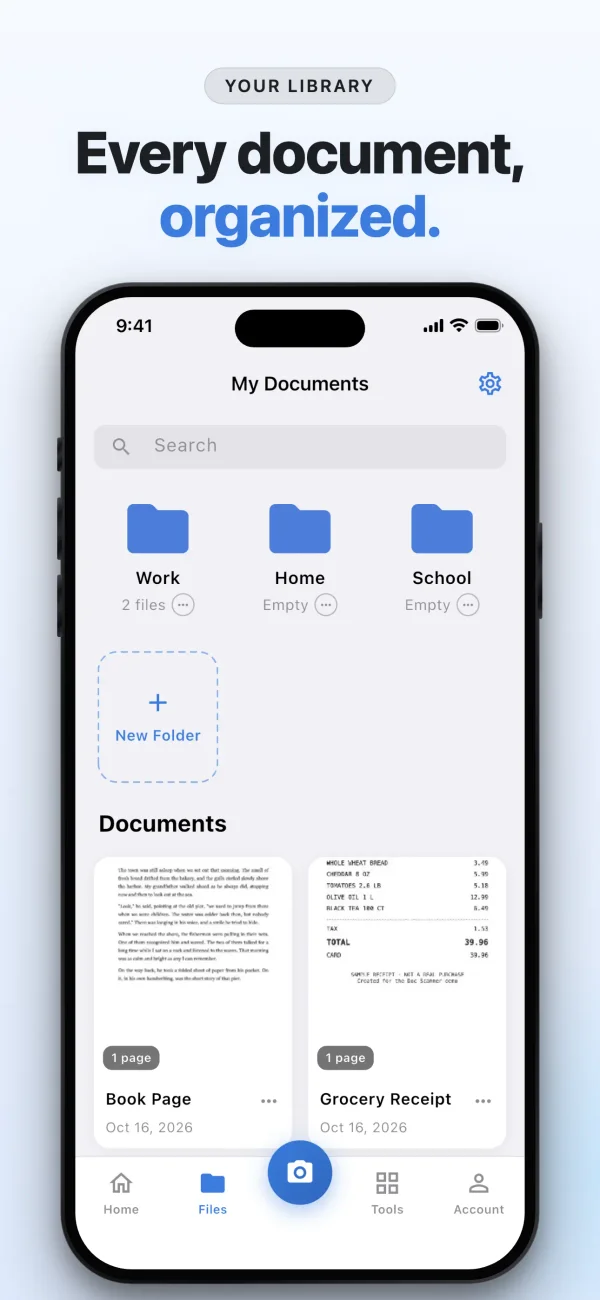
• Batch scanning: multi-page documents into a single PDF
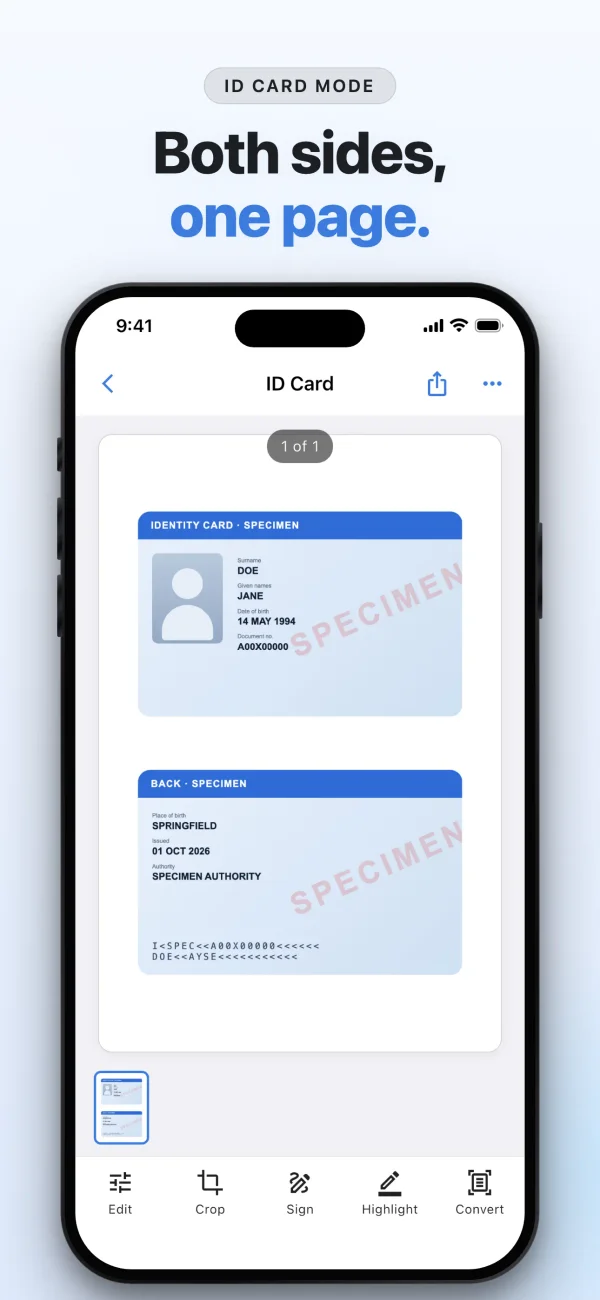
• ID card mode: front and back composed neatly on one page
• Receipts, invoices, forms, letters, book pages and handwritten notes
• Import existing PDFs and photos and work with them like scans
SEARCHABLE, PROFESSIONAL PDFS
• Every exported PDF carries an invisible OCR text layer: search, select and copy text on your computer
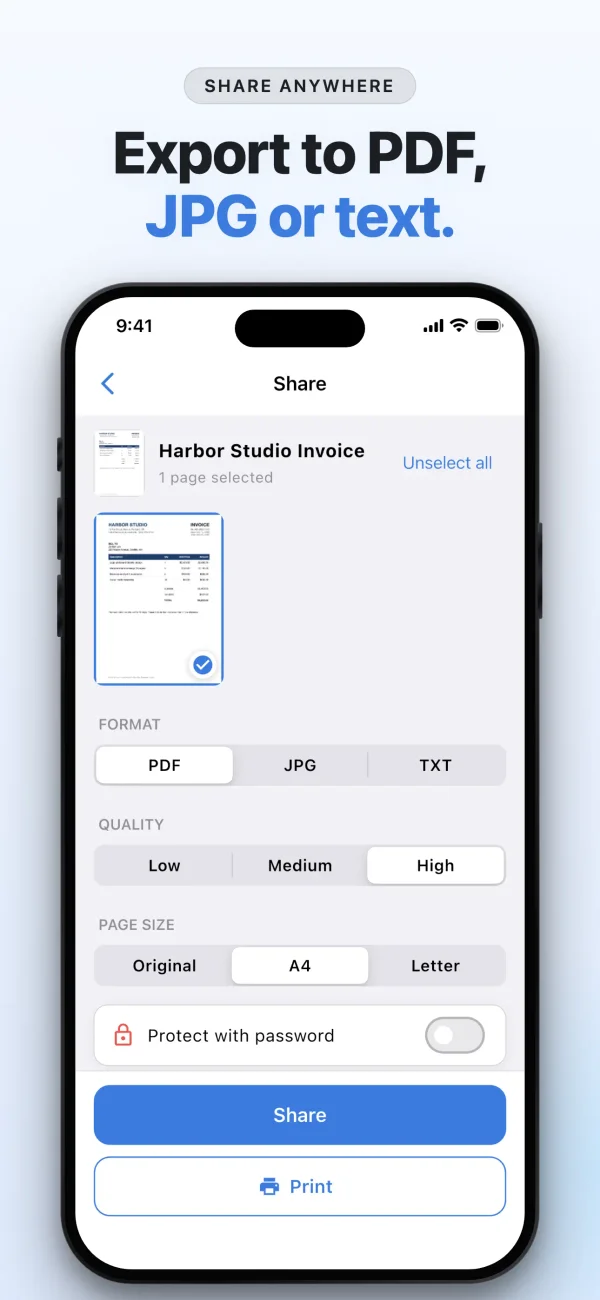
• Choose the export quality and the page size (Original, A4 or Letter)
• Protect sensitive PDFs with AES-256 password encryption
• Print directly from the app
EXTRACT AND CONVERT
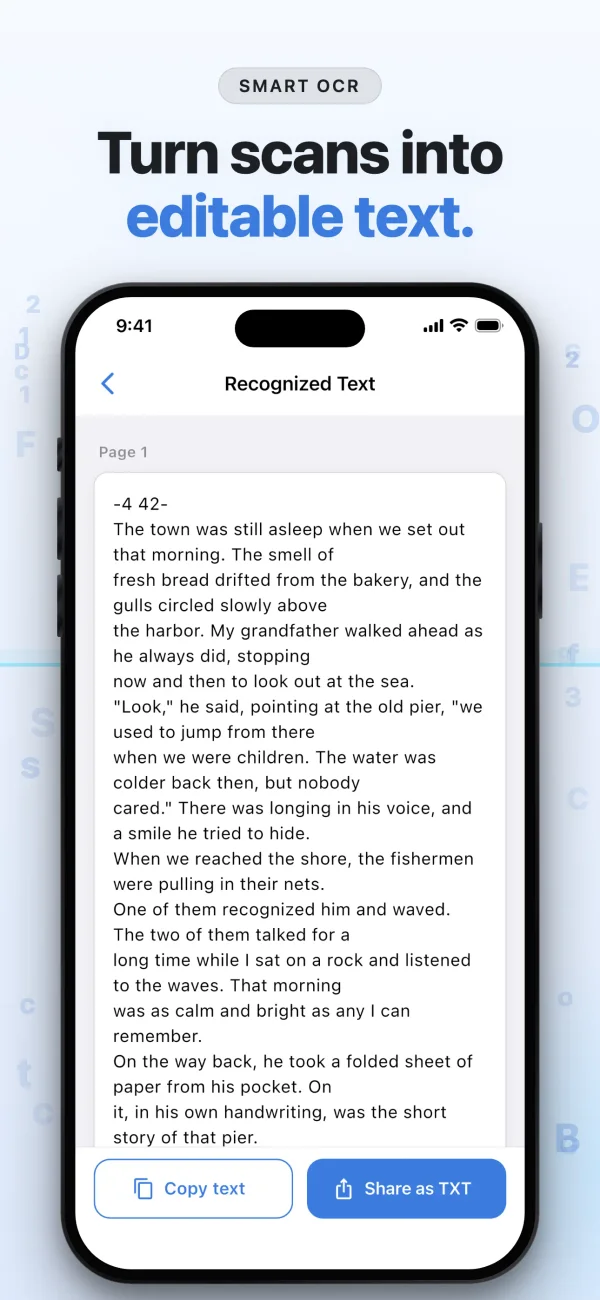
• Extract text from any photo or scan with fast on-device OCR that works offline
• Convert scans to PDF, Word (DOCX), JPG, TXT or PowerPoint (PPTX)
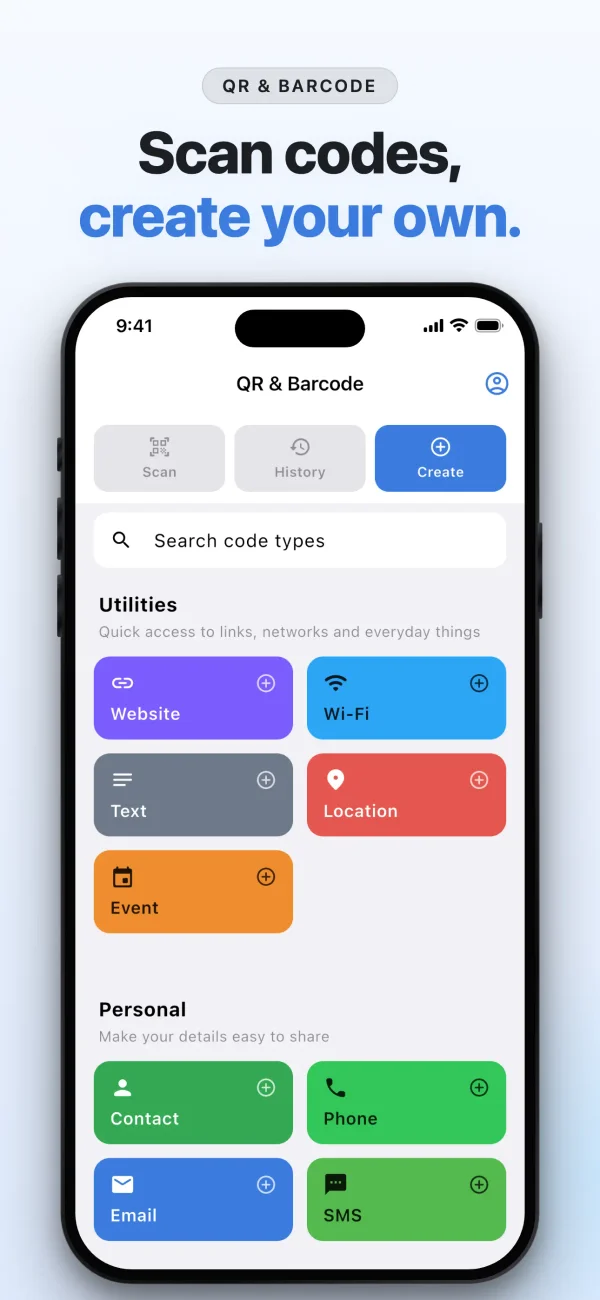
• Built-in QR code and barcode scanner: open links, copy and share instantly
• Create QR codes for links, Wi-Fi, contacts and social profiles, plus EAN, UPC and Code 128 barcodes
EDIT AND SIGN
• Crop, rotate and fine-tune with five smart filters
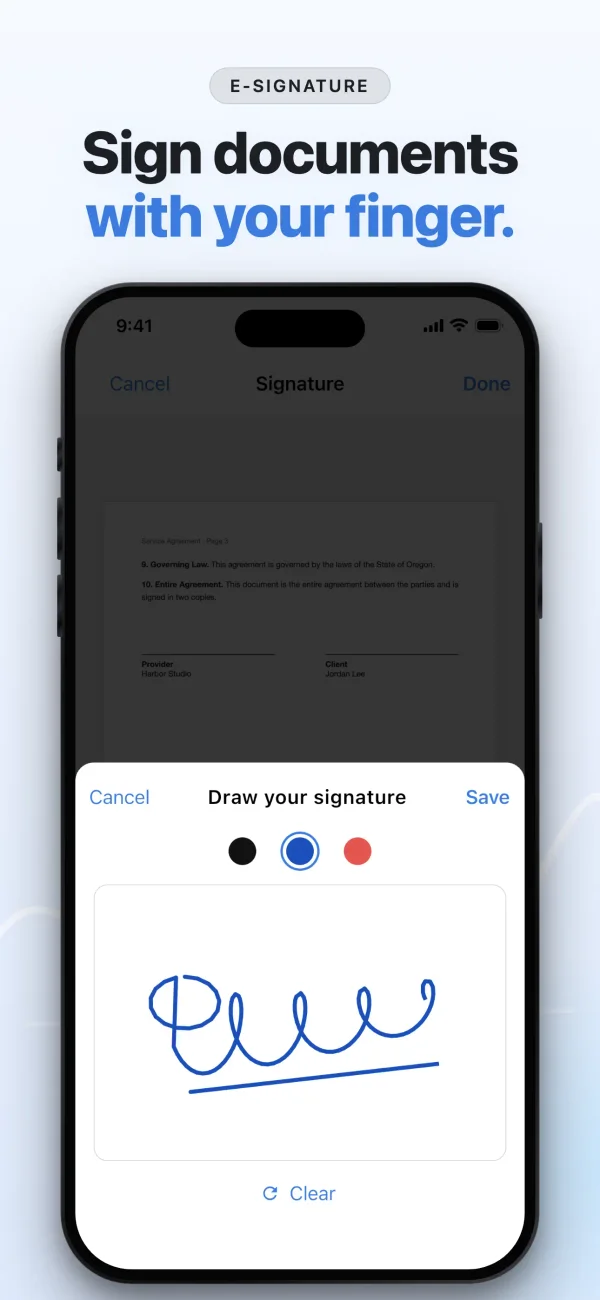
• Sign documents with your finger and save signatures for reuse
• Highlight important passages before sharing
STAY ORGANIZED
• Folders, instant search and multi-select actions: merge, move and delete
• Lock the app, and individual documents, behind Face ID
• Find your documents from iOS Spotlight search
• Share PDFs and photos from any app straight into Doc Scanner
PRIVATE BY DESIGN
Scanning and OCR run entirely on your device. Your documents stay yours.
Privacy Policy: https://lu-scanner.web.app/privacy
Terms of Use: https://lu-scanner.web.app/terms
What’s new
Version 1.1.0 · Oct 19, 2026
• Text recognition now reads 21 languages, including Russian, Ukrainian, Arabic, Hindi, Thai, Vietnamese, Japanese, Korean and Chinese. Choose the language right on the text screen.
• Scan barcodes as well as QR codes.
• Create your own QR codes (links, Wi-Fi, contacts, text and more) and barcodes.
• Better layout for long and right-to-left languages.
App privacy
What YIGIT SAMET OLMEZ declares on the App Store about how this app handles data.
-
Data linked to you
May be collected and linked to your identity.
- Contact info
- User content
- Identifiers
- Diagnostics
-
Data not linked to you
May be collected but is not linked to your identity.
- Purchases
- Usage data
- Diagnostics
Privacy practices may vary, for example with the features you use or your age.
Information
- Seller
- YIGIT SAMET OLMEZ
- Category
- Productivity
- Version
- 1.1.0
- Updated
- Oct 19, 2026
- Released
- Aug 9, 2026
- Size
- 123.0 MB
- Requires
- iOS 15.5 or later
- Age rating
- 4+
- Price
- Free
- In-app purchases
- Yes
- Languages
- English
- Copyright
- © 2026 Ginowl
You might also like
-
 FocusArt – Deep Work TimerFocus timer, earn real art
-
 DocScanner: PDF Smart ScannerScan, OCR & sign documents
-
 Doc Scan MakerAuto Scan Documents
-
 Document Scanner By MadMathProductivity
-
 OneScan: PDF Document ScannerScan receipts, cards & photos
-
 GramoScannerProductivity
-
 PDFiles: PDF Scanner & OCRScan to Files, No Subscription
-
 LatlongGPSProductivity
-
 Seekop RKProductivity
-
 Dupno GPS ProDupno Gps Tracking Service