Doc Scanner : PDF Maker
Scan with original Doc Scanner
Designed for iPhone, iPad
Free · In-app purchases
- Age rating4+
- CategoryUtilities
- DeveloperGautam Naiya
- LanguagesEnglish
- Size27.4 MB
Links to the official App Store page
Download.org hosts no file of Doc Scanner : PDF Maker. The button opens its official App Store page, published by Gautam Naiya. Listing last checked on Nov 17, 2026.
Screenshots

About
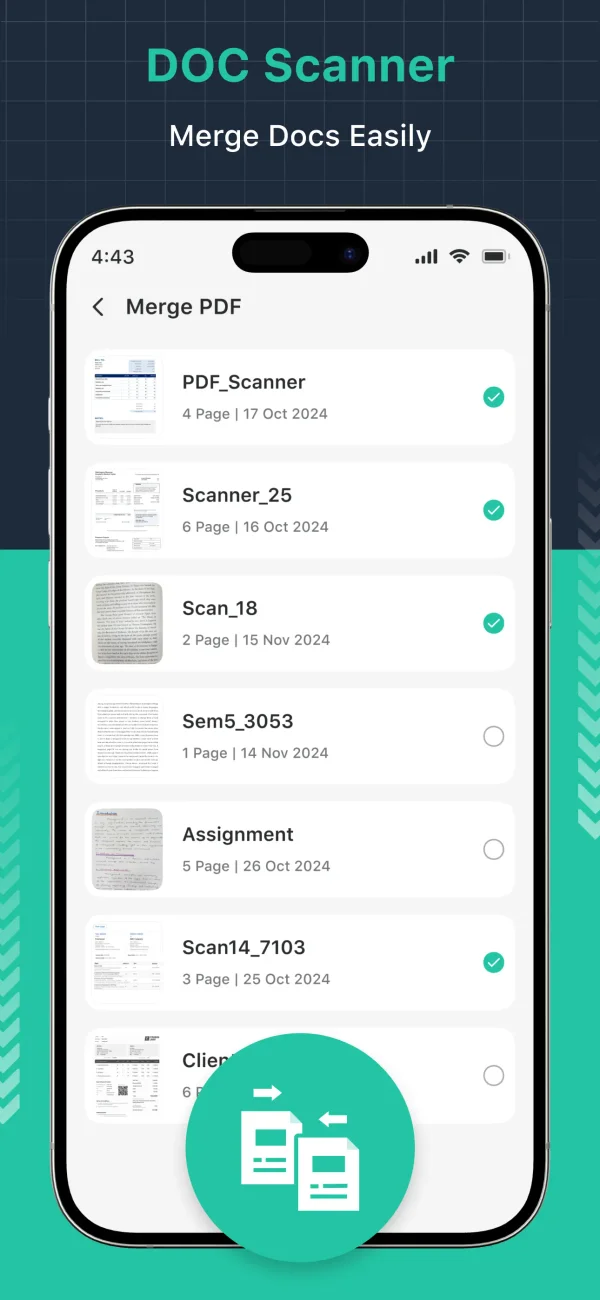
Sometimes in a single day you need your different documents scanned multiple times. In that situation if everything is planned you will definitely not suffer more. But if the need to scan that document arises one by one it will be a disaster for sure.
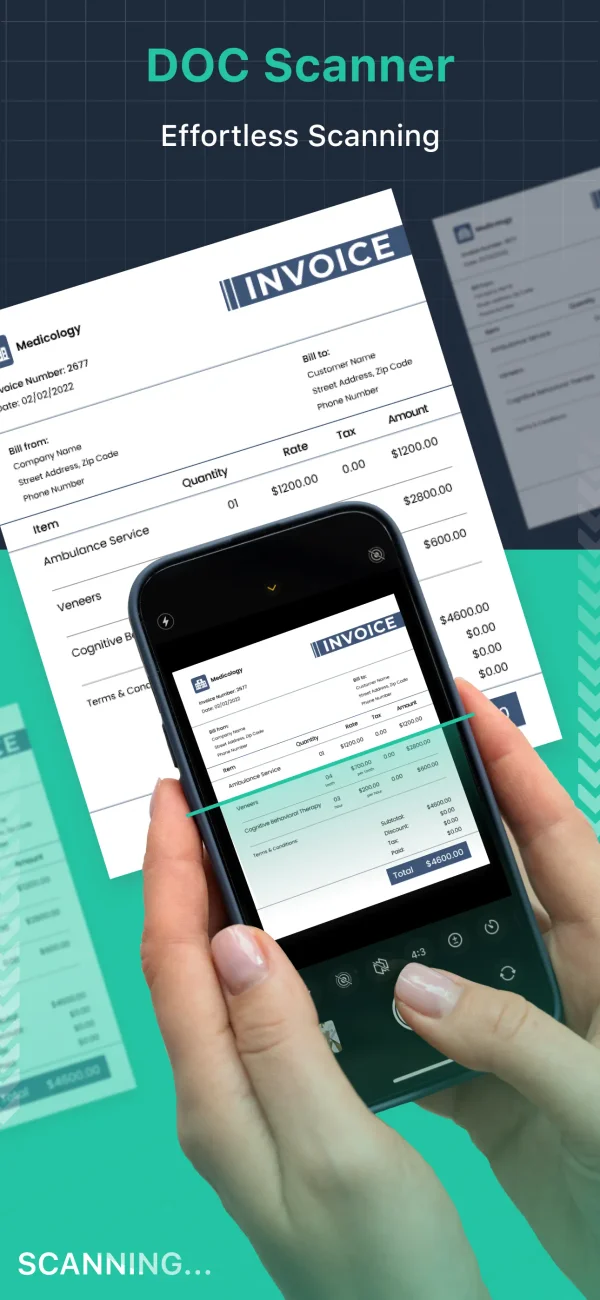
To rescue you from that situation we brings you a portable Doc Scanner. This Doc(Document) scanner lets you scan your documents anytime anywhere.
There are some additional features as well in the app which makes your document after scanning more professional and good to look at.
Let's take a tour of that attractive features::
* Scan your document.
* Enhance the scan quality automatically/Manually.
* Enhancement includes smart cropping and many more.
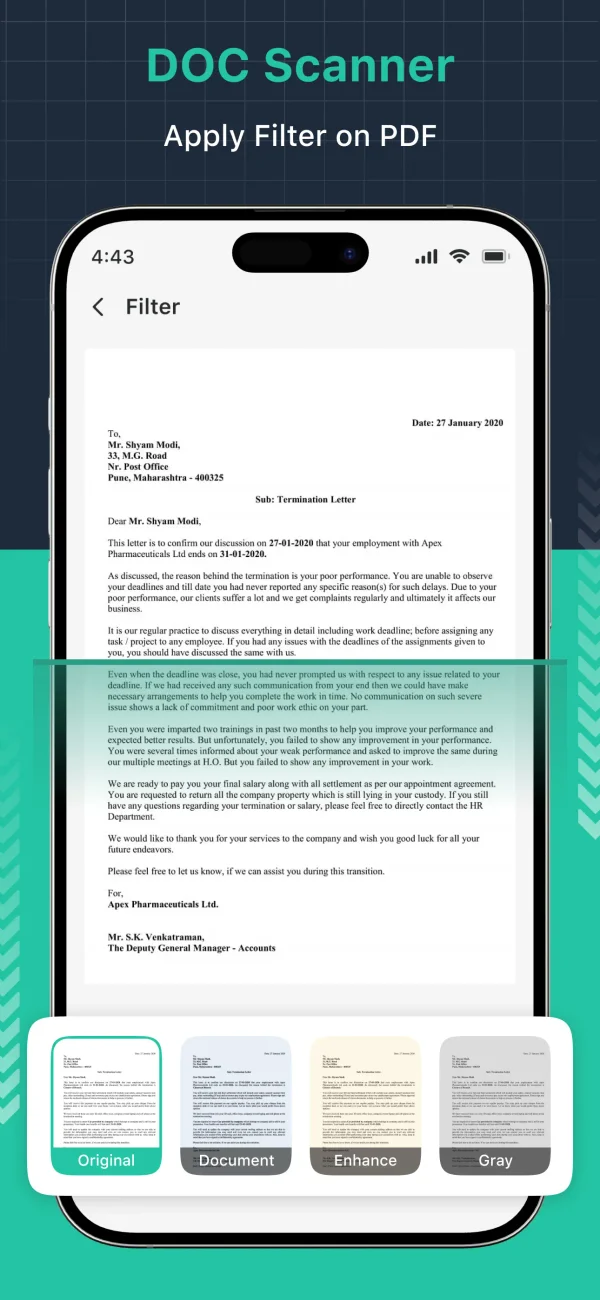
* Optimize your PDF into modes like B/W, Lighten, Color and dark.
* Turn scans into clear and and sharp PDF.
* Arrange your doc in folder and sub folders.
* Share PDF/JPEG files.
* Print and fax the scanned doc directly from the app.
* Upload doc’s to the cloud like Google Drive, Dropbox etc.
* Scan QR Code/Bar-code.
* Create QR Code.
* Share scanned QR Code.
* Turns your old documents into a clear and sharp one by removing the noise.
* Can create PDF in different sizes from A1 to A-6 and like Postcard, letter ,Note etc.
SUBSCRIPTION AND TERMS:
You may purchase an auto-renewing subscription through an In-App Purchase to enjoy all App Features without Ads:
• Auto-renewable subscription
• Weekly, 1 month and 1-year durations
• Your subscription will be charged to your iTunes account at confirmation of purchase and will automatically renew (at the duration selected) unless auto-renew is turned off at least 24 hours before the end of the current period.
• Current subscription may not be canceled during the active subscription period; however, you can manage your subscription and/or turn off auto-renewal by visiting your iTunes Account Settings after purchase.
* Link to Privacy Policy: https://documentscannerpdfmaker.blogspot.com/2024/11/privacy-policy.html
* Link to Terms of use: https://documentscannerpdfmaker.blogspot.com/2024/11/terms-conditions.html
* Link to EULA: https://documentscannerpdfmaker.blogspot.com/2024/11/eula.html
What’s new
Version 3.0 · Jul 1, 2025
- Bug fixes
App privacy
What Gautam Naiya declares on the App Store about how this app handles data.
-
Data used to track you
May be used to track you across apps and websites owned by other companies.
- Location
- Identifiers
- Usage data
- Diagnostics
-
Data linked to you
May be collected and linked to your identity.
- Location
- Identifiers
- Usage data
- Diagnostics
-
Data not linked to you
May be collected but is not linked to your identity.
- Diagnostics
Privacy practices may vary, for example with the features you use or your age.
Information
- Seller
- Gautam Naiya
- Category
- Utilities
- Version
- 3.0
- Updated
- Jul 1, 2025
- Released
- Nov 26, 2024
- Size
- 27.4 MB
- Requires
- iOS 16.0 or later
- Age rating
- 4+
- Price
- Free
- In-app purchases
- Yes
- Languages
- English
- Copyright
- © Gautam Naiya
You might also like
-
 Voicynotes: Voice RecorderTranscribe voice memos & notes
-
 Hidden Camera · Spy Detector ·Detect Listening Device & Cam
-
 Spyware and Cam Detector AppScan for Hidden Cameras & Bugs
-
 Image to PDF Files ConverterConvert & scan photo to text
-
 Call & Audio Recorder One TapRecord Conversations Easily.
-
 Audio Recorder: Calls & VoiceEasy Call Recording for Phone
-
 QR Code Reader, Fast ScannerCheck Barcode & Product Price
-
 PDF Scanner & Converter | AIScan Doc & Photo To PDF Maker
-
 QR Code Reader - barcode&QRbarcode scanner&qr reader
-
 Authenticator: Two Factor AppMFA & 2FA Verify, Security