DOC2PDF
Document Editor & PDF Export
Designed for iPhone, iPad
Free · In-app purchases
- Age rating4+
- CategoryProductivity
- DeveloperCAGAN DURGUN
- LanguagesEnglish+ 13 more
- Size5.3 MB
Links to the official App Store page
Download.org hosts no file of DOC2PDF. The button opens its official App Store page, published by CAGAN DURGUN. Listing last checked on Nov 23, 2026.
Screenshots


About
Create professional documents and export them as beautiful PDFs.
DOC2PDF is a powerful document creator and PDF converter for iPhone and iPad. From invoices and resumes to reports and proposals — create any document, choose a theme, and export a stunning PDF in seconds.
PROFESSIONAL DOCUMENT TEMPLATES
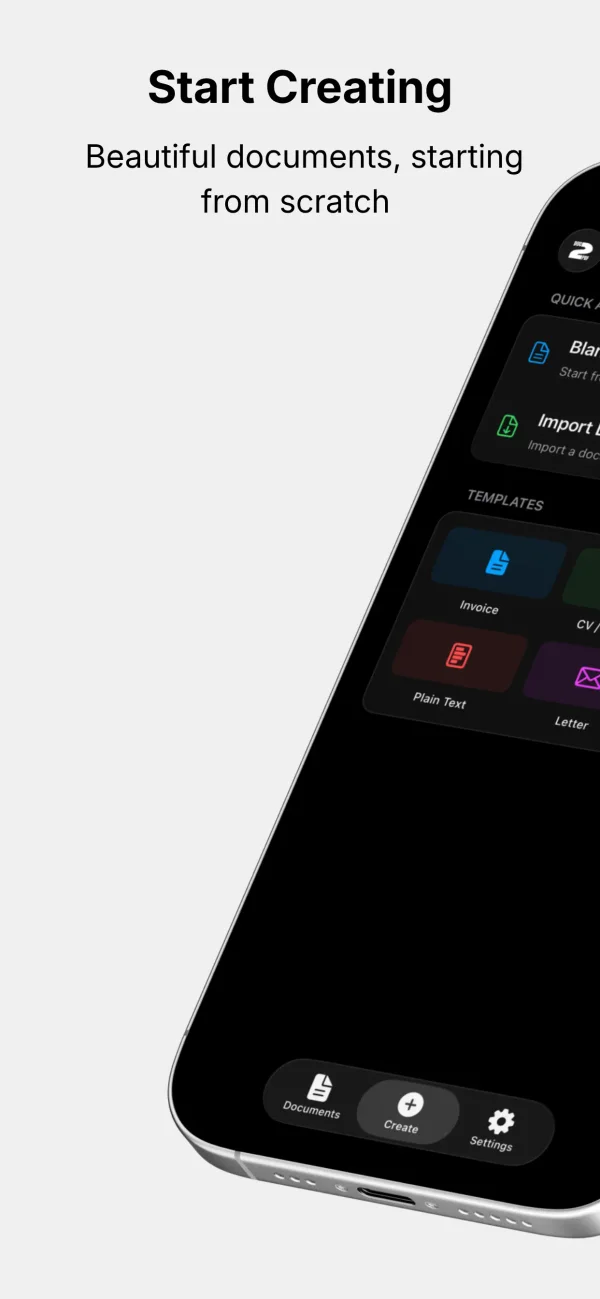
Start fast with ready-made templates built for real work:
• Invoice
• CV / Resume
• Project Proposal
• Business Report
• Formal Letter
• Meeting Notes
Fill in your details and export a clean, watermark-free PDF instantly.
8 BEAUTIFUL PDF THEMES
Every export looks polished and professional. Choose the style that fits:
• Light
• Sepia
• Slate
• Nord
• Rose
• Midnight
• Lavender
• Sand
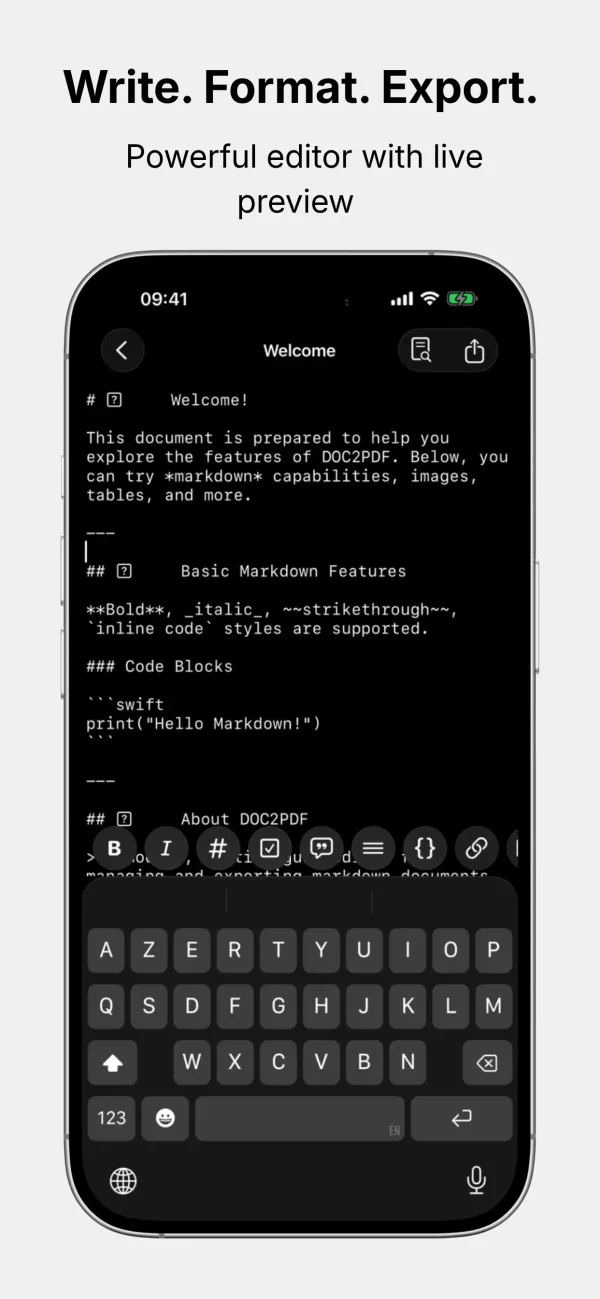
BUILT-IN DOCUMENT EDITOR
• Write and edit with live preview
• Quick-formatting toolbar
• Import DOCX, PPTX, LaTeX, Markdown & TXT files
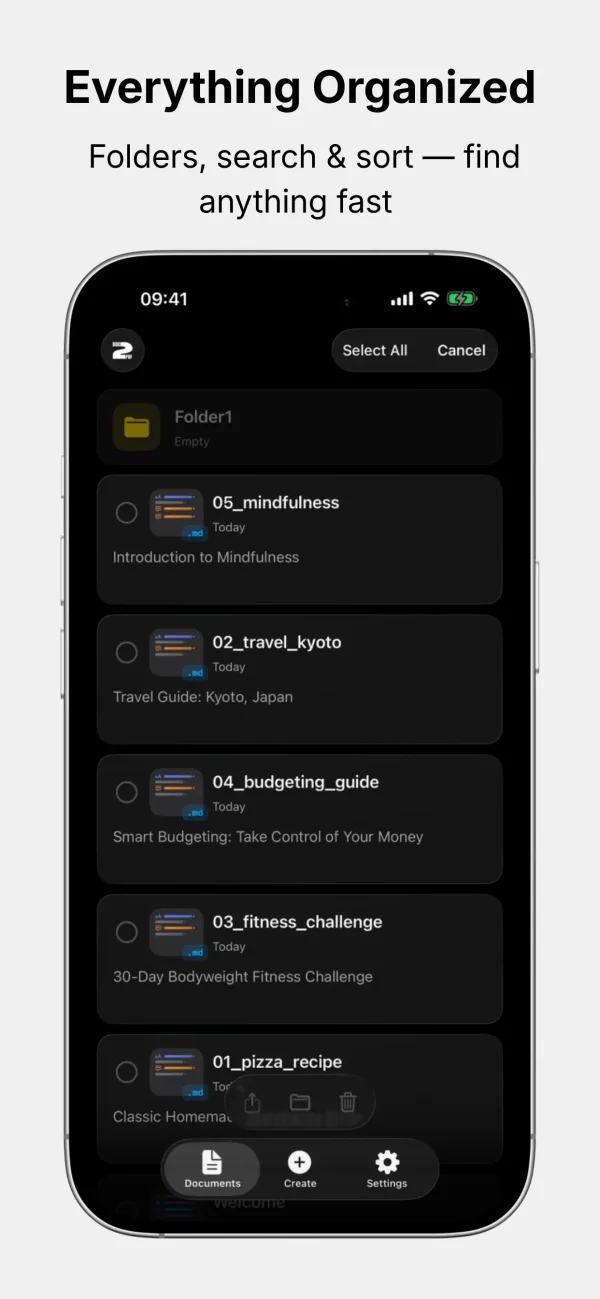
• Organize, search, and sort all your documents
FOLDERS & BULK OPERATIONS
• Create folders and organize your documents into collections
• Select multiple documents at once
• Bulk export, move, or delete in a single action
STATISTICS & STREAKS
• Track your writing streak — syncs automatically via iCloud
• View your weekly activity chart
• See a breakdown of the formats you use most
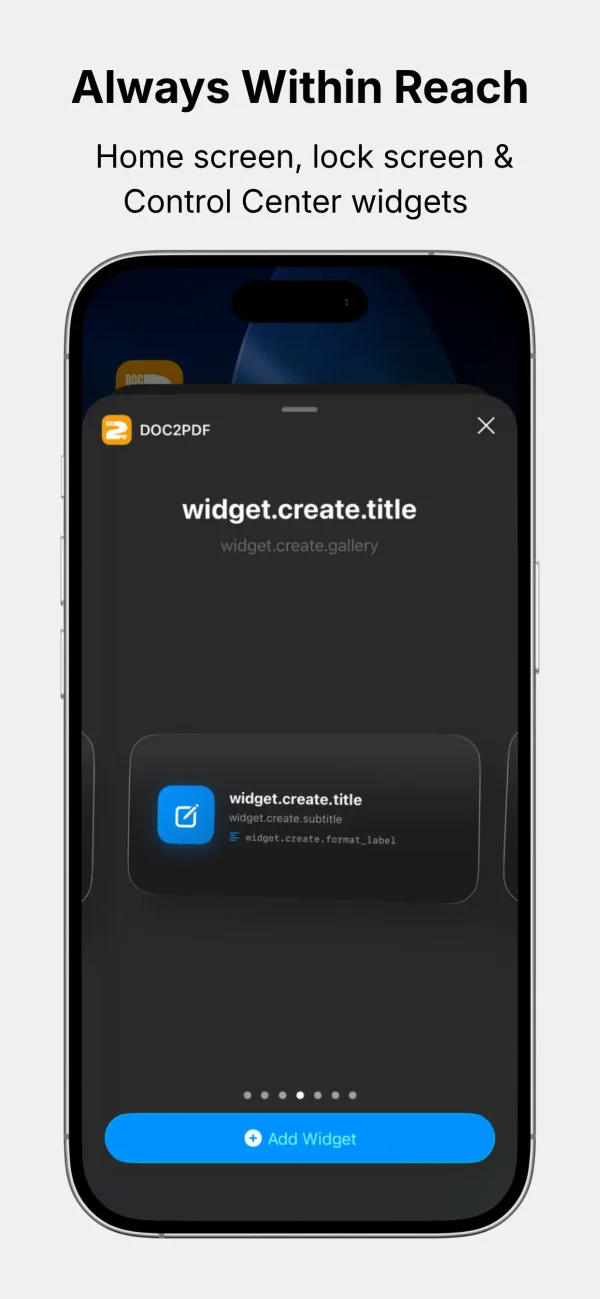
ALWAYS WITHIN REACH
• Home screen, lock screen & Control Center widgets
• Long-press the app icon for Quick Actions
• Create a document or jump to recents — without opening the app
LIVE EXPORT
• Watch your PDF come to life in real time
• Dynamic Island & Live Activity keep you updated during export
PREMIUM — TRY FREE
• Unlimited document creation
• Unlimited PDF exports
• All 8 themes
• All templates
• No watermarks
Start your free trial today. Cancel anytime.
Built for students, freelancers, developers, and professionals who need great-looking documents — fast.
Available in 15 languages: English, Japanese, Chinese, German, French, Korean, Spanish, Portuguese, Italian, Russian, Arabic, Turkish, and Hindi.
What’s new
Version 5.7 · May 20, 2026
What's New in 5.7
A focused polish update — smoother, more accessible and even safer.
— SMOOTHER ANIMATIONS —
The logo button now flows with a single, consistent spring across every state. Subtle, but you'll feel it.
— ACCESSIBILITY —
VoiceOver now reads a clear summary of your weekly activity chart — your whole week at a glance. Decorative animations are properly hidden from assistive technologies.
— STABILITY & SECURITY —
Hardened file imports from the Share sheet against malformed filenames, removed unsafe code paths, and tightened internals for snappier performance.
Thanks for using DOC2PDF — keep creating!
App privacy
What CAGAN DURGUN declares on the App Store about how this app handles data.
-
Data not collected
The developer does not collect any data from this app.
Privacy practices may vary, for example with the features you use or your age.
Information
- Seller
- CAGAN DURGUN
- Category
- Productivity
- Version
- 5.7
- Updated
- May 20, 2026
- Released
- Jun 6, 2025
- Size
- 5.3 MB
- Requires
- iOS 26.0 or later
- Age rating
- 4+
- Price
- Free
- In-app purchases
- Yes
- Languages
- English, Arabic, French, German, Hindi, Italian, Japanese, Korean, Portuguese, Russian, Simplified Chinese, Spanish + 2 more
- Copyright
- © Cagan Durgun 2026
You might also like
-
 WhisperDirect:AI Meeting NotesHybrid Transcribe & Summarize
-
 MindPaceYour Personal Companion
-
 PromoSenderpromo,Indie hacker,marketing
-
 Clipboard History IO MobileProductivity
-
 iLinkVault: Bookmark ManagerSave, Read & Ask Your Links
-
 Convert Picture to PdfJpeg,jpg,heic photo convertor
-
 VisitedPlacesMonitors working hours
-
 Timeboard - AlwaysOn HubYour always on dashboard
-
 Word Count ™Productivity
-
 SonicScript: Text to SpeechTTS Reader with Export