DocForge - CAD & Doc Viewer
DXF Render & Text Extraction
Designed for iPhone, iPad
In-app purchases
- Age rating4+
- CategoryProductivity
- Developerdonghyeong kim
- LanguagesKorean+ 1 more
- Size8.6 MB
Links to the official App Store page
Download.org hosts no file of DocForge - CAD & Doc Viewer. The button opens its official App Store page, published by donghyeong kim. Listing last checked on Nov 10, 2026.
Screenshots

About
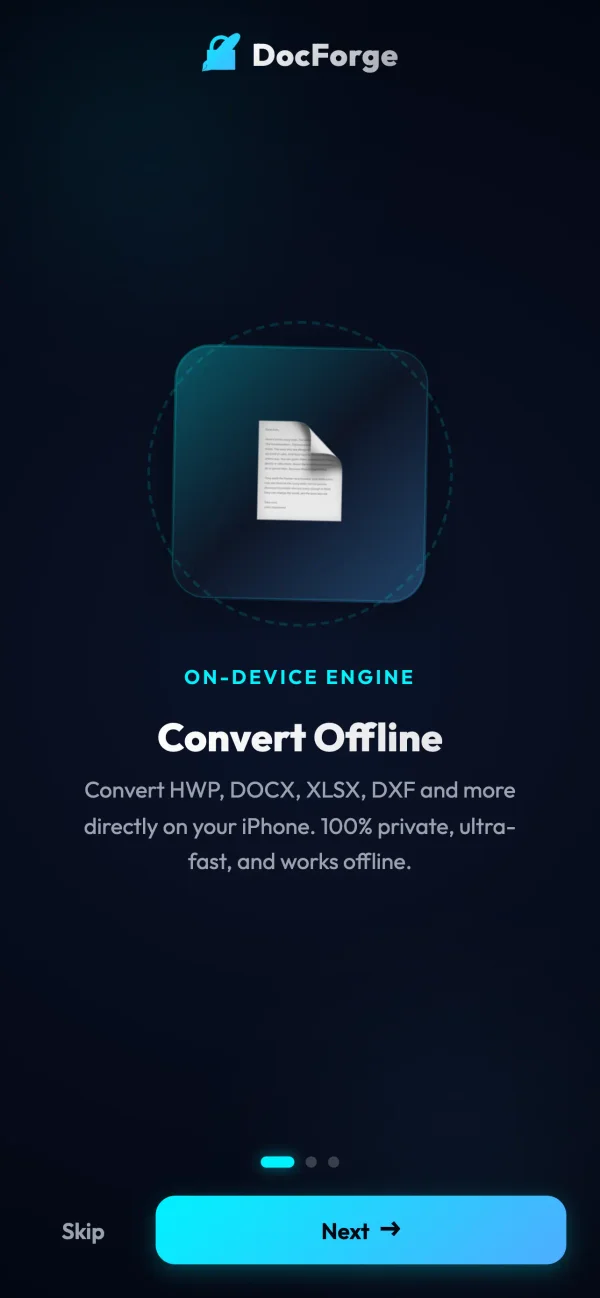
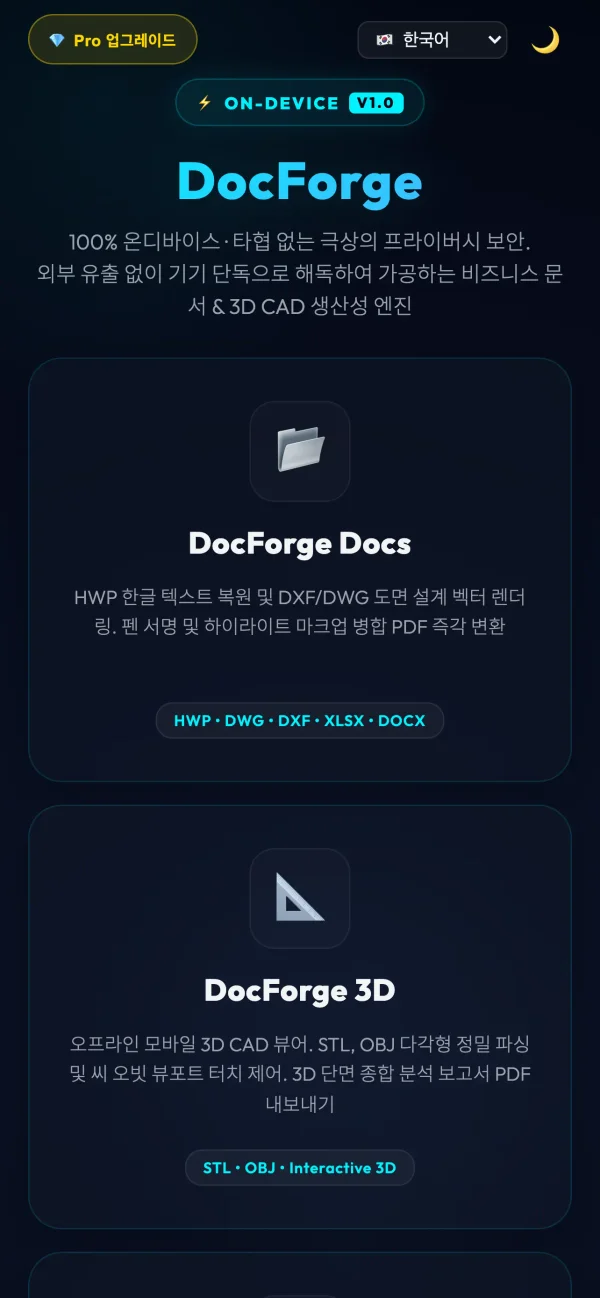
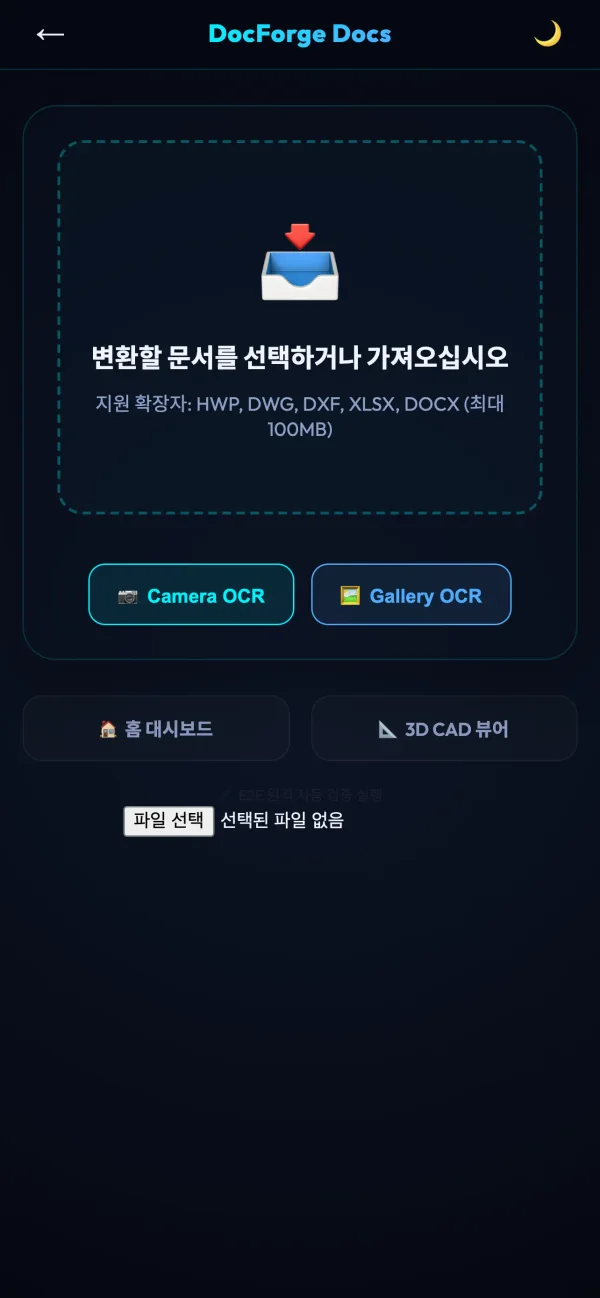
DocForge is an on-device document viewer and text extractor that operates entirely offline. Experience fast and secure file viewing without server uploads.
[ Key Features ]
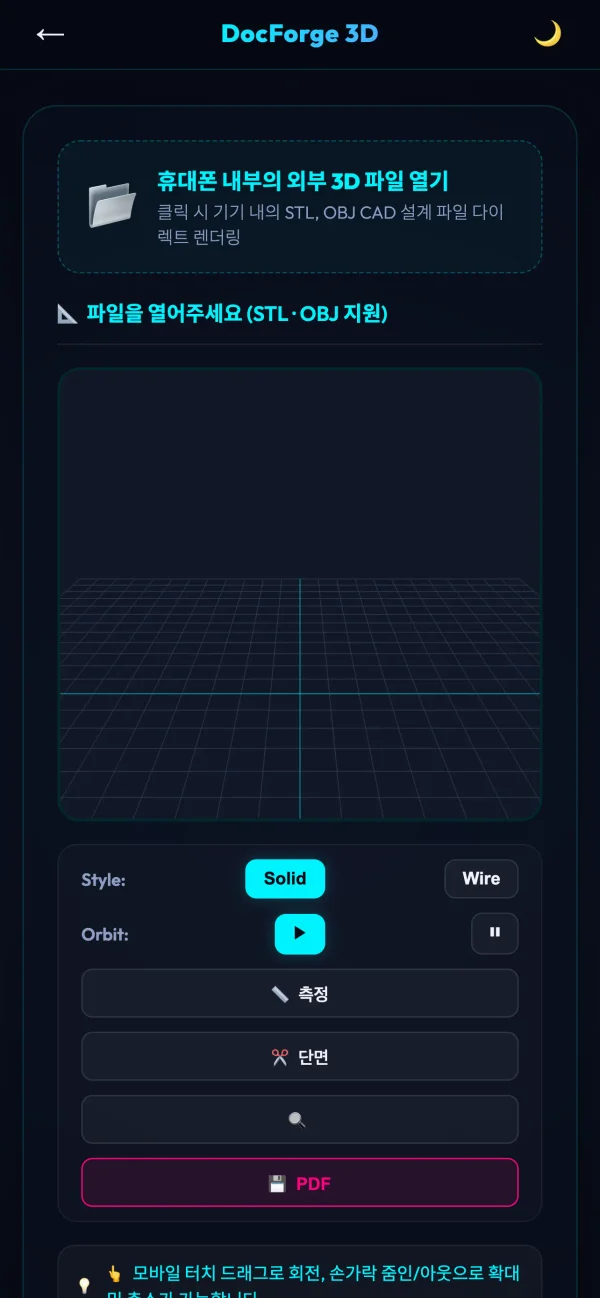
• DXF 2D CAD Vector Viewer
- Parses and renders AutoCAD DXF drawings directly on mobile. (Supports lines, circles, arcs, etc.)
- Includes layer color mapping and zoom support.
• Document Text Extractor
- Extracts text from HWP and DOCX documents for quick reading. (Tables/formatting excluded)
• Spreadsheet Viewer
- Renders XLSX files cleanly as data tables, organized by sheets.
• Quick PDF Export
- Instantly convert and save the displayed drawings and text as a PDF on your device.
[ Supported Formats ]
• Viewer Optimized: DXF, XLSX, PDF, TXT
• Text Extraction: HWP, DOCX
• (Note: DWG files are not supported. Please convert them to DXF before use.)
[ DocForge Pro Subscription ]
DocForge offers a 'DocForge Pro' subscription for unlimited conversions and advanced features.
• Payment Models: Monthly Subscription and Yearly Subscription.
• Payment will be charged to your Apple ID account at confirmation of purchase.
• Subscription automatically renews unless auto-renew is turned off at least 24 hours before the end of the current period.
• Subscriptions may be managed by the user and auto-renewal may be turned off by going to the user's Account Settings after purchase.
• No cancellation of the current subscription is allowed during active subscription period.
Terms of Use & Privacy Policy:
https://jarvis-docconverter.web.app/privacy
What’s new
Version 1.0.2 · Oct 24, 2026
What's New in DocForge v1.0.2
• Faster 100% on-device document & image-to-PDF conversion engine with improved memory stability.
• Streamlined Free Preview watermark rendering and enhanced DocForge Pro StoreKit purchase & restore validation.
• Improved UI responsiveness when merging multi-page PDFs and extracting ZIP archives offline.
App privacy
What donghyeong kim declares on the App Store about how this app handles data.
-
Data not collected
The developer does not collect any data from this app.
Privacy practices may vary, for example with the features you use or your age.
Information
- Seller
- donghyeong kim
- Category
- Productivity
- Version
- 1.0.2
- Updated
- Oct 24, 2026
- Released
- Jun 16, 2026
- Size
- 8.6 MB
- Requires
- iOS 16.0 or later
- Age rating
- 4+
- In-app purchases
- Yes
- Languages
- Korean, English
- Copyright
- © 2026 Donghyeong. All rights reserved.
You might also like
-
 FORGE Coach IATon coach IA pour entreprendre
-
 TelleportPrivate Secure Network Access
-
 Scan Pilote – Loi Carrez & DXFProductivity
-
 Pipe Diameter CalculatorsFlow Rate, Velocity & Sizing
-
 Dawami - Staffs attendanceSmart staffs Attendance app
-
 HabittyHabit Tracker, Life Log
-
 SnapCAD: DWG & DXF ViewerSTEP models, layers & measures
-
 MailbuxFull-Featured Business Email
-
 Pit Volume: Excavation CalcTrench, Slope Estimator
-
 SnapDWG: DWG Viewer & PDFDwg, CAD Reader & Converter