Doci: PDF Scanner & Editor
OCR, Compress, Sign & Merge
Designed for iPhone, iPad
Free · In-app purchases
- Age rating4+
- CategoryProductivity
- Developeroussama nasr
- LanguagesEnglish+ 4 more
- Size1.9 MB
Links to the official App Store page
Download.org hosts no file of Doci: PDF Scanner & Editor. The button opens its official App Store page, published by oussama nasr. Listing last checked on Nov 16, 2026.
Screenshots
About
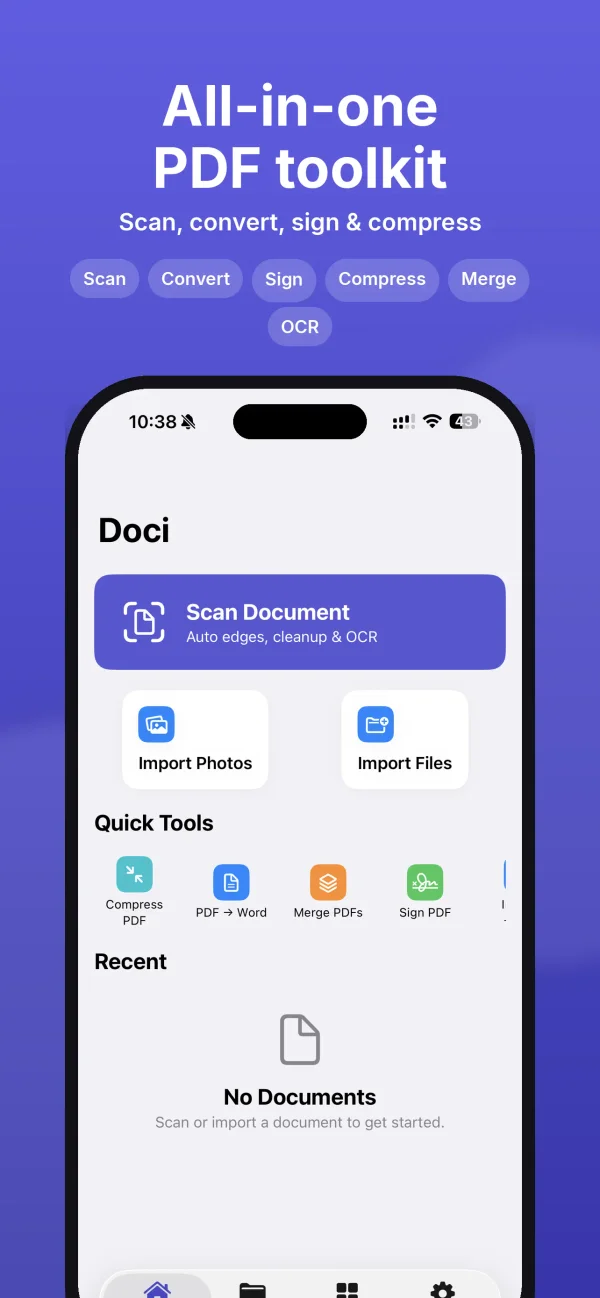
Doci turns your iPhone into a complete document studio. Scan paper, edit PDF text, sign contracts, convert files and shrink big PDFs, all in one clean app that works entirely on your device.
SCAN ANYTHING
- Scan documents, receipts, contracts and notes with your camera
- Automatic edge detection and perspective correction
- Filters for color, grayscale and black & white
- Rotate, reorder and delete pages before you save
- Save as PDF or JPG
- Text recognition (OCR) in English, French, Arabic, Spanish and German
- Make scanned PDFs searchable so you can find and copy text
EDIT PDF TEXT
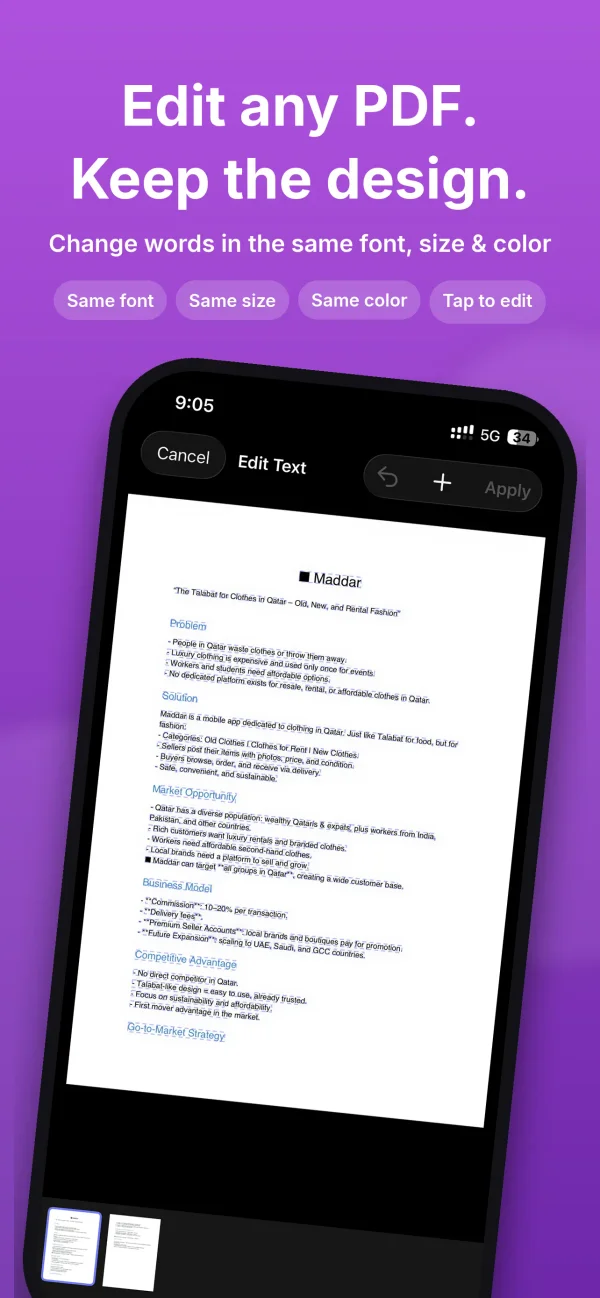
- Tap any text on a PDF and change the words
- Doci keeps the original position, size and color, and uses the document's own font whenever it is available
- Works on invoices, forms, letters, CVs and contracts
- Pinch to zoom for precise editing
SIGN DOCUMENTS
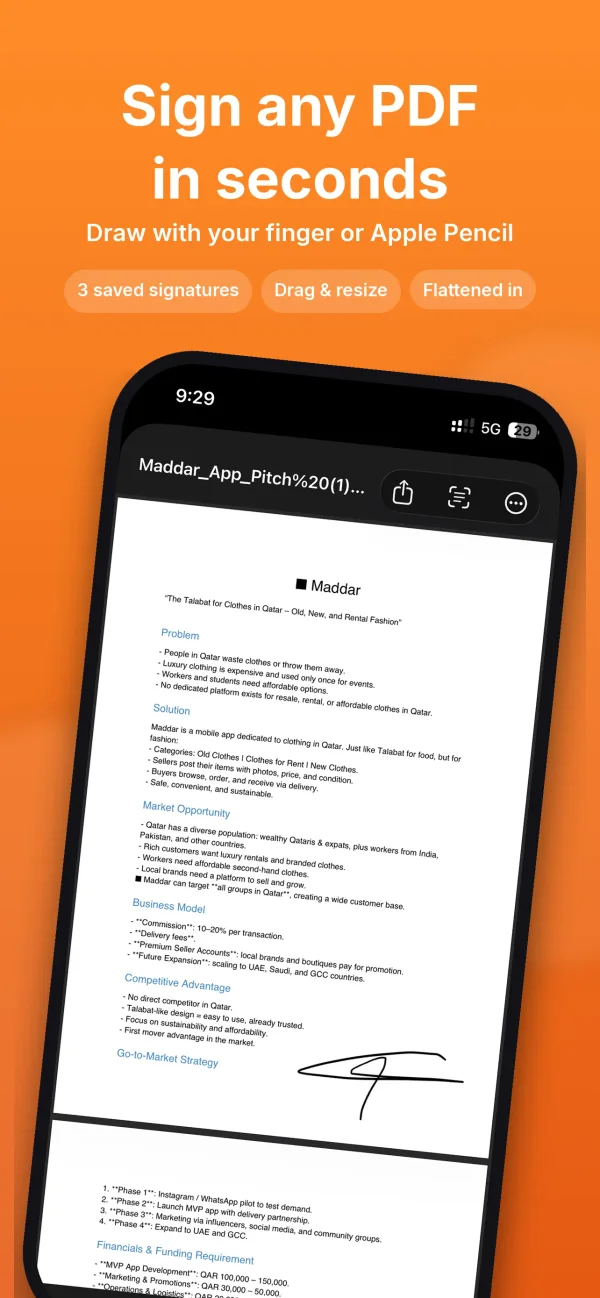
- Draw your signature with your finger or Apple Pencil
- Save up to 3 signatures and reuse them anytime
- Drag and resize your signature on any page
CONVERT FILES
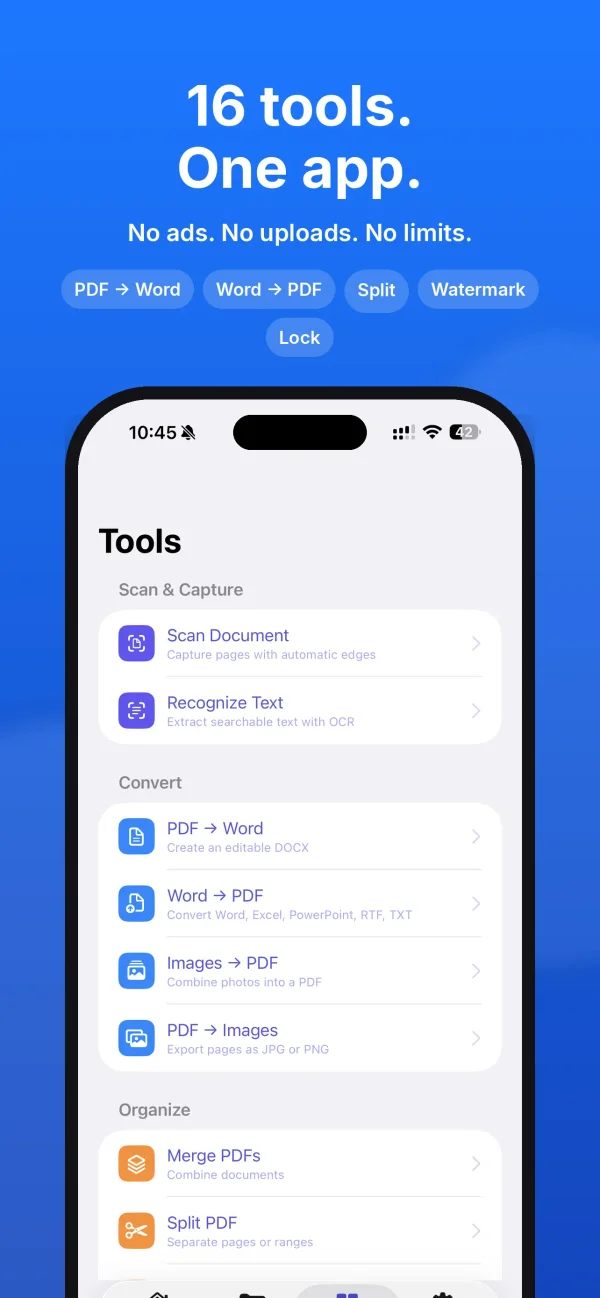
- PDF to Word (DOCX)
- Word, Excel, PowerPoint, RTF and text to PDF
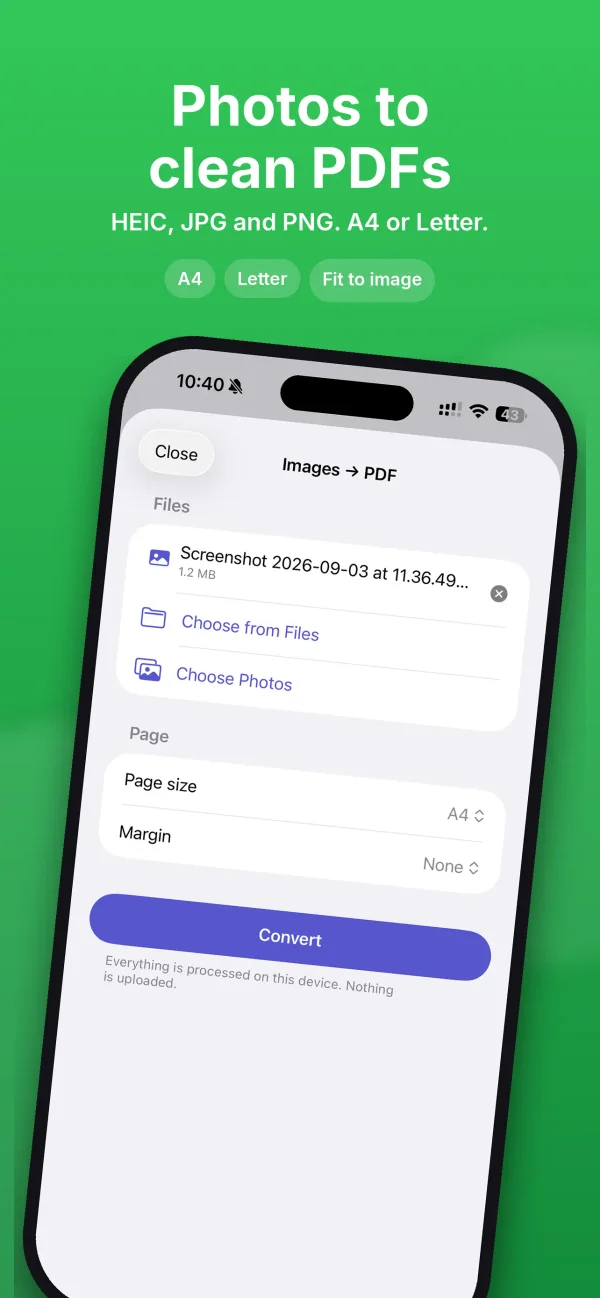
- Photos to PDF (JPG, PNG and HEIC)
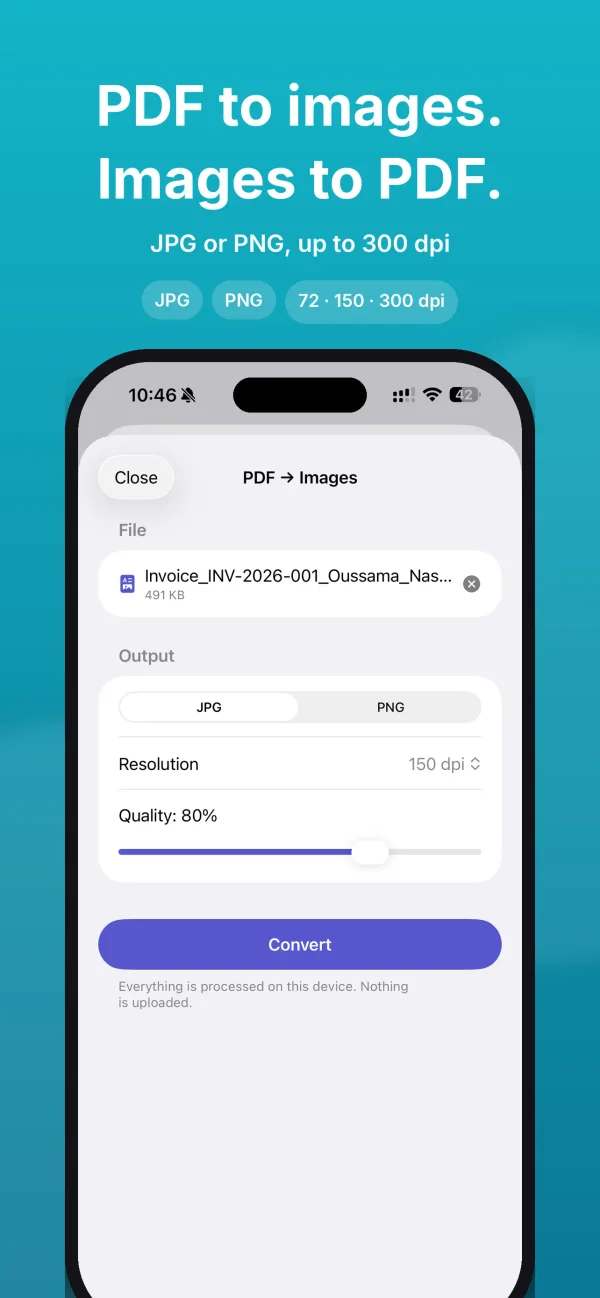
- PDF to JPG or PNG, up to 300 dpi
ORGANIZE PDFs
- Merge several PDFs into one
- Split by page, every few pages or custom ranges
- Reorder, rotate and delete pages
- Extract only the pages you need
PROTECT & OPTIMIZE
- Lock PDFs with a password, or unlock PDFs you have the password for
- Add a text watermark
- Compress PDFs and images to share them faster
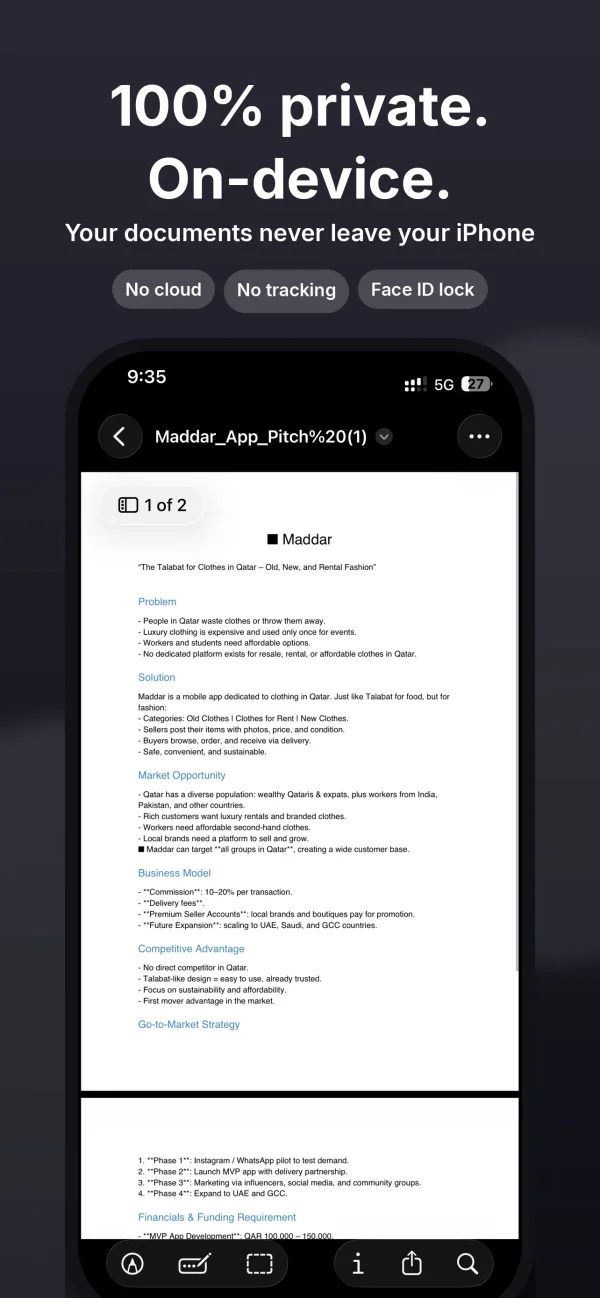
- Lock the app with Face ID or Touch ID
PRIVATE BY DESIGN
Your documents are processed on your iPhone. Doci does not upload your files, has no ads and no tracking.
KEEP EVERYTHING ORGANIZED
- Folders, search by name or by recognized text
- Open PDFs, Word files and images from the Files app or any other app
DOCI PRO
You can scan, edit and try every tool for free. Saving, sharing and exporting results requires Doci Pro.
- Doci Pro Monthly
- Doci Pro Yearly, with a 7-day free trial for eligible new subscribers
Payment is charged to your Apple ID at confirmation of purchase. Subscriptions renew automatically unless cancelled at least 24 hours before the end of the current period. Your account is charged for renewal within 24 hours before the end of the current period. You can manage and cancel your subscription in your App Store account settings. Any unused portion of a free trial is forfeited when you purchase a subscription.
Terms of Use (EULA): https://www.apple.com/legal/internet-services/itunes/dev/stdeula/
Privacy Policy: https://ibecome00816.github.io/doci/privacy.html
Support: https://ibecome00816.github.io/doci/
App privacy
What oussama nasr declares on the App Store about how this app handles data.
-
Data not collected
The developer does not collect any data from this app.
Privacy practices may vary, for example with the features you use or your age.
Information
- Seller
- oussama nasr
- Category
- Productivity
- Version
- 5
- Updated
- Oct 8, 2026
- Released
- Oct 8, 2026
- Size
- 1.9 MB
- Requires
- iOS 17.0 or later
- Age rating
- 4+
- Price
- Free
- In-app purchases
- Yes
- Languages
- English, Arabic, French, German, Spanish
- Copyright
- © 2026 Naser
You might also like
-
 JT Docly – PDF ScannerOCR, Edit & Convert PDFs
-
 PDF Creator – Auto ScanSmart Document Scaner
-
 FreeScanner: PDF Scanner & OCRScan Doc, Receipt, ID to Text
-
 Clone Voice TranslatorYour Voice, Any Language
-
 ScanPDF: PDF ScannerDocuments, OCR & image export
-
 Mind Map - Ideas Outline NotesFlowchart · Fishbone · Offline
-
 Scanner • PDF Document ScannerCam scanner PDF scanner app
-
 AI ChatBot Assistant 5 0Boost Your Productivity
-
 AI Email Writer: Mail CheckerAI Writer, Email generator
-
 FreePDF: PDF Converter & ScanPDF Tools Converter Scanner