
Docker Manager GUI - WhaleDeck
Unraid & Linux Server Monitor
Designed for iPhone, iPad, Mac
Free · In-app purchases
- Age rating4+
- CategoryDeveloper Tools
- DeveloperFlorian Seida
- LanguagesEnglish+ 15 more
- Size23.9 MB
Links to the official App Store page
Download.org hosts no file of Docker Manager GUI - WhaleDeck. The button opens its official App Store page, published by Florian Seida. Listing last checked on Nov 25, 2026.
Screenshots

About
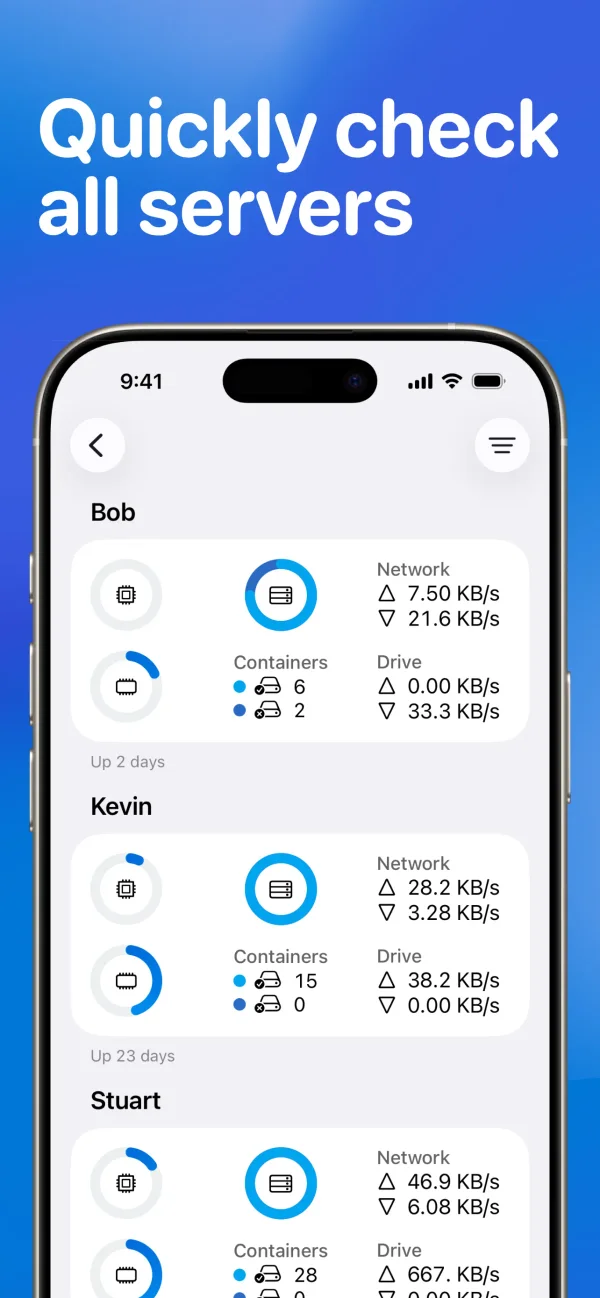
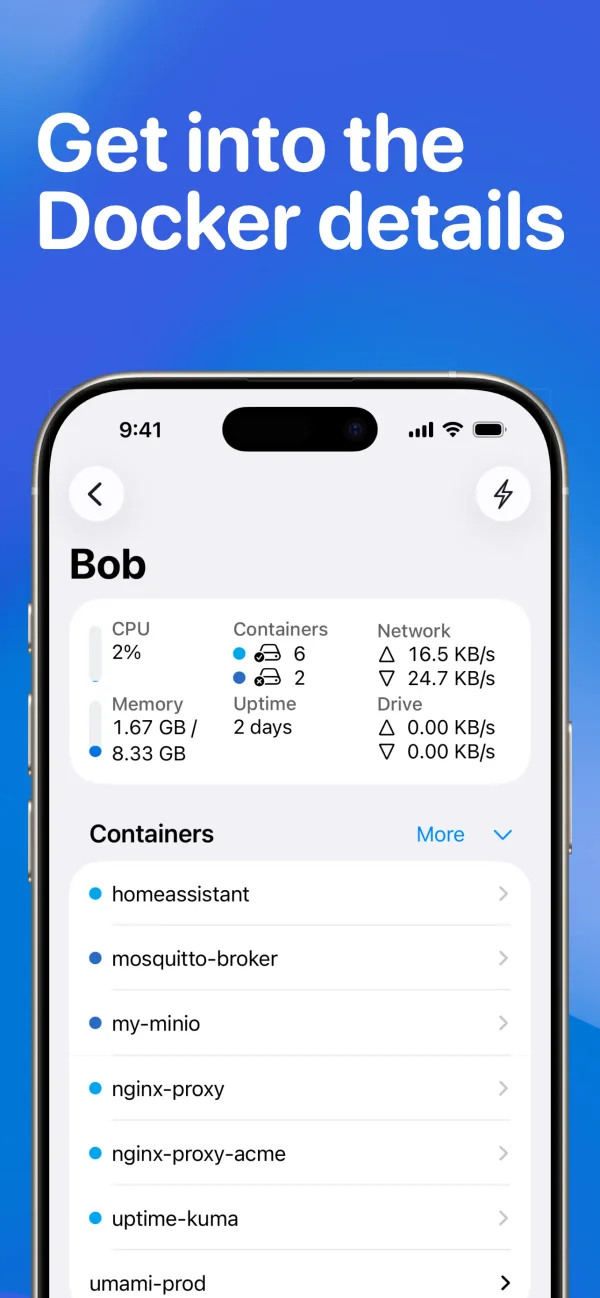
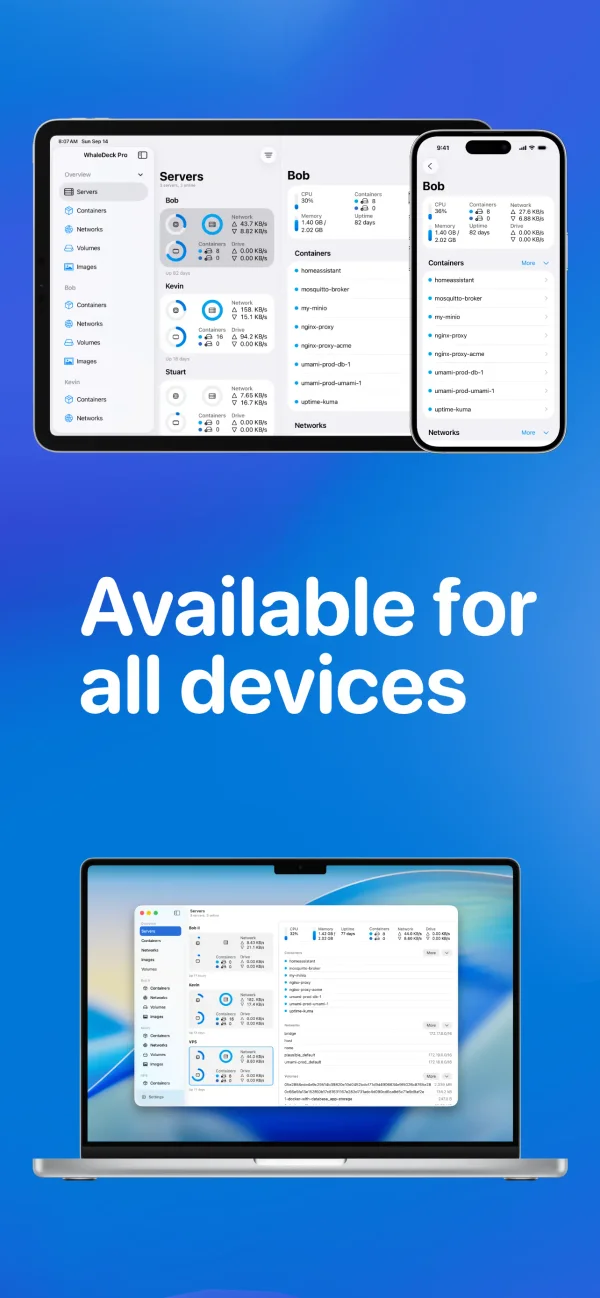
WhaleDeck is your all-in-one Docker environment manager. Monitor server performance, manage your containers, and use the built-in SSH terminal to run commands on your servers or inside Docker containers. Performance metrics, container logs, and actions across multiple servers are all in one place. Whether you’re just starting with Docker or you’re an experienced professional, WhaleDeck helps you work more efficiently.
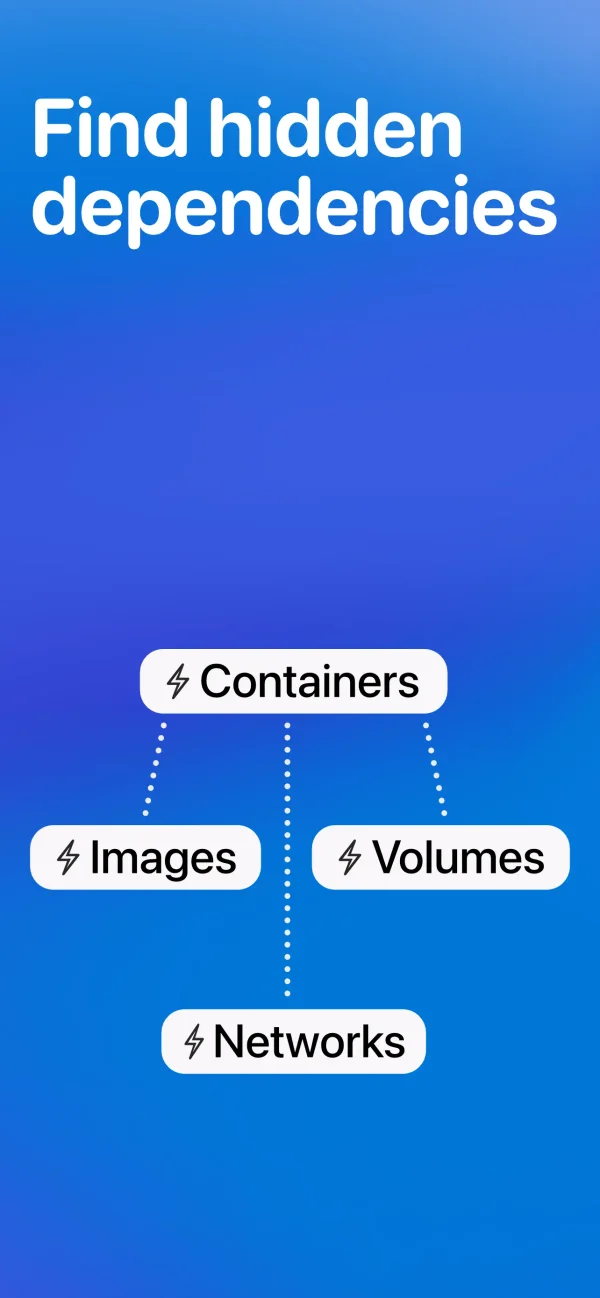
Easily monitor your entire environment, gain insights into containers, networks, and volumes, and quickly address issues as they arise. WhaleDeck’s intuitive interface puts you in control, letting you tailor the tool to fit your workflow.
Start for free to:
· Add your Linux server and instantly visualize CPU, memory, drive, and network usage
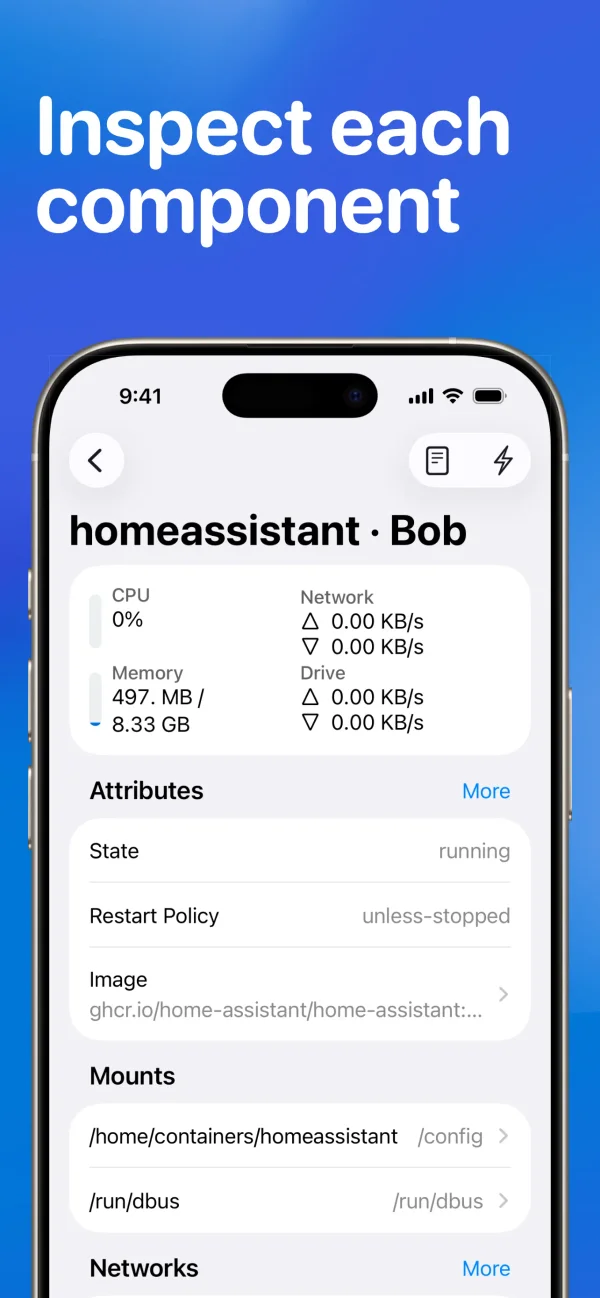
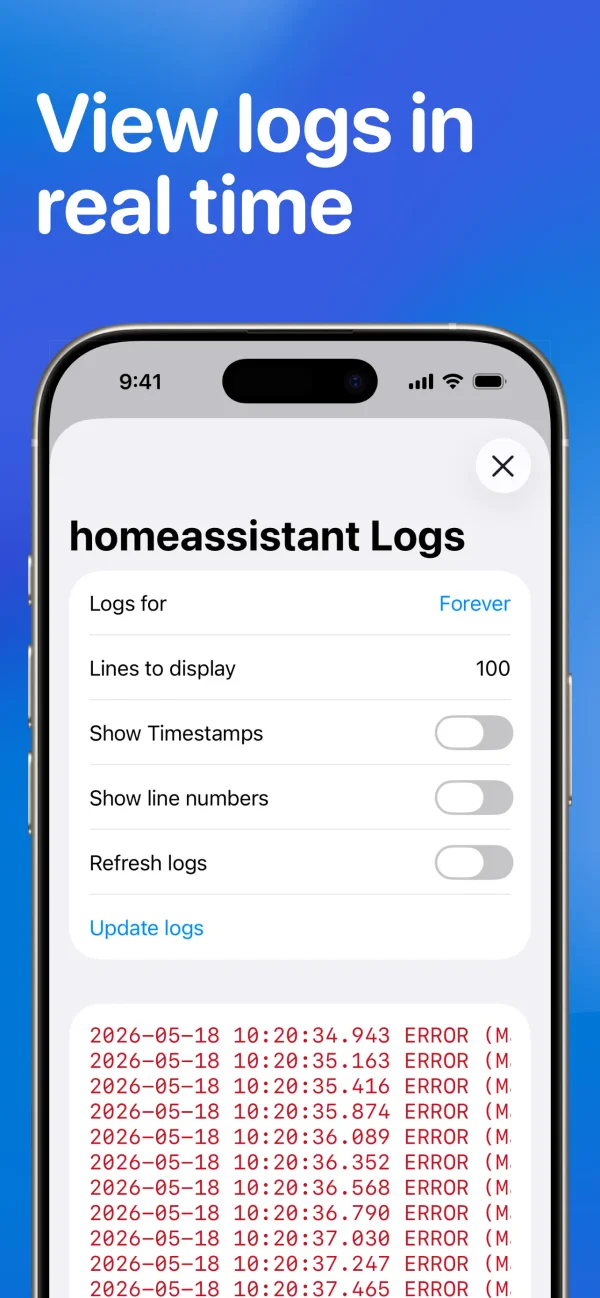
· Access container logs, details, and insights to quickly identify and resolve issues
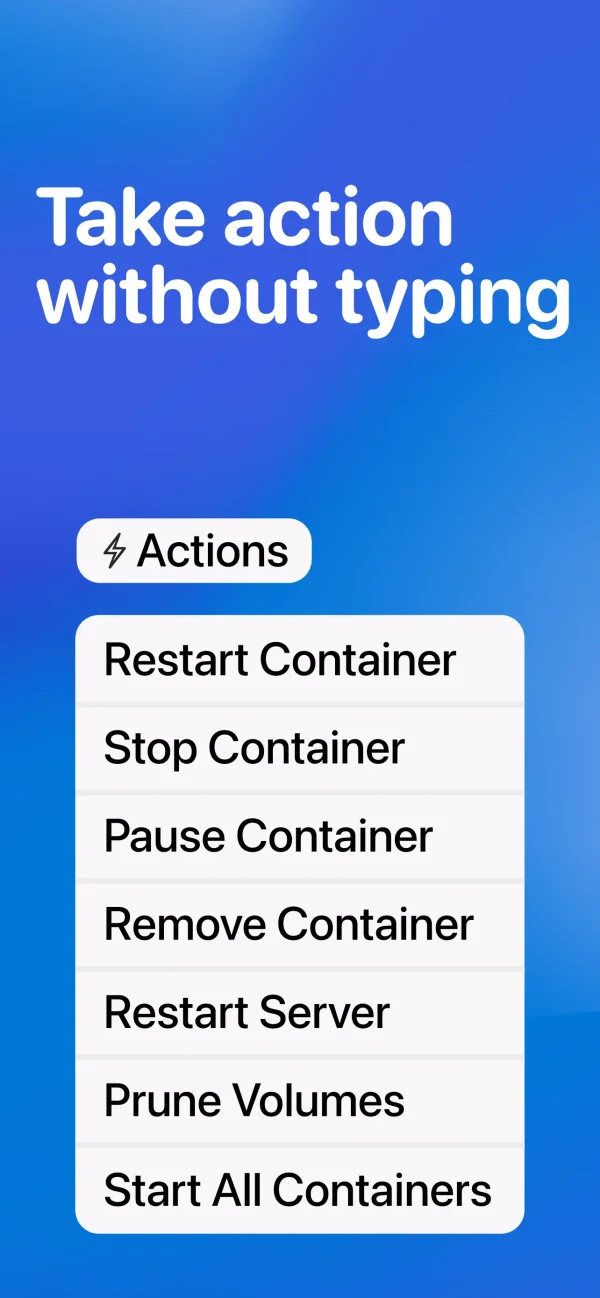
· Take direct action on containers – start, stop, or pause them individually or in bulk
· Use Split View to see multiple parts of your environment side by side
· Secure your setup with biometric authentication
Upgrade to WhaleDeck Pro to:
· Manage unlimited servers and maintain all your environments in one place
· Gain deeper insights into container resource usage
· Use iCloud syncing for seamless cross-device access
· Open server and container shells and run commands in the built-in terminal
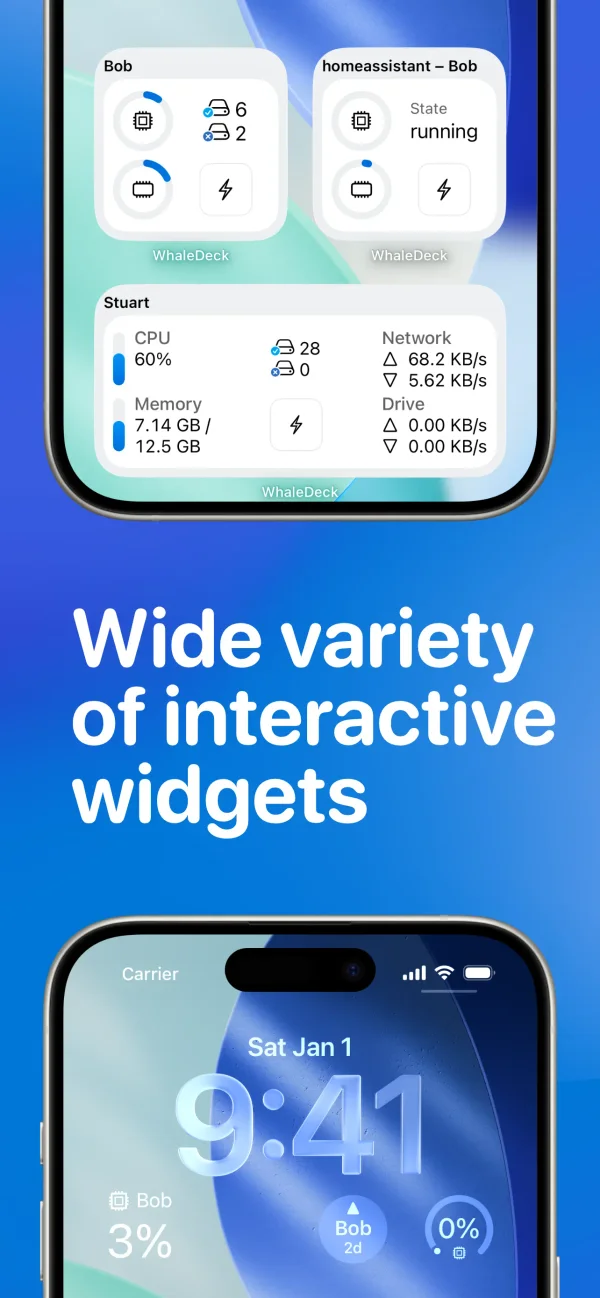
· Enhance your workflow with home and lock screen widgets, plus custom refresh rates
· Dive deeper with detailed network and volume information
WhaleDeck Pro is available as a monthly or annual subscription, or as a one-time lifetime purchase.
For feedback or help, contact support@whaledeck.app or use the built-in form.
Terms of Use: https://whaledeck.app/termsandconditions
What’s new
Version 3.4.1 · Oct 30, 2026
Thanks for using WhaleDeck. If you like the app, please consider rating it or writing a review in the App Store. This would help me a lot.
What has changed in this version?
- An issue that caused the container's list to be empty has been fixed
In case something is wrong, please let me know by using the contact form, joining the WhaleDeck Discord server, or sending me a message to mail@whaledeck.app.
– Florian
App privacy
What Florian Seida declares on the App Store about how this app handles data.
-
Data not linked to you
May be collected but is not linked to your identity.
- Usage data
- Diagnostics
Privacy practices may vary, for example with the features you use or your age.
Information
- Seller
- Florian Seida
- Category
- Developer Tools
- Version
- 3.4.1
- Updated
- Oct 30, 2026
- Released
- May 2, 2022
- Size
- 23.9 MB
- Requires
- iOS 17.0 or later
- Age rating
- 4+
- Price
- Free
- In-app purchases
- Yes
- Languages
- English, Dutch, Finnish, French, German, Indonesian, Italian, Japanese, Korean, Norwegian Bokmål, Portuguese, Simplified Chinese + 4 more
- Copyright
- © Florian Seida
You might also like
-
 Docker ManagementGet Notified and Manage Docker
-
 Docker Server AdminDocker, Linux Stats, SSH, SFTP
-
 Yomo: Docker & PortainerSSH, SFTP, Podman, Compose
-
 NeoServer SSH Mosh TerminalSFTP Client Docker Monitor Cli
-
 Uptime Kuma ManagerServer Monitoring on the Go
-
 ProxMateManage your Proxmox Instances
-
 Portainer & Docker: PourtainerNo SSH!
-
 Harbour - Docker ManagerManage containers with ease
-
 ServerCat - SSH Terminal & VPSDeveloper Tools
-
 Secure TerminalSSH & SFTP & XWindow