DocLens Pro : Scan , Convert
PDF Scanner, Converter
Designed for iPhone, iPad
Free · In-app purchases
- Age rating4+
- CategoryProductivity
- DeveloperGustavo Venzon
- LanguagesEnglish+ 1 more
- Size20.4 MB
Links to the official App Store page
Download.org hosts no file of DocLens Pro : Scan , Convert. The button opens its official App Store page, published by Gustavo Venzon. Listing last checked on Nov 20, 2026.
Screenshots

About
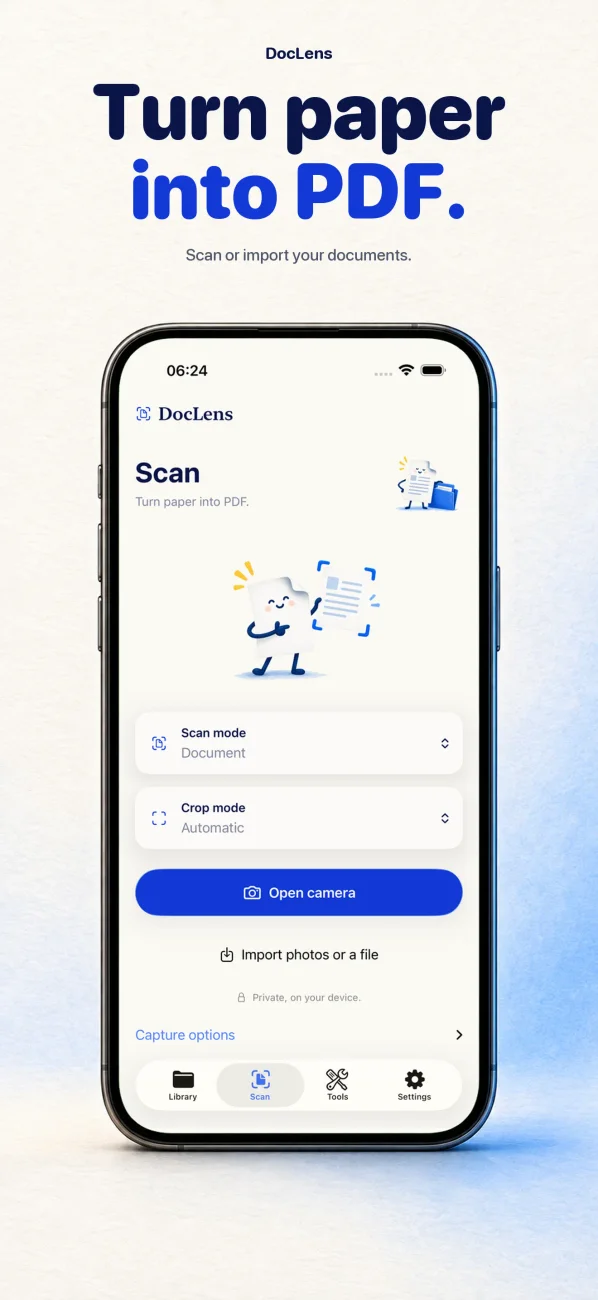
Turn paper into PDF and keep your documents ready for what comes next. DocLens brings scanning, file conversion, reading and signatures into one workspace on iPhone and iPad.
SCAN AND IMPORT
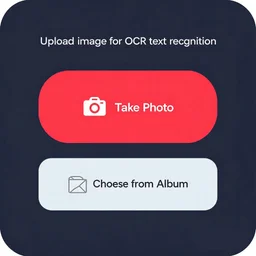
Capture documents with the camera, adjust the crop and apply scan filters. Import images or files from Photos and Files. Recognize text in scanned documents and images with OCR.
CONVERT WITH PURPOSE
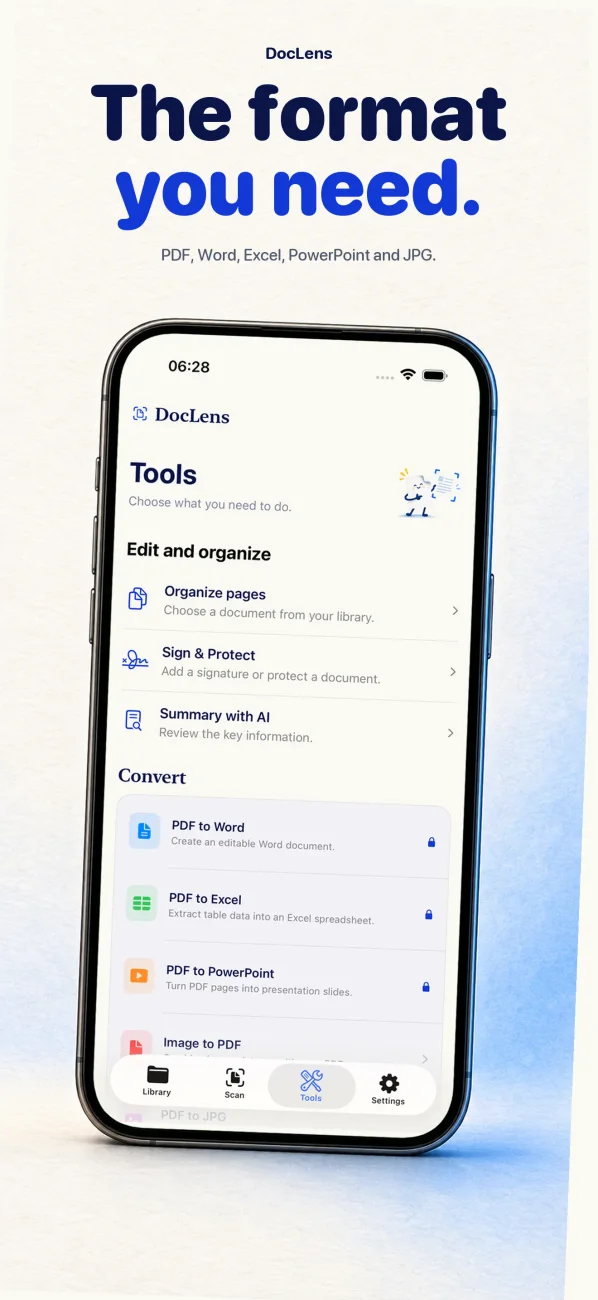
Combine images into a PDF or export PDF pages as JPG images. Use Premium tools to create Word documents from text, Excel spreadsheets from table data and PowerPoint slides from PDF pages.
KEEP YOUR LIBRARY IN ORDER
Organize documents in folders, search your library and work with multiple files. Keep contracts, receipts, notes and personal documents within reach.
READ, EDIT AND SIGN
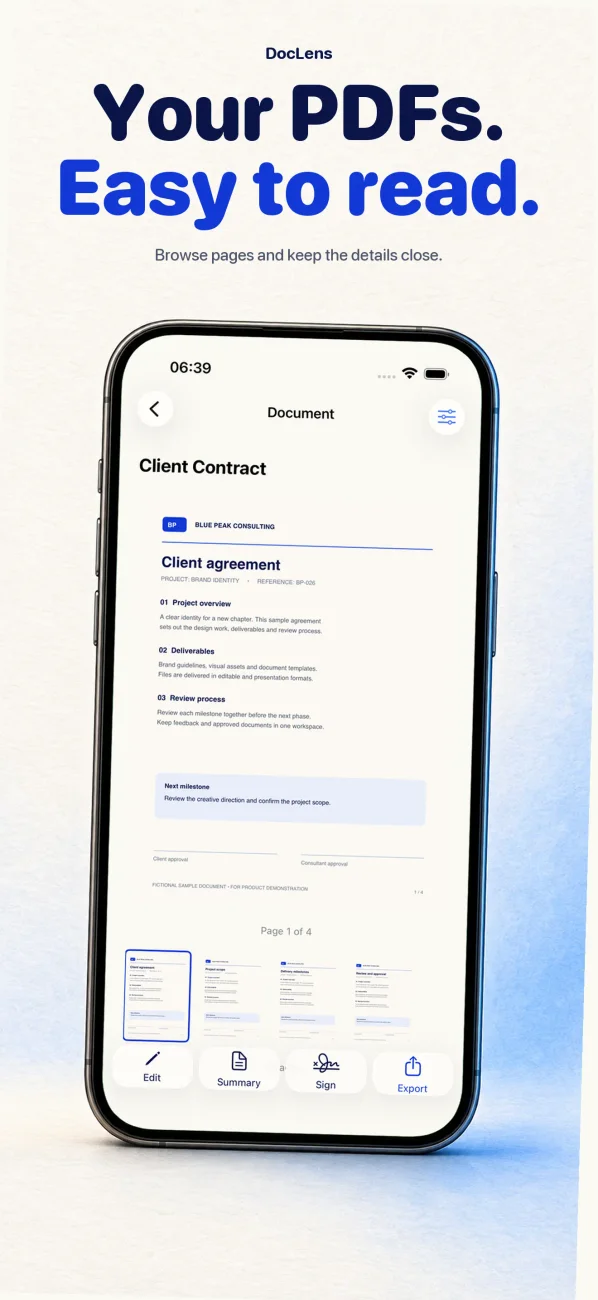
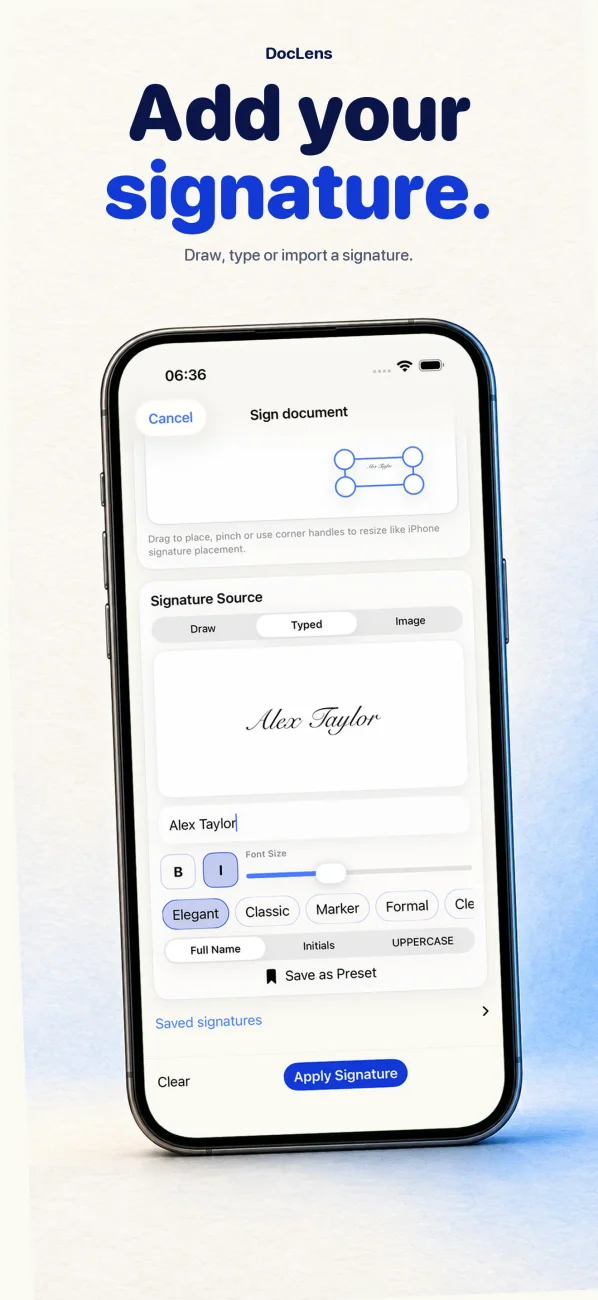
Read PDFs with page previews. Organize pages, add markup and create signatures by drawing, typing or importing an image. Review the placement before saving.
SAVE AND SHARE
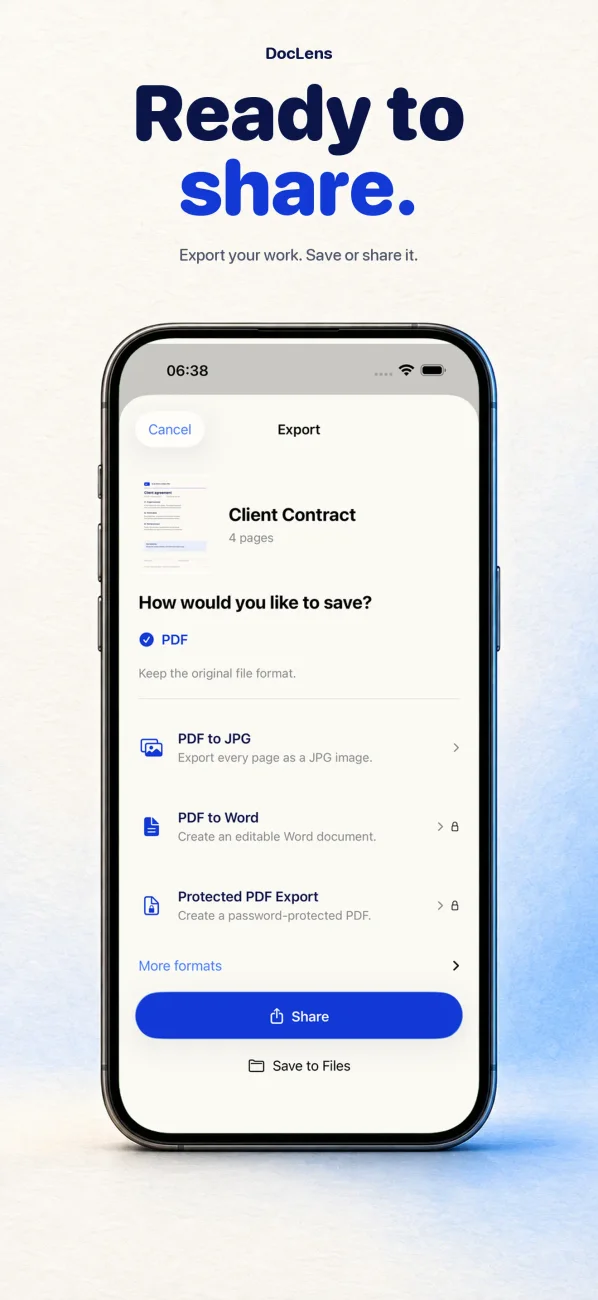
Export documents, save them to Files or use the system share sheet. Protect supported documents and create password-protected PDF exports.
BUILT FOR YOUR DEVICE
Core document processing and OCR run on your device. The interface supports US English and Brazilian Portuguese, with layouts designed for iPhone and iPad.
Some advanced tools require DocLens Premium. Lifetime access is available through a one-time in-app purchase, with purchase restoration supported.
What’s new
Version 2.4 · Nov 7, 2026
More room for your documents. Less work for you.
DocLens 2.4 makes your PDFs easier to organize, recover and take with you.
• More room to read and work with documents on iPhone Duo.
• Complete password-encrypted backups, including protected files, folders, OCR and version history.
• Recently Deleted and Undo to recover deleted documents.
• Lighter search and batch processing with progress and cancellation.
• Capture options that are easier to find and clearer page thumbnails in the PDF reader.
• Fixed signature previews and placement to keep your signature where you put it.
• Improvements to text recognition, Word and Excel conversions, and Premium access verification.
Scan receipts, organize contracts and keep your files ready for what comes next.
App privacy
What Gustavo Venzon declares on the App Store about how this app handles data.
-
Data not collected
The developer does not collect any data from this app.
Privacy practices may vary, for example with the features you use or your age.
Information
- Seller
- Gustavo Venzon
- Category
- Productivity
- Version
- 2.4
- Updated
- Nov 7, 2026
- Released
- Mar 24, 2026
- Size
- 20.4 MB
- Requires
- iOS 18.0 or later
- Age rating
- 4+
- Price
- Free
- In-app purchases
- Yes
- Languages
- English, Portuguese
- Copyright
- © Vanguard Studio
You might also like
-
 PodcastsAIPodcast & video summaries
-
 YT Video Summarizer - SumiqAI Transcripts, Notes & Chat
-
 Note AI GPT: Note Taker ScribeAI Summary, Note, Transcribe
-
 Transcribe Video: To The TextConvert Audio, Voice & Speech
-
 Email Writer・AI Auto CorrectEnglish Corrector & AI Reword
-
 Transcribee - Voice to TextMeeting & audio transcription
-
 Docu Boss for OneDriveOne Tap Document to OneDrive
-
 YT Summarizer: AI TLDR SummaryVideo Transcript for YouTube
-
 PlanoriAI Plans & Tasks Tracker
-
 DocLens - OCRLocal OCR & Translate