
- Age rating17+
- CategoryProductivity
- DeveloperDiego Corti
- LanguagesEnglish
- Size960.0 KB
Links to the official App Store page
Download.org hosts no file of docmeeting. The button opens its official App Store page, published by Diego Corti. Listing last checked on Nov 20, 2026.
Screenshots
About
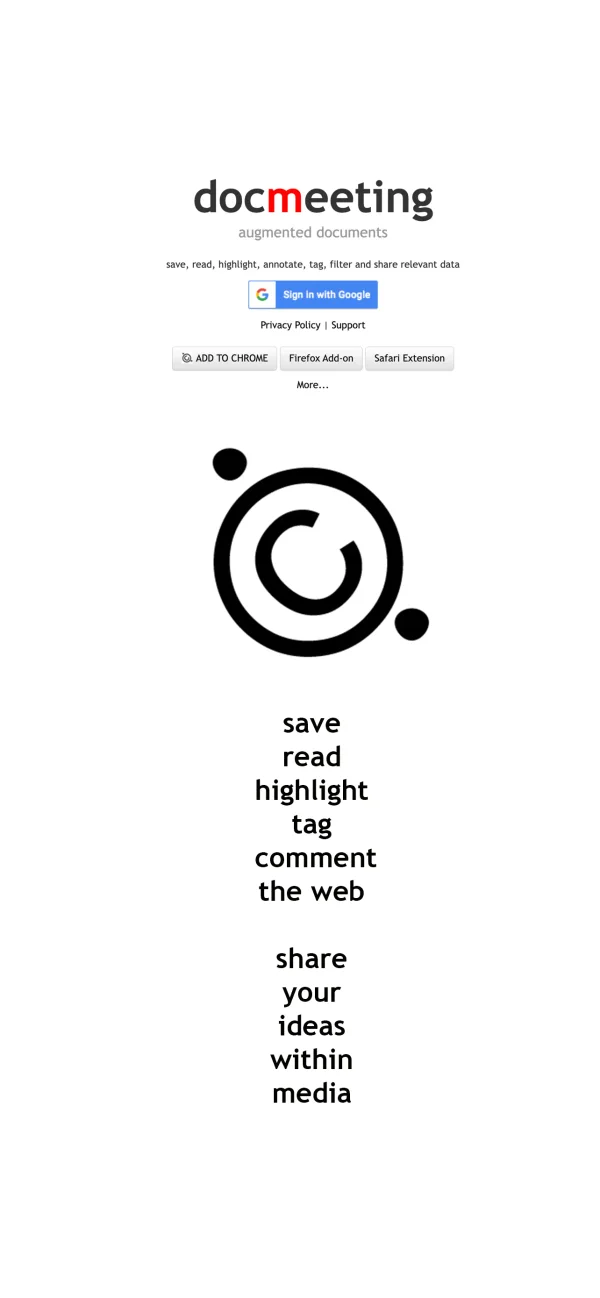
Highlight, tag or comment web pages.
You can highlight text fragments in documents, change the color by clicking again. When you click on the highlighted words (or the paragraph itself) you can also add an annotation. You can also either tag the highlighted words, the annotation or the paragraph (or the document !). Thereafter you can extract all the highlighted passages of all your documents that match some selected tags.
Tip: you can remove any highlight by clicking while holding down the Ctrl/Command key.
Add documents
Add your files (Word, PDF, ...) or store Web pages by using the POST button above.
You can also add Google Drive documents, tag and share with other users.
What’s new
Version 4 · Jan 27, 2025
Apple compliance with manifest 3
App privacy
What Diego Corti declares on the App Store about how this app handles data.
-
Data not collected
The developer does not collect any data from this app.
Privacy practices may vary, for example with the features you use or your age.
Information
- Seller
- Diego Corti
- Category
- Productivity
- Version
- 4
- Updated
- Jan 27, 2025
- Released
- Dec 12, 2021
- Size
- 960.0 KB
- Requires
- iOS 15.0 or later
- Age rating
- 17+
- Price
- Free
- Languages
- English
- Copyright
- © madepublic sàrl
You might also like
-
 TextHarvestHarvest and Manage Texts
-
 AWAKO LOADSProductivity
-
 SpeecherPro - Text To SpeechTTS Reader Speech To Text Easy
-
 CV Tracker - Career AssistantTrack your career with AI
-
 Columns.appThe Lists Manager
-
 Control - LLM InterfacePrivate, Local AI
-
 SortaraOrganizational Freedom with AI
-
 AI Resume TailorJob Match Resume Rewrite
-
 Habit Tracker - Better HabitsBuild better habits daily
-
 ClipboardFusionProductivity