Docryva: PDF Document Scanner
Scan, enhance & save to cloud
Designed for iPhone, iPad, iPod touch
In-app purchases
- Age rating4+
- CategoryProductivity
- DeveloperRonald Derksen
- LanguagesEnglish
- Size41.1 MB
Links to the official App Store page
Download.org hosts no file of Docryva: PDF Document Scanner. The button opens its official App Store page, published by Ronald Derksen. Listing last checked on Nov 14, 2026.
Screenshots

About
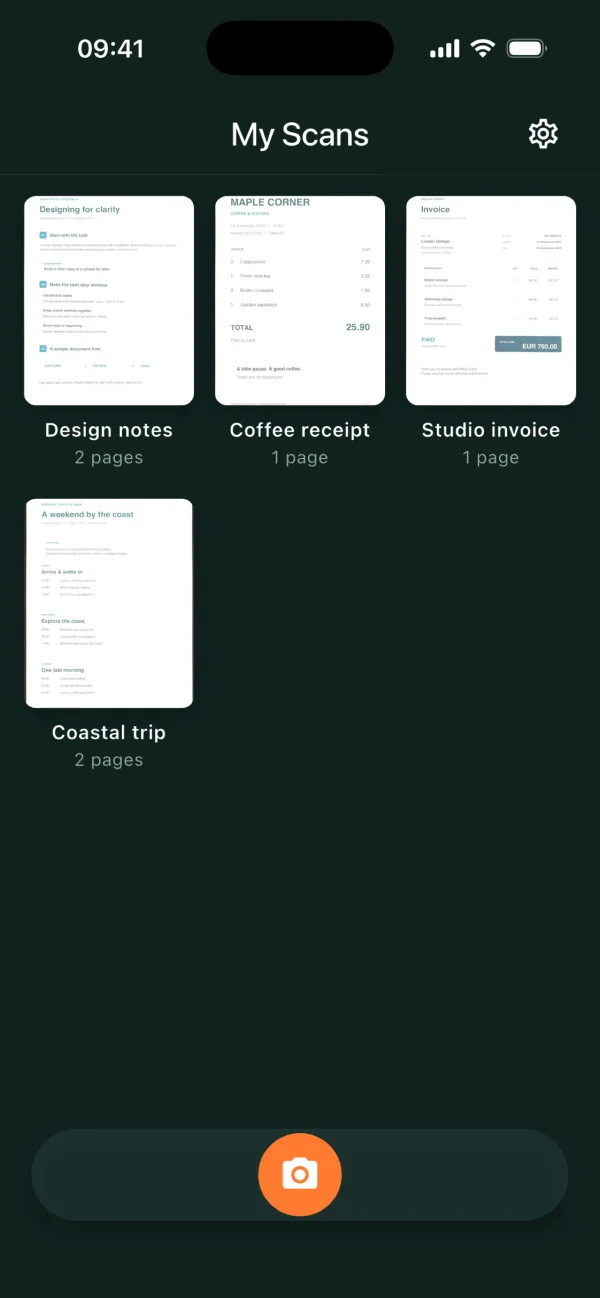
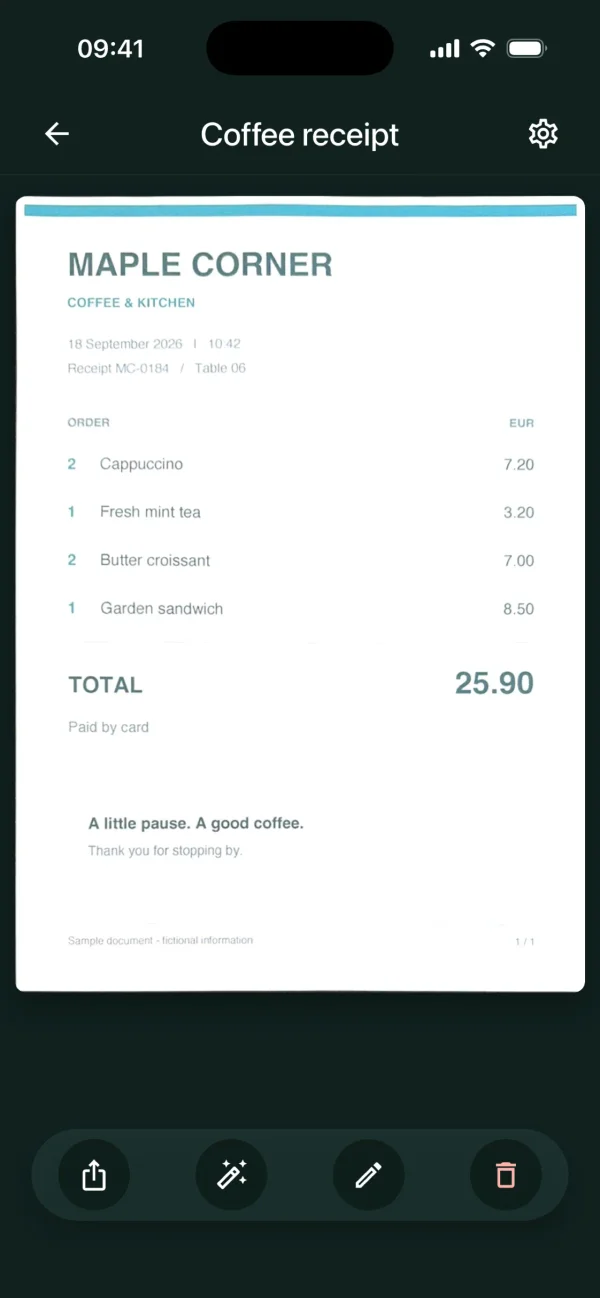
Turn receipts, invoices and notes into clear PDFs. Scan multiple pages, improve readability and keep your paperwork together — ready to share whenever you need it.
Scan with ease
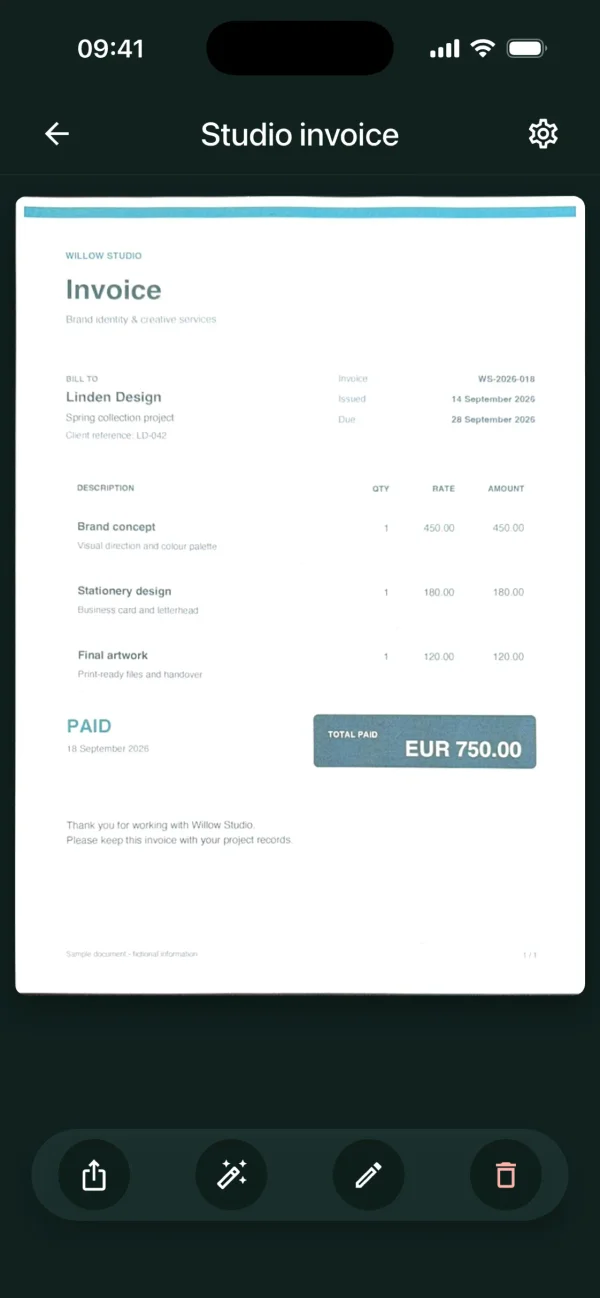
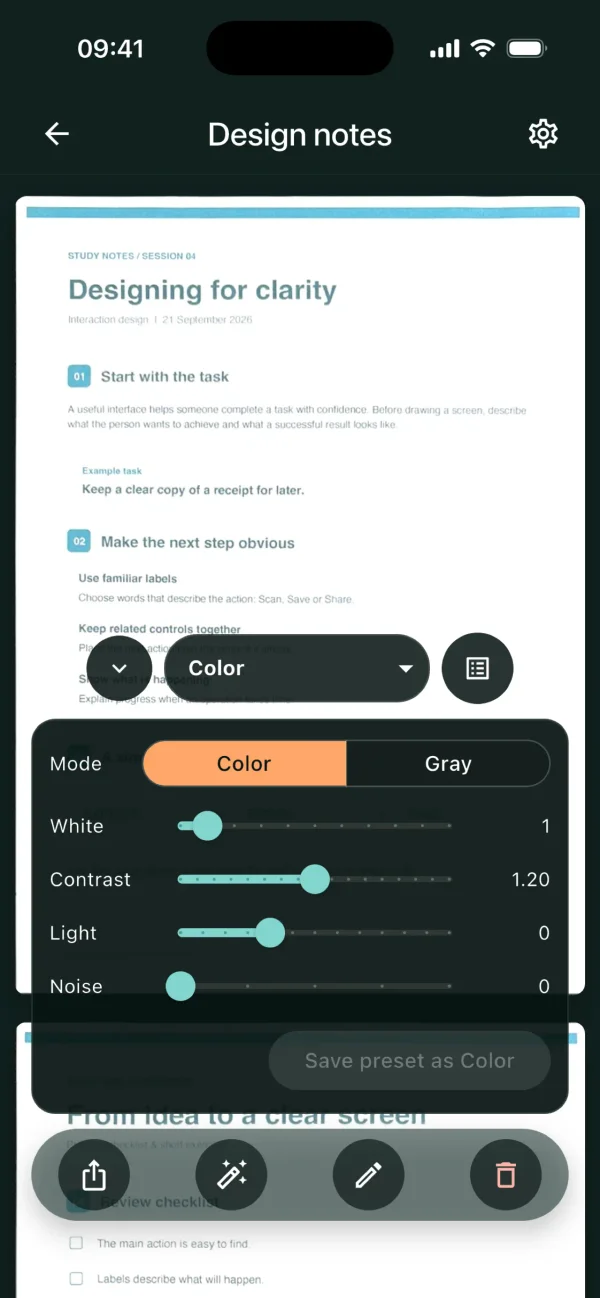
Automatic edge detection and capture assistance help you scan paper documents. Combine multiple pages into one PDF, from a single receipt to a longer document.
Make every page clearer
Improve contrast and readability with enhancement presets. Save your own settings for a consistent look across your scans.
Keep a cloud copy
Automatically save edited PDF copies to Google Drive, iCloud Drive, or both. Copies stay up to date when you edit or rename a document. Save all your existing documents to the cloud at once.
You can also enable separate iCloud sync for your scans.
Your documents, your choice
Start scanning without an account. Scans are stored on your device by default, and cloud storage is optional. Rename documents and remove pages you no longer need before sharing your PDF.
Free scanning, optional Pro
Scan and enhance documents for free. Watch a rewarded ad to unlock PDF sharing for one hour, or subscribe to Docryva Pro for an ad-free experience.
Docryva Pro is an optional monthly subscription. Pricing is shown in the app. Subscriptions renew automatically unless canceled. Manage or cancel your subscription in your App Store account settings.
Privacy policy: https://derksen.app/docryva/privacy.html
Terms of Use: https://www.apple.com/legal/internet-services/itunes/dev/stdeula/
What’s new
Version 1.2.0 · Sep 27, 2026
- Automatically save and update PDF copies in Google Drive and iCloud Drive.
- Back up all your documents and restore only the ones you need.
App privacy
What Ronald Derksen declares on the App Store about how this app handles data.
-
Data used to track you
May be used to track you across apps and websites owned by other companies.
- Identifiers
- Usage data
-
Data linked to you
May be collected and linked to your identity.
- Identifiers
-
Data not linked to you
May be collected but is not linked to your identity.
- Identifiers
- Usage data
Privacy practices may vary, for example with the features you use or your age.
Information
- Seller
- Ronald Derksen
- Category
- Productivity
- Version
- 1.2.0
- Updated
- Sep 27, 2026
- Released
- Sep 4, 2026
- Size
- 41.1 MB
- Requires
- iOS 15.0 or later
- Age rating
- 4+
- In-app purchases
- Yes
- Languages
- English
- Copyright
- © 2026 Ronald Derksen
You might also like
-
 Daily Planner : Ai MatrixFocus Timer & Task Matrix
-
 LifeFeed AI: Bookmark ManagerSave Reels, Links, Read Later
-
 All In One Organisationdigitaler All-in-One Planer
-
 DocsTrail - Sign PDF & DocsSign Documents & PDF forms
-
 Family Central: OrganizerFamily management
-
 Flex-Ability ConceptsFunnel Design
-
 Doli – Your InterpreterLive spoken translation
-
 PDFHaulPDF processing made simple.
-
 PDF Document Editor: Kudo AIEdit Docs, Reader & Creator
-
 deepFormulaA.I. Based Product Formulation