- Age rating4+
- CategoryUtilities
- DeveloperTrinh Mai Luong
- LanguagesEnglish+ 5 more
- Size58.2 MB
Links to the official App Store page
Download.org hosts no file of DocScan App: PDF Scanner, Edit. The button opens its official App Store page, published by Trinh Mai Luong. Listing last checked on Nov 13, 2026.
Screenshots
About
Welcome to DocScan App: Your ultimate document scanning solution designed to simplify your life!
4+ Key Feature of DocScan App: PDF Scanner, Edit
1. Powerful Document Scanner
2. Text Recognition
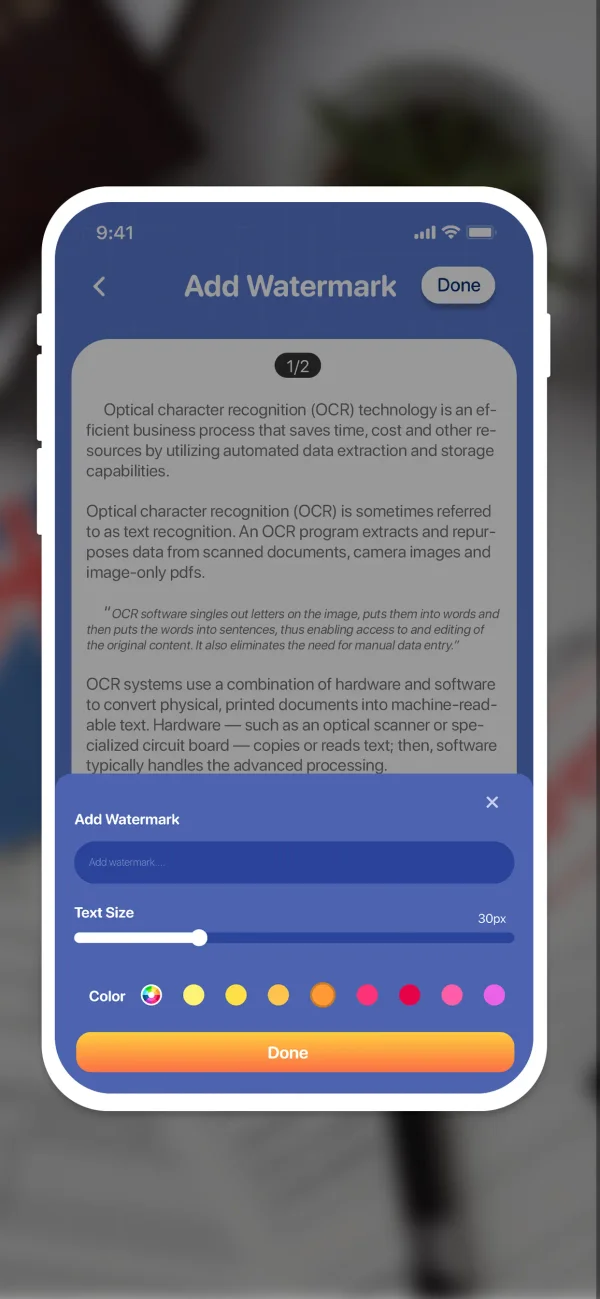
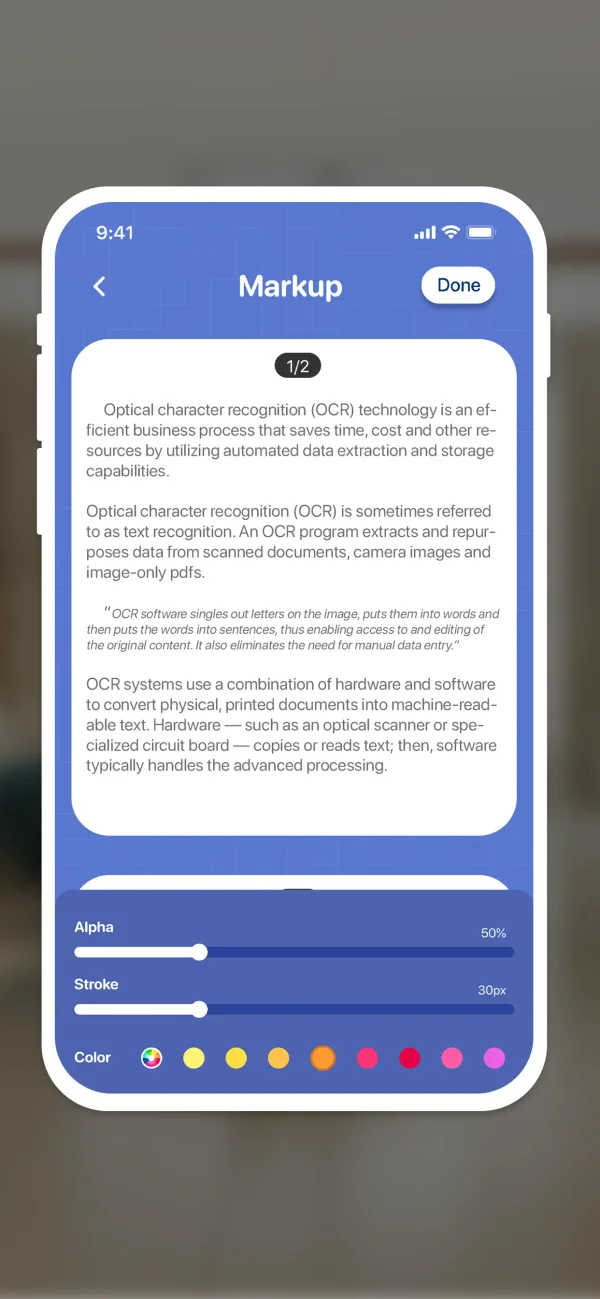
3. Watermark & Markup Tools
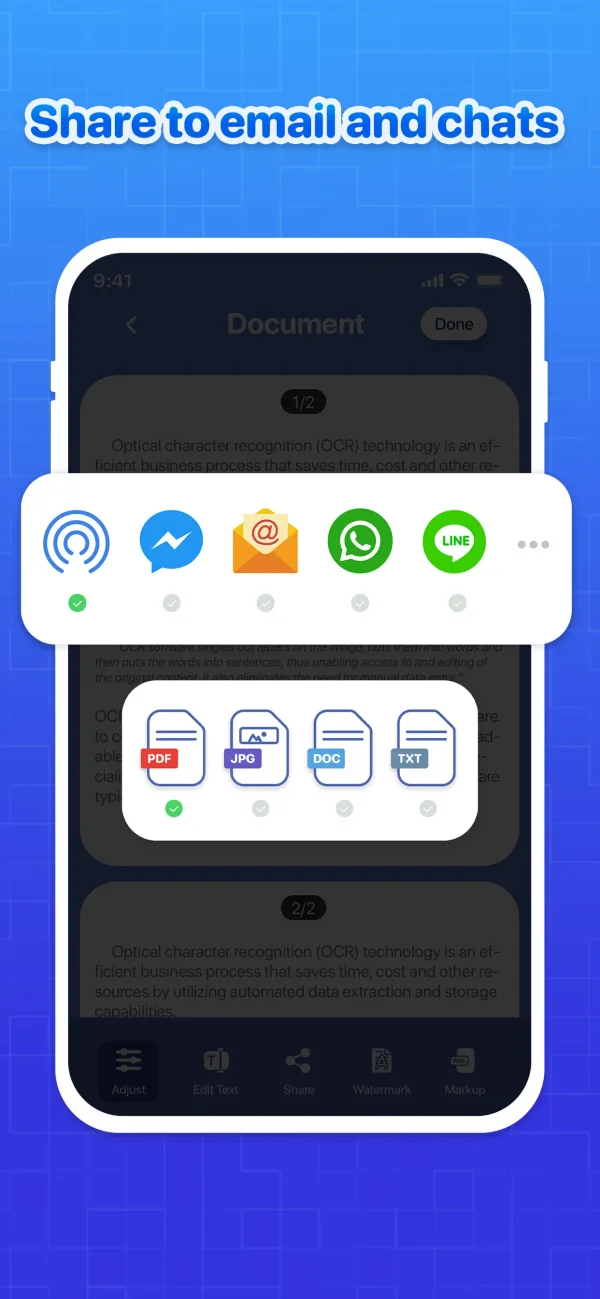
4. Easy File Sharing
Powerful Document Scanner
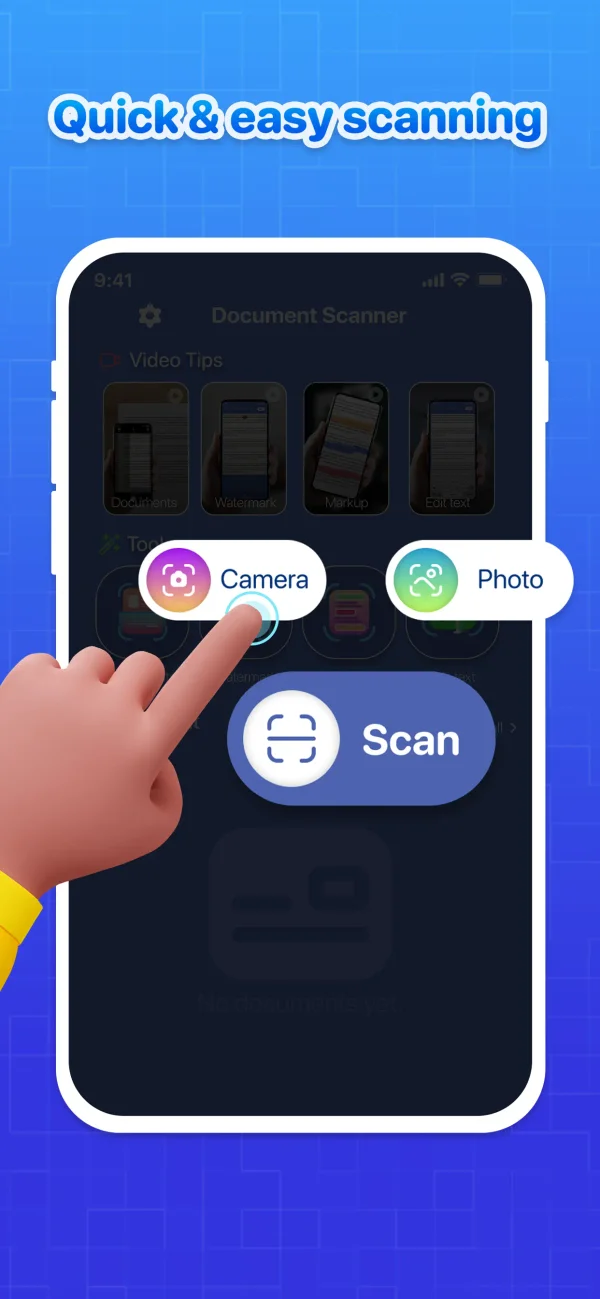
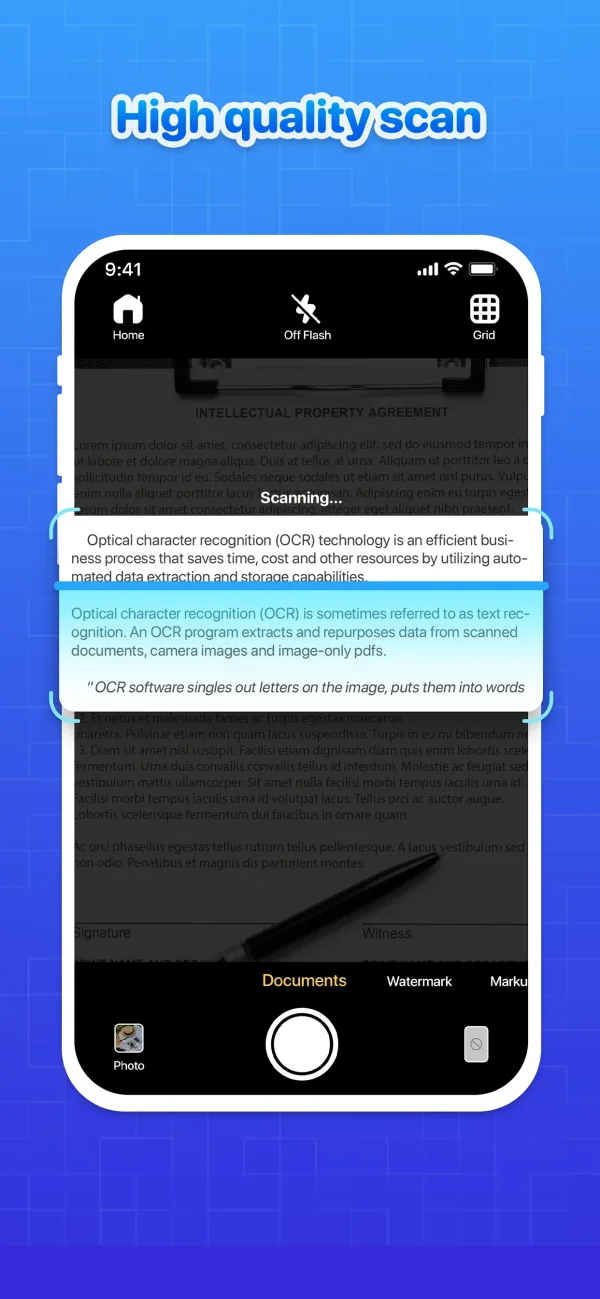
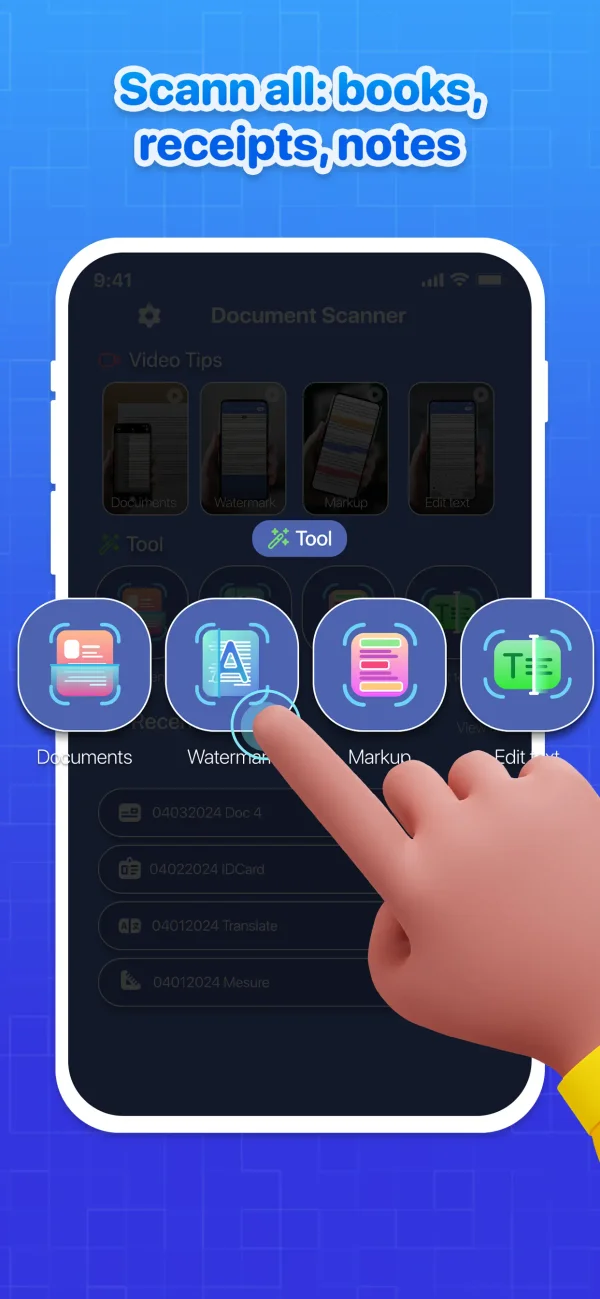
Scan receipts, contracts, notes, and books effortlessly. Simplify your office and school tasks with high-quality scans that make document management a breeze.
Text Recognition
Quickly extract text from images and convert it to any format, saving you time and worry. Never fear a coffee spill again - DocScan App has you covered.
Watermark & Markup Tools
Add your own watermark to your documents. Enjoy save and secure your docs and prevent from thief. Keep document elegant and professionals with high quality scan.
Easy File Sharing
Effortlessly manage files and merge pages into one document. Share your work in various formats like PDF, JPG, Word, or TXT with a simple drag and drop.
Ideal for
1. Office Workers
2. Students
3. Accountants
4. Realtors
5. Managers
6. Lawyers
Why Choose DocScan App?
* User-Friendly Interface: Navigate through the app with ease, making scanning and managing documents a seamless experience.
* All-in-One Solution: DocScan App offers a comprehensive set of tools for document scanning and management, catering to both personal and professional needs.
* Privacy and Security: Rest assured that your data is safe and secure with DocScan App, ensuring your privacy is upheld at all times.
* Support Mulitple Languages: Easily access the app in your preferred language, enhancing your user experience.
Enhance your scanning experience with DocScan App: PDF Scanner, Edit. Download now and streamline your document management tasks effortlessly.
What’s new
Version 2.2 · Mar 18, 2026
Bug fixes and performance improvements
App privacy
What Trinh Mai Luong declares on the App Store about how this app handles data.
-
Data used to track you
May be used to track you across apps and websites owned by other companies.
- Usage data
-
Data not linked to you
May be collected but is not linked to your identity.
- Usage data
Privacy practices may vary, for example with the features you use or your age.
Information
- Seller
- Trinh Mai Luong
- Category
- Utilities
- Version
- 2.2
- Updated
- Mar 18, 2026
- Released
- Sep 4, 2024
- Size
- 58.2 MB
- Requires
- iOS 15.0 or later
- Age rating
- 4+
- Price
- Free
- Languages
- English, French, German, Hindi, Indonesian, Simplified Chinese
- Copyright
- © Titan Studio
You might also like
-
 Globe TranslationLite&Smart
-
 PDF AI ScannerPDF - Photo & Docs
-
 Bolt VPN: Fast and Secure VPNWiFi Proxy & Private Browsing
-
 VPNSix - Protect your PrivacyConnect. Protect. Go.
-
 PDF Elite-Reader&ViewerPDF Reader&QR Scanner
-
 Broza VPN Fast & Secure ProxySuper Private Unlimited VPN
-
 Pronto VPN – Secure, Fast VPNFast, Safe and Reliable VPN
-
 Khoroos VPNFast & Secure VPN
-
 i9VPN: Fast Secure VPN ProxyChange Location, Surf Freely
-
 Hidden Camera Detector:AntiSpyWifi Scanner & Camera Finder