DocsPlus Universal
Supportive word processor
Designed for iPad
Free · In-app purchases
- Age rating4+
- CategoryEducation
- DeveloperCrick Software
- LanguagesEnglish
- Size177.3 MB
Links to the official App Store page
Download.org hosts no file of DocsPlus Universal. The button opens its official App Store page, published by Crick Software. Listing last checked on Nov 17, 2026.
Screenshots


About
FOR STUDENTS AGED 11-ADULT
DocsPlus is a specially designed word processor with an adult look and feel, yet provides extensive writing support through high quality speech, powerful word prediction and our acclaimed Wordbars.
REVIEW WRITING WITH CLEAR SPEECH
As students write, their work is read back to them as each sentence is completed. Research shows this active engagement with text encourages students to find and correct errors for themselves.
DEVELOP VOCABULARY AND SPELLING WITH WORD PREDICTION
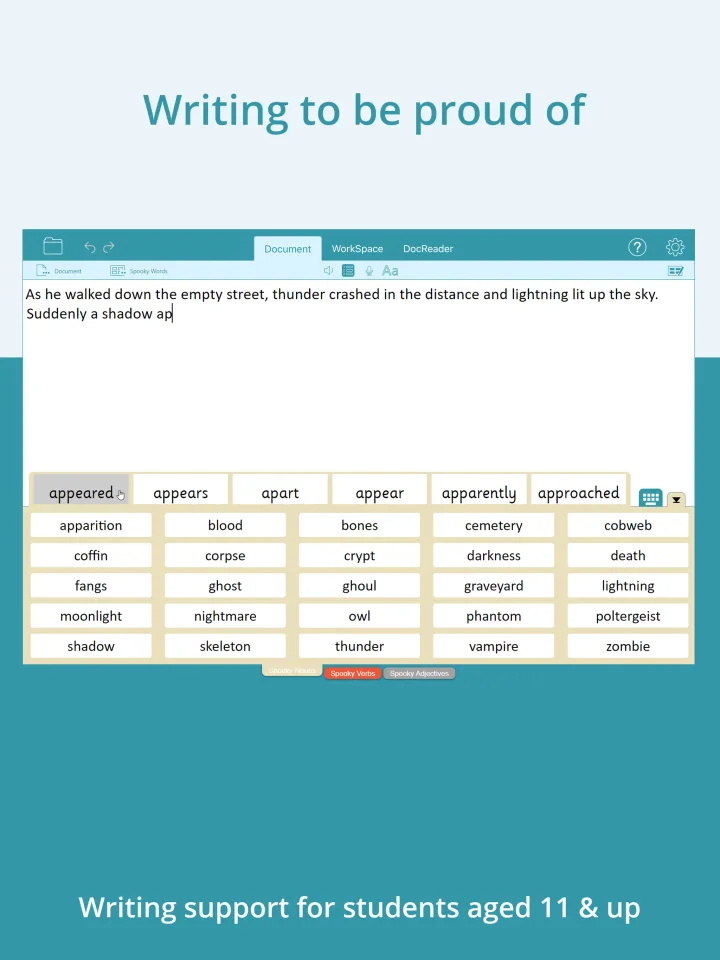
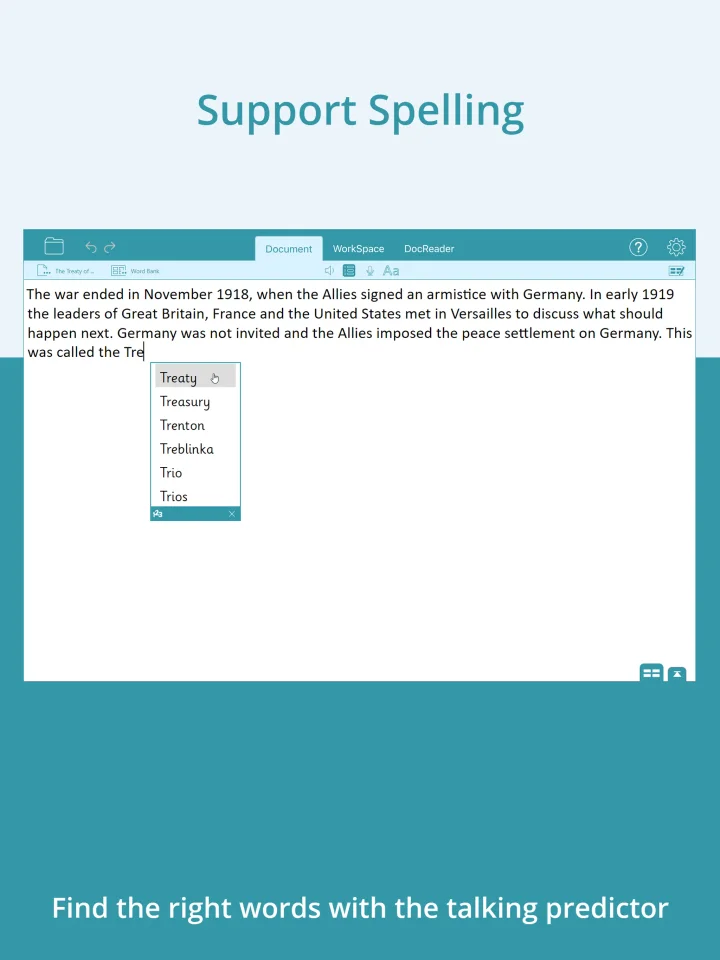
The intelligent predictor suggests words that fit the context of students’ writing. It’s easily customized to the right reading level, helping students to use good vocabulary and create flowing text with accurate spelling.
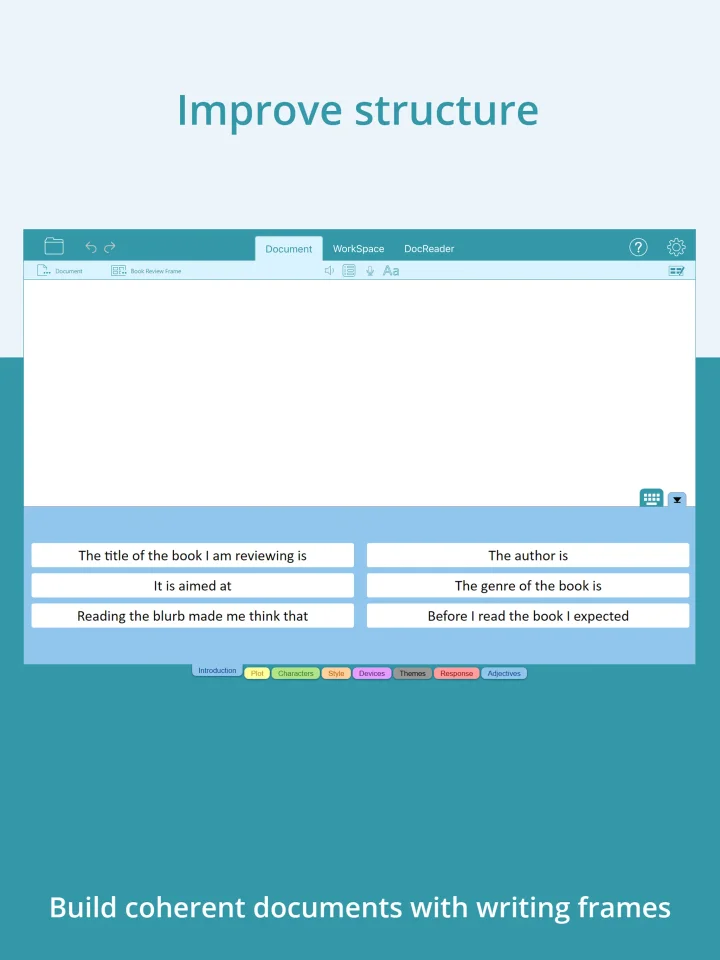
BUILD WRITING CONFIDENCE WITH WORDBARS
The unique Wordbars provide tabbed vocabulary support for any subject or topic – just click a word to add it to the document. Make your own Wordbars in a flash to support any topic, or get free, ready-made ones from our LearningGrids site within the app which covers a range of curriculum topics.
CHECK WORDS BEFORE THEY ARE USED
Learners can listen to words before they write them, helping them to find the word they want and achieve writing success. Any word in the predictor, spell checker or Wordbar can be heard before it is used so students can be sure of their selection.
ADD VOICE NOTES
Voice Notes are a simple yet highly effective way for students to add their own prompts so they don’t forget their train of thought – add them to the document at any time.
ORGANIZE IDEAS WITH WORKSPACE
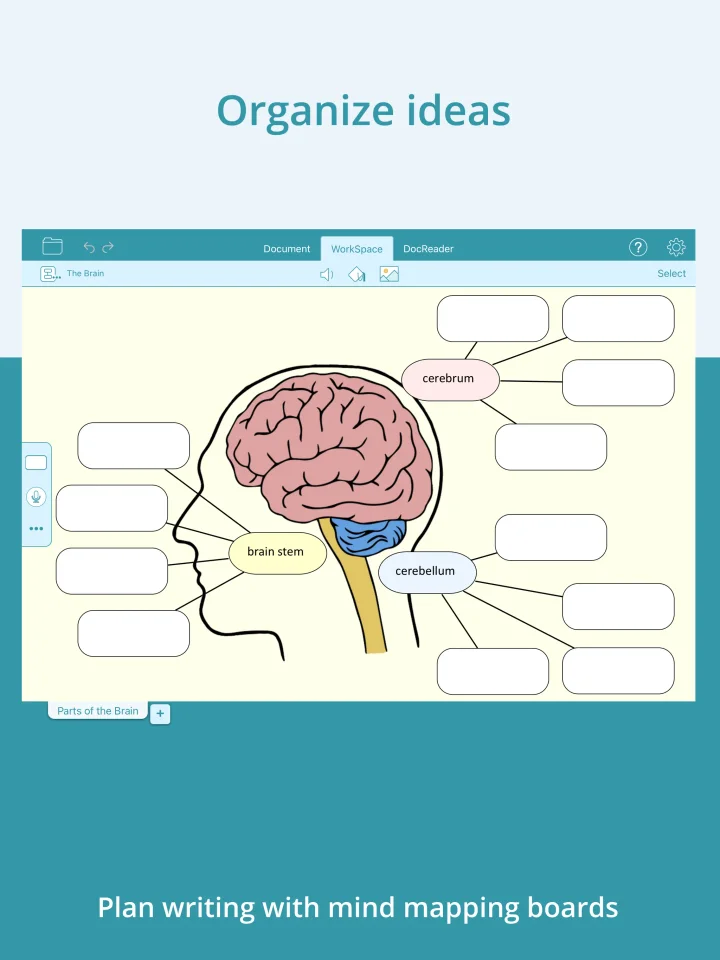
Organizing ideas is a vital first step in the writing process, and one that many learners struggle with. WorkSpace is a user-friendly mind mapping area that makes it easy to capture and organize thoughts using words, Voice Notes, and pictures.
It takes seconds to create a WorkSpace, and you’ll find hundreds of free, ready-made ones on all kinds of curriculum topics on LearningGrids, available directly from the app.
ACCESS CURICULUM CONTENT
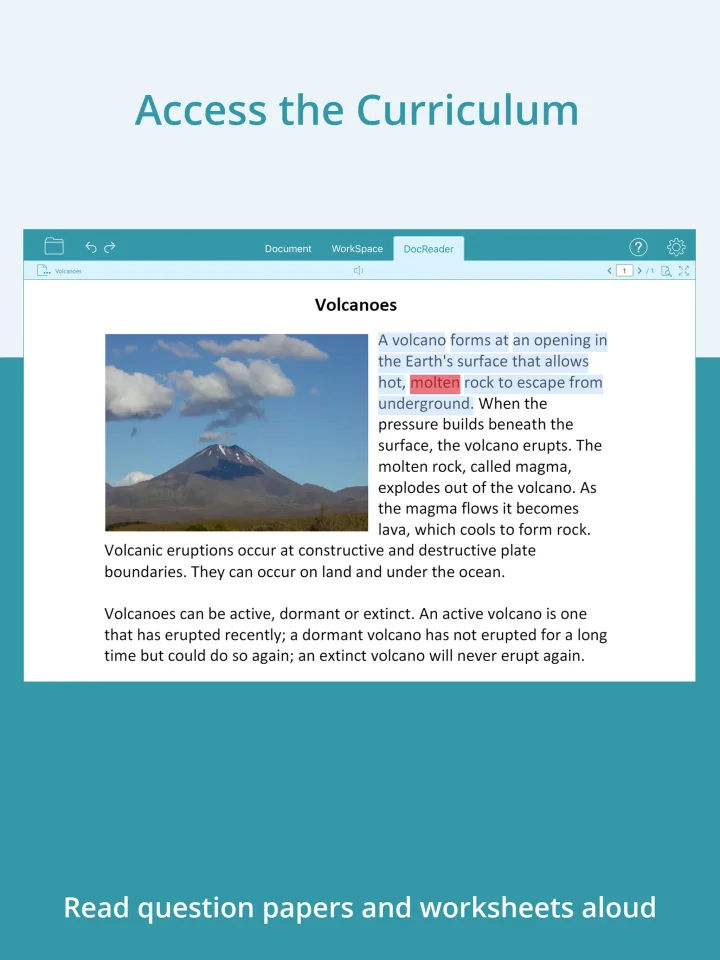
The integrated Document Reader reads aloud any PDF or Word document, providing equal access to worksheets, exam papers and more. Worksheets sit alongside the document being written for easy access.
SIT EXAMS INDEPENDENTLY
Students who qualify for additional access arrangements in exams can use DocsPlus instead of a human scribe or reader – it’s better for self-esteem and saves time and money. Students can even enter answers directly onto the exam paper if it’s provided as an editable PDF.
USE IT YOUR WAY
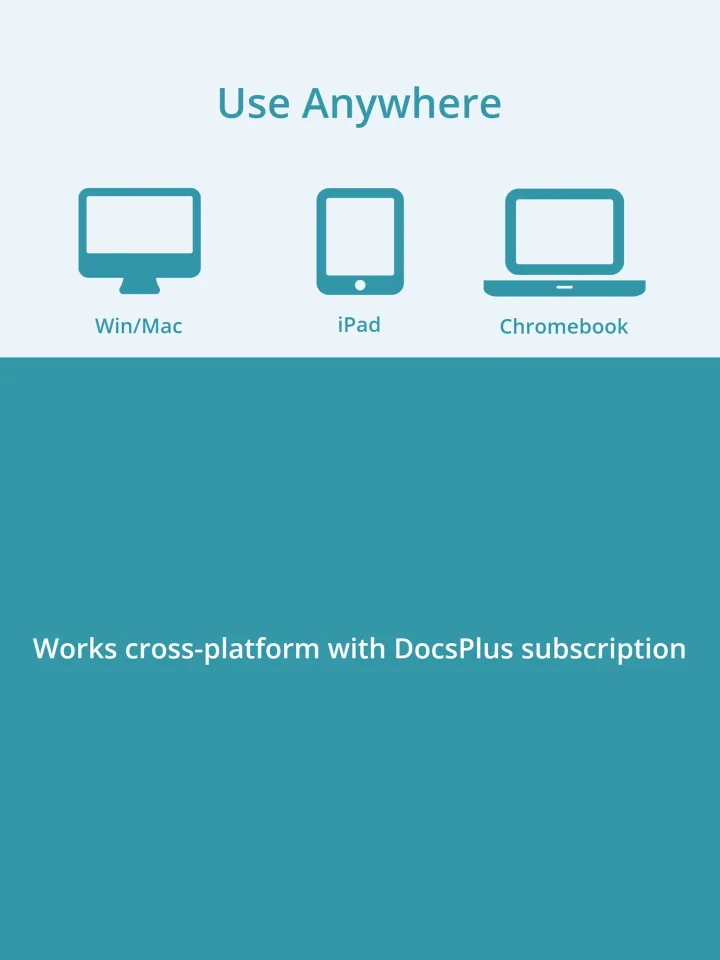
Choose between male and female American English voices (British and Australian voices also provided), and customize font and colors to suit the individual. Work with documents from your iPad, iCloud, Dropbox, OneDrive, or Google Drive. MS Word and PDF formats are supported, and DocsPlus works anywhere, whether or not you have an Internet connection.
PART OF CRICK SOFTWARE’S FAMILY
Based in the UK and US, Crick Software has a worldwide reputation for quality educational software for students of all abilities. To find more apps, search for Crick Software in the App Store.
What’s new
Version 4.0.3 · Dec 22, 2025
NEW: Analytics - gives you a unique insight into each learner's writing process, helping you make informed decisions about their current support levels and the most effective next steps. Access the tool from the Document menu.
Numerous improvements and fixes to WorkSpace including:
- Improvements to the size, position and layout of the onscreen keyboard and predictor
- Added a new Lock in Position option for objects to prevent moving cells by accident
Various other improvements and fixes including:
- Added the ability to print Wordbars.
- Can now access Dictate to Document via the Voice Input (Microphone) button on the lower toolbar. You can still also access this via the icon on the onscreen keyboard.
- The floating predictor is now movable and resizable
- Moved the grid tabs from below to above the grid and improved their accessibility.
- Improved the Edit Clicker Set icon and moved it to the bottom right corner.
- Fixed printing on iPadOS 26
App privacy
What Crick Software declares on the App Store about how this app handles data.
-
Data linked to you
May be collected and linked to your identity.
- Contact info
- Identifiers
- Usage data
Privacy practices may vary, for example with the features you use or your age.
Information
- Seller
- Crick Software Ltd
- Category
- Education
- Version
- 4.0.3
- Updated
- Dec 22, 2025
- Released
- Nov 19, 2020
- Size
- 177.3 MB
- Requires
- iOS 17 or later
- Age rating
- 4+
- Price
- Free
- In-app purchases
- Yes
- Languages
- English
- Copyright
- © 2020-2025 Crick Software
You might also like
-
 Graphic OrganizerEffective Visual Learning
-
 PixWriter LiteEducation
-
 Widgit WriterEducation
-
 QVoice - AAC communication appFor SLPs & emerging users
-
 Cosmo LearningMultisensory play for SEN
-
 Co:Writer UniversalEducation
-
 Scene & Heard ProVisual Scene Display AAC
-
 Cosmo Dot SetupBluetooth Accessibility Switch
-
 Avaz FreeSpeechBuild Language & Learn Grammar
-
 Dollars & Cents Liteinteractive money skills app